Curated ToolThis tool is part of our curated AI directory. We only include tools that meet our standards for relevance, usability and real-world value.

Smartwriter

Generates personalized cold emails using online prospect research

Writing & Copy
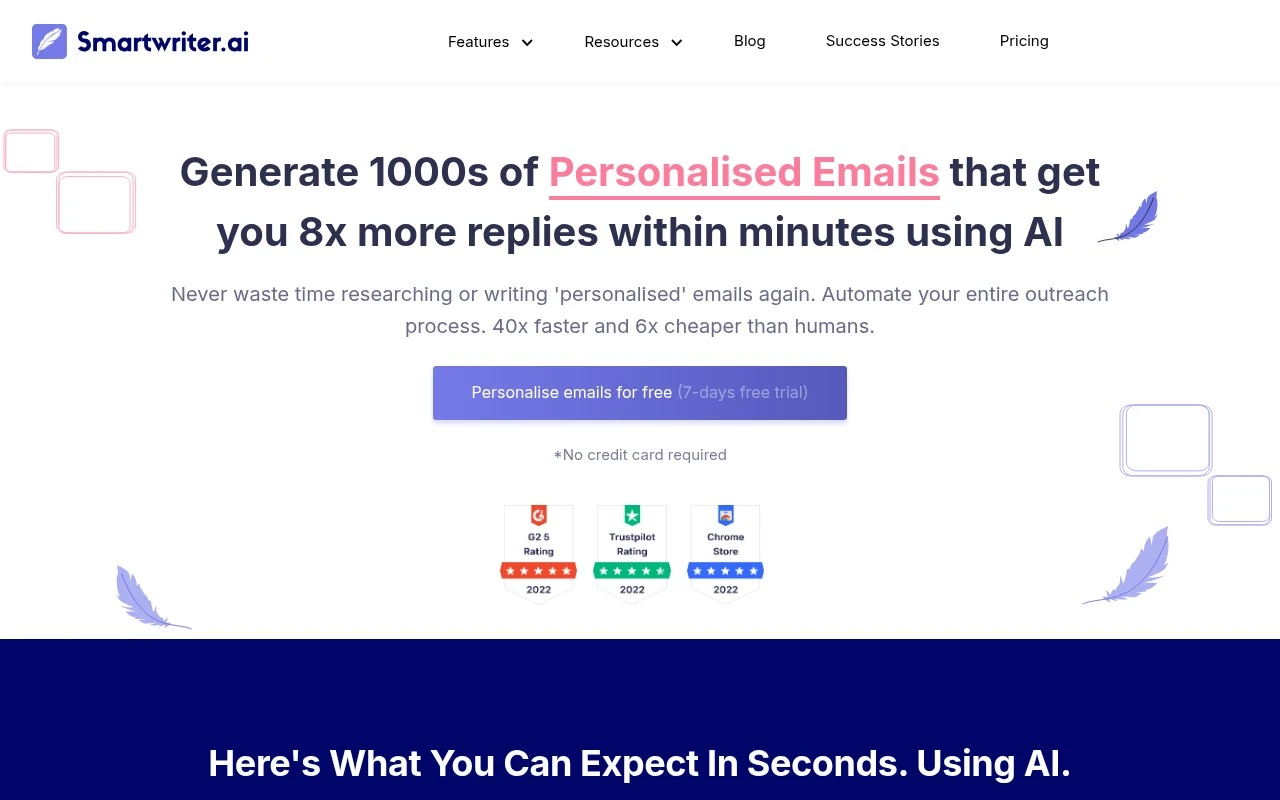
Smartwriter is an AI outreach writing tool for generating personalized cold emails at scale. It uses prospect and company information from online sources to produce tailored opening lines, contextual sales pitches, and backlink outreach messages, reducing the manual research and copywriting work normally required for outbound campaigns.

FYAI Score

7.6 / 10

Based on 22 reviews

Pricing:

Free trial

Best for:

Sales teams scaling personalized cold email outreach

Score Breakdown

  • Ease of use7.7 / 10
  • Features7.4 / 10
  • Pricing7.6 / 10
  • Integrations7.2 / 10
  • Support8.4 / 10

PRODUCT PREVIEW

What this AI tool does

Smartwriter is an AI writing tool designed to help people draft and refine text more efficiently. It can be used when you have a rough idea but need help turning it into clear sentences, or when you want to improve tone, structure, and readability without starting from scratch. In practice, it works best for everyday writing tasks such as emails, short articles, summaries, and basic content revisions. You provide a prompt or existing text, and the tool suggests wording that you can edit and adapt to your needs, making it useful for informational writing where clarity and consistency matter.

Use cases

Best for

Prospect-Based First Lines

Smartwriter generates cold email opening lines using a prospect’s social posts, bio, role, achievements, and recommendations found online.

Company-Based Outreach Copy

Creates outreach email copy by pulling company details like what they do, recent news, case studies, and blog or article content.

Backlink Outreach Pitches

Drafts personalized link building emails for skyscraper replacements or contextual link insertions using target page and site context.

ANALYSIS

Strengths & limitations

Strengths
  • Focuses specifically on personalized cold outreach rather than generic email copy.
  • Supports both sales outreach and SEO/backlink outreach workflows.
  • Can personalize messages using multiple context types, including social activity, professional profiles, company information, news, case studies, and blog content.
Limitations
  • The official page emphasizes reply-rate and speed claims that are marketing claims and may vary by list quality, offer, and outreach execution.
  • The provided site content does not clearly establish deliverability, inbox management, CRM, or email-sending platform capabilities beyond message generation and one-click outreach claims.
  • Best suited to outbound use cases, so it is less relevant for teams needing general-purpose email marketing, newsletters, or customer lifecycle automation.

Evaluation

FYAI score breakdown

Our structured evaluation across five key criteria

7.6 / 10

Overall score

Based on 22 reviews

  • Ease of use7.7 / 10
  • Features7.4 / 10
  • Pricing7.6 / 10
  • Integrations7.2 / 10
  • Support8.4 / 10

What users say

Findings from public reviews, documentation and community sources.

  • Ease of use

    Smartwriter presents the workflow as generating personalized outreach “in 1 click” and “within minutes,” and the G2 summary says users “consistently praise the ease of use and quality of output.”

  • Features

    Smartwriter's product page describes specialized outreach generation for “B2B Sales,” “Social Personalization,” backlink outreach, and prospect research from “Podcasts, Interviews, Articles, Medium blogs and 42 more data sources.”

  • Pricing

    Smartwriter's pricing page lists Basic at “$59/month” or “$49/month” with “400 Leads,” Popular with “1200 Leads,” and Pro with “3500 Leads.” Smartwriter's pricing page also lists a “7-day free trial” and “No credit card required.”

  • Integrations

    Salesrobot says Smartwriter integrates with “Google Sheets, HubSpot, Woodpecker, Reply.io, Mailshake, and Snov.io.” Other supplied snippets describe a narrower integration footprint.

  • Support

    The G2 summary says “Many appreciate the responsive customer support,” while also noting that “manual oversight is often necessary” for output quality. Smartwriter's site includes visible resources such as blog, success stories, university, and FAQ links.

Who is this for?

Best for teams focused on personalized outreach, Smartwriter's product page describes “B2B Sales,” “Social Personalization,” backlink outreach, and prospect research from “Podcasts, Interviews, Articles, Medium blogs and 42 more data sources.” Less suited to teams that need broad writing-suite coverage or broad app connectivity, the available integration examples are “Google Sheets, HubSpot, Woodpecker, Reply.io, Mailshake, and Snov.io,” and other supplied snippets describe a narrower integration footprint.

PRODUCT PREVIEW

Feature highlights

Personalized openers

Generates tailored first lines using prospect and company context.

Cold email at scale

Creates outreach sequences fast so you can send more, faster.

Backlink outreach

Writes contextual backlink pitches based on site and content signals.

COMPARE

Discover curated alternatives worth comparing

Compare similar AI tools based on features, pricing and use cases

7.4/ 10Based on 5 reviews

Chapterly

Copy OptimizationBlog & Article Writing
AI writing assistant for refining narrative, characters, and settings
Best for:
Content creators
Pricing
Freemium

7.7/ 10Based on 5.772 reviews

Writesonic

Copy Optimization
Monitors brand visibility in answer engines and flags citation gaps
Best for:
Marketing teams
Pricing
Freemium

7.6/ 10Based on 266 reviews

Writehuman

AI Detection & Humanizing
Rewrites AI drafts to sound human and scans for AI-detection signals
Best for:
Content creators
Pricing
Freemium

Start writing personalized outreach and marketing copy in minutes. See why teams choose Smartwriter to boost replies and ship campaigns faster.

FAQ

Frequently asked
questions

Everything you need to know about this AI tool,
its features, pricing, use cases, and limitations.

What types of marketing workflows is Smartwriter a good fit for?
Smartwriter is best suited for outbound and campaign content where you need many variations quickly, such as cold emails, follow-ups, and short marketing copy. It’s a practical choice for teams doing prospecting or running repeated campaigns that benefit from personalization at scale. If your work is long-form editorial or highly regulated messaging, you may find other tools more controllable.
Does Smartwriter have a free plan, and what are the main limitations compared to paid?
Smartwriter typically offers limited access via a trial or entry tier, while paid plans unlock higher usage and more consistent campaign throughput. The biggest differences are usually volume limits, access to advanced personalization features, and team-oriented capabilities. If you expect heavy sending or multiple users, budget for a paid plan early to avoid hitting caps.
How does Smartwriter compare to other AI writing tools for sales outreach?
Compared with general-purpose writers, Smartwriter is more focused on outreach-style content and personalization rather than broad blog or creative writing workflows. Versus dedicated sales engagement platforms, it’s lighter-weight and centered on generating copy, not managing sequences, deliverability, or CRM automation. If you need end-to-end outreach operations, pair it with a sales tool or consider a platform that includes sequencing.
How quickly can a team get Smartwriter running for a real campaign?
Smartwriter can still require manual editing to match strict brand guidelines, tone nuances, or compliance wording. Customization may feel limited for highly specialized industries or complex messaging frameworks. Costs can also rise with high usage or multiple seats, so compare pricing against your expected volume.
What should I check about Smartwriter’s data privacy and compliance before using it?
Review what Smartwriter stores from your inputs (e.g., prospect details, generated content) and how long it’s retained, especially if you upload contact lists. Confirm whether it supports requirements like DPA availability, data deletion requests, and where data is processed or hosted. If you operate under GDPR/CCPA or handle sensitive data, validate these points with Smartwriter’s published policies before rollout.