Curated ToolThis tool is part of our curated AI directory. We only include tools that meet our standards for relevance, usability and real-world value.

Webflow

Build, publish, and optimize websites with AI workspace tools

Website BuildersLanding Page Builders
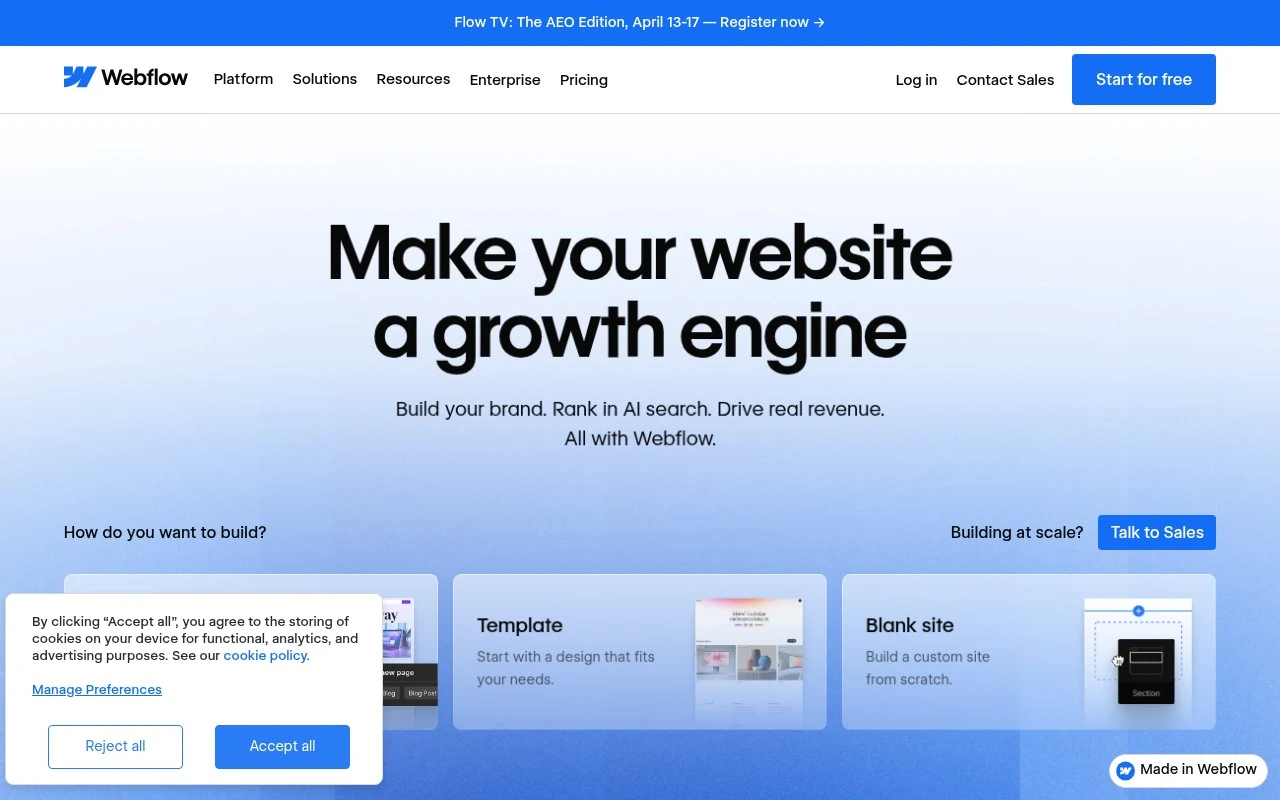
Webflow is a web platform for teams that need to create, publish, and improve modern marketing websites. It combines visual design, reusable components and design systems, a CMS, publishing workflows, SEO/AEO capabilities, analytics, testing, and AI-assisted features in one workspace. It is especially suited to brand and marketing sites where non-engineering teams need to move quickly while developers retain control over structure, code quality, and integrations.

FYAI Score

7.9 / 10

Based on 994 reviews

Pricing:

Freemium

Best for:

Marketing and design teams shipping brand sites fast with dev control

Score Breakdown

  • Ease of use7.1 / 10
  • Features8.6 / 10
  • Pricing7.1 / 10
  • Integrations8.3 / 10
  • Support8.4 / 10

PRODUCT PREVIEW

What this AI tool does

Webflow is a website design and publishing tool that helps people build and maintain sites through a visual interface. It’s commonly used by designers, marketers, and small teams who want more control over layout and styling than typical template-based builders, without working entirely in code. In practice, it supports creating responsive pages, managing content, and publishing updates in a structured way. It can fit workflows where a team needs to iterate on design and content quickly, while still keeping a consistent site structure and reusable components. For anyone researching webflow, it’s useful to consider how it fits with your existing process—whether you need a design-first editor, a CMS for ongoing updates, or a way to hand off a site to non-technical editors after launch.

Use cases

Best for

Website Generation

Build responsive pages with Webflow’s visual designer, reusable components, and CMS collections, then publish to a custom domain.

Website Hosting

Host your site on Webflow’s managed infrastructure with SSL, global CDN delivery, and one click publishing from the editor.

Conversion Rate Optimization

Run A/B tests on pages and track results with built-in analytics to compare variants and improve conversion flows.

ANALYSIS

Strengths & limitations

Strengths
  • Combines visual site design, CMS content management, and publishing in one platform.
  • Supports collaboration between marketers, designers, developers, agencies, and enterprise teams.
  • Includes marketing-oriented optimization features such as SEO/AEO, analytics, A/B testing, and AI-assisted insights.
Limitations
  • Best suited to websites and marketing experiences, not as a general-purpose backend application builder.
  • Advanced custom functionality may still require developer involvement, APIs, webhooks, or external systems.
  • Teams with no web design or site-structure experience may face a learning curve compared with simpler template-only website builders.

Evaluation

FYAI score breakdown

Our structured evaluation across five key criteria

7.9 / 10

Overall score

Based on 994 reviews

  • Ease of use7.1 / 10
  • Features8.6 / 10
  • Pricing7.1 / 10
  • Integrations8.3 / 10
  • Support8.4 / 10

What users say

Findings from public reviews, documentation and community sources.

  • Ease of use

    A Reddit thread about Webflow asks whether Webflow is truly “low-code” or “just another bloated WYSIWYG page builder.” A Reddit discussion about Webflow includes a user who says they are “not a developer” but had issues despite knowing basic HTML/CSS/JavaScript.

  • Features

    Webflow’s product page describes visual design, design systems, a visual composable CMS, and built-in SEO and AEO. Webflow’s product page claims clean HTML/CSS/JavaScript output.

  • Pricing

    Webflow’s pricing page references “Start for free,” “Contact Sales,” and “Enterprise Pricing.” Webflow’s pricing page presents subscription details through those paths rather than listing plan amounts.

  • Integrations

    Webflow’s product page says developers can “Connect to your stack with a flexible API, webhooks, and logic.” Webflow’s product page frames this as “Integrate everything.”

  • Support

    Webflow’s site navigation includes “Learn Webflow University,” “Webinars & ebooks,” “Get help Support,” and “Join the Community.”

Who is this for?

Best for teams that want a visual website platform with a visual composable CMS and clean HTML/CSS/JavaScript output. Less suited to users expecting a simple low-code builder, because Reddit discussion includes questions about whether Webflow is “low-code” or “just another bloated WYSIWYG page builder” and a user who is “not a developer” but had issues despite knowing basic HTML/CSS/JavaScript.

PRODUCT PREVIEW

Feature highlights

Visual design system

Build with reusable components and consistent styles across pages.

CMS for marketers

Create and manage dynamic content with flexible collections.

Visual site builder

Design, publish, and iterate marketing sites with reusable components.

COMPARE

Discover curated alternatives worth comparing

Compare similar AI tools based on features, pricing and use cases

8.8/ 10Based on 14.986 reviews

WordPress

Website BuildersE-commerce Builders
Builds WordPress sites using an AI website builder and AI tools
Best for:
Small business owners
Pricing
Freemium

8.6/ 10Based on 28.442 reviews

Wix AI

Website BuildersE-commerce Builders
Generates a Wix website draft from user answers for editing.
Best for:
Small business owners
Pricing
Freemium

7.7/ 10Based on 35 reviews

WeWeb

Hosting & DeploymentApp / No-code Builders
Generates web app pages, databases, and logic from prompts
Best for:
Startup founders
Pricing
Freemium

Join thousands building standout sites faster. Launch a responsive Webflow website today and keep full control as you grow.

FAQ

Frequently asked
questions

Everything you need to know about this AI tool,
its features, pricing, use cases, and limitations.

Who is Webflow a good fit for, and when should I choose another builder?
Webflow fits designers, freelancers, and small-to-medium teams that want pixel-level control, responsive layouts, and a built-in CMS without relying on developers. It’s a strong choice for marketing sites, portfolios, and content-driven sites where design matters. If you need a simple template-first setup, heavy app marketplace integrations, or complex e-commerce workflows, a different platform may be a better match.
What can I do on Webflow’s free plan, and what forces an upgrade?
Webflow’s free tier is mainly for trying the Designer and building prototypes, but publishing to a custom domain and many production features require a paid plan. Limits typically show up around hosting, CMS items, form handling, and team collaboration. If you’re launching a real business site, plan on paying for a Site plan (and possibly a Workspace plan if multiple people need access).
How does Webflow compare to Wix, Squarespace, and WordPress for a business website?
Compared with Wix or Squarespace, Webflow usually offers more granular layout and interaction control, but it asks more of you in terms of design and structure. Versus WordPress, Webflow reduces plugin maintenance and hosting complexity, but you may have fewer third-party extensions and less flexibility for highly customized back-end features. If your priority is quick template publishing, Wix/Squarespace can be faster; if you need a large plugin ecosystem, WordPress often wins.
How fast can I get a site live with Webflow, and what onboarding effort should I expect?
Webflow can be expensive as you add CMS, higher traffic needs, or e-commerce features, so total cost may exceed simpler builders. Some advanced functionality depends on custom code embeds or external services, and the integration ecosystem is smaller than platforms like WordPress. There’s also a learning curve: you get control, but you’ll spend time managing styles, components, and responsive behavior.
What should I check about data handling, privacy, and compliance when using Webflow?
Review where Webflow hosts your site and what data it processes (e.g., form submissions, CMS content, analytics scripts you add), since that affects GDPR/CCPA obligations. If you collect leads, confirm how submissions are stored, retained, and accessed by your team, and whether you need a DPA with Webflow. For regulated industries, verify requirements like data residency, audit logs, and SSO—these may require specific plans or additional tooling.