Thunkable is a no-code app creation platform for building native mobile apps for iOS and Android without starting from traditional software development. Thunkable is designed for founders, educators, product teams, and creators who have an app idea and need a practical way to turn it into something testable, usable, and eventually publishable. Its strongest fit is app prototyping that can grow into a real mobile product rather than remaining a static mockup.
The platform’s story sits between visual app builders and full native development. Instead of asking users to begin with Swift, Kotlin, or a complex engineering stack, it gives them a guided environment where they can describe what they want, shape the interface visually, and refine the logic behind the experience. This makes it useful for people who understand the problem they want to solve but do not yet have a dedicated mobile engineering team.
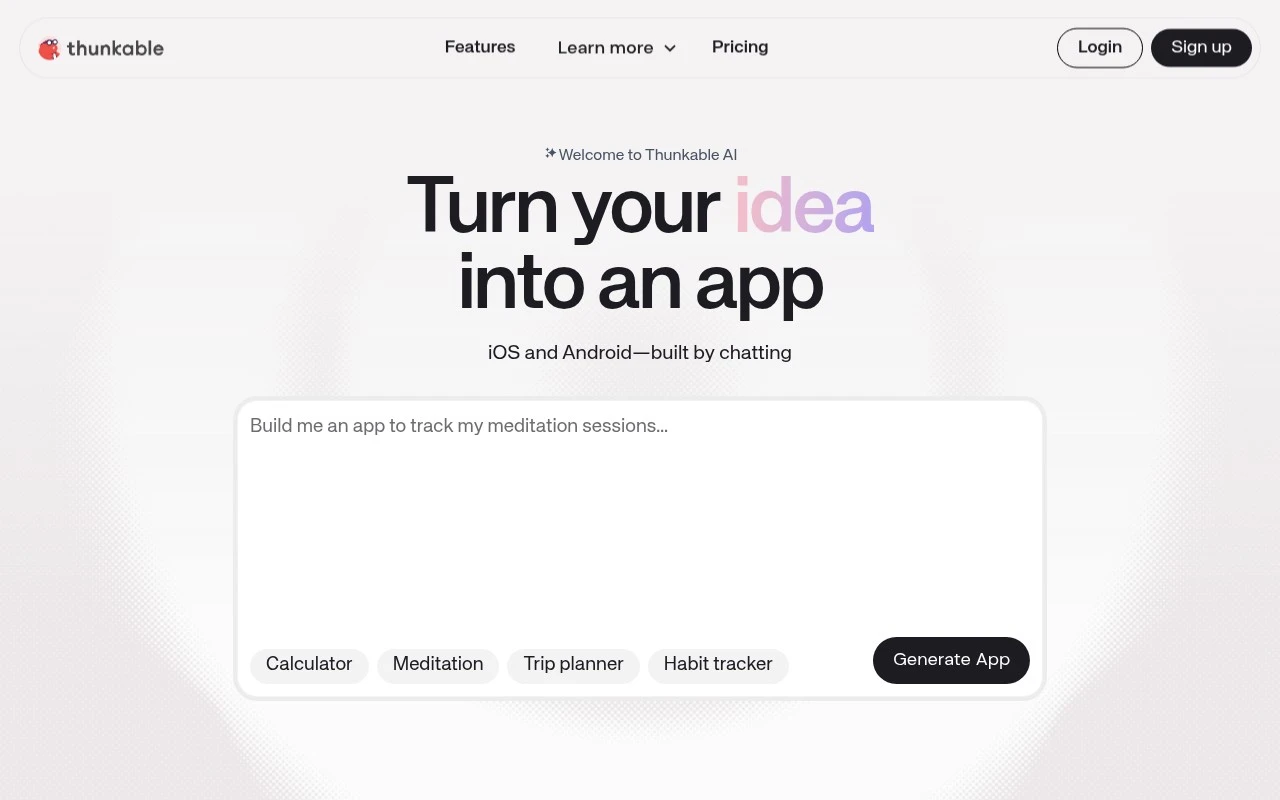
At the center of the current Thunkable experience is building by chatting with AI. A user can explain the app they want, such as a booking tool, learning app, marketplace concept, internal workflow, or community product, and the platform helps move that idea toward an app structure. The AI-assisted flow supports app generation, but it is not limited to a single prompt, because users can continue editing, adjusting, and improving the result.
Visual creation remains a core part of the product. Screens, navigation, components, interactions, and data flows can be shaped in a more approachable workspace than a conventional integrated development environment. For app prototyping, this matters because teams can move from concept to interactive mobile experience quickly enough to test assumptions, gather feedback, and decide whether the idea deserves more investment.
When a project needs more precision, the platform also supports deeper changes beyond surface-level design. Users can make guided or direct code changes when needed, which gives Thunkable a more flexible position than simple template-based builders. That combination is important for teams that want no-code speed at the beginning but do not want to feel boxed in the moment their app becomes more specific.
Publishing is another part of the product’s identity. Thunkable is best at helping non-technical and semi-technical builders move from mobile app idea to store-ready iOS and Android app through one connected workflow. The goal is not only to create a clickable demo, but to support the path toward launching through the major mobile app stores.
For early-stage founders, the appeal is speed and validation. A founder can use the platform to turn a rough idea into an interactive app prototype, show it to users or investors, and iterate before committing to a larger build. For internal teams, it can reduce the gap between a workflow problem and a mobile tool that employees can actually use.
Educators and learners also fit naturally into the Thunkable audience. The platform provides a way to teach app thinking, interface design, logic, and product iteration without requiring students to master native programming first. This makes it relevant not only as a business tool, but also as a bridge into software creation.
Compared with many Thunkable alternatives, the platform is most clearly focused on native mobile app creation rather than broad website building or generic automation. Some competing tools may be stronger for web apps, databases, or enterprise workflows, while Thunkable’s center of gravity is the mobile app journey from idea to interface to launch. That focus makes it easier to understand who the product is really for.
A balanced Thunkable review would note that the platform is not a replacement for every kind of custom mobile engineering. Highly complex apps, unusual performance requirements, or deeply specialized native features may still call for experienced developers. Its value is strongest where speed, accessibility, iteration, and mobile-first delivery matter more than starting from a blank codebase.
Pricing is usually part of the evaluation for teams deciding whether to build with no-code, hire developers, or compare Thunkable pricing with other app builders. The more important strategic question is whether the platform can shorten the distance between a mobile idea and a working app enough to justify the subscription. For many users, that value comes from combining AI guidance, visual editing, flexible customization, and app-store-oriented publishing in one place.
In the broader AI tools landscape, Thunkable represents a shift from no-code as simple drag-and-drop assembly toward AI-assisted product creation. It gives people a way to express an app concept conversationally, refine it visually, and keep moving toward a real mobile launch. That makes it especially relevant for anyone who wants to explore, prototype, and ship mobile app ideas without beginning with full native development.


 Best suited to non-technical founders and teams because AI prompting and visual editing reduce the need to start with full native iOS or Android development.
 Less suitable for teams building primarily web apps, desktop tools, or internal dashboards because Thunkable is focused on native mobile app creation.

