Curated ToolThis tool is part of our curated AI directory. We only include tools that meet our standards for relevance, usability and real-world value.

Teleport HQ

Generates website layouts from prompts and exports front-end code

Website BuildersApp / No-code Builders

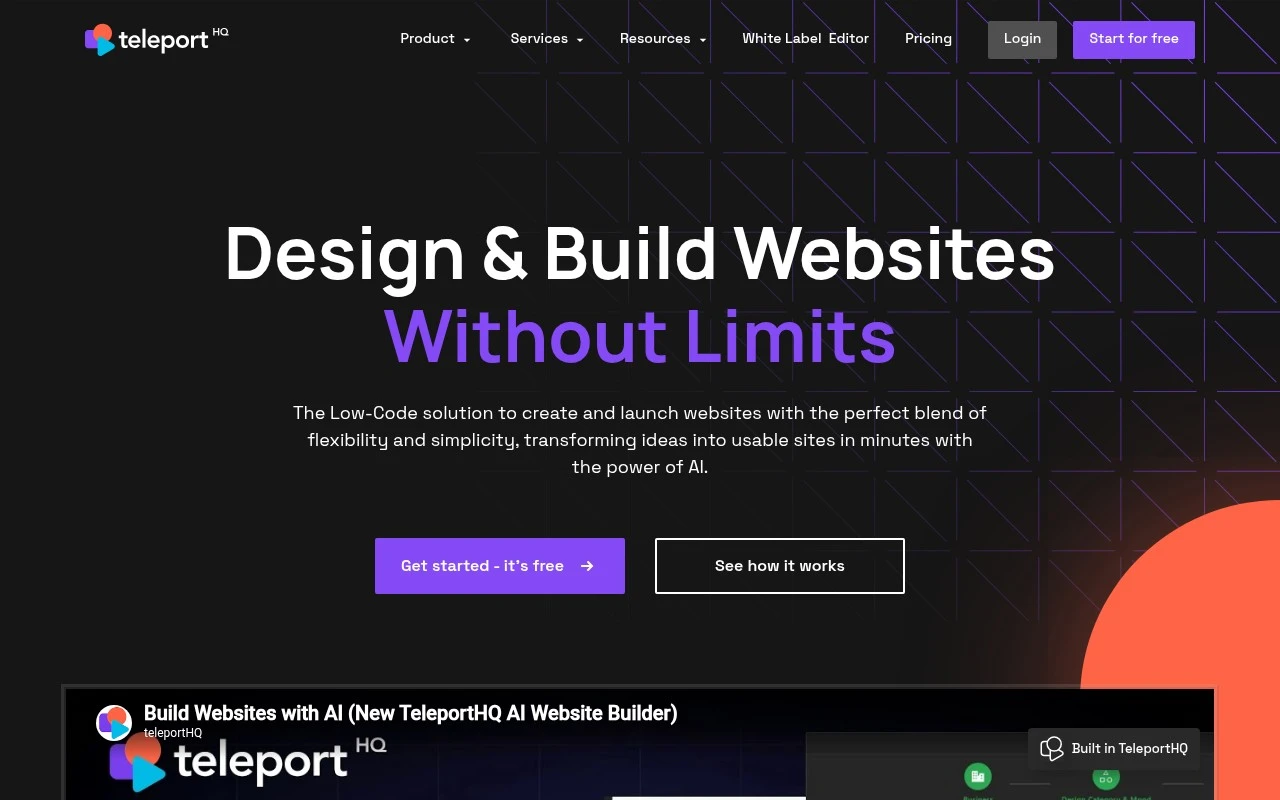
Teleport HQ is a low-code, AI-powered website builder focused on front-end creation. It lets users start from prompts, templates, or Figma designs, edit pages visually, manage reusable components and assets, publish static websites, and export code. Its positioning is strongest for teams that want a design-first workflow with developer-friendly output rather than a purely closed website builder.

FYAI Score

7.9 / 10

Based on 7 reviews + FYAI product analysis

Pricing:

Freemium

Best for:

Design and product teams shipping front ends with clean, exportable code

Score Breakdown

  • Ease of use7.8 / 10
  • Features7.8 / 10
  • Pricing8.1 / 10
  • Integrations7.9 / 10
  • Support8.1 / 10

PRODUCT PREVIEW

What this AI tool does

Teleport HQ is a web-based tool for designing and building user interfaces, with an emphasis on turning visual layouts into usable front-end code. It’s commonly used by designers and developers who want a smoother handoff between design work and implementation, especially when creating pages or components that need to be reused across a project. In practice, it helps you move from a UI concept to code that can be integrated into a modern web workflow. You can use it to prototype layouts, iterate on structure and styling, and export the results in a format that fits your development stack. This makes it useful for early-stage mockups as well as for generating a starting point for production work. For teams, teleporthq can support a more consistent process by keeping design decisions and code output closely aligned. It’s best suited for informational use cases where you want to understand how a visual builder can translate interface designs into front-end code without relying entirely on manual implementation from scratch.

Use cases

Best for

Figma to Website

Import a Figma design and use visual editing and reusable components to publish it as a static website or export code.

Build Landing Page

Teleport HQ lets you start from a template or prompt, edit sections visually, and publish a static landing page with reusable components.

Website Generation

Generate front end pages from prompts, then refine layouts in the visual builder and export developer friendly code.

ANALYSIS

Strengths & limitations

Strengths
  • Combines AI layout generation with a visual low-code editor for faster website and landing page creation.
  • Supports code export, Figma-to-code workflows, GitHub integration, and reusable component libraries.
  • Includes publishing, templates, responsive design tools, asset optimization, forms/media embedding, and headless CMS or data-source integrations.
Limitations
  • The site emphasizes static websites and front-end output, so it is not presented as a full back-end application builder.
  • AI functionality is described mainly for generating and refining website structure and design, not for broad autonomous development.
  • Dynamic content and business logic appear to depend on integrations, headless CMS setup, or external development work.

Evaluation

FYAI score breakdown

Our structured evaluation across five key criteria

7.9 / 10

Overall score

Based on 7 reviews + FYAI product analysis

  • Ease of use7.8 / 10
  • Features7.8 / 10
  • Pricing8.1 / 10
  • Integrations7.9 / 10
  • Support8.1 / 10

What users say

Findings from public reviews, documentation and community sources.

  • Ease of use

    TeleportHQ's main page describes a guided workflow that starts with a prompt and then lets users "Refine Your Design," "Edit with Drag & Drop," and "Publish Instantly." TeleportHQ's main page advertises tutorials to "Learn how to use TeleportHQ in under 10 minutes."

  • Features

    TeleportHQ's product page lists an "AI-powered website builder," visual low-code editor, "headless content modeling," and "code export."

  • Pricing

    TeleportHQ's pricing page lists a 7-day no-card trial at "$0" and a Professional plan at "$18 /editor/month" or "$9 /editor/month" yearly. TeleportHQ's pricing page says the Professional plan includes unlimited projects, unlimited pages, unlimited code views/downloads, and 75k AI tokens/month.

  • Integrations

    TeleportHQ's main page surfaces GitHub and Figma, and TeleportHQ's data-source material says users can connect "multiple databases, APIs, spreadsheets, and custom logic" directly to a website.

  • Support

    TeleportHQ's site presents support resources through "Help Center," "Documentation," and "Tutorials." TeleportHQ's pricing page states trial users get "Community support" via Discord or email at [email protected] and "No live chat support."

Who is this for?

Best for teams that want to generate and edit a website while retaining front-end code, because TeleportHQ's product page lists a visual low-code editor and "code export." Less suited to users who need ongoing free access or live chat during trial, because TeleportHQ's pricing page lists a 7-day no-card trial at "$0" and states trial users get "No live chat support."

PRODUCT PREVIEW

Feature highlights

AI Prompt to Page

Generate responsive layouts from prompts, then refine visually.

Figma to Website

Import Figma designs and turn them into editable web pages.

Exportable Front-End

Export clean code and reusable components for developer handoff.

COMPARE

Discover curated alternatives worth comparing

Compare similar AI tools based on features, pricing and use cases

8.8/ 10Based on 14.986 reviews

WordPress

Website BuildersE-commerce Builders
Builds WordPress sites using an AI website builder and AI tools
Best for:
Small business owners
Pricing
Freemium

8.6/ 10Based on 28.442 reviews

Wix AI

Website BuildersE-commerce Builders
Generates a Wix website draft from user answers for editing.
Best for:
Small business owners
Pricing
Freemium

7.7/ 10Based on 35 reviews

WeWeb

Hosting & DeploymentApp / No-code Builders
Generates web app pages, databases, and logic from prompts
Best for:
Startup founders
Pricing
Freemium

Launch your next website or app faster with Teleport HQ. Turn ideas into polished, responsive experiences and ship with confidence today.

FAQ

Frequently asked
questions

Everything you need to know about this AI tool,
its features, pricing, use cases, and limitations.

What types of projects is Teleport HQ a good fit for?
Teleport HQ tends to work best for marketing sites, landing pages, design systems, and early-stage web app front-ends where speed matters more than deep custom logic. It’s a practical choice for startups that want to prototype and ship UI quickly with responsive layouts. If you need complex backend workflows, heavy integrations, or highly bespoke interactions, you may outgrow it and prefer a more code-centric stack.
Does Teleport HQ have a free plan, and what are the typical limitations compared to paid tiers?
Teleport HQ commonly offers a free entry point for trying the builder and validating a workflow, but free tiers usually cap things like projects, collaboration, export options, or publishing features. Paid plans are generally where you get more team functionality, higher limits, and more control over production use. Before committing, check whether the features you need (e.g., code export, custom domains, team roles) are included in the specific plan you’re considering.
How does Teleport HQ compare with Webflow, Framer, and Bubble for a team choosing a builder?
Compared with Webflow and Framer, Teleport HQ is often evaluated for its design-to-code workflow and faster iteration on UI components, while those tools may offer more mature hosting and ecosystem depth. Versus Bubble, Teleport HQ is typically less focused on full no-code backend logic and database-driven apps, so Bubble can be a better fit for complex app behavior without coding. If your priority is clean front-end output and rapid UI prototyping, Teleport HQ can be competitive; if you need an all-in-one app platform, you may prefer alternatives.
How fast can a team get started with Teleport HQ, and what onboarding effort should we expect?
Teleport HQ can be limiting if you need fine-grained control that you’d normally implement with custom code, especially for advanced interactions or edge-case UI behavior. Performance and maintainability can become concerns as projects grow in complexity, depending on how the generated output is structured and how much you extend it. You’re also tied to the platform’s roadmap for certain capabilities, which can matter if you have strict technical requirements.
What should we review about data handling, privacy, and compliance when using Teleport HQ?
Confirm what Teleport HQ stores (project files, assets, analytics, user accounts) and where that data is hosted, especially if you have regional or industry constraints. If you plan to publish customer-facing sites, check how cookies, tracking scripts, and third-party integrations are handled and who is responsible for consent management. For regulated use cases, ask about access controls, audit logs, data retention, and whether a DPA or similar agreement is available.