Curated ToolThis tool is part of our curated AI directory. We only include tools that meet our standards for relevance, usability and real-world value.

Squarespace

Generates and customizes Squarespace sites from a guided AI brief

Website BuildersLanding Page Builders
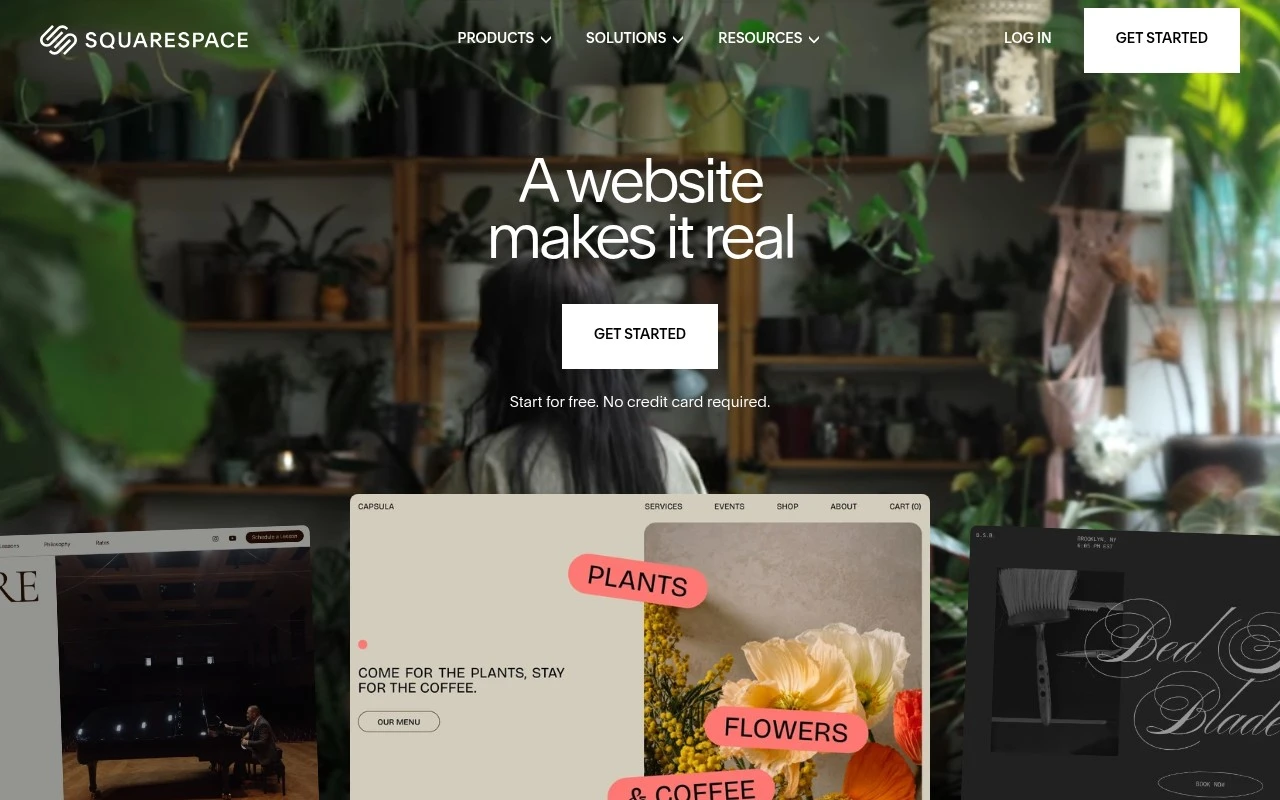
Squarespace is a website builder and online business platform that combines design templates, domain services, hosting, ecommerce, payments, scheduling, invoicing, analytics, SEO tools, and AI-assisted website creation. It is mainly for people and organizations that need a professional web presence plus built-in tools to sell, book, publish, or promote their work from one hosted platform.

FYAI Score

8.1 / 10

Based on 4.296 reviews

Pricing:

Free trial

Best for:

Creators and small businesses building a polished website and online store

Score Breakdown

  • Ease of use8.6 / 10
  • Features7.9 / 10
  • Pricing7.7 / 10
  • Integrations8.3 / 10
  • Support7.7 / 10

PRODUCT PREVIEW

What this AI tool does

Squarespace is a website-building platform designed to help individuals and small organizations create and publish sites without needing to code. It provides a guided editing experience where you can choose a template, add pages, and adjust layout and styling through a visual interface, making it suitable for portfolios, basic business sites, and personal projects. The tool also supports common site needs such as blogging, simple online stores, and built-in analytics, with hosting and domain options available in the same workflow. For people comparing website builders, it can be useful as an all-in-one option that keeps design, content updates, and site management in one place. In practice, squarespace is often used when you want a site that looks consistent across devices and can be updated regularly without relying on a developer. It’s best suited for informational websites and straightforward publishing, especially when you value a structured setup process and predictable maintenance.

Use cases

Best for

Website Generation

Squarespace generates a site from templates and AI-written sections, then lets you edit pages with a drag-and-drop builder.

Invoicing

Squarespace creates and sends invoices, tracks payment status, and records transactions tied to your services or products.

Website Hosting

Squarespace hosts your website with managed infrastructure, SSL, and built-in updates so you publish without server setup.

ANALYSIS

Strengths & limitations

Strengths
  • Combines website design, domains, ecommerce, payments, scheduling, analytics, and marketing-related tools in one platform.
  • Offers professionally designed templates, drag-and-drop editing, and AI-assisted site creation for users without web design experience.
  • Supports several common business models, including online stores, services, appointments, donations, memberships, blogs, and portfolios.
Limitations
  • It is a hosted website platform, so users work within Squarespace’s ecosystem rather than fully self-hosting or controlling every technical layer.
  • Some business workflows may depend on Squarespace-specific features, paid plans, or third-party extensions.
  • The official page emphasizes ease of setup and integrated tools, but does not provide enough detail there to evaluate limits for highly custom or complex websites.

Evaluation

FYAI score breakdown

Our structured evaluation across five key criteria

8.1 / 10

Overall score

Based on 4.296 reviews

  • Ease of use8.6 / 10
  • Features7.9 / 10
  • Pricing7.7 / 10
  • Integrations8.3 / 10
  • Support7.7 / 10

What users say

Findings from public reviews, documentation and community sources.

  • Ease of use

    Squarespace describes its builder with a “drag-and-drop editor,” an “AI website builder,” and onboarding that says “No experience required.” Reddit sentiment characterizes Squarespace as “great design, easy to use” for basic sites.

  • Features

    Squarespace lists website features including online store, scheduling, memberships, and AI design/content tools. Reddit sentiment notes Squarespace can be “limited” for users wanting full control.

  • Pricing

    The Squarespace pricing page lists subscription tiers with a “Free for 14 days” trial and annual savings “up to 36%.” The Squarespace pricing page shows plan differences including AI credits, video storage, transaction fees, and commerce features, and states Squarespace “doesn't offer a free plan.”

  • Integrations

    The Squarespace pricing page lists integrations and connected services including “Squarespace Extensions,” Google Workspace email, Mailchimp, and Zapier. The Squarespace pricing page references “Commerce APIs.”

  • Support

    The Squarespace pricing page includes “24/7 customer support” across plans. Public consumer review sentiment is mixed overall.

Who is this for?

Best for people building basic sites who want guided setup. Squarespace describes a “drag-and-drop editor,” an “AI website builder,” and onboarding that says “No experience required.” Less suited to users who want full control, Reddit sentiment notes Squarespace can be “limited” for users wanting full control. Less suited to users who need a permanent free option, the Squarespace pricing page states Squarespace “doesn't offer a free plan,” with a “Free for 14 days” trial instead.

PRODUCT PREVIEW

Feature highlights

Designer Templates

Build a polished site fast with customizable, mobile-ready designs.

Domains + Hosting

Get domain, secure hosting, and SSL built in for a smooth launch.

Sell & Book Online

Run ecommerce, payments, scheduling, and invoicing in one platform.

COMPARE

Discover curated alternatives worth comparing

Compare similar AI tools based on features, pricing and use cases

8.8/ 10Based on 14.986 reviews

WordPress

Website BuildersE-commerce Builders
Builds WordPress sites using an AI website builder and AI tools
Best for:
Small business owners
Pricing
Freemium

8.6/ 10Based on 28.442 reviews

Wix AI

Website BuildersE-commerce Builders
Generates a Wix website draft from user answers for editing.
Best for:
Small business owners
Pricing
Freemium

7.7/ 10Based on 35 reviews

WeWeb

Hosting & DeploymentApp / No-code Builders
Generates web app pages, databases, and logic from prompts
Best for:
Startup founders
Pricing
Freemium

Join millions building a standout online presence. Launch a polished site with Squarespace today and turn visitors into customers with confidence.

FAQ

Frequently asked
questions

Everything you need to know about this AI tool,
its features, pricing, use cases, and limitations.

What types of projects is Squarespace a good fit for, and when should I choose another builder?
Squarespace is a strong choice for portfolio sites, service businesses, restaurants, and content-led brands that prioritize design consistency and an all-in-one setup. It also works well for small-to-mid e-commerce catalogs when you want storefront, checkout, and basic marketing in one place. If you need a highly custom web app, complex membership logic, or deep integration with many third-party tools, you may outgrow it faster than more extensible platforms.
Does Squarespace have a free plan, and what are the main limitations compared to paid tiers?
Squarespace typically does not offer a permanent free plan; you can usually start with a time-limited trial. To publish, you’ll need a paid subscription, and e-commerce requires a commerce plan. Lower tiers can limit advanced selling features (like some shipping/discount options) and may not include all marketing or customization capabilities.
How does Squarespace compare with Wix, WordPress, and Shopify for a small business website?
Compared with Wix, Squarespace often feels more structured and design-led, but can be less flexible for app-style add-ons. Versus WordPress, Squarespace is easier to manage day-to-day but offers less control over plugins, hosting, and deep customization. Against Shopify, Squarespace commerce is simpler and can be enough for smaller catalogs, while Shopify is usually better for advanced inventory, integrations, and scaling.
How quickly can I launch a site on Squarespace, and what onboarding effort should I expect?
Squarespace can be more expensive than some alternatives, especially once you add commerce features. Its ecosystem of third-party integrations is smaller than platforms built around plugins, which can limit specialized workflows. Design customization is strong within the system, but highly specific layouts or functionality may require workarounds or custom code.
What should I know about data handling, privacy, and compliance when using Squarespace?
Squarespace is a hosted platform, so your site content, customer data, and analytics are processed on their infrastructure rather than your own server. For compliance (e.g., GDPR/CCPA), you’ll still need to configure cookie consent, privacy notices, and data retention practices appropriate to your business. If you handle sensitive data or require strict data residency, review Squarespace’s data processing terms and security documentation before committing.