Curated ToolThis tool is part of our curated AI directory. We only include tools that meet our standards for relevance, usability and real-world value.

Retool

Build internal apps from prompts, connected to enterprise data

App / No-code Builders
Retool is an internal software development platform focused on helping teams ship secure business applications quickly. It lets users build apps connected to production data sources, use AI prompts or external coding agents to create apps, import apps from other platforms, and deploy them with governance controls already in place. It is aimed less at public website creation and more at operational tools that companies use to run internal processes.

FYAI Score

8.7 / 10

Based on 359 reviews

Pricing:

Freemium

Best for:

Engineering and ops teams building secure internal business apps

Score Breakdown

  • Ease of use8.2 / 10
  • Features9.2 / 10
  • Pricing8.9 / 10
  • Integrations9.4 / 10
  • Support8.0 / 10

PRODUCT PREVIEW

What this AI tool does

Retool is an AI tool designed to help teams build internal applications and workflows more quickly by connecting to existing data sources and services. It’s typically used in operational settings where people need simple interfaces to search, update, and act on business data without writing a full application from scratch. In practice, it can support tasks like creating admin panels, dashboards, and lightweight tools for customer support, finance, or logistics. The focus is on making it easier to assemble a working interface, integrate with databases and APIs, and automate routine steps while keeping the result understandable and maintainable for technical teams.

Use cases

Best for

Data Source App Building

Build internal apps that query production databases and call APIs directly, then bind results to UI components and actions.

App Generation and Import

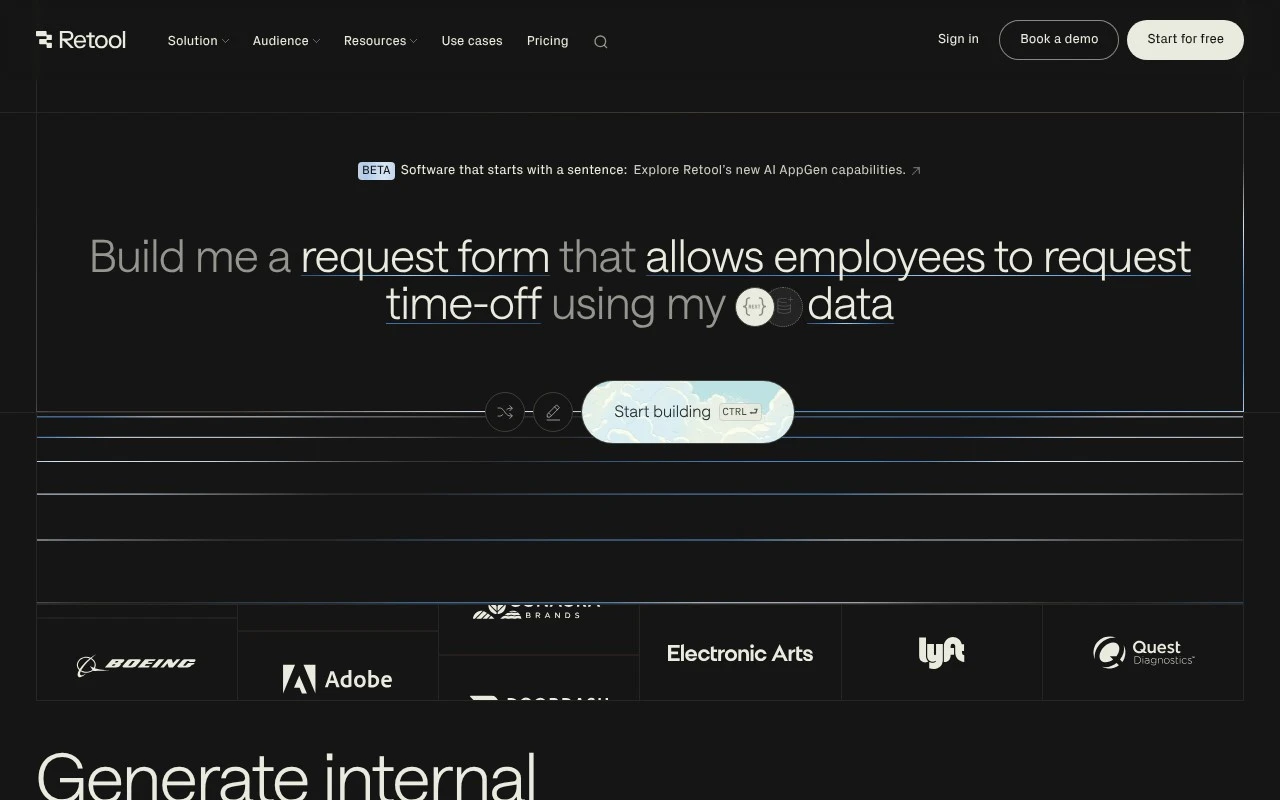
Use Retool to generate apps in the builder, connect via the MCP server, or import React apps, then deploy them in Retool.

Enterprise App Governance

Manage internal software with authentication, role based permissions, centralized governance, and audit logs for user actions.

ANALYSIS

Strengths & limitations

Strengths
  • Connects internal apps to production data sources, APIs, and LLMs.
  • Includes governance features such as authentication, access controls, and audit logging for enterprise deployment.
  • Supports multiple build paths, including AI app generation, MCP-based development, and importing React apps from other platforms.
Limitations
  • Best suited to internal and operational software rather than consumer-facing websites or highly bespoke public products.
  • Teams still need appropriate data access, security review, and governance practices because apps connect to production systems.
  • AI-generated or imported apps may still require technical review and refinement before they are safe to run in production.

Evaluation

FYAI score breakdown

Our structured evaluation across five key criteria

8.7 / 10

Overall score

Based on 359 reviews

  • Ease of use8.2 / 10
  • Features9.2 / 10
  • Pricing8.9 / 10
  • Integrations9.4 / 10
  • Support8.0 / 10

What users say

Findings from public reviews, documentation and community sources.

  • Ease of use

    Capterra lists Retool at 4.5/5 across 34 reviews, and one reviewer says Retool was “user-friendly” and “very easy to use” and that they learned navigation “within an hour.” Reddit signals mention caution around performance and production complexity.

  • Features

    Retool’s pricing page describes AI app generation, import from React/GitHub, web and mobile apps, workflows, staging, release versions, audit logging, rich permissions, SSO, source control, custom branding, and platform APIs. Retool’s listed features support production internal tools and governed business apps.

  • Pricing

    Retool’s pricing page lists a Free plan, Team at €9/month per builder and €5/month per internal user, Business at €46/month per builder and €14/month per internal user, and Enterprise custom pricing. Retool’s Free plan includes unlimited web and mobile apps, 500 workflow runs/month, 5GB storage, up to 5 users, and AI credits.

  • Integrations

    Retool’s integrations page says users can “Connect Retool to any database or API” and highlights REST API, Google Sheets, PostgreSQL, MySQL, Firebase, and GraphQL. Retool’s integrations page also lists additional integrations across AI, analytics, CRM, databases, development, finance, messaging, storage, and project management.

  • Support

    Retool’s site surfaces documentation paths including MCP server docs and app import docs. Retool’s pricing page lists “Dedicated support” on Enterprise.

Who is this for?

Best for teams building internal web or mobile apps that need database and API connectivity, Retool’s integrations page says users can “Connect Retool to any database or API,” and the pricing page lists workflows, audit logging, rich permissions, SSO, source control, and environments. Less suited to teams seeking a simple site-builder pricing model, Retool separates builder and internal-user pricing on Team and Business, while Enterprise uses custom pricing.

PRODUCT PREVIEW

Feature highlights

Connect to live data

Query databases and APIs to power apps on production data.

AI app generation

Use prompts or coding agents to build and iterate faster.

Governance & access

Deploy with permissions, auditability, and security controls.

COMPARE

Discover curated alternatives worth comparing

Compare similar AI tools based on features, pricing and use cases

8.8/ 10Based on 14.986 reviews

WordPress

Website BuildersE-commerce Builders
Builds WordPress sites using an AI website builder and AI tools
Best for:
Small business owners
Pricing
Freemium

8.6/ 10Based on 28.442 reviews

Wix AI

Website BuildersE-commerce Builders
Generates a Wix website draft from user answers for editing.
Best for:
Small business owners
Pricing
Freemium

7.7/ 10Based on 35 reviews

WeWeb

Hosting & DeploymentApp / No-code Builders
Generates web app pages, databases, and logic from prompts
Best for:
Startup founders
Pricing
Freemium

Ship internal tools in days, not months. See why teams choose Retool to streamline workflows and move faster with confidence.

FAQ

Frequently asked
questions

Everything you need to know about this AI tool,
its features, pricing, use cases, and limitations.

What types of internal apps is Retool a good fit for, and when should I pick something else?
Retool works best for CRUD-style internal tools like admin panels, support dashboards, approval workflows, and ops apps that sit on top of existing databases and APIs. It’s a strong choice when you need role-based access, quick iteration, and lots of integrations. If you’re building a highly custom customer-facing product, complex real-time UI, or heavy offline/mobile experience, a full-code framework or a more specialized platform may fit better.
Does Retool have a free plan, and what are the practical limitations compared to paid tiers?
Retool typically offers a free option for trying the product, but meaningful production use usually requires a paid plan. The main constraints to watch are user seats, environment features (like SSO and advanced permissions), and governance controls that teams often need as they scale. Before committing, map your expected number of builders vs end users and which security features are non-negotiable.
How does Retool compare with Appsmith, Budibase, or Microsoft Power Apps for internal tools?
Retool is often chosen for its polished UI builder, broad connector ecosystem, and strong workflow capabilities, while open-source options like Appsmith or Budibase can be attractive if you want more control over hosting and customization. Power Apps can be a better fit in Microsoft-heavy environments (Azure AD, Dataverse, M365), but may feel more constrained outside that stack. The deciding factors are usually hosting requirements, governance/SSO needs, and how much custom code you expect to write.
How fast can a team get a first app running in Retool, and what onboarding effort should I expect?
Retool can feel limiting for highly bespoke UI/UX or complex front-end behavior, where you may end up writing significant custom JavaScript anyway. Costs can rise with more seats and enterprise features, so pricing should be modeled early for your expected user base. There’s also platform dependency: migrating many apps later can be non-trivial compared to owning a full-code codebase.
How should I evaluate Retool for data privacy, security, and compliance needs?
Start by deciding whether you need Retool Cloud or a self-hosted deployment, since that affects where data and credentials live. Verify support for SSO/SAML, role-based access controls, audit logs, and how secrets are stored and rotated for your connectors. If you have regulatory requirements (e.g., SOC 2, HIPAA, GDPR), confirm the specific attestations and data-processing terms that apply to your chosen plan and hosting model.