
Curated ToolThis tool is part of our curated AI directory. We only include tools that meet our standards for relevance, usability and real-world value.
Glide
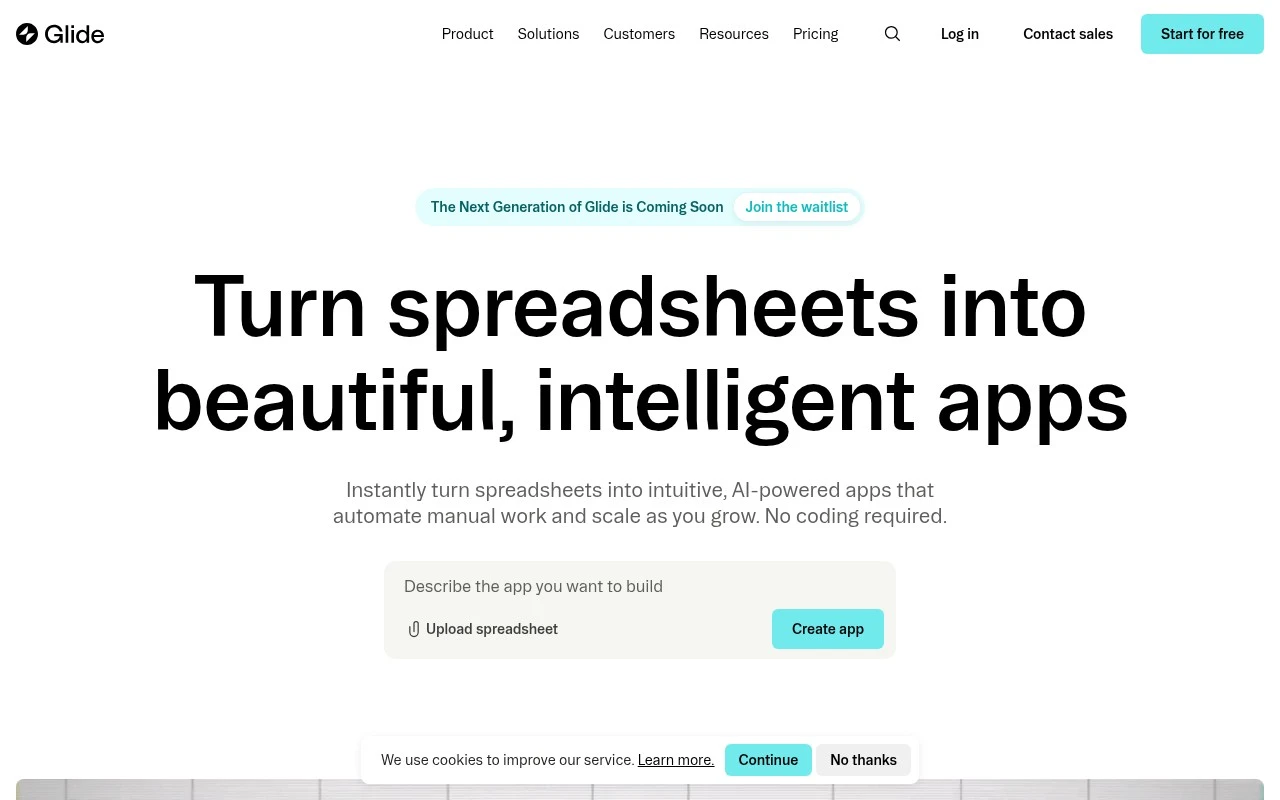
Glide is a no-code platform for building custom business apps from data sources such as spreadsheets, databases, and APIs. Teams use Glide to create portals, internal tools, and workflow apps with user interfaces, roles, and data actions.
App / No-code Builders
FYAI Score
8.7 / 10
Based on 416 reviews
Pricing:
Freemium
Best for:
Ops teams building internal tools from spreadsheets and business data
Score Breakdown
- Ease of use9.2 / 10
- Features8.7 / 10
- Pricing7.7 / 10
- Integrations9.1 / 10
- Support8.8 / 10
 | Strengths |
-
 Best suited to operations teams because it turns existing spreadsheets and business systems into usable internal apps without requiring custom development.
 -
Role-based views and pre-built components make it practical to build dashboards, portals, field tools, and process apps for different teams from the same data.
-
Built-in AI workflow steps can extract information, transform data, draft content, and automate routine business tasks inside the apps teams already use.
 | Limitations |
-
 Less suitable for consumer-facing app startups because Glide is optimised for operational software and internal tools rather than highly customised public apps built from scratch.
 -
Teams with complex bespoke interfaces or native mobile requirements may outgrow the constraints of a no-code builder built around pre-built components.
-
Apps depend heavily on the quality and structure of the underlying data sources, so teams with messy spreadsheets or fragmented systems may need cleanup work before Glide is effective.
 | 8.8/ 10Based on 14,986 reviews |
WordPress
Website BuildersE-commerce Builders
Builds websites and helps create site content with AI tools
Best for: | Small business owners |
Pricing | Freemium |
 | 8.6/ 10Based on 28,442 reviews |
Wix AI
Website BuildersE-commerce Builders
Builds a website draft from answers for later customization
Best for: | Small business owners |
Pricing | Freemium |
 | 7.7/ 10Based on 35 reviews |
WeWeb
Hosting & DeploymentApp / No-code Builders
Builds web-app pages, databases, logic, and coded components
Best for: | Startup founders |
Pricing | Freemium |