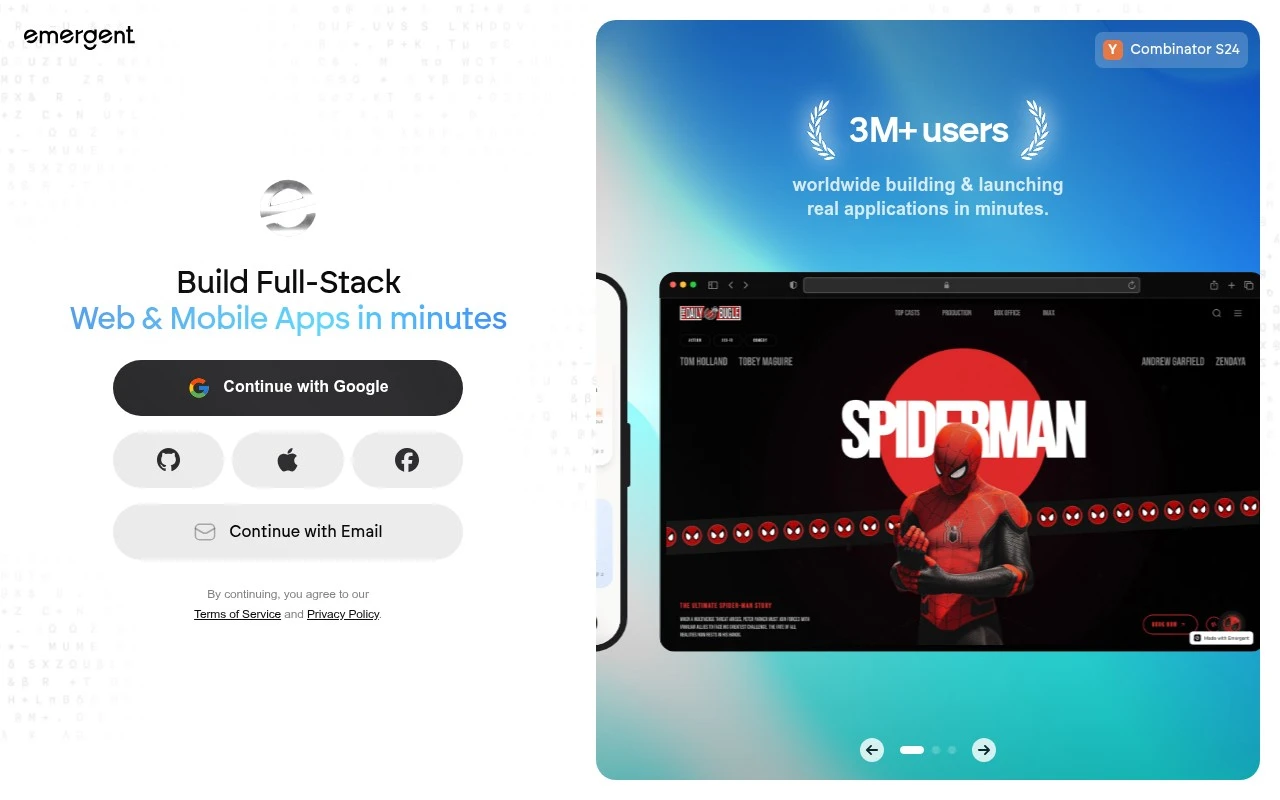
Curated ToolThis tool is part of our curated AI directory. We only include tools that meet our standards for relevance, usability and real-world value.

Emergent

Emergent is an AI app development platform that turns natural-language prompts into working full-stack web applications. It generates frontend, backend, database logic, and deployment-ready project structure through coordinated coding agents.
Website BuildersApp / No-code Builders

FYAI Score

7.8 / 10

Based on 557 reviews

Pricing:

Freemium

Best for:

Founders and builders turning ideas into production-ready apps fast

Score Breakdown

  • Ease of use8.0 / 10
  • Features7.6 / 10
  • Pricing7.5 / 10
  • Integrations8.4 / 10
  • Support7.6 / 10

PRODUCT PREVIEW

What this AI tool does

Emergent is an AI development platform for building full-stack web and mobile applications through conversation. Instead of starting with a blank editor, users describe the product they want, and the platform turns that intent into interface design, application logic, generated code, and a deployment path. Emergent is built for people who want to move from idea to working software without managing every technical step manually. At its core, the tool acts like an AI software team inside a product-building workspace. It can help shape the initial concept, create screens, connect common application flows, and generate code that users can inspect and continue working with. This makes it useful for app prototyping, app generation, website generation, and early product validation. For non-technical founders and beginners, Emergent is best understood as a conversational way to build real applications rather than only mockups. A user might ask it to build a landing page, create a customer dashboard, or set up a simple online store, then refine the result through follow-up prompts. The experience is designed to reduce the need to understand frameworks, databases, hosting, or deployment before seeing a working version of an idea. More advanced builders can treat the platform as a way to accelerate production work rather than replace their technical control. Emergent is positioned for users who want production-ready code they can own, modify, connect to GitHub, or host independently. That code ownership matters because it lets teams keep building outside the platform, integrate with existing workflows, and avoid being limited to a purely closed no-code environment. A major part of the product story is that the AI agents handle more than visual generation. They can work across front end, back end, api generation, dashboard generation, data handling, and deployment flow, depending on what the user is trying to create. In practice, this means the platform is not only drawing interfaces, it is helping assemble the structure needed for a usable application. Website hosting and deployment are also part of the workflow, which makes the tool practical for launching quickly. A builder can move from a prompt to a live landing page, internal dashboard, mobile app prototype, or commerce experience with fewer handoffs between design, development, and infrastructure tools. The value is strongest when speed, iteration, and a clear path to a working product matter more than hand-crafting every line from the start. The platform’s character sits between no-code app builders and traditional developer environments. It gives beginners a simpler entry point, while still appealing to technical users who care about generated code, version control, and the option to host independently. Emergent is best at turning product ideas into functional full-stack applications through an iterative conversation, especially when users want both fast creation and long-term control over what they build.

Use cases

Best for

App Generation

Use Emergent to generate a full-stack web or mobile app from a chat prompt, including UI, backend code, and deployment steps.

Website Hosting

Connect your project to GitHub and export code so you can deploy it on your own hosting provider or infrastructure.

Build Landing Page

Describe your offer and layout in chat, and Emergent generates a landing page design and code you can edit and publish.

ANALYSIS

Strengths & limitations

Strengths
  • Best suited to non-technical founders and first-time builders because app ideas can be described in plain language instead of starting with code or wireframes.
  • Useful for faster prototyping and launch because it can generate the design, full-stack code, and deployment flow in one conversational workflow.
  • Appealing to teams that want long-term flexibility because the resulting code can be owned, modified, connected to GitHub, or hosted independently.

Limitations
  • Less suitable for teams that want a traditional visual drag-and-drop builder because Emergent is centered on conversational app generation rather than direct manual page editing.
  • Generated applications still need technical review for security, maintainability, and edge cases, so non-technical teams may need developer help before a serious production launch.
  • The freemium model is best for experimentation at first because larger builds, deployment needs, or heavier usage are likely to require paid capacity.

Evaluation

FYAI score breakdown

Our structured evaluation across five key criteria

7.8 / 10

Overall score

Based on 557 reviews

  • Ease of use8.0 / 10
  • Features7.6 / 10
  • Pricing7.5 / 10
  • Integrations8.4 / 10
  • Support7.6 / 10

What users say

Findings from public reviews, documentation and community sources.

  • Ease of use

    Emergent describes its workflow as conversational, saying users can “Simply describe what you want to build in natural language” and “No programming experience required.” A Reddit user in r/nocode said Emergent “just clicks,” while noting it is “not for complex stuff.”

  • Features

    Emergent pricing page says the product can build “fully functional applications,” including web apps, mobile apps, dashboards, and SaaS tools. Emergent pricing page says higher tiers add “1M context window,” “System Prompt Edit,” “Create custom AI agents,” and “High-performance computing.”

  • Pricing

    Emergent pricing information lists a Free plan with “10 free monthly credits,” Standard at “$17 / month” annually with “100 credits per month,” and Pro at “$167 / month” annually with “750 Monthly Credits.” A Reddit user in r/vibecoding said “Credits burn way too fast,” indicating the credit model can feel expensive for some users.

  • Integrations

    Emergent integrations page lists an integration catalog across AI, payments, databases, design, communication, and project-management tools, including Stripe, Figma, Notion, and Supabase.

  • Support

    Emergent site links to “Docs,” “Tutorials,” and “Community.” Emergent pricing page says higher tiers include “Priority customer support,” and Enterprise includes “Priority SLA and Support.”

Who is this for?

Best for non-programmers who want to describe a web app, mobile app, dashboard, or SaaS tool in natural language, Emergent says users can “Simply describe what you want to build in natural language” with “No programming experience required.” Less suited to complex builds or credit-sensitive workflows, a Reddit user noted Emergent is “not for complex stuff,” and another said “Credits burn way too fast.”

PRODUCT PREVIEW

Feature highlights

Build by chat

Describe your app and get a full-stack build generated step by step.

Own the code

Production-ready code you can edit, extend, and export to GitHub.

Deploy end-to-end

Go from idea to live app with an AI-guided deployment flow.

COMPARE

Discover curated alternatives worth comparing

Compare similar AI tools based on features, pricing and use cases

8.8/ 10Based on 14,986 reviews

WordPress

Website BuildersE-commerce Builders
Builds websites and helps create site content with AI tools
Best for:
Small business owners
Pricing
Freemium

8.6/ 10Based on 28,442 reviews

Wix AI

Website BuildersE-commerce Builders
Builds a website draft from answers for later customization
Best for:
Small business owners
Pricing
Freemium

7.7/ 10Based on 35 reviews

WeWeb

Hosting & DeploymentApp / No-code Builders
Builds web-app pages, databases, logic, and coded components
Best for:
Startup founders
Pricing
Freemium

Launch your website or app in days, not weeks. Start building with Emergent and turn your idea into a polished product faster.

FAQ

Frequently asked
questions

Everything you need to know about this AI tool,
its features, pricing, use cases, and limitations.

Who is Emergent best suited for?
Emergent is best suited for people who want to turn an app idea into a working web or mobile product without starting from manual coding. It fits non-technical founders, first-time builders, small businesses, product managers, agencies, and developers prototyping SaaS tools, dashboards, internal tools, online stores, landing pages, or custom apps.
Is Emergent free, or do I need a paid plan?
Emergent uses a freemium model, so users can start for free but may need a paid plan as usage grows. Because the platform is credit-based, larger apps, repeated iterations, deployment work, or more complex builds may consume more credits than a small prototype or landing page.
How does Emergent compare with other app builders?
Emergent differs from many traditional no-code builders by using natural-language prompts and AI agents instead of relying mainly on drag-and-drop interface design. It is a better fit when code ownership, GitHub workflows, app generation, and deployment flexibility matter, while simpler site builders may be easier for basic static websites.
How quickly can I get started with Emergent?
The main trade-offs with Emergent are credit-based usage, limited public technical detail about generated architecture, and the need to validate complex production projects carefully. Buyers should review how well the generated code, backend choices, database setup, mobile targets, and hosting approach match their long-term maintenance and scaling needs.
What should I check before using Emergent for business or customer data?
Teams using Emergent with business or customer data should review its current privacy, security, hosting, and compliance terms before deployment. Important checks include where applications and data are hosted, how code ownership works, whether third-party APIs or LLMs are involved, and whether the setup meets internal compliance requirements.