Curated ToolThis tool is part of our curated AI directory. We only include tools that meet our standards for relevance, usability and real-world value.
Cleanvoice AI
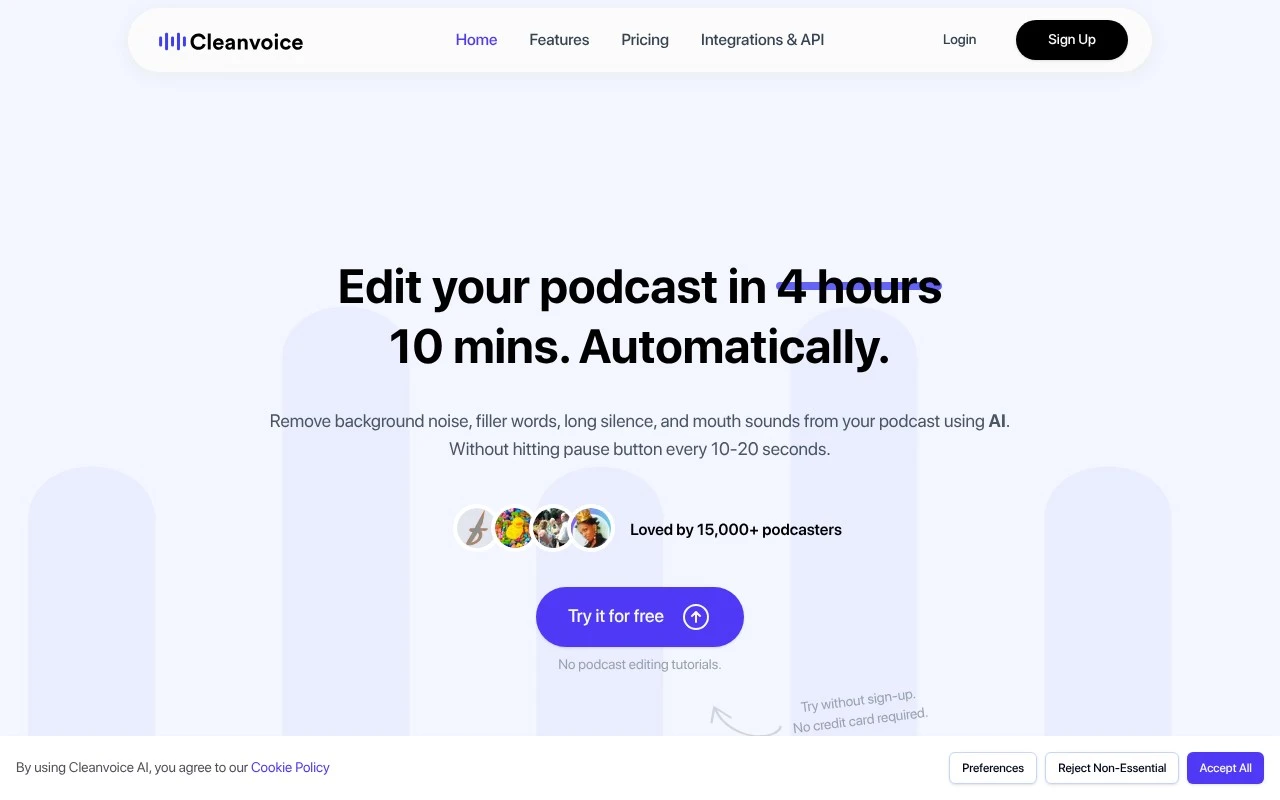
Cleanvoice AI is an AI-powered audio editing tool for podcasters and creators that can transcribe audio and automatically remove filler words, stutters, long silences, mouth sounds, and background noise from recordings.
Audio SummarizationAudio Enhancement

FYAI Score
8.2 / 10
FYAI rating based on features, pricing and integrations
Pricing:
Usage-based
Best for:
Podcasters and production teams editing voice recordings at scale
Score Breakdown
- Ease of use8.2 / 10
- Features7.8 / 10
- Pricing9.1 / 10
- Integrations7.7 / 10
- Support8.0 / 10
 | Strengths |
-
 Best suited to podcasters and producers who need fast spoken-audio cleanup because it targets filler words, silences, mouth sounds, breaths and background noise in one workflow.
 -
Useful for teams handling repeat podcast production because batch uploads, multitrack editing and API access support higher-volume processing.
-
Helpful for publishing workflows because transcripts, summaries, show notes and chapter markers reduce the number of separate post-production tools needed.
 | Limitations |
-
 Less suitable for teams that need full creative audio production because its focus is cleanup and podcast post-production rather than detailed mixing, sound design or mastering.
 -
Usage-based pricing can become costly for high-volume studios because spend scales with the amount of audio or video processed.
-
Automated edits still need human review for nuanced interviews or branded pacing because removing fillers and silences can change conversational rhythm if left unchecked.
Feature highlights
Auto audio cleanup
Remove filler words, silences, breaths, and noise automatically.
Multitrack editing
Clean and align multiple speakers with multitrack support.
Batch + API workflow
Process many files at once or automate cleanup via API.
Compared in

 | 8.5/ 10Based on 23 reviews |
Cartesia
AI Voiceover
Adds AI speech, streaming transcription, and voice agents
Best for: | Software developers |
Pricing | Freemium |
 | 8.2/ 10Based on 215 reviews |
Synthflow
Voice & Audio
Automates phone calls, follows logic, and connects systems
Best for: | Customer support teams |
Pricing | Paid only |
 | 9.2/ 10Based on 2,638 reviews |
Retell AI
Voice & Audio
Automates phone calls, routes issues, and logs outcomes
Best for: | Operations teams |
Pricing | Usage-based |