Curated & independently scored by FindyourAI

Best AI Podcast Editing Tools

Reviewed by Leon ToesetUpdated September 2026
Podcast editing tools compared for cleaner audio, faster episode edits, remote recording workflows, and publish-ready output without sifting catalogues.
201 tools reviewed · 36 use cases · 6 top picks · Updated weekly

Works well forIndependent PodcastersRemote Interview HostsAudio ProducersPodcast Agencies

Overview

AI podcast editing tools clean up spoken-word recordings, remove distractions, level audio, and help turn interviews into publish-ready episodes. Podcasters, video creators, and production teams use them when manual editing slows down release schedules. FindyourAI scores every tool against the same criteria and only lists the podcast editing software that fits this job.

Freemium

Podcasters and video creators recording remote interviews

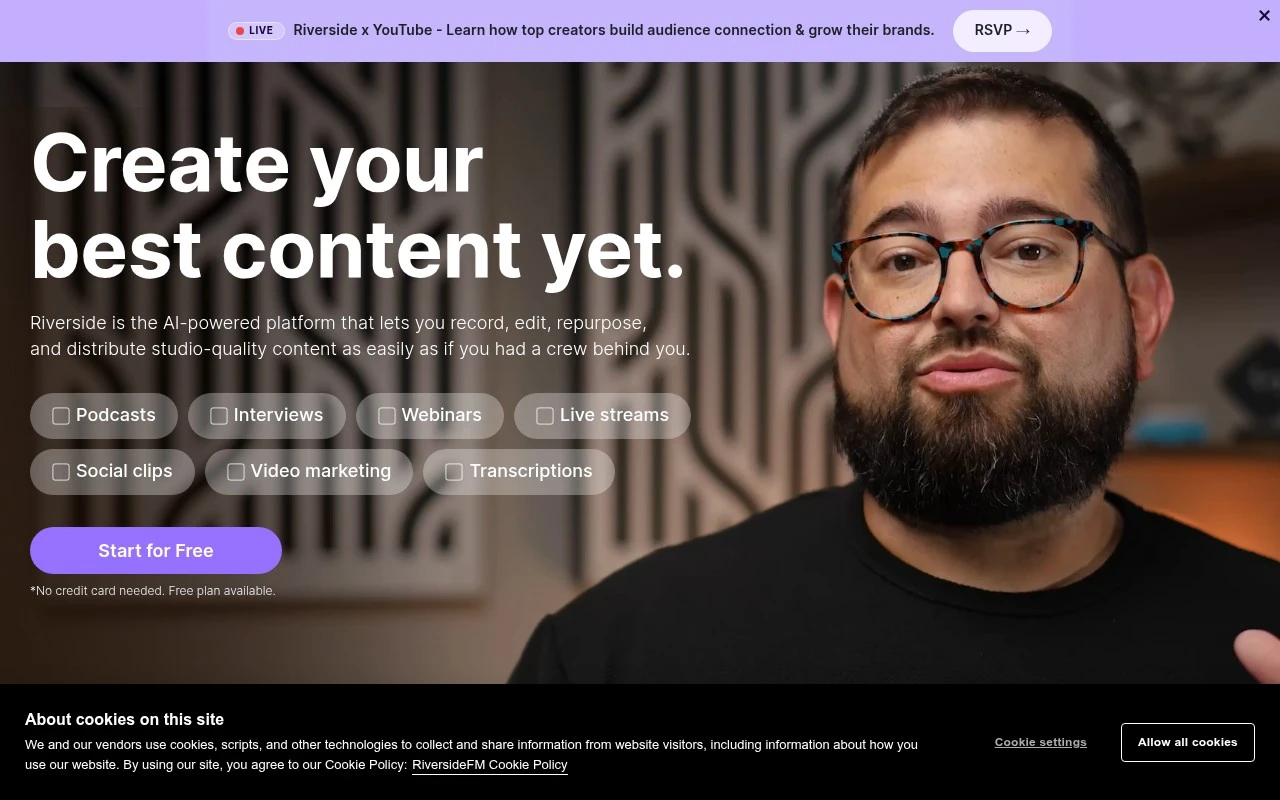
Riverside.fm gives podcast editors cleaner source material to work with because its local recording approach preserves higher-quality audio than a standard live-call capture. It fits remote interview shows and webinar-led teams that want recording and transcript-based editing in one workflow, with Riverside.fm best understood as a remote recording studio for human-led content rather than a dedicated audio editor. Less suited to teams that only need a lightweight call recorder because its broader production workspace adds workflow complexity.

View Riverside.fm

FYAI Score

8.8 / 10

Based on 1,736 reviews
Paid

Independent podcasters who want fast, consistent publishing

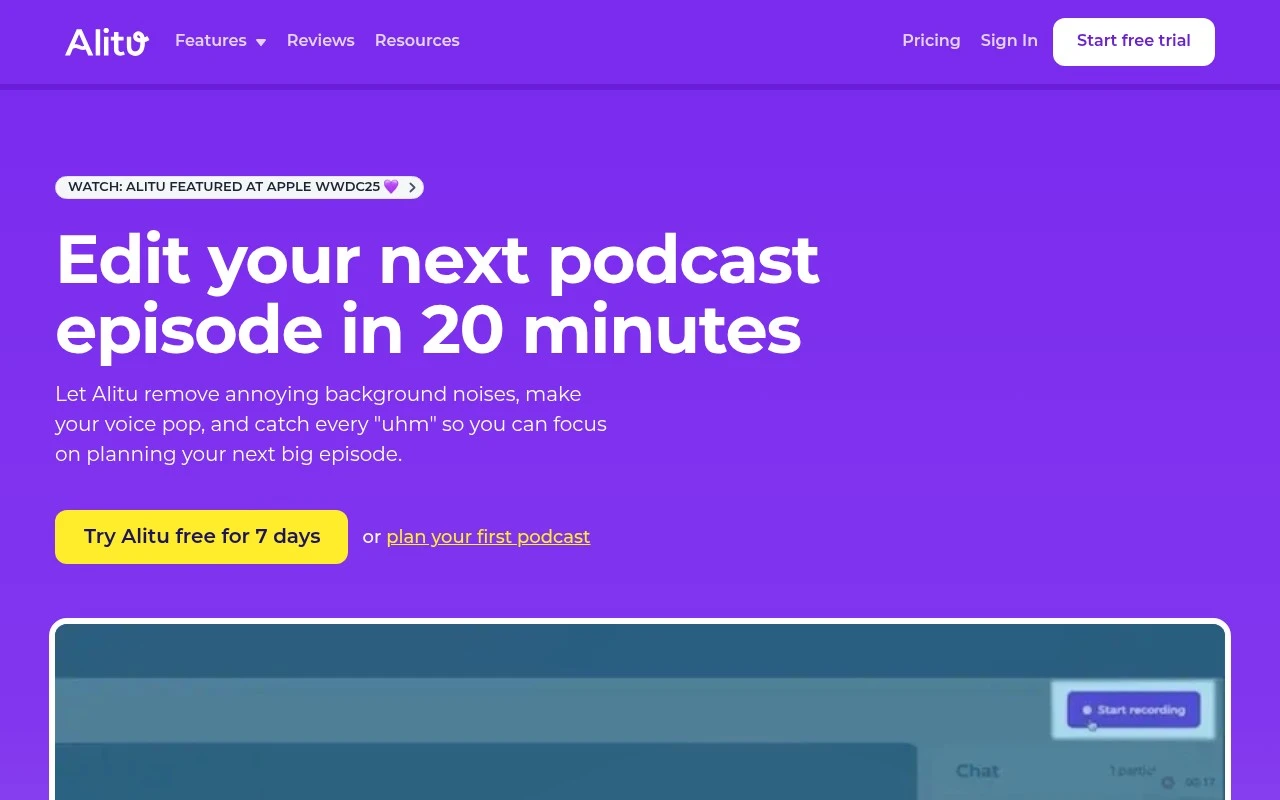
Beginner and indie podcasters who want to get episodes out consistently are the best fit for Alitu, a guided podcast production platform for independent creators rather than a standalone editor. For podcast editing, its strongest advantage is transcript-based editing, which lets non-technical creators make episode changes from text instead of learning waveform workflows. Less suited to advanced audio producers because the streamlined workflow offers less granular control than dedicated audio editing and post-production software.

View Alitu

FYAI Score

8.7 / 10

Based on 109 reviews

Paid only

Podcasters and creators editing spoken-word audio and video

Descript is primarily a transcript-based editor for spoken-word audio and video, which makes it a natural fit for podcast editing. Producers can cut a recording by editing the text, while built-in transcription and filler word removal reduce the repetitive cleanup that slows interview turnaround. It fits podcast teams and creator-led businesses that need to polish conversations and publish faster. Less suited to music production or complex multitrack mixing because its AI editing strengths are optimized for speech and dialogue workflows.

View Descript

FYAI Score

8.6 / 10

Based on 267 reviews

Freemium

Podcasters and audio producers who need consistent, publish-ready sound

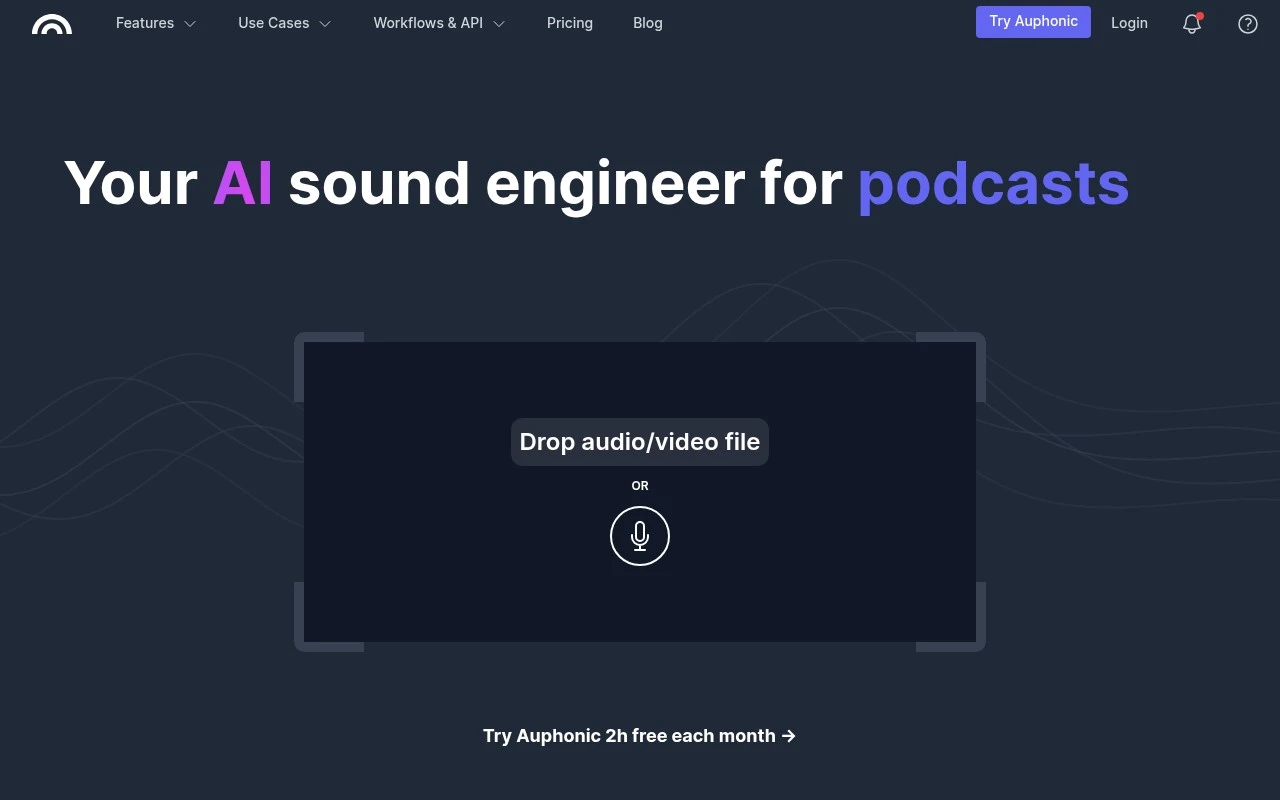
When an interview episode comes back with uneven guest levels, Auphonic helps turn the raw conversation into consistent, publish-ready audio without rebuilding the mix by hand. It is an automated spoken-word post-production tool, which makes it a strong fit for podcast teams that need repeatable episode finishing, especially shows with multiple speakers. Less suited to editors who need frame-level video editing or full DAW-style control because Auphonic focuses on automated audio processing and delivery preparation.

View Auphonic

FYAI Score

8.5 / 10

FYAI rating based on features, pricing and integrations

Usage-based

Podcasters and production teams editing voice recordings at scale

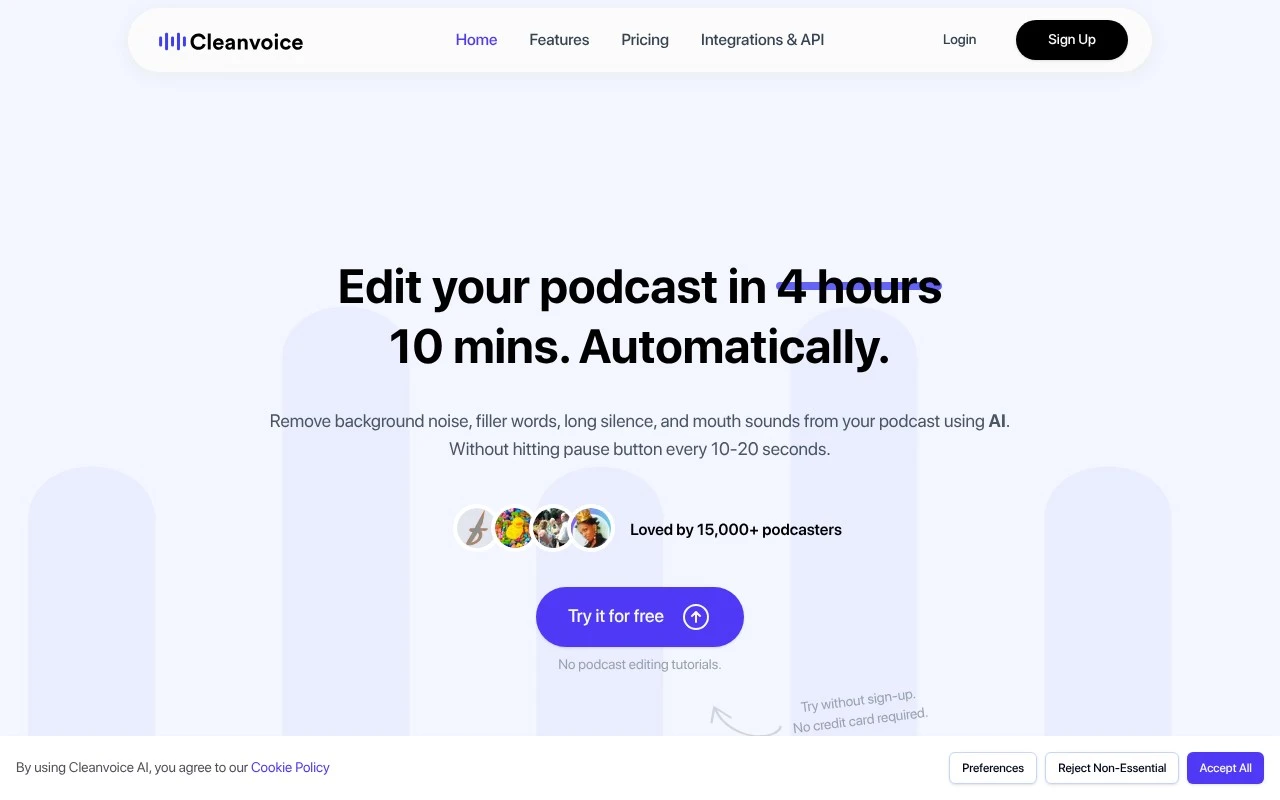
Cleanvoice AI differs by focusing tightly on spoken-audio cleanup rather than broader creative production. It is strong for podcast editing because it automates repetitive cleanup work such as filler-word removal and noise reduction, making it a good fit for podcasters and production teams handling recurring episodes. Less suited to teams that need full creative audio production because it is built for cleanup and podcast post-production rather than detailed mixing or sound design.

View Cleanvoice AI

FYAI Score

8.2 / 10

FYAI rating based on features, pricing and integrations

Paid

Podcasters and agencies producing and promoting multiple shows

A single workspace for post-production and promotion makes Podsqueeze worth considering for podcast editing, especially when each episode needs cleanup and usable written assets after the recording. It is a podcast post-production and promotion workspace, not a traditional editor, so it fits agencies and producers managing multiple shows who want AI-assisted audio enhancement and organized episode transcripts in one place. Less suited to creators who need deep manual production control because Podsqueeze is built around AI-assisted podcast workflows rather than replacing a dedicated audio editor or video editing suite.

View Podsqueeze

FYAI Score

8.2 / 10

FYAI rating based on features, pricing and integrations

How to choose

  • Recording Versus Editing Focus

    Decide whether you need remote capture, post-production cleanup, or both, because interview recording and finished episode editing are different workflow demands.

  • Spoken-Word Cleanup Quality

    Look at how well the tool handles filler words, silences, background noise, mouth sounds, and uneven speakers, since podcast editing is usually about intelligibility and flow.

  • Transcript-Based Editing

    If your team edits by content rather than waveform, check whether text edits map cleanly to the audio and whether review comments or collaboration fit your process.

  • Loudness And Mastering Control

    For consistent releases, judge whether the tool can level speakers, control loudness, and export audio that is ready for podcast hosting platforms.

  • Repurposing Outputs

    If episodes feed clips, show notes, summaries, or promotional assets, choose tools that reduce the extra production work after the main edit is complete.

Best for:

This page is for independent podcasters, remote interview hosts, audio producers, and agencies managing repeatable episode workflows. It also suits creators who need consistent sound and faster publishing without building a full studio process. Less suited to music engineers, fiction sound designers, or broadcasters who need deep manual mixing in a traditional DAW.

FAQ

Frequently asked
questions

Common questions about choosing the right tool,
comparing options, and getting started.

What is the best AI tool for podcast editing?

Choose based on your workflow, not a universal winner. Compare recording needs, transcript editing, cleanup quality, mastering control, and publishing support on this page.

Are there free podcast editing software options?

Yes, some AI podcast editing tools offer free or freemium access. Free options are useful for trials and light workflows, while heavier production may need paid or usage-based access.

Can AI podcast editing software replace Audacity?

It can replace Audacity for many spoken-word podcast workflows, especially cleanup, transcript-based edits, and publish-ready processing. Traditional editors still suit people who want detailed manual control over every track.

Do I still need podcast equipment or a podcast microphone with AI editing tools?

Yes, good input quality still matters. AI editing can improve recordings, but a decent microphone and quiet recording setup give the tools better audio to work with.

Every tool on FindyourAI is scored on the same independent criteria, not on who pays. We may earn a commission if you sign up through our links, at no cost to you.