Curated ToolThis tool is part of our curated AI directory. We only include tools that meet our standards for relevance, usability and real-world value.

Auphonic

Cleans and normalizes audio, mixes tracks, and generates transcripts

Audio SummarizationPodcast Editing
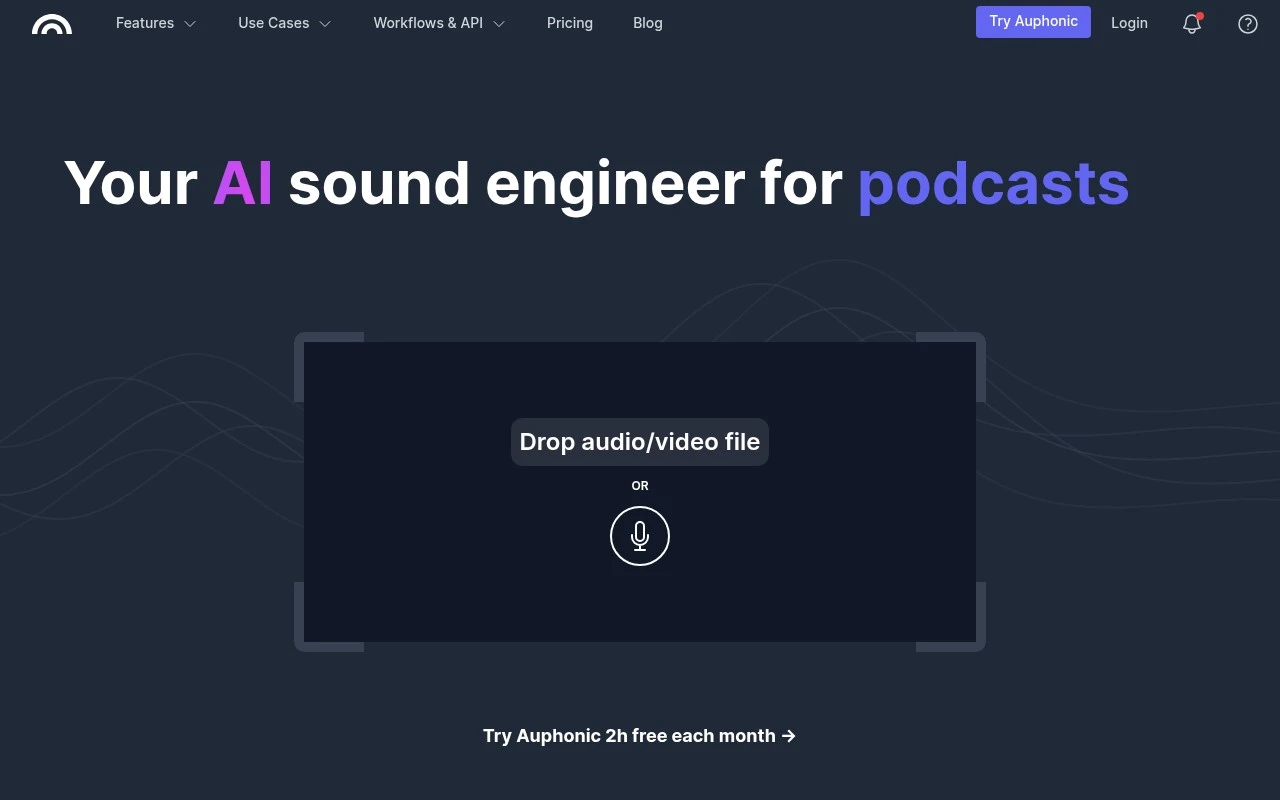
Auphonic is an automatic audio post-production web service positioned as an AI sound engineer for podcasts, education videos, audiobooks, radio broadcasts, and other spoken-word media. It focuses on making recordings sound consistent and publish-ready by combining audio cleanup, leveling, loudness compliance, multitrack processing, speech-to-text, metadata, and distribution automation.

FYAI Score

8.5 / 10

Based on 10 reviews

Pricing:

Freemium

Best for:

Podcasters and audio producers who need consistent, publish-ready sound

Score Breakdown

  • Ease of use8.6 / 10
  • Features9.0 / 10
  • Pricing7.8 / 10
  • Integrations9.2 / 10
  • Support8.0 / 10

PRODUCT PREVIEW

What this AI tool does

Auphonic is an audio post-production tool designed to help creators and teams improve the quality and consistency of recorded speech. It’s commonly used for podcasts, interviews, voiceovers, lectures, and other spoken-word content where clear levels and clean sound matter. The tool focuses on automating routine editing tasks that can be time-consuming when done manually, such as balancing loudness and reducing common audio issues. This can make it easier to prepare recordings for publishing while keeping results consistent across episodes or projects. Auphonic can fit into different workflows, from quick processing of a single file to repeatable setups for ongoing production. It’s useful for anyone who wants a more predictable audio finish without needing to spend extensive time in a full audio editor.

Use cases

Best for

Podcast Editing

Auphonic levels speech, normalizes loudness to standards, and outputs publish ready files with chapters and metadata for podcasts.

Transcribe Audio

Generate speech to text transcripts from uploaded audio and export them for captions, notes, or searchable archives.

Remove Noise

Reduce background noise, hum, and room reverb by applying Auphonic’s automatic audio cleanup during post production.

ANALYSIS

Strengths & limitations

Strengths
  • Covers many post-production steps in one workflow, including denoising, leveling, EQ, loudness specs, cutting, transcription, chapters, and exports.
  • Supports automation through integrations, watch folders, Zapier, API, CLI, external services, and direct publishing options.
  • Useful for non-engineers because core audio processing is automated and does not require compressor or mastering knowledge.
Limitations
  • The free tier is limited to 2 hours of audio per month and free productions include a jingle.
  • Some workflow automation features, such as batch productions and watch folders, are reserved for premium users.
  • It is primarily a post-production and publishing automation service, not a full creative audio editor or DAW replacement.

Evaluation

FYAI score breakdown

Our structured evaluation across five key criteria

8.5 / 10

Overall score

Based on 10 reviews

  • Ease of use8.6 / 10
  • Features9.0 / 10
  • Pricing7.8 / 10
  • Integrations9.2 / 10
  • Support8.0 / 10

What users say

Findings from public reviews, documentation and community sources.

  • Ease of use

    A Reddit r/audiodrama user described Auphonic as a site/app that “basically automates all the cleanup work” for fresh podcast audio. G2 summarizes that users “consistently praise the ease of use and audio quality.”

  • Features

    Auphonic’s product page lists “Noise & Reverb Reduction,” an “Intelligent Leveler,” filler/cough/silence cutting, and multitrack processing. Auphonic’s product page also lists speech-to-text, shownotes, chapters, metadata, and audiograms.

  • Pricing

    The Auphonic pricing page lists a free plan with “2 h per month,” recurring credit tiers from 9h to 250h/month, and one-time credits from 5h to 3000h. The Auphonic pricing page notes that “One-Time Credits never expire.”

  • Integrations

    Auphonic’s product page lists automatic publishing to “YouTube, Libsyn, PodBean, Soundcloud, Facebook,” plus common file-transfer services. Auphonic’s product page also lists “Watch folders,” “Zapier,” an “API & CLI,” external service integrations, and white-label API customization.

  • Support

    The Auphonic pricing page lists Basic, Standard, and Priority support, with higher-tier plans adding priority processing/support. The Auphonic product and pricing pages include FAQs.

Who is this for?

Best for podcast creators who want automated post-production, a Reddit r/audiodrama user described Auphonic as a site/app that “basically automates all the cleanup work” for fresh podcast audio. Best for workflows that publish or hand off files across tools, Auphonic’s product page lists automatic publishing to “YouTube, Libsyn, PodBean, Soundcloud, Facebook,” plus “Zapier” and an “API & CLI.” Less suited to users who need unlimited free processing, the pricing page lists a free plan with “2 h per month,” so higher-volume use has to fit recurring credit tiers or one-time credits.

PRODUCT PREVIEW

Feature highlights

Auto leveling

Balances voices and music for consistent volume across your audio.

Loudness compliance

Meets podcast and broadcast loudness targets for every platform.

Workflow automation

Add metadata and deliver files to hosting and storage automatically.

COMPARE

Discover curated alternatives worth comparing

Compare similar AI tools based on features, pricing and use cases

7.4/ 10Based on 30 reviews

Zencastr

Podcast Editing
Edits audio/video via text, transcribes, and makes social clips
Best for:
Audio & podcast creators
Pricing
Freemium

8.5/ 10Based on 16 reviews

Wondercraft

Short-form VideoVideo Editing
Turns text or audio into editable AI-generated videos and audio
Best for:
Video creators
Pricing
Freemium

8.6/ 10Based on 130 reviews

Wellsaid

AI Voiceover
Generates realistic AI voiceovers from scripts with voice controls
Best for:
Audio & podcast creators
Pricing
Paid only

Join creators who publish cleaner, louder, more consistent audio in minutes. Start polishing your podcast sound with Auphonic today.

FAQ

Frequently asked
questions

Everything you need to know about this AI tool,
its features, pricing, use cases, and limitations.

Is Auphonic a good fit for my use case?
This tool is designed for clearly defined workflows where consistency and speed matter. It performs best when the use case matches its core functionality. Testing against real tasks is recommended before adoption.
Is Auphonic free, and what do paid plans include?
Most tools provide a limited free tier or trial. Paid plans usually increase usage limits and unlock advanced features. Pricing should be reviewed before production use.
How does Auphonic compare to similar tools?
It focuses on a specific workflow with predictable output. Alternatives may differ in pricing, integrations, or flexibility. Comparing based on your primary use case is advised.
How quickly can I get started with Auphonic?
Limitations often relate to customization depth or usage caps. Some outputs may still require human review. Understanding these limits early prevents surprises.
How does Auphonic handle data and privacy?
Data handling depends on the provider’s policies and infrastructure. Users should review retention and privacy terms carefully. Sensitive data should be handled with caution.