
Curated ToolThis tool is part of our curated AI directory. We only include tools that meet our standards for relevance, usability and real-world value.
Speechify
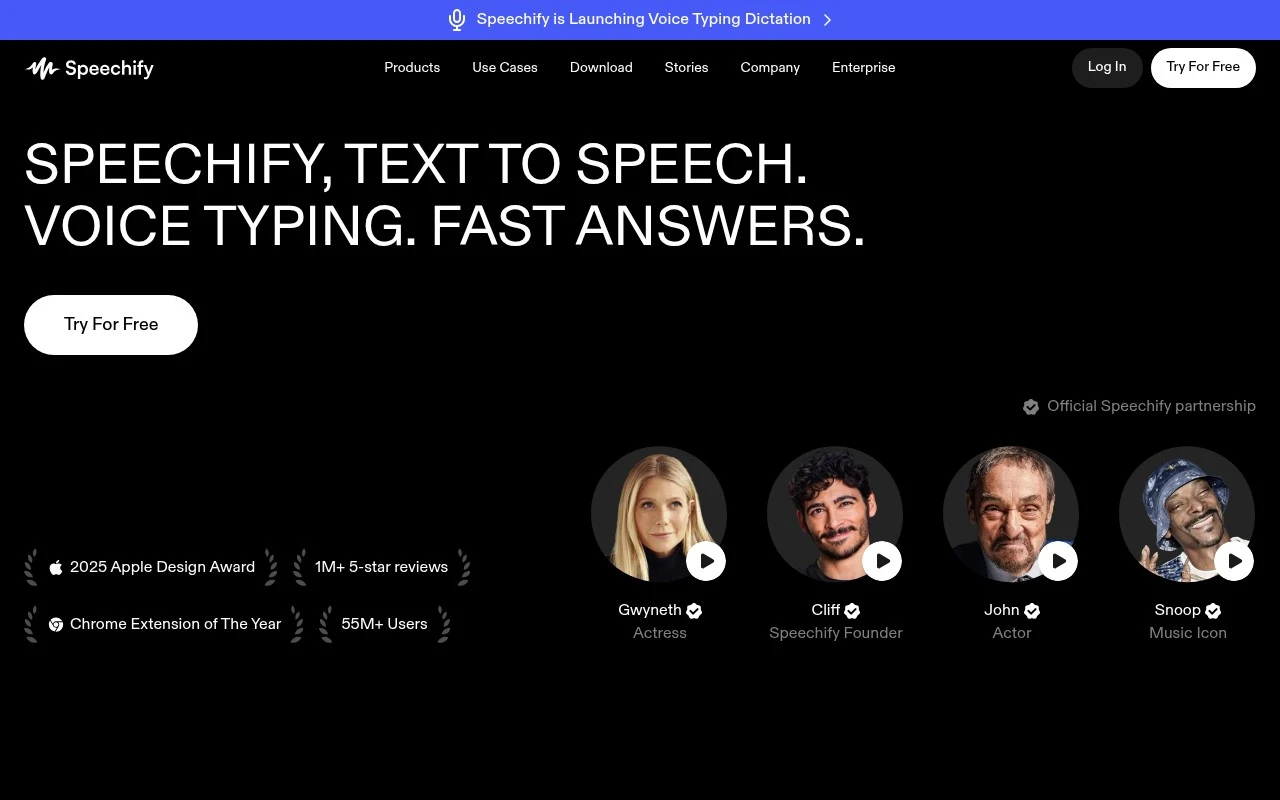
Speechify is a text-to-speech platform that converts written content such as documents, web pages, PDFs, and emails into natural-sounding audio. It is used for listening to reading materials across web, mobile, and browser extensions.
Speech to Text
FYAI Score
7.8 / 10
Based on 6,633 reviews
Pricing:
Freemium
Best for:
Students and busy readers who want to listen to documents anywhere
Score Breakdown
- Ease of use7.8 / 10
- Features8.3 / 10
- Pricing7.2 / 10
- Integrations7.7 / 10
- Support7.7 / 10
 | Strengths |
-
 Strong fit for students, professionals, and accessibility-focused readers because it can read PDFs, documents, books, web pages, and scanned text aloud across devices.
 -
Useful for multitasking and auditory learning because lifelike AI voices turn long reading material into listenable content.
-
Broader than basic text-to-speech because it also supports voice typing, document questions, summaries, meeting notes, podcasts, quizzes, and voice-created documents.
 | Limitations |
-
 Less suitable for teams that need a full document collaboration or knowledge management system because Speechify is primarily built around voice-based reading, writing, and document interaction.
 -
The freemium model can limit heavy users because higher-volume listening, advanced voices, or productivity features may require a paid plan.
-
Less suitable for highly sensitive document workflows without an internal privacy review because using cross-device voice and document features can involve uploading or processing private content.
 | 7.9/ 10Based on 740 reviews |
Fyxer
Meeting NotesEmail Assistant
Triages email, drafts replies, and summarizes meeting actions
Best for: | Sales teams |
Pricing | Paid |
 | 8.5/ 10Based on 23 reviews |
Cartesia
AI Voiceover
Adds AI speech, streaming transcription, and voice agents
Best for: | Software developers |
Pricing | Freemium |
 | 8.2/ 10Based on 215 reviews |
Synthflow
Voice & Audio
Automates phone calls, follows logic, and connects systems
Best for: | Customer support teams |
Pricing | Paid only |