Curated ToolThis tool is part of our curated AI directory. We only include tools that meet our standards for relevance, usability and real-world value.
Sonix
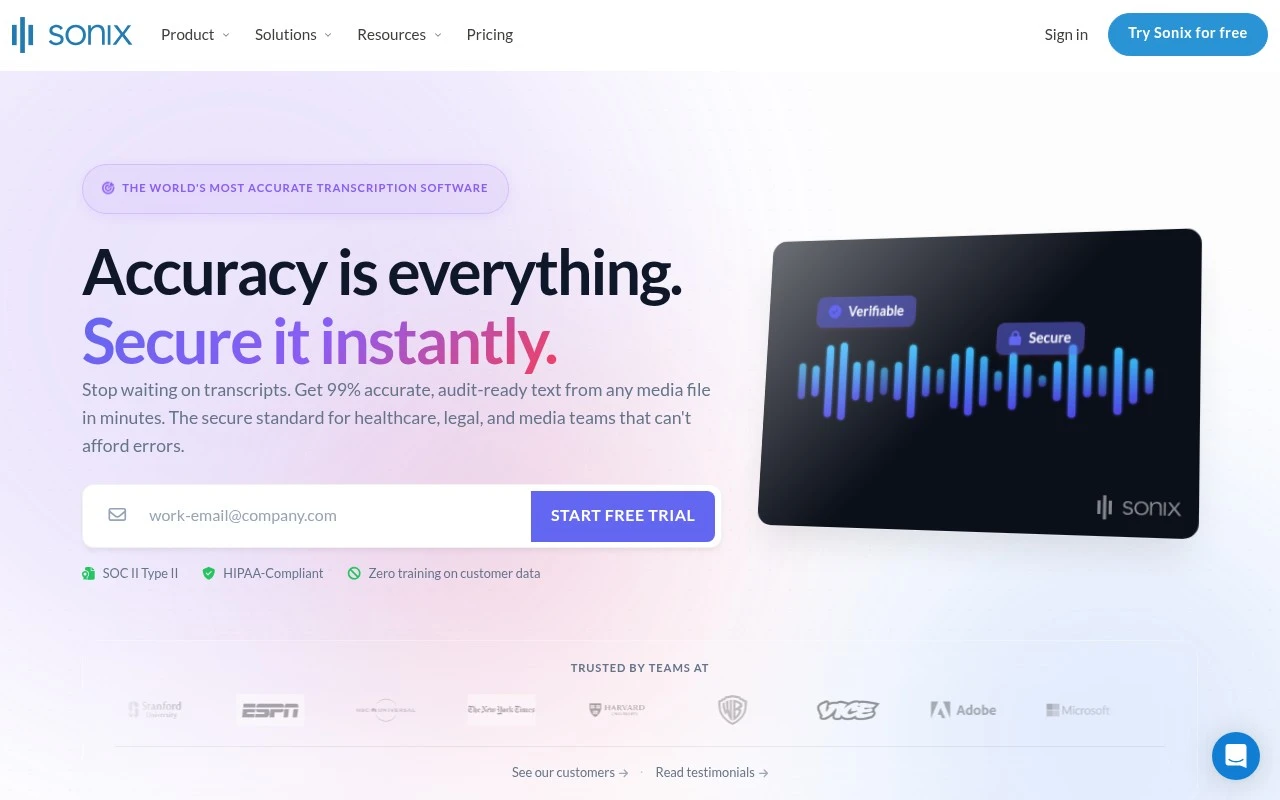
Sonix is an AI transcription platform used to transcribe audio and video files into searchable, editable text. It also supports subtitle creation and transcript translation for media workflows.
Meeting NotesSummarization
FYAI Score
9.1 / 10
Based on 1,122 reviews
Pricing:
Usage-based
Best for:
Podcasters, journalists, and video teams turning recordings into text
Score Breakdown
- Ease of use9.2 / 10
- Features9.0 / 10
- Pricing8.9 / 10
- Integrations9.0 / 10
- Support9.2 / 10
 | Strengths |
-
 Best suited to teams that need transcripts, subtitles, and translations in one workflow because it combines speaker identification, timestamps, captions, and multilingual transcript outputs.
 -
Useful for research, media, legal, and enterprise teams because transcript organization, search, summaries, action items, and sentiment analysis help turn recordings into structured knowledge.
-
Strong fit for organizations with governance requirements because it supports security and administration features such as encryption, SSO, permissions, API access, SOC 2, and HIPAA-related workflows.
 | Limitations |
-
 Less predictable for high-volume recording teams because usage-based pricing means costs grow with the amount of audio and video processed.
 -
Less suitable for workflows that require certified human transcription by default because Sonix is primarily an AI transcription platform and important outputs still need review.
-
Less suitable for teams that only need occasional simple dictation because its transcript management, integrations, analytics, and enterprise controls can be more workflow than they need.
Feature highlights
AI Transcription
Fast, accurate transcripts with speaker labels and timestamps.
Subtitles & Translate
Create captions and translations for global audiences.
Enterprise Security
SOC 2, encryption, SSO, permissions, and API access.
Compared in


 | 7.9/ 10Based on 740 reviews |
Fyxer
Meeting NotesEmail Assistant
Triages email, drafts replies, and summarizes meeting actions
Best for: | Sales teams |
Pricing | Paid |
 | 8.5/ 10Based on 23 reviews |
Cartesia
AI Voiceover
Adds AI speech, streaming transcription, and voice agents
Best for: | Software developers |
Pricing | Freemium |
 | 8.2/ 10Based on 215 reviews |
Synthflow
Voice & Audio
Automates phone calls, follows logic, and connects systems
Best for: | Customer support teams |
Pricing | Paid only |