
Curated ToolThis tool is part of our curated AI directory. We only include tools that meet our standards for relevance, usability and real-world value.
Otter.ai
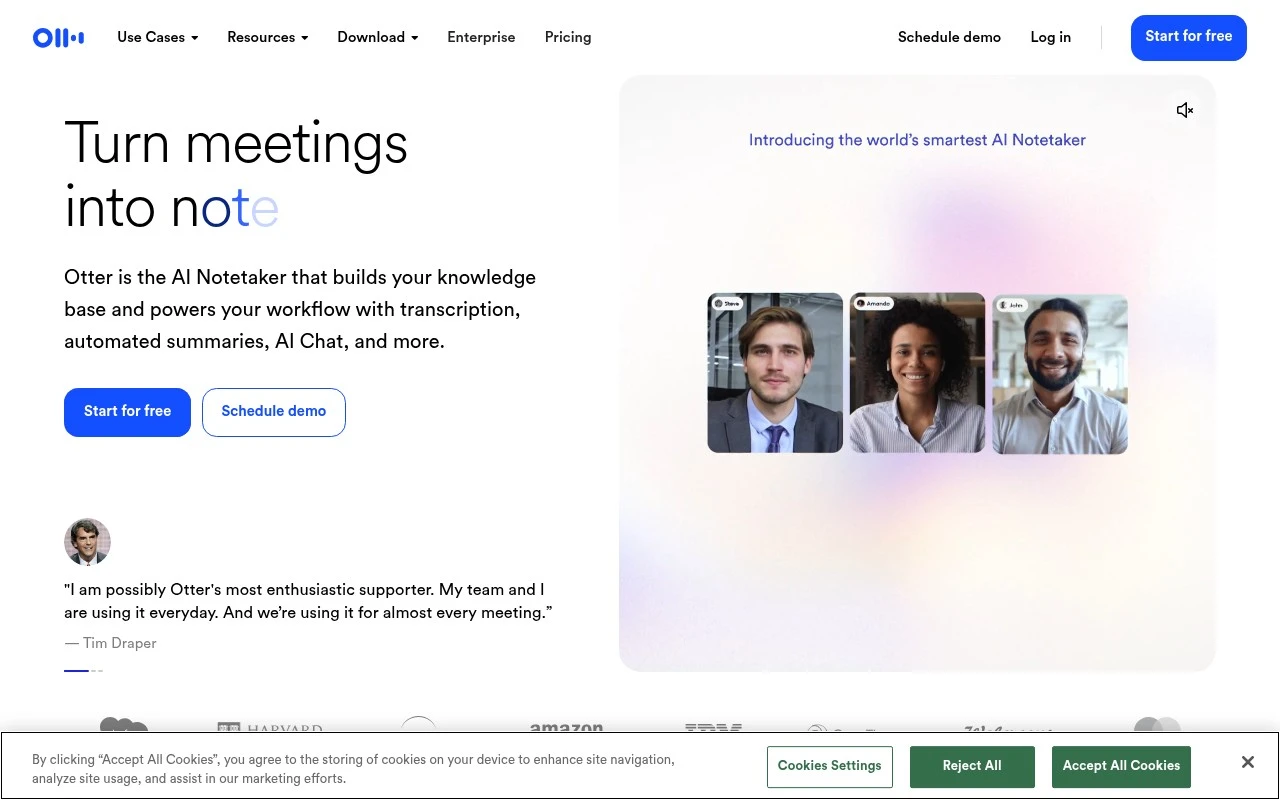
Otter.ai is an AI meeting assistant that records and transcribes conversations from meetings, interviews, and lectures, then generates searchable notes, summaries, and action items.
Meeting NotesSpeech to Text

FYAI Score
7.9 / 10
Based on 562 reviews
Pricing:
Freemium
Best for:
Teams that need searchable meeting notes and follow-ups
Score Breakdown
- Ease of use7.2 / 10
- Features7.7 / 10
- Pricing8.4 / 10
- Integrations9.2 / 10
- Support7.4 / 10
 | Strengths |
-
 Best suited to meeting-heavy teams because it turns live conversations into searchable transcripts, summaries, decisions, and action items without relying on manual note-taking.
 -
Useful across office, remote, and field workflows because it can capture meetings through an AI notetaker, desktop or browser recording, and mobile recording.
-
Strong fit for teams building reusable meeting knowledge because AI chat can answer questions across past meetings and connected workplace context.
 | Limitations |
-
 Less suitable for teams that only need occasional simple dictation because Otter.ai is designed around meetings, collaboration, and follow-up knowledge rather than lightweight one-off transcription.
 -
Heavy users should expect the freemium model to push higher-volume transcription, team workflows, and advanced controls into paid usage.
-
Teams with strict privacy or compliance requirements need clear recording consent and data-retention practices because Otter.ai captures spoken conversations and makes them searchable across meeting history.
 | 7.9/ 10Based on 740 reviews |
Fyxer
Meeting NotesEmail Assistant
Triages email, drafts replies, and summarizes meeting actions
Best for: | Sales teams |
Pricing | Paid |
 | 8.5/ 10Based on 23 reviews |
Cartesia
AI Voiceover
Adds AI speech, streaming transcription, and voice agents
Best for: | Software developers |
Pricing | Freemium |
 | 8.2/ 10Based on 215 reviews |
Synthflow
Voice & Audio
Automates phone calls, follows logic, and connects systems
Best for: | Customer support teams |
Pricing | Paid only |