Curated ToolThis tool is part of our curated AI directory. We only include tools that meet our standards for relevance, usability and real-world value.

Deepgram

API for speech-to-text, text-to-speech, and voice agents

Meeting NotesSpeech to Text
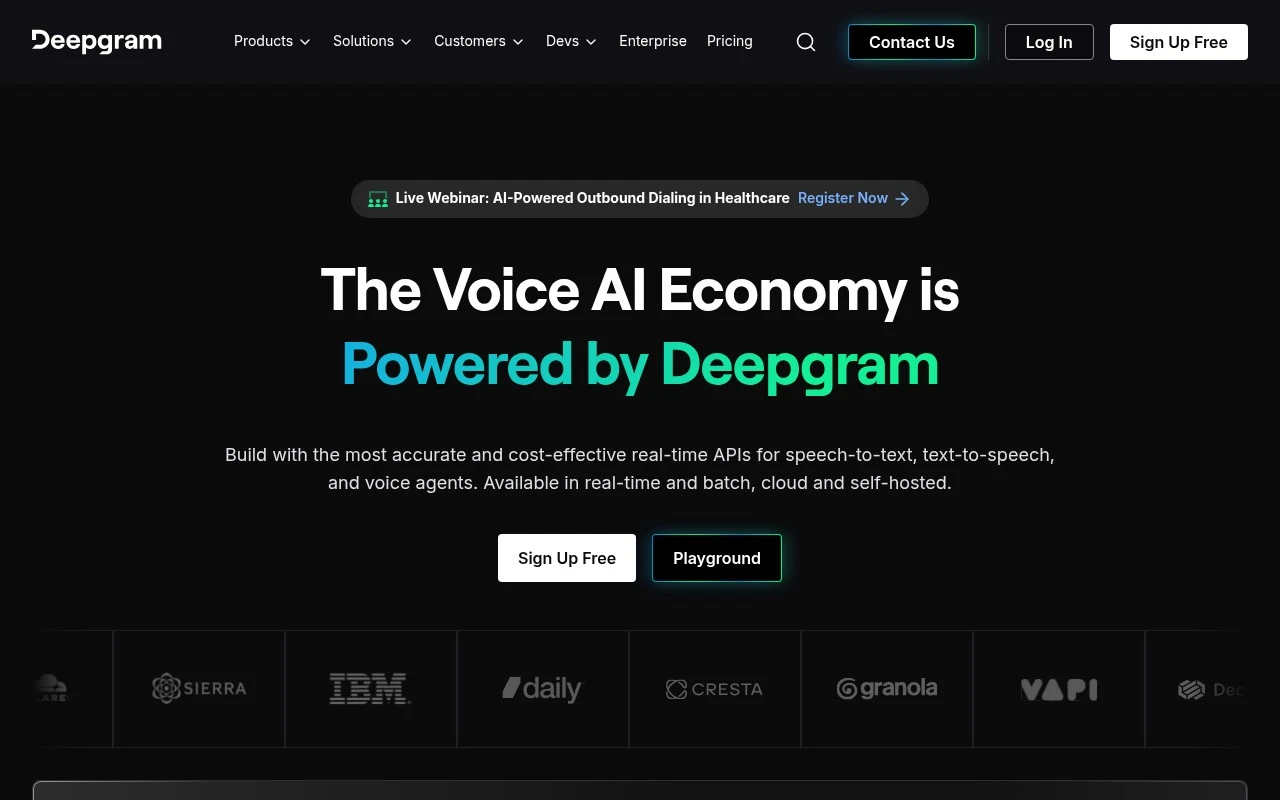
Deepgram is a voice AI infrastructure provider focused on API-based speech capabilities. Its product set includes speech-to-text, text-to-speech, audio intelligence, and a Voice Agent API that unifies transcription, speech generation, and LLM orchestration for conversational voice applications. The platform is positioned for teams that need scalable, real-time voice AI rather than a standalone end-user transcription app.

FYAI Score

8.5 / 10

Based on 446 reviews

Pricing:

Freemium

Best for:

Developers building real-time speech and voice agent apps

Score Breakdown

  • Ease of use7.5 / 10
  • Features8.8 / 10
  • Pricing9.3 / 10
  • Integrations8.3 / 10
  • Support9.1 / 10

PRODUCT PREVIEW

What this AI tool does

Deepgram is an AI tool focused on turning spoken audio into usable text and structured information. It’s commonly used when you need to work with recordings—such as calls, meetings, interviews, podcasts, or voice notes—and want a reliable way to search, review, or analyze what was said without listening to everything end to end. In practice, it helps teams and developers integrate speech processing into their workflows, whether that means generating transcripts, extracting key moments, or feeding text into downstream systems for reporting and analysis. It can be used in real-time scenarios or with pre-recorded files, making it suitable for both live applications and back-office processing. For informational use, it’s helpful to think of deepgram as a building block for speech-to-text and audio understanding: you provide audio, and it returns text and related outputs that can be stored, indexed, or combined with other tools. The exact setup depends on your environment and requirements, but the goal is consistent—making spoken content easier to access and work with.

Use cases

Best for

Transcribe Audio

Send live or recorded audio to Deepgram’s speech to text API to get timestamped transcripts and speaker diarization.

Text to Speech

Use Deepgram’s text to speech API to synthesize natural sounding speech audio from text with selectable voices and formats.

Agent Building

Build a conversational voice agent with the Voice Agent API that connects transcription, speech output, and LLM orchestration in real time.

ANALYSIS

Strengths & limitations

Strengths
  • Covers multiple voice AI building blocks, including STT, TTS, and voice agent APIs.
  • Supports real-time and batch use cases, with cloud and self-hosted deployment options stated on the official site.
  • The Voice Agent API is designed to reduce the need to stitch together separate STT, TTS, and orchestration components.
Limitations
  • Primarily API and infrastructure focused, so it is best suited to technical teams rather than non-technical users seeking a simple transcription interface.
  • Some enterprise, partner, custom model, or compliance-oriented needs may require sales engagement rather than simple self-service setup.
  • The official site emphasizes voice AI capabilities but does not provide enough detail in the supplied content to compare accuracy, latency, or pricing claims independently.

Evaluation

FYAI score breakdown

Our structured evaluation across five key criteria

8.5 / 10

Overall score

Based on 446 reviews

  • Ease of use7.5 / 10
  • Features8.8 / 10
  • Pricing9.3 / 10
  • Integrations8.3 / 10
  • Support9.1 / 10

What users say

Findings from public reviews, documentation and community sources.

  • Ease of use

    Deepgram's homepage offers "Sign Up Free" and a "Playground," and the homepage says the unified Voice Agent API reduces the need for "stitching together separate components." Deepgram is developer-oriented and API-based.

  • Features

    Deepgram's pricing page lists Speech-to-Text, Text-to-Speech, Voice Agent APIs, real-time and batch modes, cloud and self-hosted deployment, and Nova models with "45+ languages." Deepgram's pricing page also references speaker diarization, smart formatting, automatic language detection, and custom models.

  • Pricing

    Deepgram's pricing page lists a "$200 Credit" with "No minimums," "No expiration," and "No credit card required." Deepgram's pricing page lists pay-as-you-go per-minute and per-character rates for STT, TTS, and Voice Agent usage, while Enterprise and custom-model pricing go to sales contact.

  • Integrations

    n8n's Deepgram integration page says Deepgram can be connected through n8n to "1000+ apps and services." Deepgram's own positioning centers on a single API for STT, TTS, and LLM orchestration.

  • Support

    Deepgram's docs include API Reference, SDKs, guides, and "Ask AI Support." Deepgram's pricing page lists Community & Discord support for self-serve tiers and separate enterprise support.

Who is this for?

Best for teams building voice-agent or transcription workflows with engineering support. Deepgram provides Speech-to-Text, Text-to-Speech, Voice Agent APIs, real-time and batch modes, and a single API for STT, TTS, and LLM orchestration. Less suited to users who want a near-zero-learning-curve productivity app. Deepgram is developer-oriented and API-based, so setup work is part of using it. Less suited to buyers who need fully published enterprise or custom-model prices, Deepgram's pricing page moves Enterprise and custom-model pricing to sales contact.

PRODUCT PREVIEW

Feature highlights

Real-time Speech-to-Text

Stream low-latency transcription for calls, agents, and live audio.

Voice Agent API

Orchestrate speech, LLMs, and responses for conversational voice apps.

Audio Intelligence

Extract insights from audio with detection, labeling, and analysis.

COMPARE

Discover curated alternatives worth comparing

Compare similar AI tools based on features, pricing and use cases

7.4/ 10Based on 30 reviews

Zencastr

Podcast Editing
Edits audio/video via text, transcribes, and makes social clips
Best for:
Audio & podcast creators
Pricing
Freemium

7.8/ 10Based on 31 reviews

Wudpecker

Meeting NotesSummarization
Turns meeting recordings into notes, summaries, and action items
Best for:
Knowledge workers
Pricing
Freemium

8.5/ 10Based on 16 reviews

Wondercraft

Short-form VideoVideo Editing
Turns text or audio into editable AI-generated videos and audio
Best for:
Video creators
Pricing
Freemium

Turn audio and video into reliable text in minutes. See why teams choose Deepgram to ship faster, improve accessibility, and keep workflows moving.

FAQ

Frequently asked
questions

Everything you need to know about this AI tool,
its features, pricing, use cases, and limitations.

What types of teams and workflows is Deepgram a good fit for?
Deepgram tends to fit product teams and operations groups that need high-volume transcription, real-time captions, or speech-to-text embedded into apps via API. It’s also a practical choice for call analytics and meeting documentation where turnaround time matters. If you mainly need occasional, one-off transcripts with minimal setup, simpler upload-and-transcribe tools may be easier.
Does Deepgram have a free plan, and what are the main limitations compared to paid usage?
Deepgram typically offers a free tier or free credits for trying the API, but it’s meant for evaluation rather than ongoing production workloads. Limits commonly show up as usage caps, fewer features, or restricted access to certain models and add-ons. For sustained volume, you’ll usually need a paid plan with predictable billing and higher throughput.
How does Deepgram compare with alternatives like AssemblyAI, Google Speech-to-Text, or AWS Transcribe?
Deepgram is often chosen for real-time streaming transcription and developer-focused integration, while cloud suites like Google or AWS can be attractive if you’re already standardized on their ecosystems. AssemblyAI may be competitive for specific post-processing features, depending on your pipeline. The deciding factors are usually latency, accuracy on your audio domain, pricing at your expected volume, and how much control you need over models and customization.
How quickly can a team get Deepgram running, and what onboarding effort should you expect?
Results can vary with noisy audio, overlapping speakers, or poor microphones, so you may need to invest in capture quality or post-review for critical use cases. Some users find the API-centric workflow less convenient than fully managed “upload and edit” transcription products. Costs can also rise with high volumes or add-on features, so it’s worth modeling expected usage.
What should I know about data handling, privacy, and compliance when using Deepgram?
Before committing, confirm what data is stored, for how long, and whether audio/transcripts are used to improve models by default or only with explicit opt-in. Check for enterprise controls such as data retention settings, access controls, and available compliance documentation (e.g., SOC 2) that match your requirements. If you handle regulated data, validate region options and contract terms (like a DPA) with Deepgram rather than assuming defaults.