Curated ToolThis tool is part of our curated AI directory. We only include tools that meet our standards for relevance, usability and real-world value.

Stability AI

Generates and edits images from prompts, including upscaling.

AI Image GeneratorPhoto Editing
Stability AI’s Stable Image offering is a set of image generation models and editing services centered on Stable Diffusion 3.5, Stable Diffusion XL, and SDXL Turbo. It supports text-to-image generation, image editing, upscaling, and image variation workflows through API access, self-hosted licensing, cloud partner deployment, and a web-based creative platform called Stable Assistant.

FYAI Score

8.0 / 10

Based on 30 reviews

Pricing:

Paid only

Best for:

Developers and creative teams building generative image workflows

Score Breakdown

  • Ease of use7.4 / 10
  • Features9.0 / 10
  • Pricing7.7 / 10
  • Integrations8.6 / 10
  • Support7.2 / 10

PRODUCT PREVIEW

What this AI tool does

Stability AI is an AI tool focused on generating and transforming images from text prompts or existing visuals. It’s commonly used when you need quick concept art, design variations, or illustrative assets without starting from scratch, and it can also help with tasks like refining compositions or exploring different styles. The tool generally fits informational and creative workflows where you want to experiment, iterate, and compare outputs based on small prompt changes. Results can vary depending on the prompt and settings, so it’s often most effective when you treat it as a drafting and ideation aid rather than a final, guaranteed outcome. In practice, stabilityai is useful for designers, content creators, and teams who need a repeatable way to generate visual options and then select or edit the best result. As with most generative AI, it’s important to review outputs for accuracy, consistency, and any usage constraints tied to your project.

Use cases

Best for

Generate Images

Generate images from text prompts using Stability AI Stable Diffusion models via API, Stable Assistant, or self-hosted deployment.

Remove Background

Remove a background by editing an image with Stable Assistant or the API using inpainting and masking to replace the backdrop.

Upscale Image

Upscale image resolution using Stability AI upscaling services via API or Stable Assistant to increase size while preserving detail.

ANALYSIS

Strengths & limitations

Strengths
  • Offers multiple Stable Diffusion 3.5 variants, including Large for higher quality, Turbo for faster generation, and Medium for consumer hardware use.
  • Supports several deployment paths: self-hosted licensing, API integration, cloud partner access, and a web-based creative interface.
  • Includes a broad set of image editing APIs beyond generation, such as inpainting, outpainting, background removal, recoloring, relighting, upscaling, and control tools.
Limitations
  • The provided page does not include detailed pricing, rate limits, or licensing terms.
  • Some capabilities depend on the chosen model or access method, so users may need to evaluate Large, Turbo, Medium, API, or self-hosted options separately.
  • The page describes available tools and models at a high level but does not provide detailed performance benchmarks or implementation requirements.

Evaluation

FYAI score breakdown

Our structured evaluation across five key criteria

8.0 / 10

Overall score

Based on 30 reviews

  • Ease of use7.4 / 10
  • Features9.0 / 10
  • Pricing7.7 / 10
  • Integrations8.6 / 10
  • Support7.2 / 10

What users say

Findings from public reviews, documentation and community sources.

  • Ease of use

    Stability AI's Stable Image page says users can “start creating now with our web-based applications” and describes models that “use shorter prompts.” The same page also presents API, self-hosted, and licensing workflows.

  • Features

    Stability AI's Stable Image page lists Stable Diffusion 3.5 Large/Turbo/Medium with “versatile styles” and “market-leading prompt adherence.” The same page lists image editing and control options including inpaint, outpaint, remove background, and upscale.

  • Pricing

    Stability AI's pricing page states “API usage is based on credits” and “1 credit = $0.01.” The pricing page also references subscriptions and custom licensing.

  • Integrations

    Stability AI's Stable Image page says users can “deploy Stable Diffusion 3.5 on your own infrastructure,” “integrate it via our API,” use “Cloud Partners,” or access it through “web-based applications.”

  • Support

    G2 includes a Stability AI review snippet saying, “There isn't much official support,” and “community discussions and forums are helpful when I get stuck.”

Who is this for?

Best for creators and developers who want multiple deployment paths, Stability AI says users can deploy Stable Diffusion 3.5 on their own infrastructure, integrate it via API, use Cloud Partners, or use web-based applications. Less suited to users who want a simple single subscription workflow, Stability AI's pricing page uses credits for API usage at “1 credit = $0.01” and also references subscriptions and custom licensing. Less suited to users who need extensive official support, a G2 snippet says, “There isn't much official support,” while community discussions and forums are helpful.

PRODUCT PREVIEW

Feature highlights

Text-to-Image

Generate high-quality images with Stable Diffusion 3.5 and SDXL.

Edit & Variations

Inpaint, outpaint, and create variations to refine concepts fast.

API & Self-Hosting

Deploy via API, partners, or license for self-hosted control.

COMPARE

Discover curated alternatives worth comparing

Compare similar AI tools based on features, pricing and use cases

7.2/ 10Based on 2.027 reviews

Pixa

AI Image Generator
Edits and creates pixel art images with drawing and animation tools.
Best for:
Designers
Pricing
Freemium

8.2/ 10Based on 193 reviews

Uizard

UI/UX Design
Generates editable UI prototypes from prompts, screenshots, or sketche
Best for:
Product teams
Pricing
Freemium

8.2/ 10Based on 56.265 reviews

Topaz Labs

Image UpscalerPhoto Editing
AI upscales, denoises, sharpens, and restores photos and videos
Best for:
Designers
Pricing
Paid only

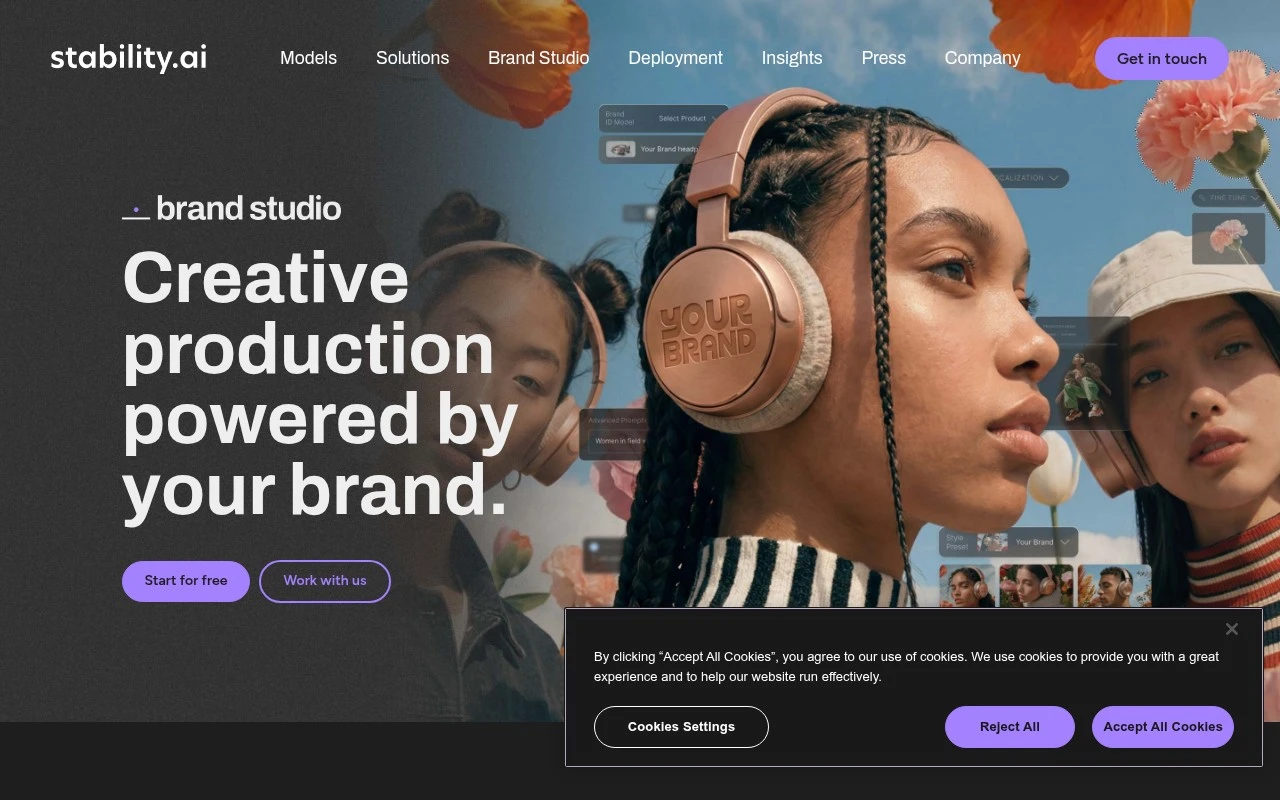
Create standout, on-brand visuals in minutes. See why creative teams choose Stability AI to move from concept to campaign-ready images faster.

FAQ

Frequently asked
questions

Everything you need to know about this AI tool,
its features, pricing, use cases, and limitations.

What types of teams and projects is Stability AI (Stable Image) a good fit for?
Stability AI is a strong fit for marketing teams and creative agencies that need fast concepting, campaign variants, social creatives, and background/asset generation. It works well when you can iterate on prompts and accept some post-editing in tools like Photoshop or Figma. If you need pixel-perfect brand compliance on the first pass or strict art-direction controls, you may want to compare it with more workflow-heavy design suites.
Is there a free option for Stability AI, and what are the typical limitations vs paid usage?
Access models vary by channel: some experiences offer limited free credits or trials, while full usage is usually metered via paid credits or API billing. Free tiers typically cap generations, resolution, or throughput, and may restrict commercial usage depending on the terms. Before committing, check whether your intended use (commercial campaigns, client work, volume generation) is covered under the plan you’re evaluating.
How does Stability AI compare with Midjourney, DALL·E, and Adobe Firefly for marketing image generation?
Compared with Midjourney, Stability AI often offers more flexibility for integration and customization, while Midjourney can be stronger for highly stylized outputs with a guided community workflow. Versus DALL·E, results can differ by prompt type; DALL·E may be more consistent for certain “literal” requests, while Stability AI can be attractive if you want more control through different model options and tooling. Against Adobe Firefly, Firefly is typically more tightly integrated into Adobe workflows and may be preferred where enterprise governance and brand workflows matter most.
How quickly can a team get started with Stability AI, and what onboarding effort should we expect?
Output quality can be inconsistent for complex compositions, and you may need manual refinement to meet strict brand standards. Real-time collaboration features are limited compared with design platforms built for multi-user workflows. You’ll also want to account for time spent on prompt iteration and QA when estimating cost savings.
What should we know about data handling, privacy, and compliance when using Stability AI?
Review whether prompts, uploaded inputs, and generated outputs are stored, logged, or used for service improvement, since this can vary by product surface and terms. For regulated or confidential work, prefer configurations that minimize data retention and avoid uploading sensitive brand assets unless you have clear contractual assurances. If you need formal compliance (e.g., DPA, SOC 2/ISO expectations), confirm what Stability AI provides and compare it with vendors that offer enterprise compliance packages.