
Curated ToolThis tool is part of our curated AI directory. We only include tools that meet our standards for relevance, usability and real-world value.
Sketch
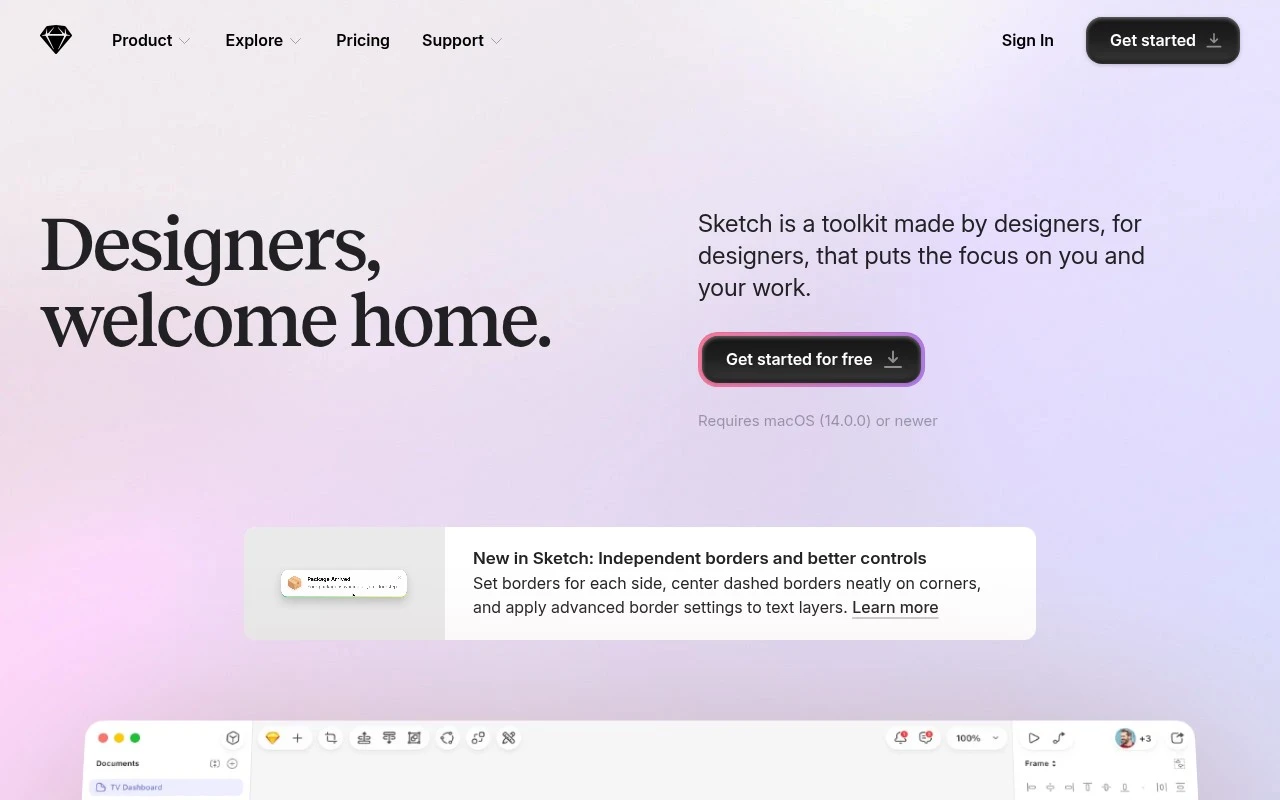
Sketch is a digital design platform for creating user interfaces, icons, and interactive prototypes. It provides vector editing, reusable components, shared libraries, collaboration, and developer handoff tools.
UI/UX DesignVector & Illustration
FYAI Score
8.2 / 10
FYAI rating based on features, pricing and integrations
Pricing:
Paid
Best for:
Product design teams building macOS-first UI and prototypes
Score Breakdown
- Ease of use8.4 / 10
- Features7.9 / 10
- Pricing8.4 / 10
- Integrations8.0 / 10
- Support8.3 / 10
 | Strengths |
-
 Best suited to macOS-based UI and product designers because it combines vector editing, layout, prototyping, and design system work in one native design workflow.
 -
Useful for design teams that need consistency because reusable components and shared workspaces help standardize interface patterns across projects.
-
Helpful for developer handoff because developers can inspect design files, review specifications, and export assets from the same workflow.
 | Limitations |
-
 Less suitable for Windows or Linux design teams because the core design app is native to macOS.
 -
Less suitable for buyers seeking AI-generated design because Sketch is focused on manual UI and product design workflows rather than AI-assisted production.
-
Less suitable for very small teams with minimal design volume because the paid model adds a recurring software cost for a specialized design workflow.
 | 8.4/ 10FYAI score |
Flora
AI Image GeneratorUI/UX Design
Designs, edits, and organizes visual assets with AI workflows
Best for: | Designers |
Pricing | Freemium |
 | 7.8/ 10FYAI score |
Reve
AI Image GeneratorBackground Edit
Creates, edits, and remixes images with prompts and drag-and-drop
Best for: | Designers |
Pricing |
 | 7.2/ 10FYAI score |
Pixa
AI Image Generator
Edits and creates pixel-art images in a visual canvas editor
Best for: | Designers |
Pricing | Freemium |