
Curated ToolThis tool is part of our curated AI directory. We only include tools that meet our standards for relevance, usability and real-world value.
Nano Banana Pro
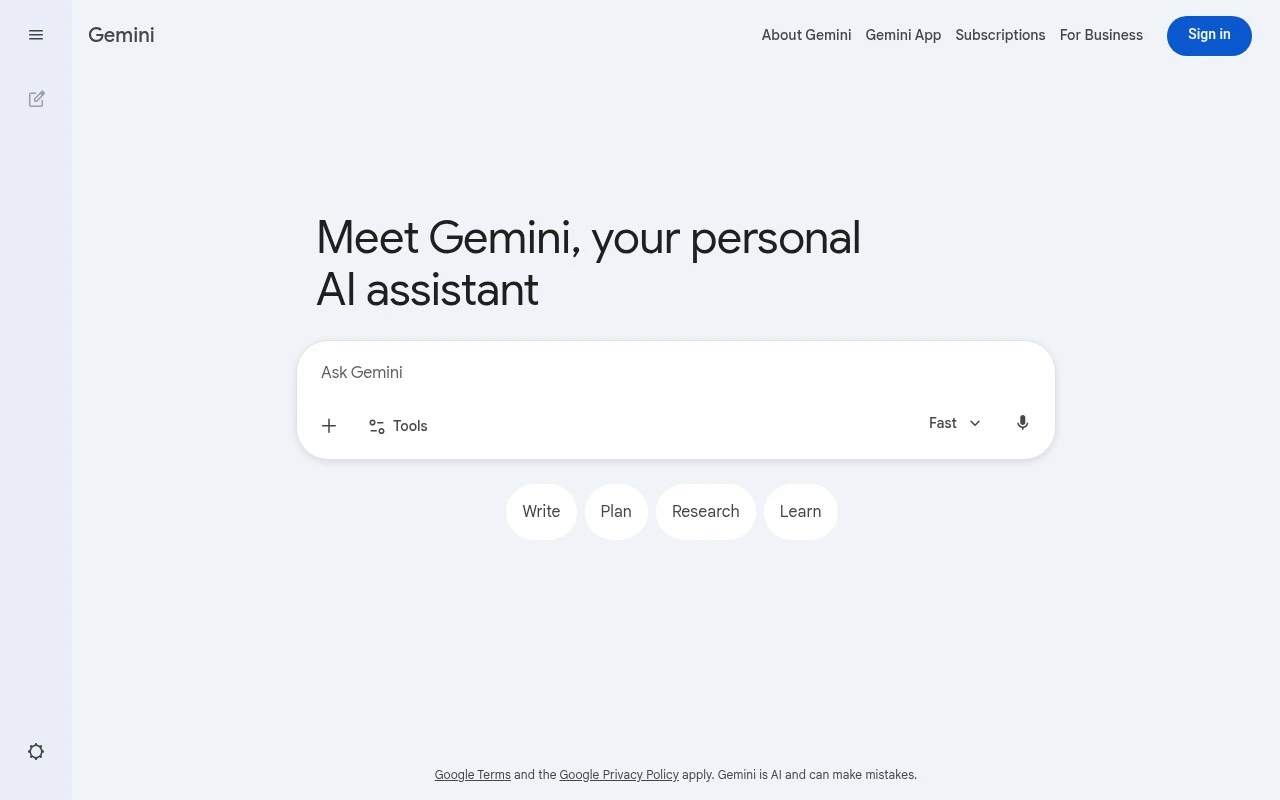
Nano Banana Pro is an AI image generation and editing tool built on Google’s Gemini 3 Pro Image model. It creates images from text prompts and supports targeted edits such as text rendering, style changes, background updates, and character-consistent modifications.
AI Image GeneratorPhoto Editing

FYAI Score
7.7 / 10
FYAI rating based on features, pricing and integrations
Pricing:
Freemium
Best for:
Creators and marketers producing on-brand images fast
Score Breakdown
- Ease of use7.7 / 10
- Features7.9 / 10
- Pricing7.3 / 10
- Integrations7.8 / 10
- Support7.5 / 10
 | Strengths |
-
 Best suited to Gemini users because image generation and editing are available through the same natural-language interface they already use.
 -
Useful for fast creative iteration because it can generate new images, edit uploaded photos, combine images, and apply styles from reference visuals.
-
Strong fit for social and marketing assets because it supports text placement, multilingual text handling, and resizing outputs for different formats.
 | Limitations |
-
 Less suitable for teams that need a standalone design workspace because Nano Banana Pro is presented as part of Gemini rather than as a separate end-to-end design app.
 -
Less suitable for buyers who want all usage included upfront because the freemium model can place higher-volume or Pro-level image work behind paid access.
-
Less suitable for precision production editing because prompt-based image changes do not replace detailed manual controls found in dedicated image-editing software.
 | 8.4/ 10FYAI score |
Flora
AI Image GeneratorUI/UX Design
Designs, edits, and organizes visual assets with AI workflows
Best for: | Designers |
Pricing | Freemium |
 | 7.8/ 10FYAI score |
Reve
AI Image GeneratorBackground Edit
Creates, edits, and remixes images with prompts and drag-and-drop
Best for: | Designers |
Pricing |
 | 7.2/ 10FYAI score |
Pixa
AI Image Generator
Edits and creates pixel-art images in a visual canvas editor
Best for: | Designers |
Pricing | Freemium |