Curated ToolThis tool is part of our curated AI directory. We only include tools that meet our standards for relevance, usability and real-world value.

Looka

Generates logos and brand assets from business and style inputs

Logo & Brand AssetsGraphic Design
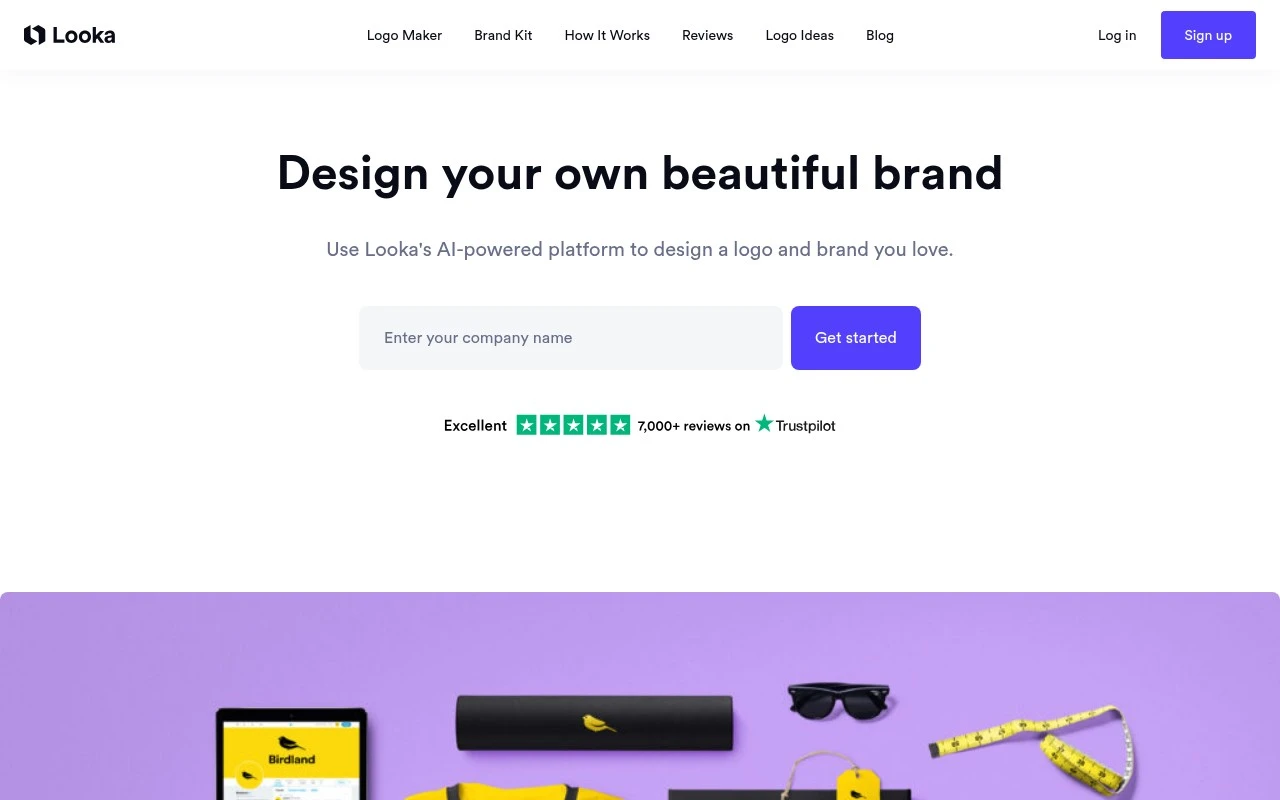
Looka is an AI-powered logo maker and branding platform. It helps users generate logo options, edit the selected design, and build a simple visual identity package for business use. It is mainly for people who need practical brand materials quickly rather than a fully custom design process.

FYAI Score

7.9 / 10

Based on 14.453 reviews

Pricing:

Paid only

Best for:

Founders and small teams needing a fast, usable brand identity

Score Breakdown

  • Ease of use8.3 / 10
  • Features7.1 / 10
  • Pricing7.9 / 10
  • Integrations7.2 / 10
  • Support9.0 / 10

PRODUCT PREVIEW

What this AI tool does

Looka is an AI-assisted design tool that helps people create brand visuals without needing advanced graphic design skills. It’s commonly used to generate logo concepts and explore different styles by adjusting inputs like your brand name, industry, and preferred look. After generating options, you can refine a chosen direction by tweaking elements such as colors, fonts, and layout to better match your brand identity. The tool is generally aimed at individuals and small teams who want a quick starting point for a logo and related branding assets, and it can be useful when you need ideas or a consistent visual direction before moving to more detailed design work.

Use cases

Best for

Create Logo

Use Looka to generate logo concepts from your name and style picks, then edit colors, fonts, and layout in the logo editor.

Design Templates

Use Looka to apply your logo and brand colors to ready-made templates for social posts, business cards, and letterheads.

Create Brand Assets

Use Looka to export a brand kit with logo files, color palette, and font suggestions for consistent use across materials.

ANALYSIS

Strengths & limitations

Strengths
  • Useful for non-designers who need logo ideas and brand assets quickly.
  • Combines logo generation with broader brand identity materials.
  • Well suited to early-stage businesses that need a simple visual identity before investing in custom design.
Limitations
  • Less suitable for businesses that need a highly original, strategy-led brand identity.
  • AI-generated logo options may require editing to avoid a generic look.
  • Current pricing, package contents, and downloadable asset details should be verified because the provided site scrape did not expose the live page content.

Evaluation

FYAI score breakdown

Our structured evaluation across five key criteria

7.9 / 10

Overall score

Based on 14.453 reviews

  • Ease of use8.3 / 10
  • Features7.1 / 10
  • Pricing7.9 / 10
  • Integrations7.2 / 10
  • Support9.0 / 10

What users say

Findings from public reviews, documentation and community sources.

  • Ease of use

    G2’s review summary says users “praise the user-friendly interface” and the ability to “quickly generate logo options based on preferences.” G2 lists Looka at 2.5/5 from 16 reviews.

  • Features

    Product Hunt describes Looka as offering an “extensive template” set for designing logos and building “brand identities quickly.” Reddit users describe Looka as useful for “quickly generating logo ideas.”

  • Pricing

    Looka’s pricing page snippet lists “3 logo design packages.” Third-party indexed pricing cites a $20 Basic Logo Package, and Looka help cites a $129/year Brand Kit plus website plan.

  • Integrations

    ApiX-Drive states “Integration Looka by API” and says it can link Looka to “311 available systems.”

  • Support

    Trustpilot shows Looka at 4.4/5 across 14,453 reviews. Trustpilot notes the company has “Replied to 81%” of reviews.

Who is this for?

Best for users who need logo options quickly, G2 says users can “quickly generate logo options based on preferences,” and Product Hunt says Looka helps build “brand identities quickly.” Less suited to teams that want a broad native integration ecosystem, ApiX-Drive states “Integration Looka by API” and says it can link Looka to “311 available systems,” so connectivity may depend on external automation coverage.

PRODUCT PREVIEW

Feature highlights

AI Logo Generator

Generate logo options from your style picks, name, and industry.

Easy Logo Editing

Tweak fonts, colors, icons, and layouts to match your brand.

Brand Kit Assets

Create matching brand colors, fonts, and ready-to-use files.

COMPARE

Discover curated alternatives worth comparing

Compare similar AI tools based on features, pricing and use cases

7.2/ 10Based on 2.027 reviews

Pixa

AI Image Generator
Edits and creates pixel art images with drawing and animation tools.
Best for:
Designers
Pricing
Freemium

8.2/ 10Based on 193 reviews

Uizard

UI/UX Design
Generates editable UI prototypes from prompts, screenshots, or sketche
Best for:
Product teams
Pricing
Freemium

8.2/ 10Based on 56.265 reviews

Topaz Labs

Image UpscalerPhoto Editing
AI upscales, denoises, sharpens, and restores photos and videos
Best for:
Designers
Pricing
Paid only

Join thousands of founders building a brand they’re proud of. Create a polished logo and cohesive identity in minutes with Looka.

FAQ

Frequently asked
questions

Everything you need to know about this AI tool,
its features, pricing, use cases, and limitations.

Who is Looka a good fit for, and when should I choose a different tool?
Looka works best for founders and small teams that need a logo and basic brand kit quickly without hiring a designer. It’s a practical choice if you’re comfortable starting from templates and iterating. If you need custom illustration, complex brand systems, or ongoing design work across many formats, a full design suite or a human designer will usually fit better.
Does Looka have a free option, and what do you actually pay for?
You can generate and preview logo concepts in Looka before paying, but exporting usable files typically requires a purchase. Paid options generally cover high-resolution downloads and, depending on what you choose, brand kit assets (like social headers and business card designs). If you only need a quick mockup for internal use, the preview stage may be enough; for real-world use, plan on paying for downloads.
How does Looka compare with Canva or Tailor Brands for branding work?
Looka is more focused on logo creation and a coordinated brand kit, while Canva is broader for ongoing marketing design and templates beyond the logo. Tailor Brands often bundles branding with business services, which can matter if you want an all-in-one package. If your priority is a logo-first workflow, Looka is competitive; if you need frequent content creation, Canva may be more efficient.
How fast can I get from signup to a usable logo in Looka?
Because Looka is template-driven, results can feel similar to other logos generated from the same design system. Customization is available, but it may not match the control you’d get in professional design tools or with a designer. Also, it’s primarily for logo and brand identity assets, so it won’t replace a full creative workflow.
What should I consider about data privacy and compliance when using Looka?
Assume the brand name, preferences, and any uploaded inputs you provide to Looka are processed and stored per its terms, so avoid submitting sensitive or regulated data. If you have compliance requirements (e.g., GDPR, vendor security reviews, or data residency), check Looka’s privacy policy, data retention practices, and any available DPA before committing. For client work, confirm who owns the final assets and what usage rights you receive with the purchased files.