
Curated ToolThis tool is part of our curated AI directory. We only include tools that meet our standards for relevance, usability and real-world value.
Figma
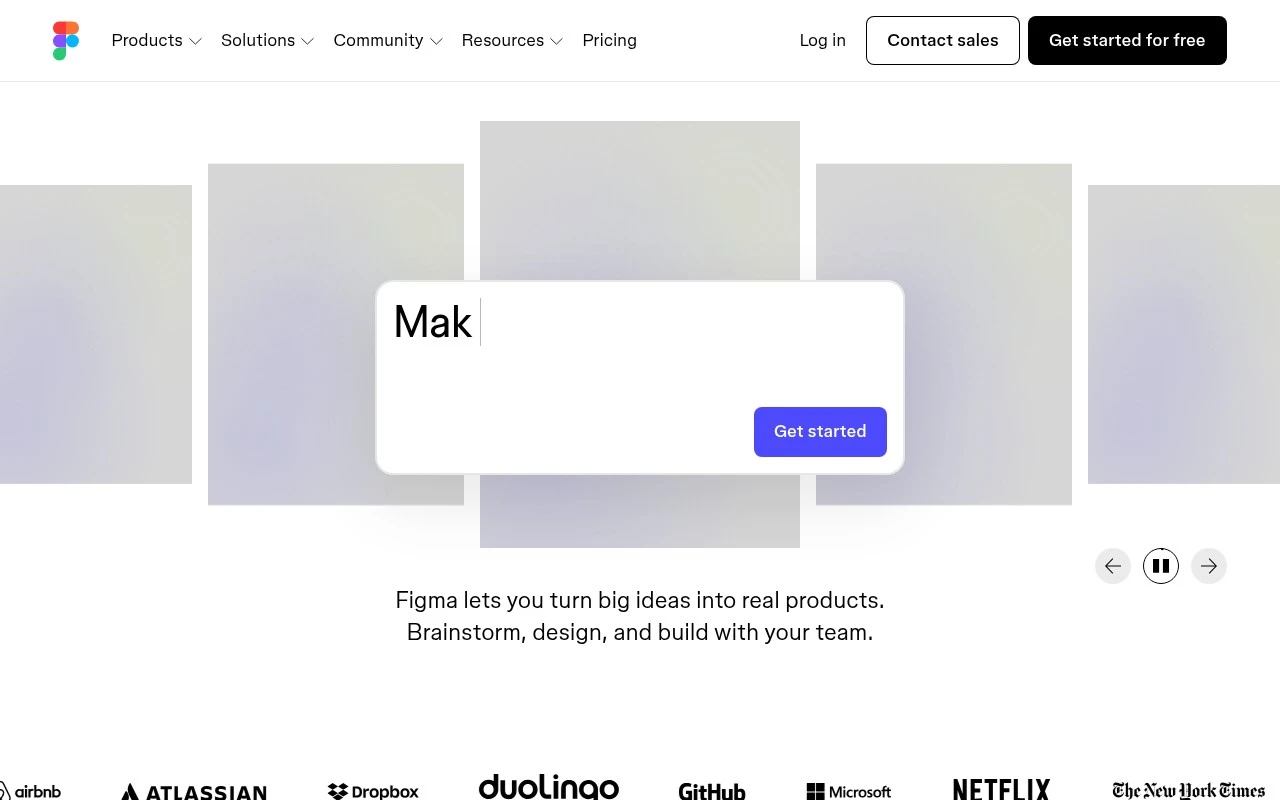
Figma is a cloud-based collaborative design tool for creating, prototyping, and sharing user interfaces, design systems, and interactive product mockups in the browser.
Logo & Brand AssetsVector & Illustration

FYAI Score
8.5 / 10
Based on 1,566 reviews
Pricing:
Freemium
Best for:
Product design teams creating UI for apps and websites
Score Breakdown
- Ease of use8.0 / 10
- Features8.8 / 10
- Pricing8.3 / 10
- Integrations9.3 / 10
- Support8.5 / 10
 | Strengths |
-
 Best suited to cross-functional product teams because designers, developers, product managers, and stakeholders can collaborate in the same shared design canvas.
 -
Strong fit for end-to-end interface design because teams can move from early ideas and wireframes to prototypes and development handoff in one platform.
-
Useful for teams exploring AI-assisted product workflows because Figma’s shared context can support generating design directions and refining ideas collaboratively.
 | Limitations |
-
 Less suitable for general-purpose content creation because Figma is focused on digital product interfaces rather than broad marketing, document, or media production workflows.
 -
Less suitable for teams that need fully offline or self-hosted design systems because Figma is centered on a cloud-based collaborative workspace.
-
Freemium pricing can become a constraint for growing teams because more advanced collaboration and team management needs typically push buyers toward paid plans.
 | 8.4/ 10FYAI score |
Flora
AI Image GeneratorUI/UX Design
Designs, edits, and organizes visual assets with AI workflows
Best for: | Designers |
Pricing | Freemium |
 | 7.8/ 10FYAI score |
Reve
AI Image GeneratorBackground Edit
Creates, edits, and remixes images with prompts and drag-and-drop
Best for: | Designers |
Pricing |
 | 7.2/ 10FYAI score |
Pixa
AI Image Generator
Edits and creates pixel-art images in a visual canvas editor
Best for: | Designers |
Pricing | Freemium |