
Curated ToolThis tool is part of our curated AI directory. We only include tools that meet our standards for relevance, usability and real-world value.
BetterPic
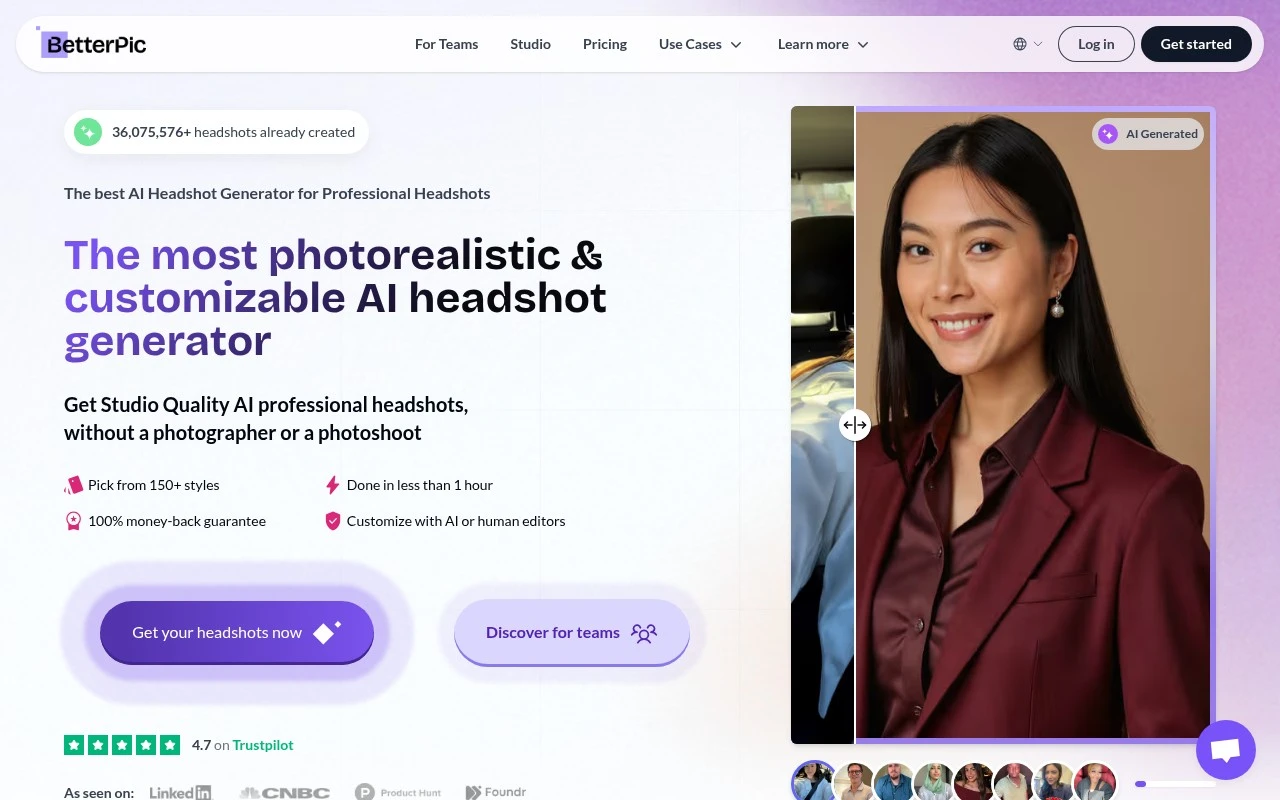
BetterPic is an AI headshot generator that creates professional studio-style portraits from uploaded photos. It is used for LinkedIn profiles, resumes, company pages, and other business profile images.
Image & Design
FYAI Score
8.1 / 10
Based on 1,025 reviews
Pricing:
Paid
Best for:
Job seekers and teams needing pro headshots without a photoshoot
Score Breakdown
- Ease of use8.4 / 10
- Features7.4 / 10
- Pricing7.9 / 10
- Integrations8.4 / 10
- Support9.0 / 10
 | Strengths |
-
 Fast turnaround suits professionals who need profile-ready headshots quickly without scheduling a studio session.
 -
Style selection and built-in editing tools help users adapt clothing, backgrounds, and retouching for different business contexts.
-
Remote workflow works well for distributed teams that need consistent-looking headshots without coordinating in-person photography.
 | Limitations |
-
 Paid access makes it less suitable for users who only need a free one-off profile photo experiment.
 -
Best fit is professional headshots, so teams needing full brand shoots, product imagery, or event photography will still need other creative tools or services.
-
Results depend on the uploaded source photos and AI interpretation, so it is less suitable when an exact photographer-controlled likeness is required.
Feature highlights
AI Headshot Styles
Pick a look, upload photos, and get professional headshot options.
Results in ~1 Hour
Generate business-ready headshots quickly for profiles and bios.
One-Click Retouching
Adjust outfits, backgrounds, skin, and erase or remove distractions.
Compared in

 | 8.4/ 10FYAI score |
Flora
AI Image GeneratorUI/UX Design
Designs, edits, and organizes visual assets with AI workflows
Best for: | Designers |
Pricing | Freemium |
 | 7.8/ 10FYAI score |
Reve
AI Image GeneratorBackground Edit
Creates, edits, and remixes images with prompts and drag-and-drop
Best for: | Designers |
Pricing |
 | 7.2/ 10FYAI score |
Pixa
AI Image Generator
Edits and creates pixel-art images in a visual canvas editor
Best for: | Designers |
Pricing | Freemium |