
Curated ToolThis tool is part of our curated AI directory. We only include tools that meet our standards for relevance, usability and real-world value.
Texau
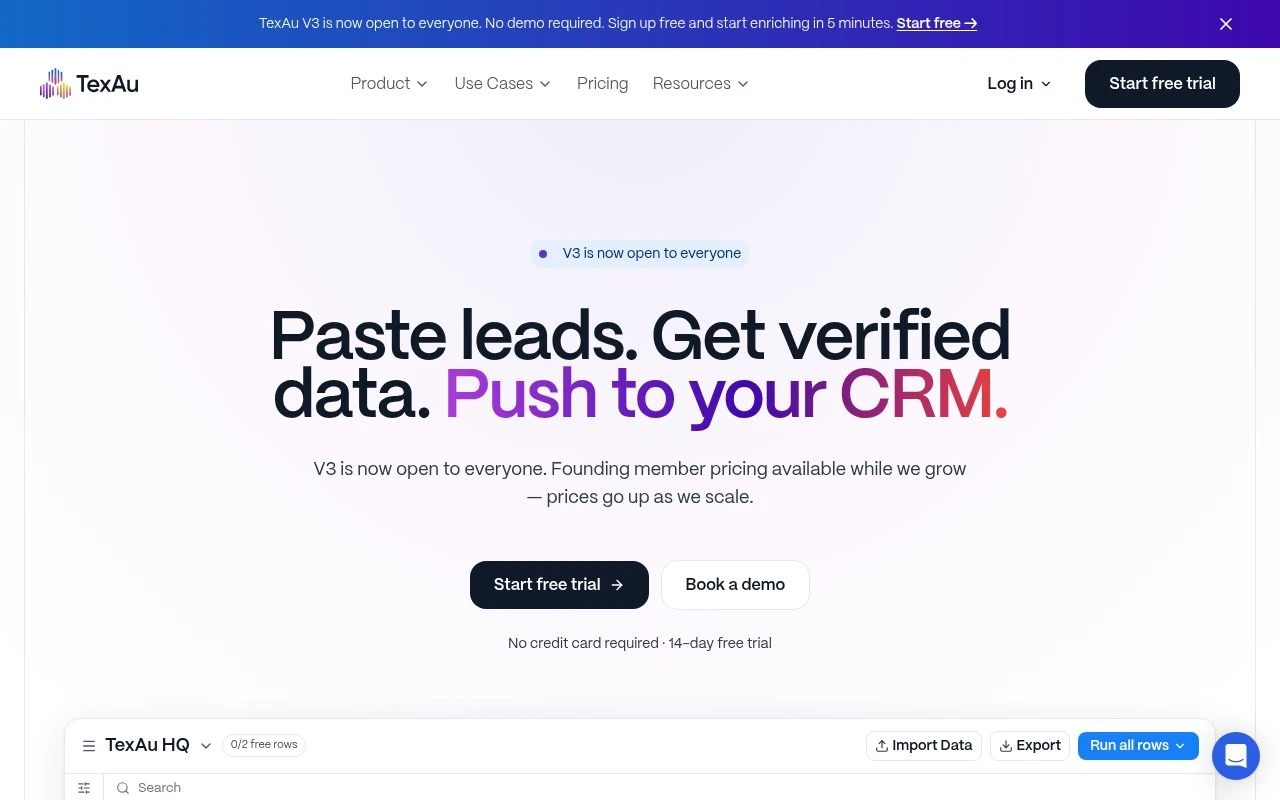
Texau is a cloud-based growth automation platform that extracts prospect data from sources such as LinkedIn and Google Maps and runs workflows for lead enrichment and outreach. Teams can use Texau to collect prospect signals that support lead scoring and sales pipeline research.
Workflow AutomationIntegration Automation

FYAI Score
8.1 / 10
Based on 60 reviews
Pricing:
Freemium
Best for:
GTM teams automating lead gen, enrichment, scoring, and handoffs
Score Breakdown
- Ease of use8.2 / 10
- Features7.9 / 10
- Pricing8.4 / 10
- Integrations8.3 / 10
- Support7.7 / 10
 | Strengths |
-
 Best suited to GTM teams that want spreadsheet-like control because users can enrich, verify, score, and trigger actions directly from table columns.
 -
Useful for RevOps teams and agencies connecting prospect data, CRM sync, and outbound tools because it reduces custom glue code for repeatable lead workflows.
-
Strong fit for agentic or technical workflows because the same GTM actions are available through an API and MCP server for tools such as Claude, Cursor, or custom agents.
 | Limitations |
-
 Less suitable for broad business automation needs because TexAu is centered on lead generation, enrichment, scoring, and outbound handoff rather than general workflow automation.
 -
Requires careful setup of data sources, CRM fields, and workflow rules, so teams without RevOps ownership may need extra implementation effort.
-
The freemium model is best for testing, but higher-volume enrichment, verification, and workflow runs are likely to require paid capacity as outbound programs scale.
Feature highlights
Lead enrichment table
Right-click columns to enrich, verify, and score prospects fast.
GTM workflow automation
Chain repeatable actions from data pull to CRM and outbound handoff.
API + MCP server
Run the same workflows via API for custom apps and agents.
Compared in

 | 9.0/ 10FYAI score |
Composio
Workflow AutomationIntegration Automation
Connects agents to apps, selects tools, runs sandboxed tasks
Best for: | Software developers |
Pricing | Freemium |
 | 8.2/ 10FYAI score |
Tasklet
Workflow AutomationIntegration Automation
Builds no-code AI agents to automate workflows across apps
Best for: | Operations teams |
Pricing | Paid |
 | 9.0/ 10Based on 3,056 reviews |
Zapier
Workflow AutomationIntegration Automation
Connects AI agents to apps, automates workflows, adds IT control
Best for: | Operations teams |
Pricing | Freemium |