Curated ToolThis tool is part of our curated AI directory. We only include tools that meet our standards for relevance, usability and real-world value.

N8n

Build and test automated workflows connecting APIs, AI, and approvals

Workflow AutomationIntegration Automation

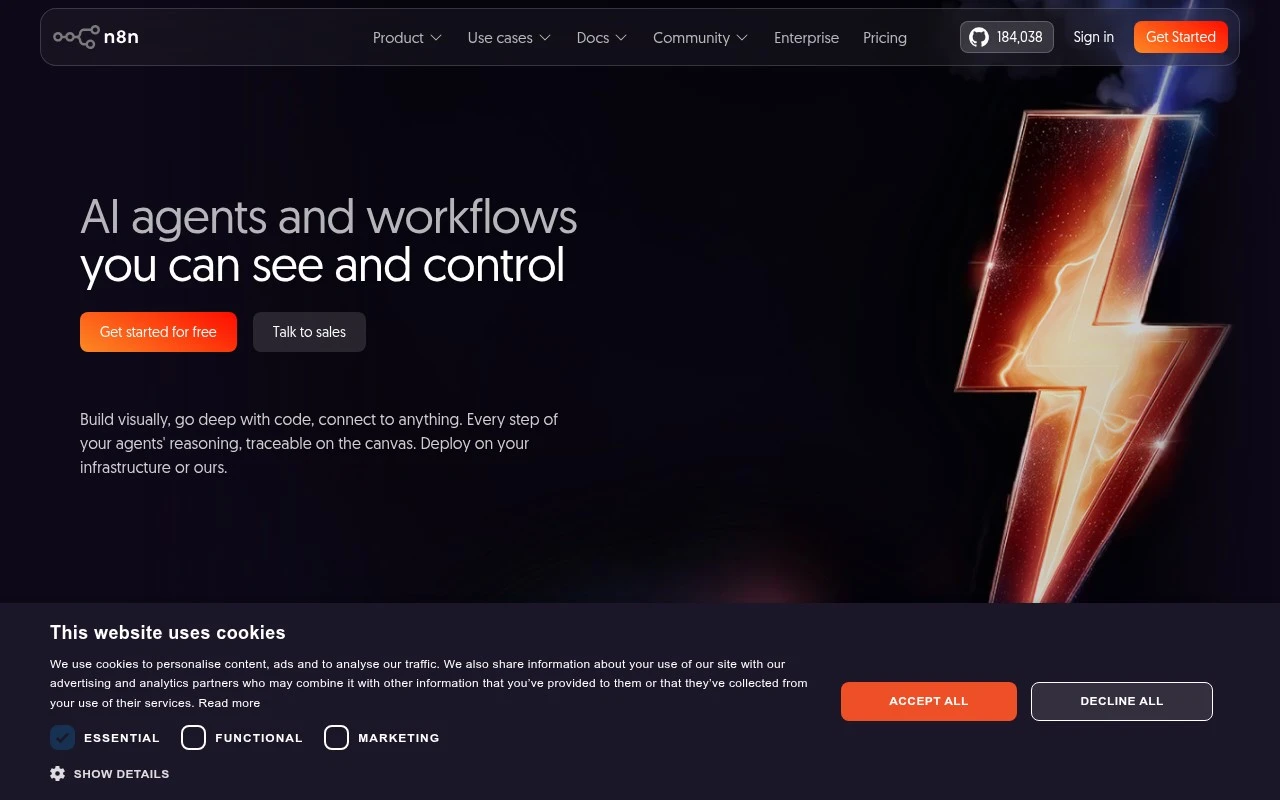
N8n is a low-code workflow automation platform that combines a visual workflow builder with the ability to write JavaScript or Python inside workflows. It is aimed at technical teams that want the speed of no-code automation without giving up code-level flexibility, source access, self-hosting options, and enterprise controls. The platform is used to connect tools and APIs, automate IT, security, DevOps, and business operations workflows, and embed AI into controlled business processes.

FYAI Score

8.6 / 10

Based on 288 reviews

Pricing:

Freemium

Best for:

Technical teams automating ops workflows with code-level control

Score Breakdown

  • Ease of use7.7 / 10
  • Features9.1 / 10
  • Pricing9.1 / 10
  • Integrations8.8 / 10
  • Support8.1 / 10

PRODUCT PREVIEW

What this AI tool does

N8n is a workflow automation tool that helps you connect different apps and services so routine tasks can run automatically. It’s commonly used to move data between systems, trigger actions when something changes, and coordinate multi-step processes without needing to build a full custom integration from scratch. You typically create workflows by defining triggers (such as a new form submission or an updated record) and then adding steps that transform data or call other services. This makes it useful for teams that want repeatable, auditable automation for internal operations, data syncing, and notifications. Because it supports both visual workflow building and more advanced logic when needed, it can fit a range of technical comfort levels. It’s often evaluated by people looking for an informational overview of automation options and how they compare to writing bespoke scripts or maintaining point-to-point integrations.

Use cases

Best for

Workflow Automation

N8n automates multi-step workflows with a visual builder plus JavaScript or Python nodes for custom logic and branching.

Integration Automation

Connect apps and APIs by mapping triggers and actions, transforming payloads, and syncing data between systems on schedules or events.

ANALYSIS

Strengths & limitations

Strengths
  • Combines visual workflow building with code, allowing teams to use the UI for common steps and JavaScript or Python for custom logic.
  • Supports technical and enterprise operating needs such as Docker deployment, source access on GitHub, hosted deployment, SSO/SAML, LDAP, RBAC, audit logs, version control, and log streaming.
  • Includes AI workflow capabilities such as testing with real data, evaluations, human-in-the-loop patterns, and governance controls.
Limitations
  • Best suited to technical teams; non-technical users may find advanced workflows, APIs, code steps, and deployment choices harder to manage.
  • Self-hosted or enterprise-controlled deployments can require operational work around infrastructure, updates, security, and observability.
  • Its flexibility may be more than needed for simple one-off automations that can be handled by lighter no-code tools.

Evaluation

FYAI score breakdown

Our structured evaluation across five key criteria

8.6 / 10

Overall score

Based on 288 reviews

  • Ease of use7.7 / 10
  • Features9.1 / 10
  • Pricing9.1 / 10
  • Integrations8.8 / 10
  • Support8.1 / 10

What users say

Findings from public reviews, documentation and community sources.

  • Ease of use

    n8n.io describes n8n as a visual builder with “Code when you need it, UI when you don't” and shows inputs/outputs beside each step. n8n.io positions n8n for “technical teams” and says users can write JavaScript or Python anywhere in workflows.

  • Features

    n8n's features page lists “over 400 pre-configured integrations,” HTTP requests for unsupported apps, JavaScript/Python code nodes, and branching/merge/loop/filter logic. n8n's features page also references workflow history, Git version control, environments, and audit logging.

  • Pricing

    n8n's pricing page lists Starter at 20€/mo annually, Pro at 50€/mo annually, Business at 667€/mo annually, and Enterprise as contact-sales. n8n's pricing page states execution limits and AI-credit allowances and lists “unlimited steps,” “unlimited users,” a no-credit-card trial for Starter/Pro, and a self-hosted Community Edition.

  • Integrations

    n8n's features page states n8n has “over 400 pre-configured integrations” and offers an HTTP request node, cURL import, webhooks, and custom nodes on self-hosted instances. n8n's features page also lists queues and API/CLI control.

  • Support

    n8n's pricing page lists “Access to our friendly forum,” “Email support,” and “Dedicated support with SLA” for Enterprise. n8n's pricing page identifies Enterprise as the tier with “Dedicated support with SLA.”

Who is this for?

Best for technical teams that need visual automation plus code, n8n.io positions n8n for “technical teams” and says users can write JavaScript or Python anywhere in workflows. Less suited to teams seeking a simpler no-code automation tool, n8n supports JavaScript or Python anywhere in workflows, which can mean a higher learning curve for nontechnical users.

PRODUCT PREVIEW

Feature highlights

Visual workflows

Design multi-step automations with a drag-and-drop builder.

Code when needed

Run JavaScript or Python inside steps for custom logic.

Self-host & controls

Keep data in your stack with enterprise-grade governance options.

COMPARE

Discover curated alternatives worth comparing

Compare similar AI tools based on features, pricing and use cases

9.0/ 10Based on 3.056 reviews

Zapier

Workflow AutomationIntegration Automation
Connects apps to automate multi-step workflows and actions
Best for:
Operations teams
Pricing
Freemium

8.6/ 10Based on 779 reviews

Workato

Workflow AutomationIntegration Automation
Orchestrates workflows across business apps via MCP integrations
Best for:
IT & Security teams
Pricing
Free trial

8.9/ 10Based on 7.771 reviews

Uipath

Workflow AutomationIntegration Automation
Automates workflows with AI agents, robots, and document processing
Best for:
Operations teams
Pricing
Freemium

Join teams automating busywork with N8n. Build reliable workflows that keep data moving and tasks done—so you can focus on higher-impact work.

FAQ

Frequently asked
questions

Everything you need to know about this AI tool,
its features, pricing, use cases, and limitations.

What types of automation is N8n a good fit for, and when should I choose something else?
N8n is a strong choice for teams that need multi-step workflows across many apps, custom logic, and the option to self-host for more control. It works well for internal ops automations (syncing CRM data, routing tickets, scheduled reports) and API-heavy integrations. If you want the fastest “plug-and-play” setup with minimal configuration or you rely heavily on prebuilt templates and guided support, a more managed platform may fit better.
Is N8n free, and what are the practical limitations compared to paid options?
N8n can be used for free via self-hosting, which avoids per-task pricing but shifts costs to your infrastructure and maintenance. Paid cloud plans typically trade that operational overhead for managed hosting, easier scaling, and platform support. The main limitation of “free” is not features as much as the time and expertise needed to run it reliably.
How does N8n compare with Zapier, Make, and Pipedream for workflow automation?
Compared with Zapier and Make, N8n generally offers more flexibility for complex branching, custom code, and self-hosting, but may require more setup and monitoring. Pipedream is often more developer-centric for event-driven workflows and code-first integrations, while N8n sits between no-code and code with a visual builder plus scripting. If you prioritize extensive app catalogs and polished guided UX, Zapier/Make may feel smoother; if control and customization matter, N8n is often the better trade.
How quickly can I get N8n running, and what onboarding effort should I expect?
N8n’s flexibility can mean more responsibility: you’ll likely spend time on monitoring, retries, and maintaining integrations, especially when APIs change. Support and troubleshooting resources may feel lighter than larger platforms, depending on your plan and hosting choice. Performance can also vary with very large workflows or high concurrency unless you size and tune the environment appropriately.
How does N8n handle data privacy, security, and compliance requirements?
With N8n, data handling depends heavily on whether you use N8n Cloud or self-host: self-hosting keeps workflow data and credentials within your infrastructure, which can simplify internal compliance controls. You’ll still need to configure encryption, access controls, audit logging, and retention policies to match your requirements. For regulated environments, verify where data is stored, how secrets are managed, and whether the chosen deployment supports your needed certifications and contractual terms.