
Curated ToolThis tool is part of our curated AI directory. We only include tools that meet our standards for relevance, usability and real-world value.
Manus AI
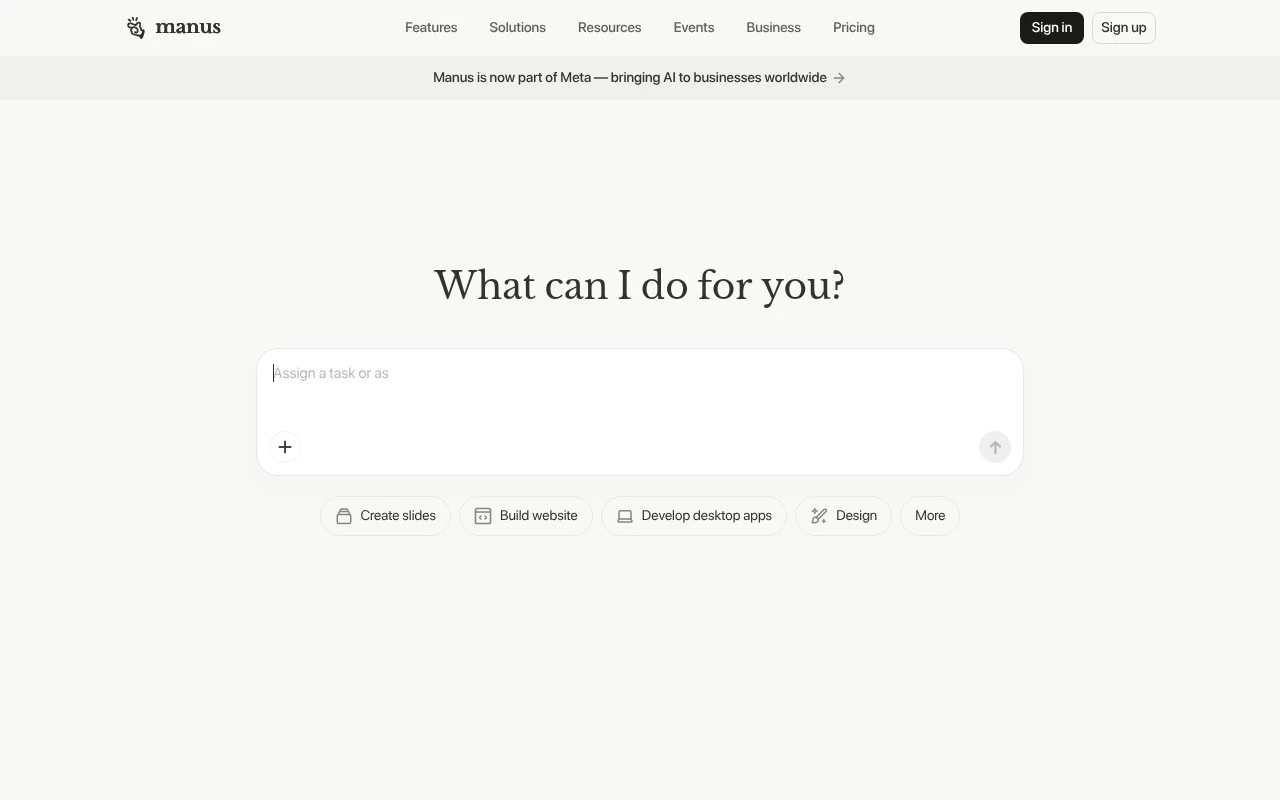
Manus AI is a general-purpose autonomous AI agent that plans and executes multi-step tasks in a cloud workspace, using web browsing, code execution, and file handling to produce deliverables such as research reports, spreadsheets, websites, and scripts.
Workflow AutomationRPA & Browser Automation
FYAI Score
7.4 / 10
Based on 176 reviews
Pricing:
Freemium
Best for:
Builders and ops teams automating real workflows end to end
Score Breakdown
- Ease of use7.1 / 10
- Features7.4 / 10
- Pricing7.0 / 10
- Integrations8.5 / 10
- Support7.4 / 10
 | Strengths |
-
 Best suited to users who want one AI workspace for varied digital execution because it spans productivity, creative, research, browser, and software-building tasks.
 -
Useful for teams moving from chat-based AI to action-oriented workflows because it can operate across tools such as browser sessions, mail, Slack, and APIs.
-
Strong fit for startups and small teams that need rapid prototypes because it can generate assets such as slides, websites, apps, images, and music from a single platform.
 | Limitations |
-
 Less suitable for buyers who only need one narrow automation task because Manus AI’s broad agent-style workspace can add more scope and setup than a specialist tool.
 -
Teams with strict data-access controls need clear internal governance because browser operation, mail, Slack, and workflow integrations can involve sensitive business information.
-
Freemium pricing is less suitable for sustained high-volume use because heavier automation, collaboration, and API workflows can push teams beyond the free tier.
 | 9.0/ 10FYAI score |
Composio
Workflow AutomationIntegration Automation
Connects agents to apps, selects tools, runs sandboxed tasks
Best for: | Software developers |
Pricing | Freemium |
 | 8.2/ 10FYAI score |
Tasklet
Workflow AutomationIntegration Automation
Builds no-code AI agents to automate workflows across apps
Best for: | Operations teams |
Pricing | Paid |
 | 9.0/ 10Based on 3,056 reviews |
Zapier
Workflow AutomationIntegration Automation
Connects AI agents to apps, automates workflows, adds IT control
Best for: | Operations teams |
Pricing | Freemium |