Curated ToolThis tool is part of our curated AI directory. We only include tools that meet our standards for relevance, usability and real-world value.

Make

Builds automated workflows connecting AI models, agents, and apps

Workflow AutomationIntegration Automation
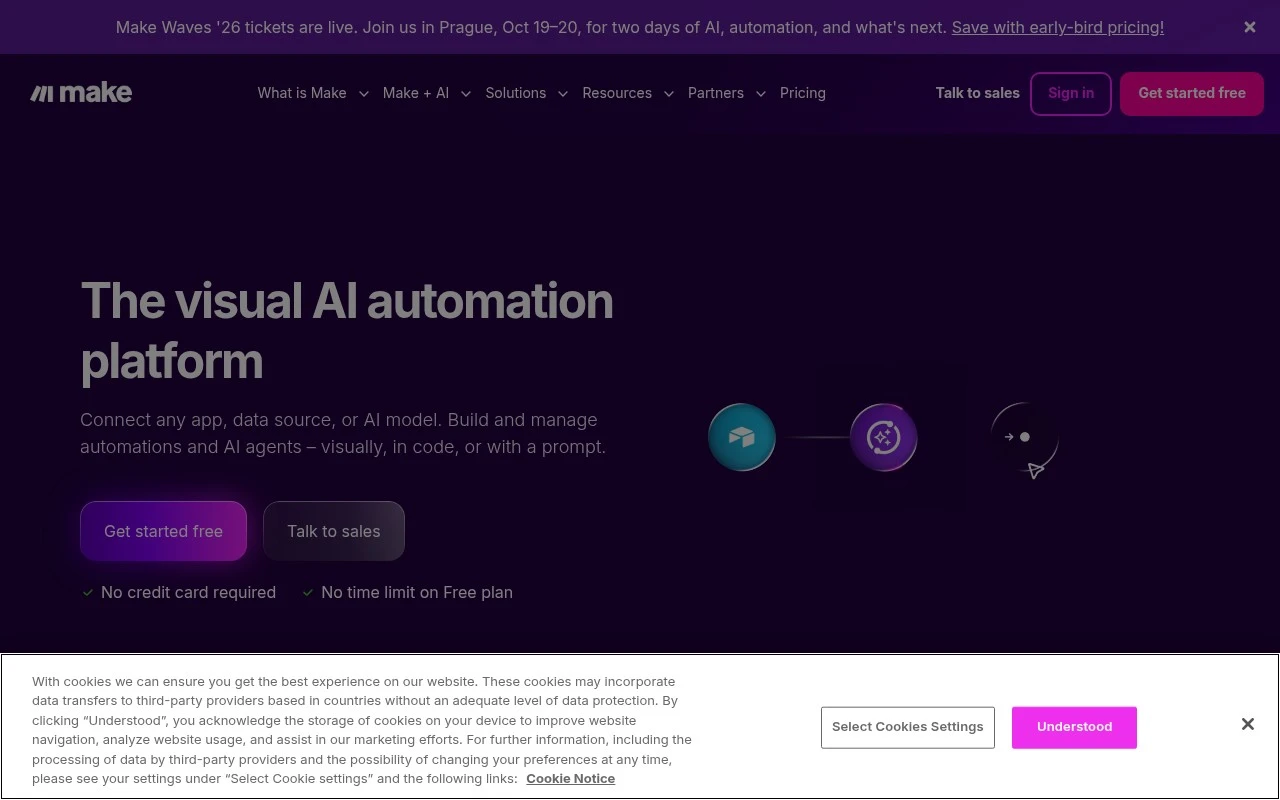
Make is an automation platform for designing, running, and managing workflows across apps, data sources, and AI systems. It emphasizes a visual builder, 3,000+ pre-built app integrations, and options to build automations by prompt, drag-and-drop, code, or MCP. It is positioned for both departmental automation and enterprise-scale orchestration with security and governance features.

FYAI Score

8.6 / 10

Based on 332 reviews

Pricing:

Freemium

Best for:

Ops and IT teams orchestrating cross-app workflows at scale

Score Breakdown

  • Ease of use8.7 / 10
  • Features8.6 / 10
  • Pricing9.3 / 10
  • Integrations8.7 / 10
  • Support7.6 / 10

PRODUCT PREVIEW

What this AI tool does

Make is an AI tool designed to help you turn ideas into usable outputs with less manual effort. It supports common workflows where you need to draft, refine, or transform content, and it can be used as a starting point when you’re not sure how to structure what you want to create. In practice, you can use it to generate first drafts, rewrite existing text for clarity, summarize longer material, or adapt content for different audiences and formats. The tool is intended for informational use and works best when you provide clear prompts and review the results to ensure they match your goals and any required standards. Because the quality of the output depends on the input and context, it’s helpful to include key details such as tone, constraints, and examples. If you’re comparing tools or exploring how AI can fit into your process, make can serve as a straightforward option for experimenting with AI-assisted writing and content transformation.

Use cases

Best for

Workflow Automation

Make builds and runs multi-step workflows that move data between apps, apply rules, and trigger actions on schedules or events.

Marketing Automation

Connect ad, email, and analytics apps to trigger campaigns, sync audiences, and log results when forms, clicks, or purchases occur.

Crm Automation

Sync contacts, deals, and activities between your CRM and other systems, and create follow-ups when records are created or updated.

ANALYSIS

Strengths & limitations

Strengths
  • Visual workflow builder makes multi-step automations easier to inspect and manage than purely code-based integrations.
  • Large integration library covers more than 3,000 apps, including business tools and AI services.
  • Supports AI-agent and AI-model orchestration alongside standard app automation, with enterprise-oriented security features such as SSO, encryption, and SOC compliance noted on the official site.
Limitations
  • Complex automations still require understanding data mapping, triggers, app behavior, and error handling.
  • Workflows can depend heavily on the reliability and limitations of connected third-party apps, APIs, and AI models.
  • The provided official page does not give detailed pricing, usage-limit, or plan-comparison information beyond noting a free plan.

Evaluation

FYAI score breakdown

Our structured evaluation across five key criteria

8.6 / 10

Overall score

Based on 332 reviews

  • Ease of use8.7 / 10
  • Features8.6 / 10
  • Pricing9.3 / 10
  • Integrations8.7 / 10
  • Support7.6 / 10

What users say

Findings from public reviews, documentation and community sources.

  • Ease of use

    G2 lists Make at 4.6/5 across 332 reviews, and the G2 review excerpt says Make’s “visual, no-code approach” makes “complex, multi-step workflows” feel “genuinely accessible even without a development” background. Complex scenario building implies more learning than the simplest trigger-action tools.

  • Features

    The G2 excerpt highlights Make’s ability to create “complex, multi-step workflows” through a visual no-code interface. Make’s homepage describes Make as a platform to “visually build, scale and automate AI and agentic workflows.”

  • Pricing

    Make’s pricing page lists a free tier at “$0/mo” with “Up to 1,000 credits/mo.” Make’s pricing page lists paid tiers starting at “$12/mo” for “10k credits/mo.”

  • Integrations

    Make’s integrations page states “Explore over 3000 apps.”

  • Support

    Reddit’s r/Make is described as the “Make.com community” and “the place to dive into automation, innovation, and creativity.”

Who is this for?

Best for teams building complex, multi-step workflows, the G2 excerpt says Make’s visual, no-code approach makes those workflows accessible even without a development background. Less suited to users who want the simplest trigger-action setup, complex scenario building implies more learning than the simplest trigger-action tools.

PRODUCT PREVIEW

Feature highlights

Visual workflow builder

Design and run multi-step automations with a drag-and-drop canvas.

3,000+ integrations

Connect apps, databases, and services with pre-built connectors.

Enterprise governance

Manage access, security, and controls for department-to-enterprise use.

COMPARE

Discover curated alternatives worth comparing

Compare similar AI tools based on features, pricing and use cases

9.0/ 10Based on 3.056 reviews

Zapier

Workflow AutomationIntegration Automation
Connects apps to automate multi-step workflows and actions
Best for:
Operations teams
Pricing
Freemium

8.6/ 10Based on 779 reviews

Workato

Workflow AutomationIntegration Automation
Orchestrates workflows across business apps via MCP integrations
Best for:
IT & Security teams
Pricing
Free trial

8.9/ 10Based on 7.771 reviews

Uipath

Workflow AutomationIntegration Automation
Automates workflows with AI agents, robots, and document processing
Best for:
Operations teams
Pricing
Freemium

Join teams using Make to eliminate busywork and keep work moving automatically. Build smarter workflows in minutes and get time back for what matters.

FAQ

Frequently asked
questions

Everything you need to know about this AI tool,
its features, pricing, use cases, and limitations.

What types of workflows is Make a good fit for compared with other automation tools?
Make is a strong choice when you need multi-step workflows with branching logic, data transformation, and conditional routing across many apps. It’s commonly used for lead routing, syncing CRM and marketing tools, order and inventory updates, and moving data between spreadsheets, databases, and SaaS apps. If you mainly need simple one-trigger-to-one-action automations, a lighter tool may be faster to maintain.
How do Make’s free and paid plans differ, and what limitations matter in practice?
The free plan is useful for testing scenarios, but it’s typically constrained by monthly operations and feature limits that can cap real production use. Paid tiers mainly scale how many operations you can run, how frequently scenarios execute, and which advanced capabilities you can rely on. When comparing plans, estimate operations per run (including iterators and filters) because that’s what usually drives cost.
How does Make compare with Zapier, n8n, and Workato for automation?
Compared with Zapier, Make usually offers more visual control over complex logic and data mapping, but it can take longer to design and troubleshoot. Versus n8n, Make is hosted and easier to start with, while n8n can be more flexible for self-hosting and custom code-heavy workflows. Against Workato, Make is generally more accessible for SMB budgets, but may not match enterprise governance and support expectations.
How quickly can a team get productive with Make, and what onboarding effort should you expect?
Make can feel slower to debug than simpler tools because complex scenarios have more moving parts and operation-based billing can make inefficient designs expensive. Some users report performance lags on large data volumes or heavy scenarios, so batching and rate-limit handling matter. Support options may be limited depending on plan, which can be a factor if you need fast incident response.
How does Make handle data, and what should you check for privacy and compliance?
Make processes data you send through scenarios, so you should review where data is stored, how long execution logs are retained, and whether you can minimize sensitive fields in runs. For regulated use cases, confirm available security controls (e.g., access management, auditability) and whether the plan supports your compliance needs. Also verify each connected app’s permissions and scopes, since integrations can expose more data than intended.