Curated ToolThis tool is part of our curated AI directory. We only include tools that meet our standards for relevance, usability and real-world value.

Ifttt

Connect apps to trigger AI summaries, drafts, translations, and posts

Workflow AutomationData & Spreadsheet
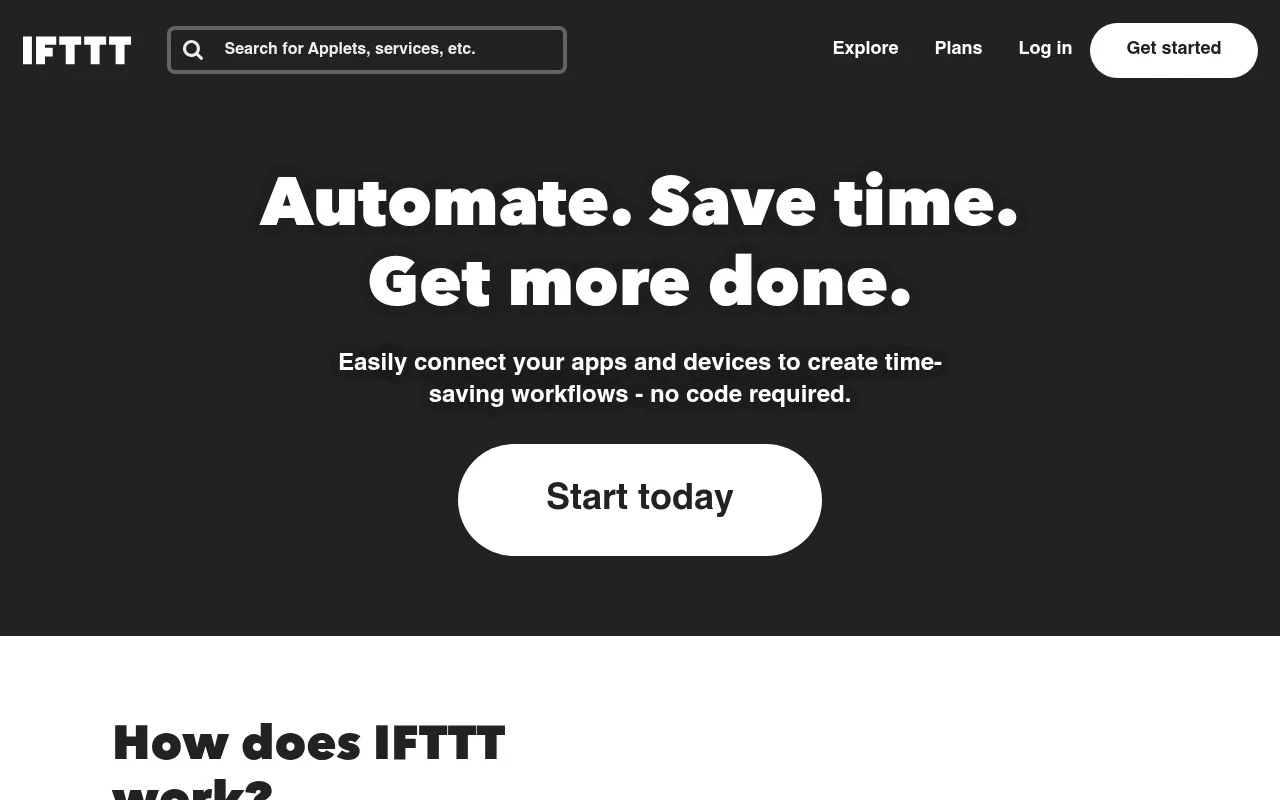
Ifttt lets users build or enable Applets that link supported services together: when a trigger happens in one app or device, one or more actions run elsewhere. The service supports over 1,000 apps, services, and devices, including Google tools, Webhooks, Discord, Telegram, Slack, Spotify, RSS, Android, iOS, and smart home products. It is mainly for people who want lightweight cross-app automation without code, with options to use ready-made Applets or customize timing, conditions, filter code, multiple actions, and AI-assisted steps.

FYAI Score

8.2 / 10

Based on 220 reviews

Pricing:

Freemium

Best for:

People automating apps and smart home devices without coding

Score Breakdown

  • Ease of use9.3 / 10
  • Features7.9 / 10
  • Pricing7.3 / 10
  • Integrations8.7 / 10
  • Support7.4 / 10

PRODUCT PREVIEW

What this AI tool does

Ifttt is an automation tool that helps connect apps, services, and smart devices so they can work together. It’s designed for people who want routine actions to happen automatically, such as triggering one service when something changes in another. You create simple “if this, then that” rules that watch for an event and then run a follow-up action. This can be useful for organizing notifications, saving information across platforms, or coordinating smart home behaviors without needing to write code. Because it supports many common services, ifttt is often used to reduce repetitive tasks and keep workflows consistent across devices and accounts. It’s best suited for straightforward automations where you want reliable, hands-off behavior once the rule is set up.

Use cases

Best for

Integration Automation

Create trigger action links between apps using Webhooks, RSS, or chat events so updates in one service run actions in another.

Smart Home Automation

Ifttt runs Applets that react to smart home triggers like motion or location to control lights, thermostats, and plugs automatically.

Workflow Automation

Automate routine tasks by scheduling Applets and adding conditions or filter code to post, log, or notify across your apps.

ANALYSIS

Strengths & limitations

Strengths
  • Large integration catalog covering productivity apps, social platforms, webhooks, mobile features, RSS, and smart home devices.
  • No-code Applet model makes basic trigger-action automations approachable and fast to set up.
  • Includes AI-related Applets for tasks such as summarizing, transforming, translating, proofreading, and drafting content inside workflows.
Limitations
  • Automations depend on the triggers and actions exposed by each supported service, so capability varies by integration.
  • Best suited to Applet-style workflows rather than highly customized business process automation or full application development.
  • More advanced workflow behavior, such as refined conditions, delays, filter code, and multiple actions, may require users to understand IFTTT-specific configuration.

Evaluation

FYAI score breakdown

Our structured evaluation across five key criteria

8.2 / 10

Overall score

Based on 220 reviews

  • Ease of use9.3 / 10
  • Features7.9 / 10
  • Pricing7.3 / 10
  • Integrations8.7 / 10
  • Support7.4 / 10

What users say

Findings from public reviews, documentation and community sources.

  • Ease of use

    G2 says users praise IFTTT for its “ease of use,” and Software Advice says IFTTT is “easy to set up and use.” IFTTT’s product page describes Applets as no-code automations that can be connected “in a minute or less.”

  • Features

    IFTTT’s product page says it offers “100,000s of ready-made options,” custom Applets, filter code, multiple actions, and AI-assisted workflows.

  • Pricing

    Reddit cites IFTTT “basic free accounts” as limited to “a maximum of 3 custom applets” and lists pricing at “$9.99 per month.” Trustpilot sentiment highlights dissatisfaction around changed free-account functionality.

  • Integrations

    IFTTT’s integrations page says it connects “1,000+ apps” and names services such as Webhooks, Discord, Philips Hue, and Ring.

  • Support

    G2 shows IFTTT at 4.5/5 from 117 reviews. G2 review excerpts say users praise IFTTT for its “ease of use.”

Who is this for?

Best for consumers and prosumers who want no-code automations across smart-home, mobile, productivity, and social services, IFTTT’s product page says Applets can be connected “in a minute or less,” and the integrations page says it connects “1,000+ apps.” Less suited to users who need many custom automations on a free account, Reddit cites “basic free accounts” as limited to “a maximum of 3 custom applets,” with pricing at “$9.99 per month.”

PRODUCT PREVIEW

Feature highlights

Trigger→Action Applets

Run actions across apps when something happens in another service.

1,000+ integrations

Connect popular apps, web services, and smart devices in one place.

Advanced workflows

Add conditions, schedules, filter code, and multiple actions per Applet.

COMPARE

Discover curated alternatives worth comparing

Compare similar AI tools based on features, pricing and use cases

9.0/ 10Based on 3.056 reviews

Zapier

Workflow AutomationIntegration Automation
Connects apps to automate multi-step workflows and actions
Best for:
Operations teams
Pricing
Freemium

8.6/ 10Based on 779 reviews

Workato

Workflow AutomationIntegration Automation
Orchestrates workflows across business apps via MCP integrations
Best for:
IT & Security teams
Pricing
Free trial

8.9/ 10Based on 7.771 reviews

Uipath

Workflow AutomationIntegration Automation
Automates workflows with AI agents, robots, and document processing
Best for:
Operations teams
Pricing
Freemium

Join millions using Ifttt to automate the busywork. Connect your apps and devices so everyday tasks run themselves and you get time back.

FAQ

Frequently asked
questions

Everything you need to know about this AI tool,
its features, pricing, use cases, and limitations.

What types of automations is Ifttt best suited for?
Ifttt is a strong fit for simple, cross-app “if this then that” automations like syncing notifications, saving social posts, or triggering smart-home actions from phone events. It’s also useful when you need broad consumer app and device coverage without building custom integrations. If you’re designing multi-step business workflows with approvals or complex branching, you may outgrow it.
How do I decide between Ifttt’s free plan and a paid plan?
The free tier is usually enough for testing a few core Applets, but it can feel limiting once you want many automations running in parallel or need more control. Paid plans typically make sense if you rely on automations daily, want more Applets, or need features like multi-step logic and faster execution options. Check the current plan limits and which integrations are paywalled before committing.
How does Ifttt compare with Zapier, Make, or n8n?
Ifttt generally wins on ease of use and consumer app/smart-device integrations, while Zapier and Make offer more robust multi-step workflows and business app depth. n8n is better if you want self-hosting and deep customization, but it requires more technical effort. If your priority is quick personal or home automations, Ifttt is often the simpler choice.
How quickly can I get value from Ifttt, and what’s the onboarding effort?
Ifttt is not ideal for complex workflows that require advanced branching, error handling, or detailed logging. Because it depends on third-party services, automations can break when an app changes its API or permissions. It also may not match enterprise needs for governance, audit trails, or strict reliability guarantees.
What should I know about data handling, privacy, and compliance when using Ifttt?
Ifttt needs access to connected accounts to trigger and run Applets, so you should review what permissions each integration requests and revoke anything you don’t need. For regulated environments, confirm whether Ifttt’s data processing terms, retention practices, and security controls meet your compliance requirements. If you need strict data residency, on-prem options, or formal enterprise certifications, you may need a different platform.