Curated ToolThis tool is part of our curated AI directory. We only include tools that meet our standards for relevance, usability and real-world value.

Dust TT

Builds custom workplace AI assistants using internal knowledge

Automation
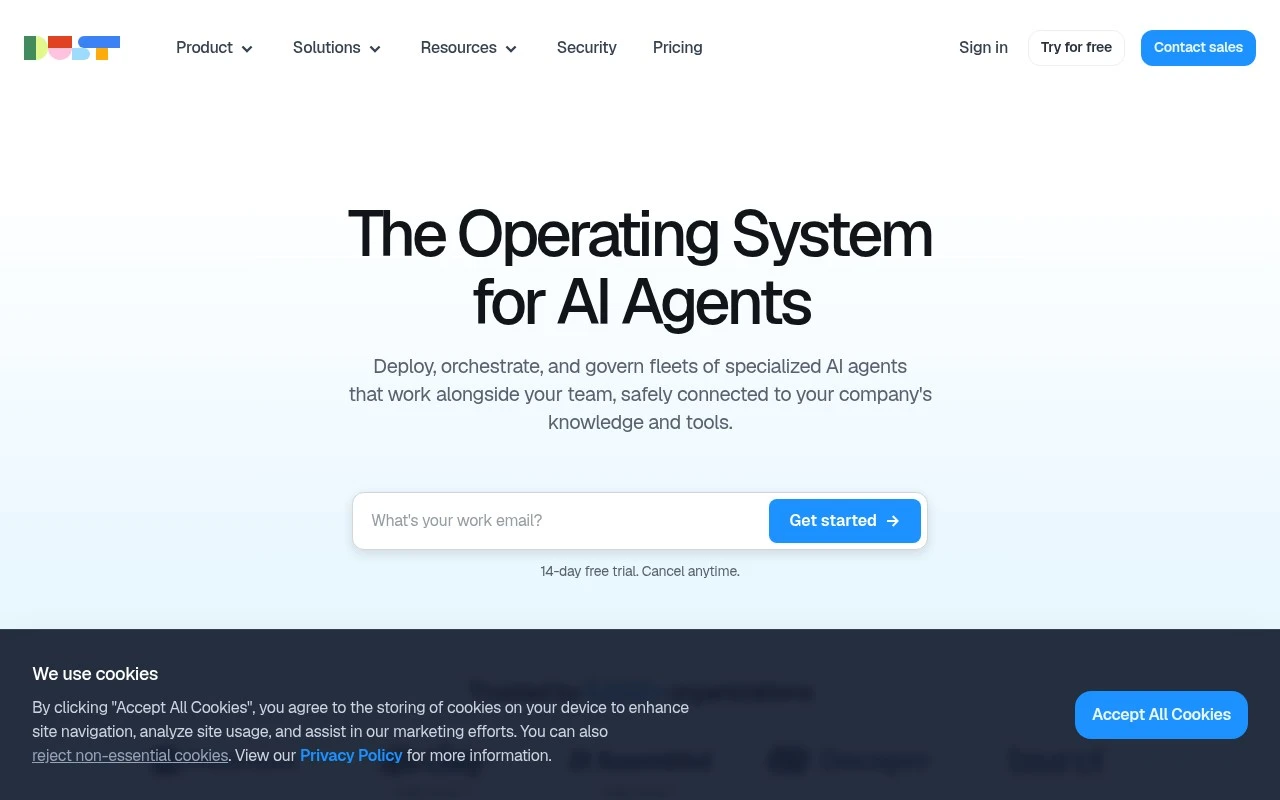
Dust.tt is an enterprise-focused AI assistant platform. It lets organizations create shared assistants that can use company-approved context from internal tools and knowledge sources, so employees can ask questions, generate drafts, and complete knowledge-work tasks with more relevant context than a generic chatbot.

FYAI Score

8.2 / 10

Based on 33 reviews

Pricing:

Freemium

Best for:

Enterprise teams building company-wide AI assistants

Score Breakdown

  • Ease of use8.8 / 10
  • Features7.7 / 10
  • Pricing8.4 / 10
  • Integrations8.2 / 10
  • Support7.6 / 10

PRODUCT PREVIEW

What this AI tool does

Dust TT is an AI tool intended to help users work with information more efficiently, especially when they need quick assistance with understanding, rewriting, or organizing text. It can be used in everyday workflows where drafting, summarizing, or clarifying content would otherwise take extra time. Because the exact focus and setup can vary by implementation, it’s best to think of dusttt as a general-purpose assistant that supports common language tasks rather than a single fixed product. Typical uses include turning rough notes into clearer writing, producing concise summaries of longer passages, and helping refine wording for different audiences. If you’re evaluating whether it fits your needs, consider what kinds of inputs you plan to provide (documents, short prompts, or ongoing conversations) and what outputs you expect (edits, explanations, or structured text). This helps you judge how well the tool aligns with your workflow and any requirements around accuracy, privacy, or tone.

Use cases

Best for

Agent Building

Build shared assistants that follow company rules and use approved internal sources to answer questions and draft content.

Internal Search

Dust TT connects to internal tools and indexes approved content so employees can query it in natural language.

Knowledge Base Search

Search your company knowledge base by asking questions and getting answers grounded in the linked documents and pages.

ANALYSIS

Strengths & limitations

Strengths
  • Designed for company-wide and team-specific AI assistants rather than only individual chat use.
  • Focuses on grounding AI responses in internal knowledge and connected workplace sources.
  • Useful across multiple business functions where employees repeatedly need context, summaries, and drafted outputs.
Limitations
  • Requires organizations to connect, permission, and maintain internal knowledge sources for best results.
  • Less relevant for solo users who only need a general-purpose AI chatbot.
  • Output quality and reliability still depend on source quality, assistant configuration, and the underlying language models.

Evaluation

FYAI score breakdown

Our structured evaluation across five key criteria

8.2 / 10

Overall score

Based on 33 reviews

  • Ease of use8.8 / 10
  • Features7.7 / 10
  • Pricing8.4 / 10
  • Integrations8.2 / 10
  • Support7.6 / 10

What users say

Findings from public reviews, documentation and community sources.

  • Ease of use

    G2 reviews describe Dust as “user-friendly,” with outputs described as “accurate, fast and contextually sharp,” and G2 lists a 4.8/5 rating from 33 reviews.

  • Features

    Public user signals describe Dust as supporting custom AI agents, and a Reddit evaluation highlights “agent orchestration and tool chaining capabilities” plus retrieval for advanced RAG/agent pipelines.

  • Pricing

    Dust’s pricing page lists Pro at “$30/month, or $24/month billed yearly, with 8,000 credits/month” and Max at “$150/month, or $120/month billed yearly.” Dust’s docs mention a Business free option with “no credit card required” up to 5 users, 3 connectors, and 5 Spaces.

  • Integrations

    Dust’s integrations page states Dust can connect to “50+ tools and data sources,” including Slack, Notion, GitHub, and Salesforce.

  • Support

    G2 lists Dust at 4.8/5 from 33 reviews.

Who is this for?

Best for teams building AI-agent automation, a Reddit evaluation highlights “agent orchestration and tool chaining capabilities” plus retrieval for advanced RAG/agent pipelines, and Dust’s integrations page states it connects to “50+ tools and data sources.” Less suited to teams needing a larger free workspace, Dust’s docs mention a Business free option with “no credit card required” up to 5 users, 3 connectors, and 5 Spaces.

PRODUCT PREVIEW

Feature highlights

Shared assistants

Create team assistants everyone can use for consistent answers.

Company context

Ground responses in approved internal docs, tools, and knowledge.

Enterprise controls

Manage access, permissions, and safe use across the org.

COMPARE

Discover curated alternatives worth comparing

Compare similar AI tools based on features, pricing and use cases

9.0/ 10Based on 3.056 reviews

Zapier

Workflow AutomationIntegration Automation
Connects apps to automate multi-step workflows and actions
Best for:
Operations teams
Pricing
Freemium

8.6/ 10Based on 779 reviews

Workato

Workflow AutomationIntegration Automation
Orchestrates workflows across business apps via MCP integrations
Best for:
IT & Security teams
Pricing
Free trial

8.9/ 10Based on 7.771 reviews

Uipath

Workflow AutomationIntegration Automation
Automates workflows with AI agents, robots, and document processing
Best for:
Operations teams
Pricing
Freemium

Start automating the busywork behind your campaigns with Dust TT so your team can move faster and stay focused on strategy. See why modern marketers rely on it.

FAQ

Frequently asked
questions

Everything you need to know about this AI tool,
its features, pricing, use cases, and limitations.

What marketing use cases is Dust TT a good fit for?
Dust TT fits teams that need to automate recurring marketing operations like campaign checklists, lead routing, content handoffs, and reporting reminders across tools. It’s most useful when you already have a defined process and want to reduce manual steps rather than redesign the workflow. If your work is highly bespoke per campaign, you may find the automation less reusable.
Does Dust TT have a free plan, and what are the typical limitations compared to paid tiers?
Dust TT is generally positioned as a paid product, and any trial or entry tier tends to be limited in automation volume, integrations, or team features. Paid plans are usually where you get broader connector access, more workflow runs, and collaboration controls. If you need a long-term free tier for small-scale automations, you may want to compare alternatives that explicitly offer one.
How does Dust TT compare with other automation tools used by marketing teams?
Compared with broad automation platforms, Dust TT is typically easier for marketing teams to adopt when the goal is quick workflow automation without heavy engineering support. More developer-oriented tools may offer deeper customization and complex branching, but require more setup and maintenance. If your priority is granular control and advanced logic, a more technical platform may be a better match.
How fast can a team get Dust TT running, and what onboarding effort should you expect?
Dust TT can feel restrictive for advanced users who want highly customized logic, bespoke data transformations, or very granular controls. You may also run into constraints depending on which integrations are available and how deeply they support specific actions. Pricing can be less attractive for very small teams compared with simpler automation options.
What should we check about data handling, privacy, and compliance before using Dust TT?
Before adopting Dust TT, confirm what data it stores, how long it’s retained, and whether it’s used for product improvement or model training. Review access controls, audit logs, and whether it supports SSO/SAML if you have enterprise requirements. If you handle regulated or sensitive customer data, verify the vendor’s security documentation and applicable compliance commitments (e.g., DPA, SOC 2) for your use case.