
Curated ToolThis tool is part of our curated AI directory. We only include tools that meet our standards for relevance, usability and real-world value.
Crewai
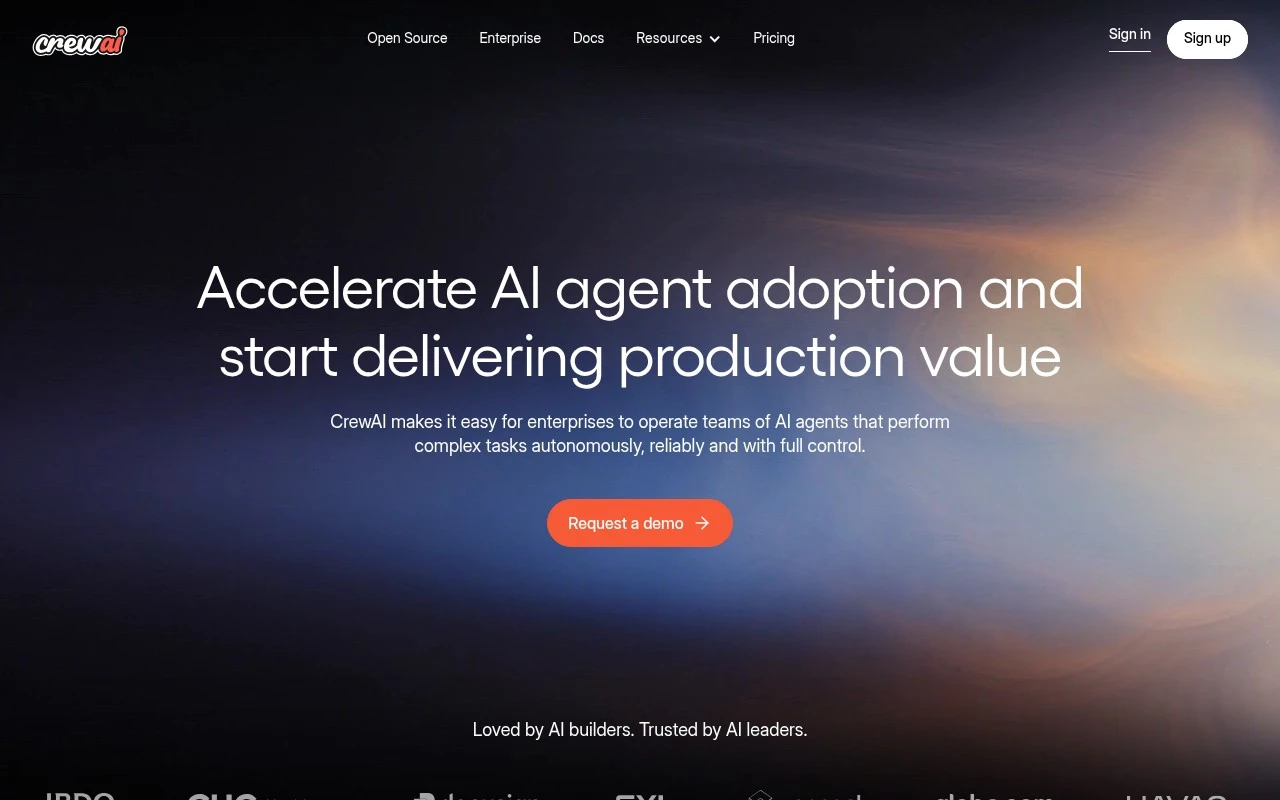
Crewai is an open-source framework for building multi-agent AI workflows, where role-based agents collaborate on tasks using defined processes and connected tools.
Workflow Automation

FYAI Score
8.2 / 10
FYAI rating based on features, pricing and integrations
Pricing:
Freemium
Best for:
Enterprise AI teams building and operating multi-agent workflows
Score Breakdown
- Ease of use8.2 / 10
- Features8.3 / 10
- Pricing7.9 / 10
- Integrations8.1 / 10
- Support8.7 / 10
 | Strengths |
-
 Supports both no-code and code-first development, so mixed technical and operations teams can collaborate on agent workflows without being forced into one interface.
 -
Production governance features such as tracing, cost accounting, RBAC, audit trails, policy hooks, evaluations, and human-in-the-loop controls make it well suited to enterprise agent deployments.
-
Python export, CLI, APIs, and model testing support help teams move agent workflows from prototypes into maintainable production systems.
 | Limitations |
-
 Less suitable for teams that only need a simple chatbot or one-off automation because the platform is designed around full multi-agent lifecycle management.
 -
Nontechnical teams may face a setup burden because the strongest use cases involve workflow design, runtime policies, evaluations, and production operations.
-
Freemium pricing is best treated as a starting point because serious production use can require paid-plan decisions around usage, collaboration, and governance needs.
 | 9.0/ 10FYAI score |
Composio
Workflow AutomationIntegration Automation
Connects agents to apps, selects tools, runs sandboxed tasks
Best for: | Software developers |
Pricing | Freemium |
 | 8.2/ 10FYAI score |
Tasklet
Workflow AutomationIntegration Automation
Builds no-code AI agents to automate workflows across apps
Best for: | Operations teams |
Pricing | Paid |
 | 9.0/ 10Based on 3,056 reviews |
Zapier
Workflow AutomationIntegration Automation
Connects AI agents to apps, automates workflows, adds IT control
Best for: | Operations teams |
Pricing | Freemium |