Curated ToolThis tool is part of our curated AI directory. We only include tools that meet our standards for relevance, usability and real-world value.

Automa

Builds no-code AI workflows to process data and trigger actions

Workflow AutomationIntegration Automation
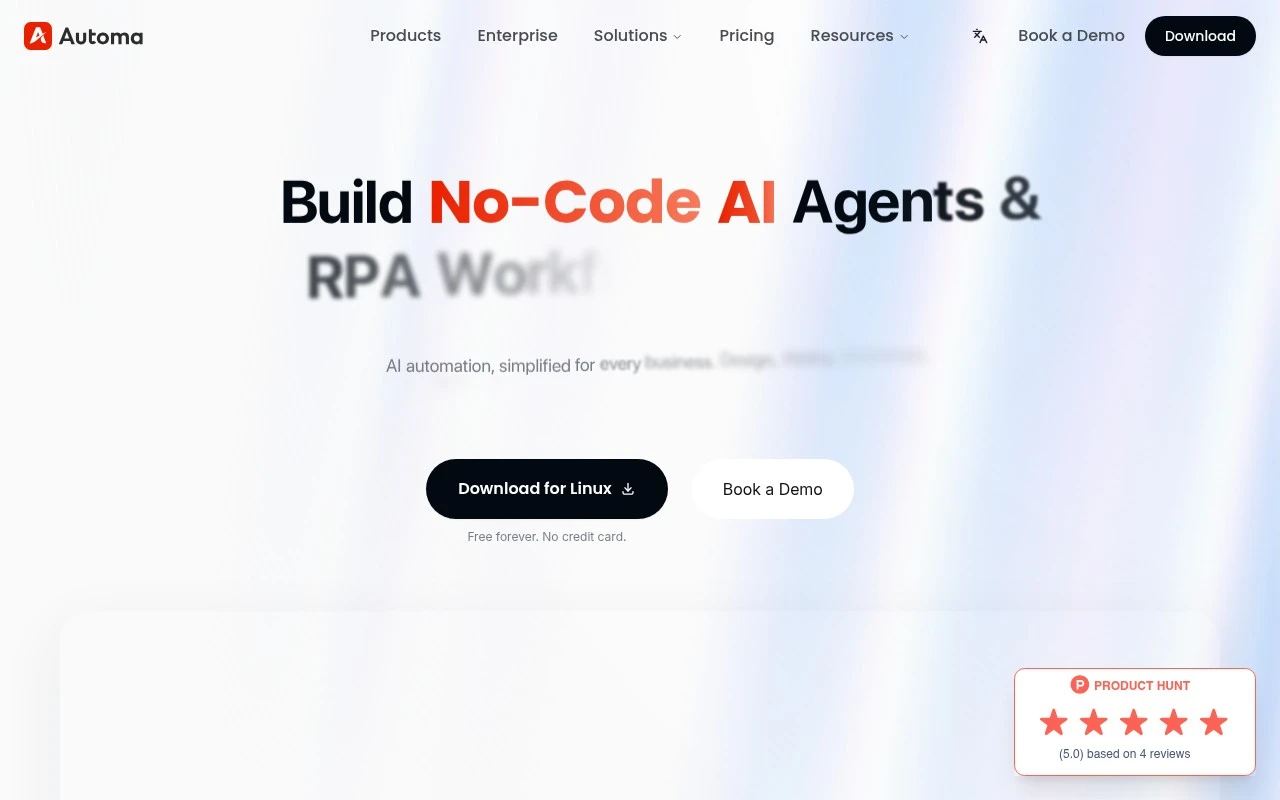
Automa is presented as an enterprise-grade no-code platform for AI agents and RPA workflows. It combines a visual drag-and-drop builder with AI-powered decision making so teams can automate repetitive tasks such as data entry, invoice handling, email management, web scraping, CRM updates, and reporting. The site positions it for both smaller teams and large organizations that need workflow automation across finance, support, HR, sales, operations, and analytics.

FYAI Score

7.7 / 10

Based on 16 reviews + FYAI product analysis

Pricing:

Free

Best for:

Ops and finance teams automating enterprise workflows without code

Score Breakdown

  • Ease of use7.7 / 10
  • Features7.7 / 10
  • Pricing7.5 / 10
  • Integrations7.5 / 10
  • Support8.0 / 10

PRODUCT PREVIEW

What this AI tool does

Automa is an AI tool designed to help people streamline repetitive work by turning common tasks into automated workflows. It’s aimed at users who want to reduce manual steps in day-to-day processes, whether that involves handling routine data, organizing information, or coordinating actions across different tools. In practice, automa is most useful when you have a clear sequence of steps you repeat often and want a more consistent way to run them. It can support an informational approach to automation by helping you define what should happen, when it should happen, and how results are handled, making it easier to maintain predictable outcomes over time. This kind of tool is typically used by individuals and teams looking to improve efficiency without changing their core systems. If you’re evaluating automation options, automa can be a fit when you want a structured way to reduce repetitive effort while keeping control over how each workflow behaves.

Use cases

Best for

Workflow Automation

Build drag and drop RPA workflows that route tasks, scrape sites, and update systems using AI based decision steps.

Bookkeeping

Automa can extract invoice fields, validate totals, and post entries to accounting systems via automated workflows.

Crm Automation

Automate CRM updates by capturing leads from forms or email, enriching fields, and writing records back to your CRM.

ANALYSIS

Strengths & limitations

Strengths
  • Supports no-code workflow creation through a visual drag-and-drop builder.
  • Combines AI-agent style decision making with RPA-style task execution for business process automation.
  • Covers a broad set of stated use cases, including finance automation, customer support, HR, sales, data analytics, web scraping, and email automation.
Limitations
  • The public site is marketing-heavy and provides limited technical detail about how automations are built, deployed, governed, or integrated.
  • Specific supported integrations, pricing, deployment options, and compliance certifications are not clearly established in the provided page text.
  • Claims about scale, adoption, and performance are broad and would need verification before being used for procurement decisions.

Evaluation

FYAI score breakdown

Our structured evaluation across five key criteria

7.7 / 10

Overall score

Based on 16 reviews + FYAI product analysis

  • Ease of use7.7 / 10
  • Features7.7 / 10
  • Pricing7.5 / 10
  • Integrations7.5 / 10
  • Support8.0 / 10

What users say

Findings from public reviews, documentation and community sources.

  • Ease of use

    The Automa homepage says users can “Design workflows effortlessly with our intuitive drag-and-drop interface” and “build your own AI agents in minutes” without needing to “know how to write code.” ProductHunt reviews describe Automa as having an “intuitive interface.”

  • Features

    The Automa pricing page lists AI/RPA capabilities including “Magic Commands & Flows,” “AI (OCR + NLP),” “Advanced Element Capturing (XPath),” and “Cloud Triggers.”

  • Pricing

    The Automa pricing page structures plans into “Free,” “Pro,” and “Enterprise,” with a Free plan requiring “No credit card.” The Automa pricing page lists Free plan limits including “Developed App Limit 1” and “30 mins/day” runtime for third-party apps, and the visible page presents plan names and limits rather than public dollar prices.

  • Integrations

    The Automa pricing page references “API Access,” “Public Marketplace Access,” “Enterprise Marketplace Access,” and a “Private Enterprise Section.” The Automa homepage references large systems including “SAP or Salesforce.”

  • Support

    The Automa homepage surfaces learning resources including “Automa Tutorials,” “Latest Blog,” and “Automa Docs.” The Automa pricing page lists “Expert Support Services” and an “Exclusive Success & Support Manager” for higher-tier customers.

Who is this for?

Best for users who want no-code automation, the Automa homepage says users can use a drag-and-drop interface and build AI agents in minutes without needing to “know how to write code.” Less suited to buyers who need public dollar prices before choosing a plan, the pricing page shows “Free,” “Pro,” and “Enterprise” plan names and limits rather than public dollar prices.

PRODUCT PREVIEW

Feature highlights

No-code builder

Drag-and-drop workflows to automate tasks across apps and systems.

AI decisions

Route, classify, and act on data with AI-driven logic in flows.

RPA automations

Handle data entry, invoices, email triage, scraping, and updates.

COMPARE

Discover curated alternatives worth comparing

Compare similar AI tools based on features, pricing and use cases

9.0/ 10Based on 3.056 reviews

Zapier

Workflow AutomationIntegration Automation
Connects apps to automate multi-step workflows and actions
Best for:
Operations teams
Pricing
Freemium

8.6/ 10Based on 779 reviews

Workato

Workflow AutomationIntegration Automation
Orchestrates workflows across business apps via MCP integrations
Best for:
IT & Security teams
Pricing
Free trial

8.9/ 10Based on 7.771 reviews

Uipath

Workflow AutomationIntegration Automation
Automates workflows with AI agents, robots, and document processing
Best for:
Operations teams
Pricing
Freemium

Start automating repetitive work with Automa today. Free up your team’s time, cut errors, and keep operations running smoothly as you scale.

FAQ

Frequently asked
questions

Everything you need to know about this AI tool,
its features, pricing, use cases, and limitations.

What types of automation is Automa a good fit for?
Automa is best for browser-based, repetitive workflows like form filling, web scraping, data entry between web apps, and scheduled page interactions. It’s a strong option when your process lives in the browser and you want a visual, step-by-step builder. If you need heavy back-end orchestration across many internal systems, you may outgrow it.
Does Automa have a free plan, and what are the main limitations compared to paid options?
Automa is commonly used as a free browser extension, which can cover many personal or lightweight business automations. Paid offerings (where available) typically matter when you need team features, centralized management, higher run volumes, or more robust deployment/monitoring. Before choosing, confirm whether the features you need are included in the extension versus a hosted or commercial plan.
How does Automa compare with Zapier, Make, or UiPath for automation?
Automa is more “browser-RPA” oriented, automating what a user does on web pages, while Zapier/Make focus on API-based integrations between SaaS tools. Compared with UiPath, Automa is lighter-weight and usually easier to start with, but it has fewer enterprise controls and advanced orchestration features. If your apps have solid APIs, Zapier/Make can be more reliable than UI automation.
How quickly can a team get Automa running, and what onboarding effort should you expect?
Because Automa relies on browser interactions, workflows can break when websites change layouts, selectors, or anti-bot protections. Advanced needs like robust versioning, approvals, role-based access, and enterprise-grade monitoring may be limited compared to larger automation suites. Support depth can also be a deciding factor if you require guaranteed response times.
What should I consider about data privacy, credentials, and compliance when using Automa?
Automa workflows may handle sensitive inputs (logins, customer data) inside the browser, so you should review where credentials are stored and who can access the machine/profile running the automation. For regulated environments, validate whether your setup supports audit trails, access controls, and data retention requirements. If compliance is strict, prefer deployments that minimize data leaving your environment and document how automations are executed.