Curated & independently scored by FindyourAI

Best AI Tools for Design Templates

Reviewed by Sidney de BoerUpdated September 2026
Design templates made easier for marketers and creators, with curated tool picks, use-case guidance, and filters to build polished branded visuals faster.
201 tools reviewed · 36 use cases · 6 top picks · Updated weekly

Works well forSolo MarketersEcommerce SellersSocial CreatorsLean Brand TeamsDesigners

Overview

AI design template tools help non-designers, marketers, and creators turn blank layouts into polished social posts, presentations, product graphics, and brand assets faster. FindyourAI scores every tool against the same criteria, including output quality, template coverage, brand controls, speed, and fit for the job, then lists only the options that suit this category.

Freemium

Non-designers creating polished marketing and social content fast

Canva’s broad template library is the draw here, giving non-designers a quick starting point for many everyday visual assets. As a template-led design platform for non-designers, it fits individuals, creators, students and small teams that want polished layouts they can adapt with drag-and-drop editing. Less suited to teams that need highly bespoke visual identities because template-based designs can require extra customization to avoid looking generic or widely reused.

View Canva

FYAI Score

8.9 / 10

Based on 13,367 reviews
Freemium

Designers and ecommerce sellers creating brand and product visuals fast

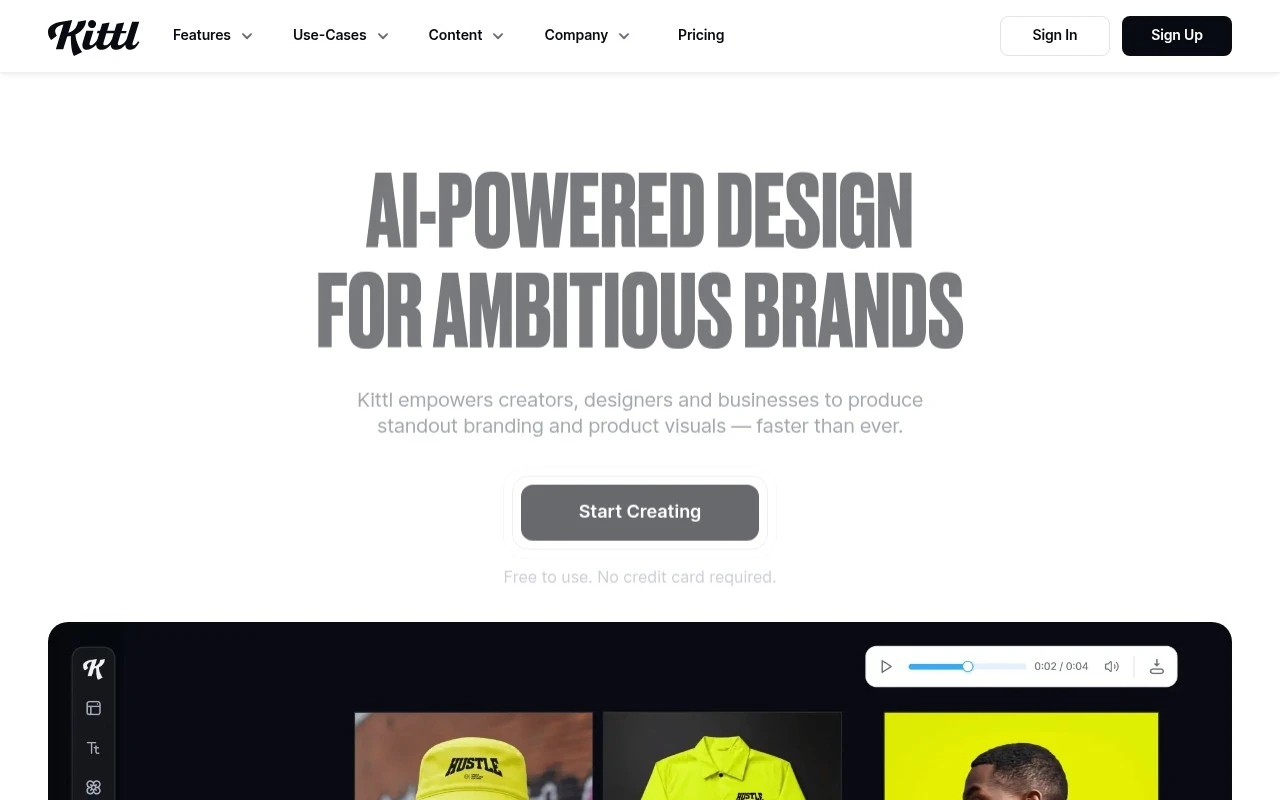
Merchandise sellers and small brand teams that need reusable visual starting points will get the most from Kittl. It is a web-based design workspace for merchandise and brand visuals, so its templates are strongest when they help creators move quickly from a branded idea to a sellable-looking asset rather than building every layout from scratch. The fit is especially good for teams producing lots of product or social visuals because the editor keeps template creation and routine finishing work in one place. Less suited to teams that need deep professional prepress or complex publication layout because Kittl is built around fast visual production rather than full design-suite depth.

View Kittl

FYAI Score

8.8 / 10

Based on 1,253 reviews

Freemium

Marketing teams and creators producing high-volume branded content

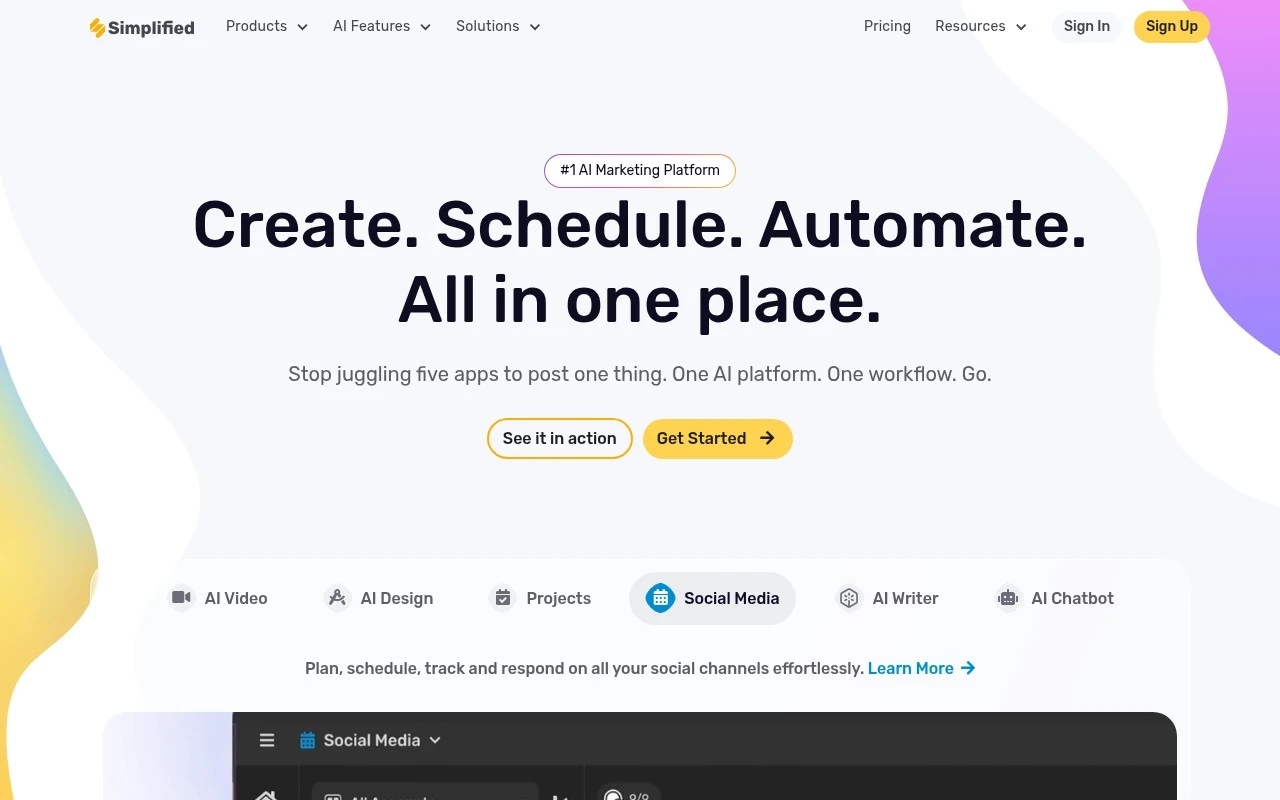
Simplified is a branded content production workspace for marketing teams and creators, and it belongs here because its template creation is built around repeatable brand-led campaigns. Its AI tools pair design generation with brand consistency and collaboration, which makes it a strong fit for teams that need many on-brand campaign assets without rebuilding each layout from scratch. Less suited to teams already committed to separate specialist production systems because Simplified works best when template creation and campaign production are centralized in its workspace.

View Simplified

FYAI Score

8.7 / 10

Based on 5,008 reviews

Freemium

Designers and marketers needing fast, on-brand visuals

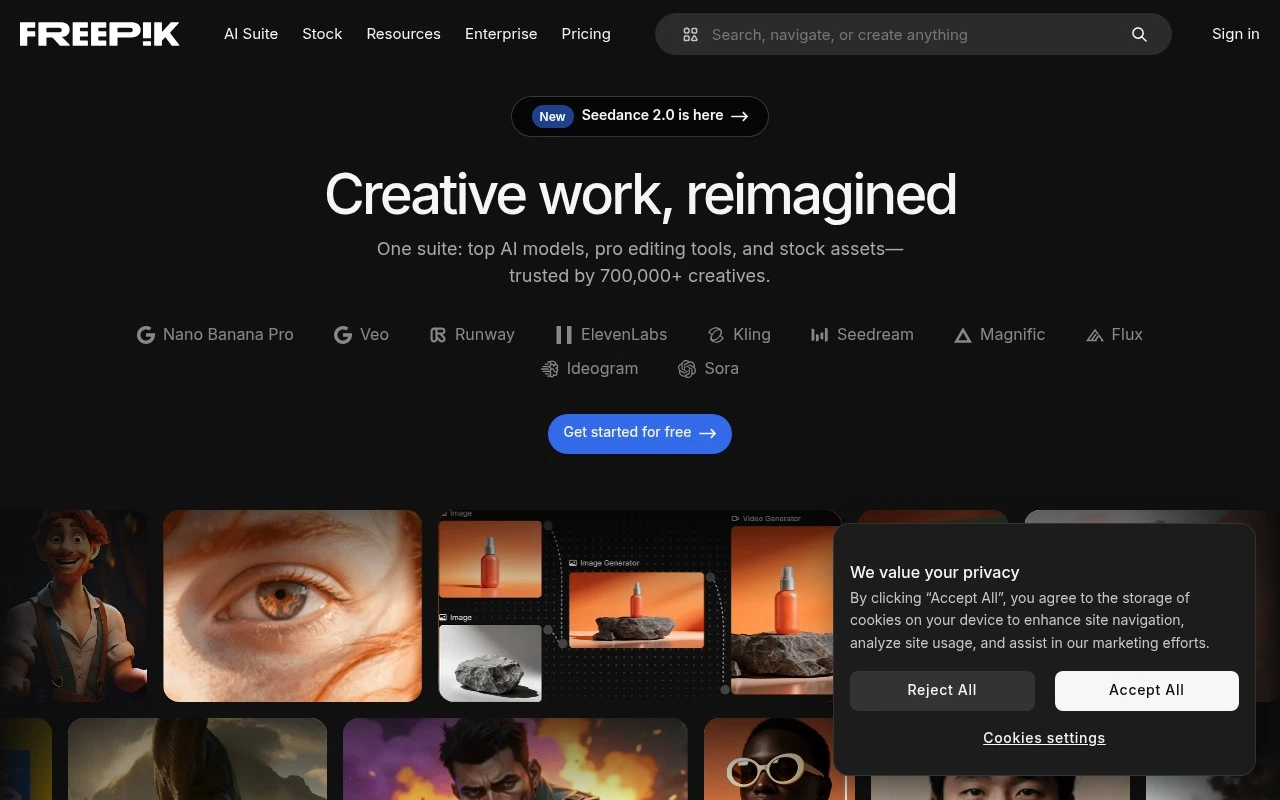
When a campaign needs a promo graphic by this afternoon, Freepik helps teams start from usable design templates instead of a blank canvas. It is best understood as an AI-assisted stock-asset platform, so its template strength comes from combining a large ready-made library with accessible visual creation rather than from being a dedicated template builder. It fits marketers, content creators, and small teams that need fast, on-brand campaign visuals. Less suited to brands that require fully exclusive visual systems because marketplace assets may also be used by other creators.

View Freepik

FYAI Score

8.5 / 10

Based on 2,642 reviews

Freemium

Creators and social marketers producing high-volume visual content

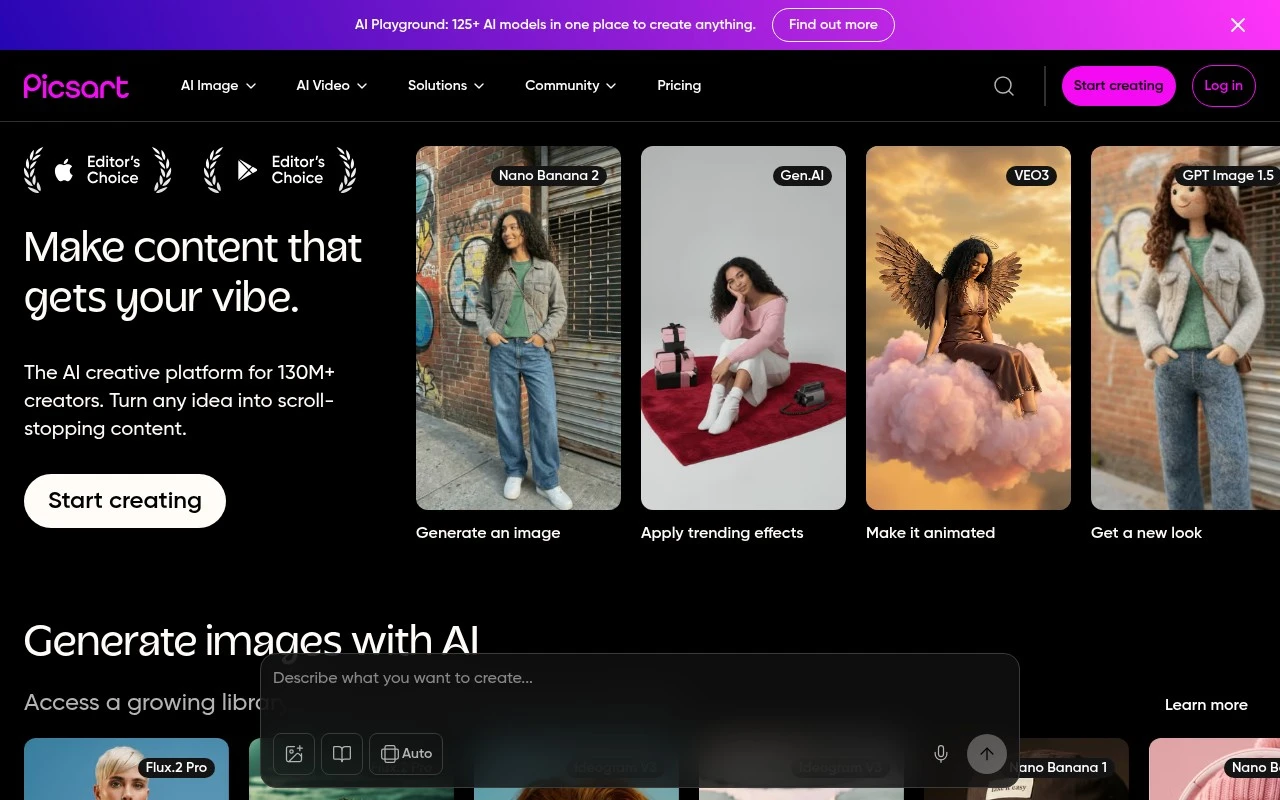
PicsArt stands out here by treating templates as part of a fast everyday content workflow rather than a standalone design-template library. As an all-in-one creator workspace for high-volume visual content, it suits social media teams and small businesses that need to turn recurring campaign ideas into finished designs quickly using templates and built-in assets. Less suited to specialist production teams because its broad creator workflow prioritizes speed and breadth over deep controls for a single professional discipline.

View PicsArt

FYAI Score

8.3 / 10

Based on 918 reviews

Freemium

Marketing teams producing on-brand content across formats

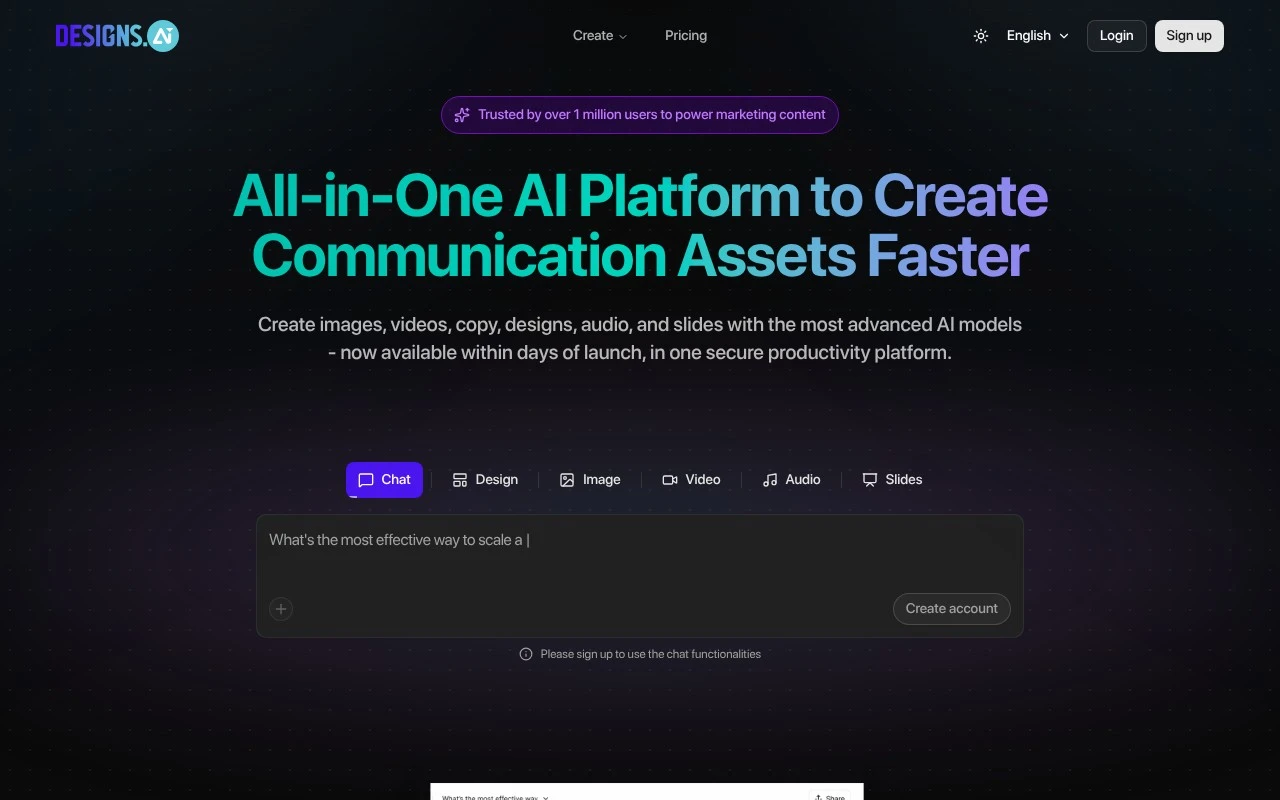
Brand consistency is the main reason Designs AI belongs in a design templates shortlist, helping teams create reusable marketing layouts that stay aligned with an existing identity. Designs AI is a multi-format AI marketing content workspace, so it fits brand managers and small content teams that need on-brand template starting points without relying on separate specialist tools for every campaign. Less suited to specialist creative teams because Designs AI prioritizes broad multi-format generation over deep manual editing controls.

View Designs AI

FYAI Score

7.8 / 10

Based on 1,366 reviews

How to choose

  • Template Coverage By Channel

    Check whether the library covers the formats you make most, such as social posts, presentations, ads, product images, PDFs, or web visuals.

  • Brand Control And Reuse

    Look for saved colours, fonts, logos, layout locking, and reusable kits so repeated designs stay consistent across campaigns.

  • AI Generation Versus Editing

    Decide whether you need prompts that create full drafts, smart resizing, background removal, copy suggestions, or mainly drag-and-drop template editing.

  • Export Format Flexibility

    Confirm you can export the file types and dimensions your workflow needs, especially slides, PDFs, transparent images, print files, or web-ready assets.

  • Commercial Asset Licensing

    Review how templates, stock images, fonts, and AI-generated assets can be used in client work, ecommerce listings, and paid campaigns.

Best for:

This shortlist is for solo marketers, ecommerce sellers, social creators, and lean brand teams that need repeatable visuals without starting every layout from scratch. It also suits designers who want faster starting points for product graphics, campaigns, and branded content. Less suited to UX teams building complex interactive interfaces, agencies needing fully custom identity systems, or print specialists with strict prepress workflows.

FAQ

Frequently asked
questions

Common questions about choosing the right tool,
comparing options, and getting started.

What is the best AI tool for design templates?

Choose based on template depth, brand controls, editing flexibility, and export formats, then compare the shortlisted tools on this page. The right choice depends on whether you make social posts, presentations, product graphics, PDFs, or web visuals most often.

Are there free AI tools for graphic design templates?

Yes, the tools on this page use freemium models, so you can start with free access and upgrade if you need more templates, assets, or exports. Free access is useful for trying workflows before committing to a design tool.

Can AI design template tools make professional PowerPoint templates?

Yes, many AI design template tools can help create presentation-ready slides or visual assets. Check export formats and slide editing options if your final work needs to stay editable in presentation software.

Can I use AI design template tools for UI design templates?

Use this category for fast visual layouts, mockup assets, and marketing screens. Choose a dedicated product design workflow if you need interactive prototypes, design systems, or developer handoff.

Every tool on FindyourAI is scored on the same independent criteria, not on who pays. We may earn a commission if you sign up through our links, at no cost to you.