Curated ToolThis tool is part of our curated AI directory. We only include tools that meet our standards for relevance, usability and real-world value.

Rytr

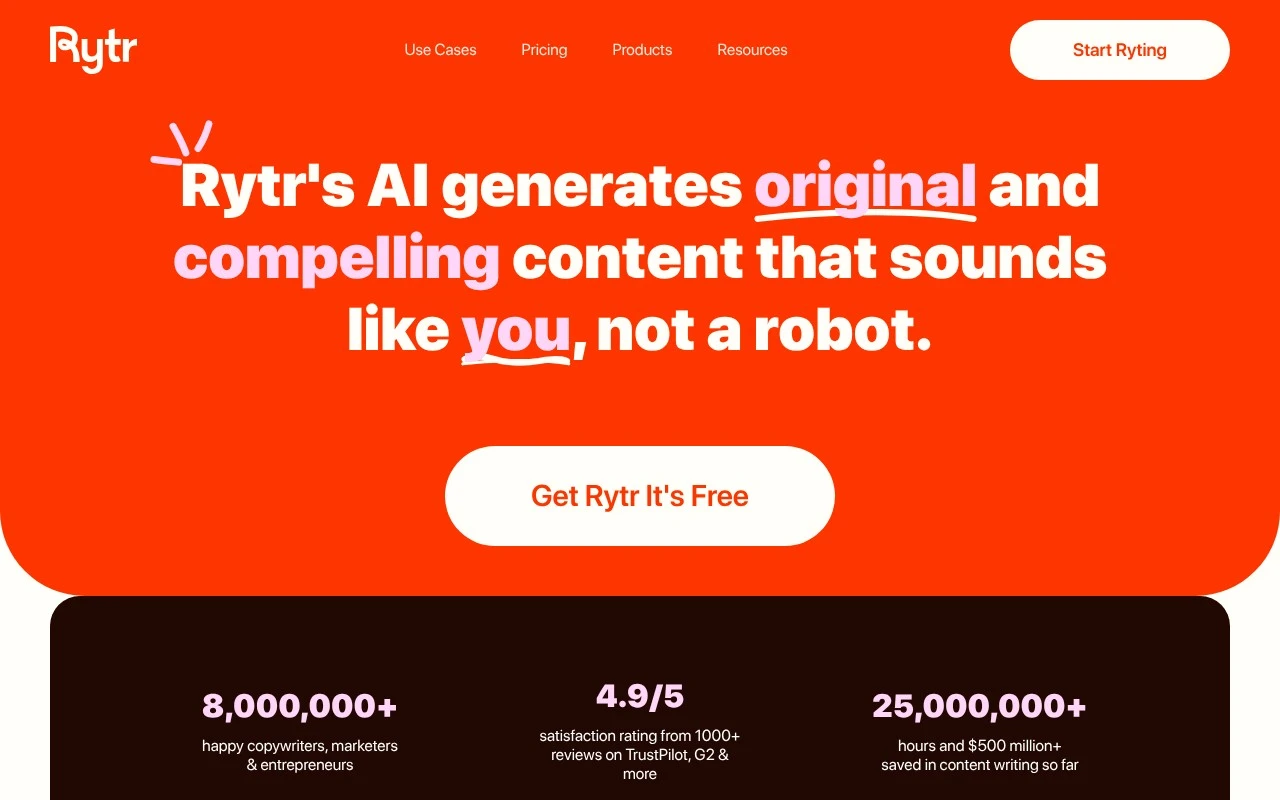
Rytr is an AI writing assistant that helps users generate and edit marketing copy, blog content, emails, and social media posts from prompts. It provides use-case templates and tone controls to shape drafts for different writing needs.
Copy OptimizationScript Writing
FYAI Score

8.2 / 10

Based on 2,452 reviews

Pricing:

Freemium

Best for:

Copywriters and marketers producing high-volume content across brands

Score Breakdown

  • Ease of use8.3 / 10
  • Features7.5 / 10
  • Pricing9.3 / 10
  • Integrations7.9 / 10
  • Support8.1 / 10

PRODUCT PREVIEW

What this AI tool does

Rytr is an AI writing tool for producing, improving, and adapting written content across marketing, business, and everyday communication tasks. Rytr is designed for copywriters, marketers, entrepreneurs, freelancers, and small teams that need frequent text output without starting every draft from a blank page. For people working across many formats, the platform acts like a flexible writing assistant rather than a single-purpose generator. It can help write blog post sections, create sales copy, generate product description drafts, produce email writing variations, and support social media content creation when speed and consistency matter. The core experience is built around use cases, tone selection, and guided generation. Instead of asking users to construct every prompt manually, it gives them structured starting points for tasks such as short form content creation, conversion copywriting, press release writing, newsletter creation, and headline ideation. This makes it accessible for users who want practical output quickly, not a complex prompt engineering workflow. Editing is a major part of the story. The tool can rewrite content, shorten sentences, improve grammar, reword awkward phrasing, and continue a thought with autocomplete or paragraph generation. That makes it useful not only for first drafts, but also for polishing rough copy, reshaping existing material, or matching a clearer tone for a specific audience. A custom tone-of-voice capability is especially relevant for freelancers and teams writing across different brands. Rather than treating every output as generic AI text, the platform gives users ways to steer voice, style, and intent, which is important when switching between a formal B2B email, a lively social caption, and a concise product page. Rytr is best at helping users move quickly from intent to usable draft while keeping tone and format in view. In marketing workflows, the tool fits into the repetitive writing moments that sit between strategy and publishing. Users can generate headlines, draft a meta description, create newsletter copy, outline landing page text, or explore multiple versions of an ad message before choosing the strongest direction. It is particularly practical for small teams and solo operators who need steady content volume but do not have a dedicated writer for every task. The Chrome extension extends the writing experience beyond the main editor. It lets users bring AI assistance into other web apps, which is useful for composing emails, responding in business tools, drafting posts, or refining text inside content management systems. This makes the tool feel less like a separate destination and more like a writing layer that can follow the user through daily work. Plagiarism checking adds another layer for users who publish content regularly. While AI generation can accelerate drafting, content still needs review for originality, accuracy, and brand fit. The presence of plagiarism checks reinforces the platform’s role as a production assistant rather than a replacement for editorial judgment. Rytr is strongest as a practical AI writing companion for frequent, varied content creation, especially where speed, tone control, and rewriting matter more than highly specialised editorial depth. It is not positioned only for long form content creation or only for ads, but for the broad set of small writing jobs that fill a marketer’s, founder’s, or freelancer’s week. Its value comes from combining structured writing templates, quick editing tools, and cross-app access into one lightweight workflow.

Use cases

Best for

Short Form Content Creation

Generate short ads, product blurbs, and taglines from a prompt, then reword or shorten them with Rytr’s editor.

Email Writing

Draft outreach, follow ups, and replies using email templates, then adjust tone, grammar, and length before sending.

Social Media Content Creation

Create captions and post variations for different platforms, using tone settings and rephrasing to match each brand voice.

ANALYSIS

Strengths & limitations

Strengths
  • Best suited to marketers, freelancers, and entrepreneurs who write across many formats because its 40+ use cases and tone options cover a wide range of everyday copy needs.
  • Helpful for editing existing drafts because rewording, sentence shortening, paragraph generation, autocomplete, and grammar improvement support quick polishing as well as first drafts.
  • Useful for writing across web workflows because the Chrome extension, custom tone-of-voice features, and plagiarism checks reduce the need to switch between separate writing tools.

Limitations
  • Less suitable for teams that need a full content operations platform because Rytr is centered on writing and editing rather than briefs, approvals, publishing calendars, or performance analytics.
  • Less suitable for high-volume users who want unrestricted generation on a free plan because its freemium model means heavier usage and some capabilities sit behind paid access.
  • Less suitable for highly regulated, technical, or research-heavy content because AI-generated copy still needs human fact-checking, source validation, and brand or legal review before publication.

Evaluation

FYAI score breakdown

Our structured evaluation across five key criteria

8.2 / 10

Overall score

Based on 2,452 reviews

  • Ease of use8.3 / 10
  • Features7.5 / 10
  • Pricing9.3 / 10
  • Integrations7.9 / 10
  • Support8.1 / 10

What users say

Findings from public reviews, documentation and community sources.

  • Ease of use

    Rytr's site presents a free start, “40+ content use cases and templates,” and a Chrome Extension so users can write where they already work. Trustpilot shows Rytr at 4.4/5 across 2,452 reviews.

  • Features

    Rytr's site lists “40+ use cases,” AI autocomplete, AI commands, tone matching, and multilingual writing on Premium.

  • Pricing

    Rytr's pricing page lists Free at $0 with 10K characters/month, Unlimited at $7.50/month with unlimited generations, and Premium at $24.16/month with more tones, higher input limits, 35+ languages, and 100 plagiarism checks/month. Rytr's pricing page states monthly plans can be canceled anytime and annual billing saves 20%.

  • Integrations

    Rytr's site highlights a Chrome Extension. Make says users can “Connect Rytr” and “integrate over 3000 apps on Make.”

  • Support

    Rytr's pricing page lists “Priority support” and “Access to Exclusive Community.” Rytr's pricing page includes billing and cancellation FAQs, including that monthly subscriptions can be canceled anytime.

Who is this for?

Best for solo writers and marketers who need quick copy in existing workflows, Rytr's site lists “40+ content use cases and templates” and a Chrome Extension, and the pricing page lists Free at $0 with 10K characters/month. Less suited to users who need multilingual writing without choosing Premium, Rytr's site lists multilingual writing on Premium.

PRODUCT PREVIEW

Feature highlights

40+ Writing Use Cases

Generate ads, emails, blogs, and product copy from a simple prompt.

Custom Brand Voice

Match tone and style with custom voice settings and tone options.

Rewrite & Improve

Reword, shorten, and fix grammar with built-in plagiarism checks.

COMPARE

Discover curated alternatives worth comparing

Compare similar AI tools based on features, pricing and use cases

7.4/ 10Based on 5 reviews

Chapterly

Copy OptimizationBlog & Article Writing
Refines narrative, characters, and settings for authors
Best for:
Content creators
Pricing
Freemium

8.8/ 10Based on 846 reviews

Yoast SEO

Content & On-pageTechnical & Audit
Optimizes SEO titles, descriptions, and product content
Best for:
SEO teams
Pricing
Freemium

8.1/ 10Based on 1,124 reviews

Yext

SEO MonitoringAI Search / GEO
Publishes verified business data, tracks AI and search discovery
Best for:
SEO teams
Pricing
Paid

Join thousands of creators writing faster with copy that sounds like you. Start your next draft in minutes with Rytr.

FAQ

Frequently asked
questions

Everything you need to know about this AI tool,
its features, pricing, use cases, and limitations.

Is Rytr a good fit for copywriters, marketers, and freelancers?
Rytr is best suited to people who regularly need to create and refine written content quickly. It fits copywriters, marketers, entrepreneurs, freelancers, and similar users working on emails, social posts, product descriptions, headlines, blog drafts, newsletters, sales copy, and other common marketing or professional writing tasks.
What do I get with Rytr’s free plan, and when would I need a paid plan?
Rytr has a freemium model, with a free plan limited to 10,000 generated characters per month. A paid plan is more relevant if you need higher usage limits, personalized tones of voice, more language options, larger plagiarism-check allowances, or more consistent use across client, brand, or business writing workflows.
How does Rytr compare with other AI writing tools?
Rytr is strongest as a broad writing assistant for drafting, rewriting, shortening, expanding, polishing, and checking text. Compared with similar tools, the right choice depends on whether you need lightweight copy generation, tone control, and editing support, or broader capabilities such as publishing workflows, campaign planning, or team content operations.
How quickly can I get started with Rytr?
Rytr’s main trade-offs are usage limits on the free plan and more advanced writing controls being tied to paid plans. It is useful for generating and improving text, but it should not be treated as a full publishing platform, campaign management system, or end-to-end content workflow tool.
What should I check about Rytr’s data privacy and compliance before using it?
Buyers should review Rytr’s current privacy, security, and compliance terms before entering sensitive business, client, or regulated content. Important checks include data retention, whether inputs may be used for model improvement, access controls, user permissions, deletion options, contractual terms, and any compliance documentation required by your organisation.