
Curated ToolThis tool is part of our curated AI directory. We only include tools that meet our standards for relevance, usability and real-world value.
Zencastr
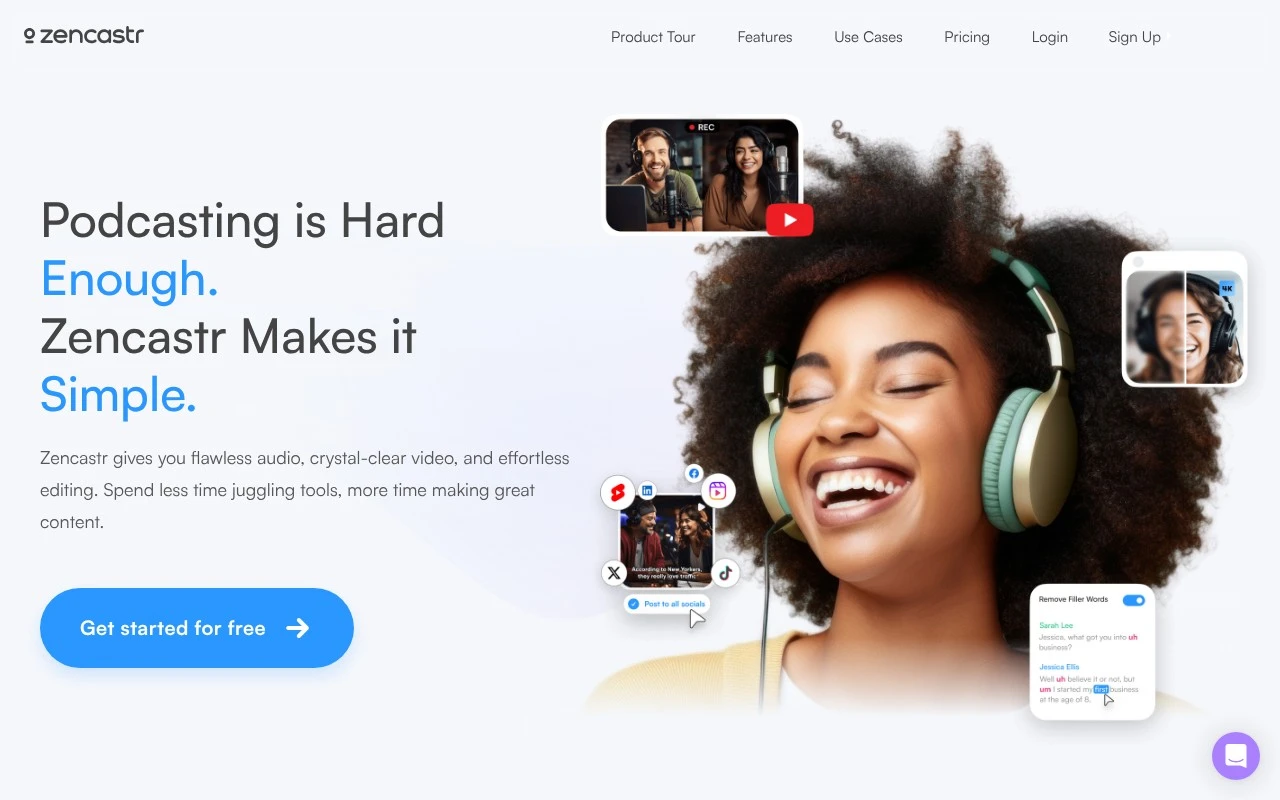
Zencastr is a web-based podcast and video recording platform for capturing remote interviews in high-quality separate audio and video tracks. It also supports post-production workflows such as editing, transcription, and publishing.
Podcast Editing

FYAI Score
7.4 / 10
Based on 30 reviews
Pricing:
Freemium
Best for:
Podcasters and interviewers recording remote shows
Score Breakdown
- Ease of use7.5 / 10
- Features7.9 / 10
- Pricing7.1 / 10
- Integrations7.2 / 10
- Support7.1 / 10
 | Strengths |
-
 Best suited to remote podcast and video teams because recording, editing, transcription, hosting, analytics, collaboration, and monetization live in one workflow.
 -
Strong fit for interview-led creators because AI text-based editing and transcription can speed up cleanup and repurposing after a recording session.
-
Useful for growth-focused creators because longer recordings can be turned into ready-to-post social clips without moving the project through multiple separate tools.
 | Limitations |
-
 Less suitable for creators who only need basic recording because the broader production, hosting, and growth toolkit can add unnecessary workflow complexity.
 -
Less suitable for teams already committed to separate editing, hosting, and analytics systems because Zencastr works best when more of the production pipeline is consolidated inside the platform.
-
The freemium model can limit heavier production teams because higher-volume recording, storage, collaboration, or publishing needs are likely to require a paid plan.
 | 8.5/ 10Based on 23 reviews |
Cartesia
AI Voiceover
Adds AI speech, streaming transcription, and voice agents
Best for: | Software developers |
Pricing | Freemium |
 | 8.2/ 10Based on 215 reviews |
Synthflow
Voice & Audio
Automates phone calls, follows logic, and connects systems
Best for: | Customer support teams |
Pricing | Paid only |
 | 9.2/ 10Based on 2,638 reviews |
Retell AI
Voice & Audio
Automates phone calls, routes issues, and logs outcomes
Best for: | Operations teams |
Pricing | Usage-based |