Curated ToolThis tool is part of our curated AI directory. We only include tools that meet our standards for relevance, usability and real-world value.

Wellsaid

Generates realistic AI voiceovers from scripts with voice controls

AI Voiceover
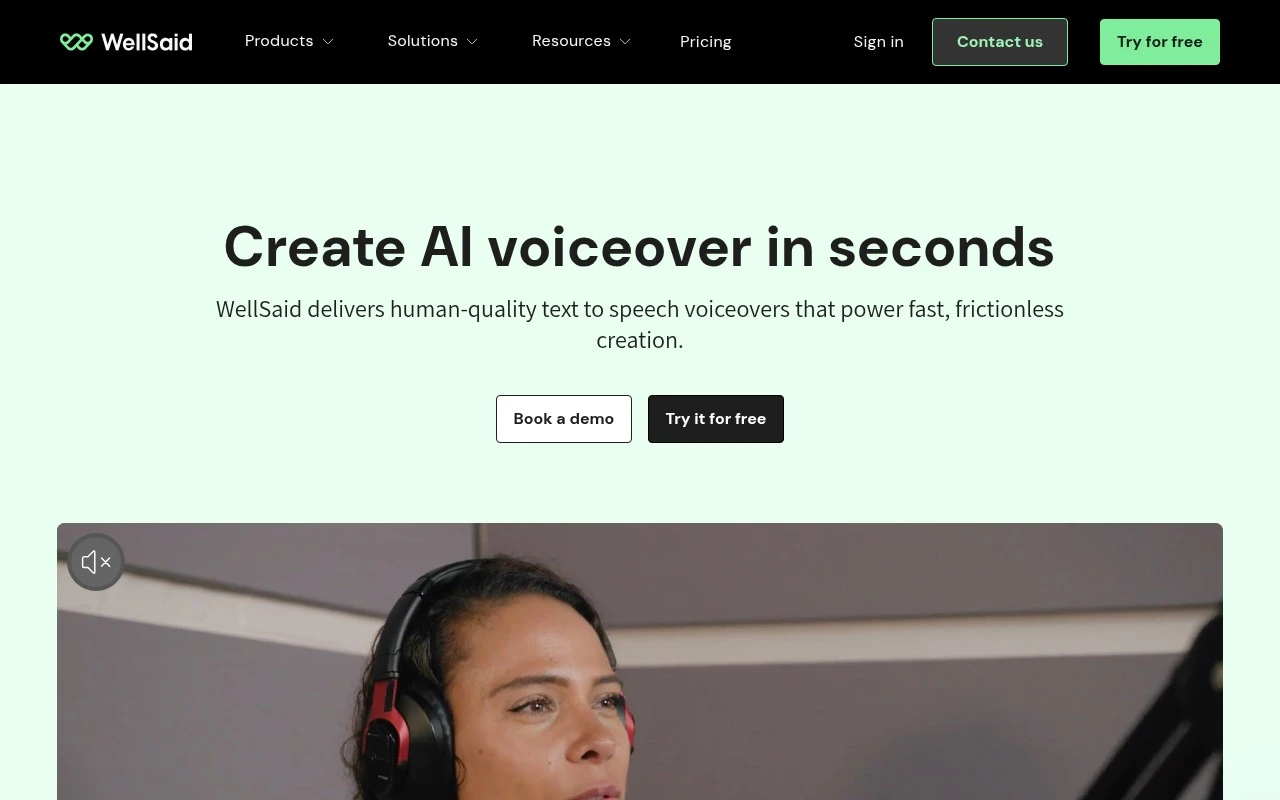
Wellsaid provides a business-focused AI voice generator and text-to-speech studio for producing human-sounding voiceovers from written scripts. The platform offers 120+ voices across accents, languages, and styles, with controls for pronunciation, pacing, tone, and team collaboration. It is positioned for organizations that need to create, revise, and scale narrated content quickly while managing security, commercial usage rights, and brand consistency.

FYAI Score

8.6 / 10

Based on 130 reviews

Pricing:

Paid only

Best for:

Learning and marketing teams producing narrated content at scale

Score Breakdown

  • Ease of use9.2 / 10
  • Features8.4 / 10
  • Pricing7.9 / 10
  • Integrations8.2 / 10
  • Support9.0 / 10

PRODUCT PREVIEW

What this AI tool does

Wellsaid is an AI voice tool designed to turn written text into natural-sounding speech. It’s typically used when you need a spoken version of a script but don’t want to record audio yourself, such as for training materials, product walkthroughs, or internal presentations. In practice, you paste or write your content, choose a voice style, and generate audio that can be downloaded and added to videos, e-learning modules, or other media. This kind of text-to-speech workflow can help teams iterate on scripts quickly, keep narration consistent across updates, and produce voiceovers without coordinating studio time. Because it’s an AI voice generator, it’s best suited for clear narration rather than highly emotional performance. As with any synthetic voice output, it’s also important to use it in a way that aligns with your organization’s policies and any applicable consent or disclosure requirements.

Use cases

Best for

Generate Voiceover

Use Wellsaid to generate voiceover audio from a script by selecting a voice and adjusting pronunciation, pacing, and tone.

Text to Speech

Convert written text to speech in a studio that renders human-sounding narration and lets teams review and revise the audio.

ANALYSIS

Strengths & limitations

Strengths
  • Uses licensed recordings from real voice actors and offers a large library of natural-sounding AI voices.
  • Includes production controls such as pronunciation libraries, pacing and tone adjustment, team workspaces, comments, and shared voice management.
  • Supports enterprise and workflow needs with an API, Adobe Express and Premiere Pro integrations, SOC 2 and GDPR claims, commercial usage rights, and role-based team access.
Limitations
  • The provided site content focuses on text-to-speech voiceover generation, not full audio production, music, transcription, dubbing, or video editing.
  • Exact pricing, plan limits, supported language list, and API usage constraints are not specified in the supplied page text.
  • Teams still need to review generated narration for pronunciation, tone, timing, and fit before publishing.

Evaluation

FYAI score breakdown

Our structured evaluation across five key criteria

8.6 / 10

Overall score

Based on 130 reviews

  • Ease of use9.2 / 10
  • Features8.4 / 10
  • Pricing7.9 / 10
  • Integrations8.2 / 10
  • Support9.0 / 10

What users say

Findings from public reviews, documentation and community sources.

  • Ease of use

    G2’s 130-review product page reports that users praise WellSaid Studio’s “user-friendly interface,” making voiceover creation “quick and effortless.” G2’s product page also describes the workflow as “IMPORT SCRIPT,” “PICK A VOICE,” “ADJUST THE OUTPUT,” and “SHARE & EXPORT.”

  • Features

    WellSaid’s website lists “120+ natural-sounding AI voices,” script upload/editing, tone/speed/pronunciation controls, and pronunciation libraries. WellSaid’s website also lists team workspaces, shared review, commercial usage rights, and enterprise security.

  • Pricing

    WellSaid’s pricing page shows five tiers from Trial to Enterprise, with annual/monthly prices shown for individual plans and usage limits such as “240 minutes/year” on Starter and “2,160 minutes/year” on Pro. WellSaid’s pricing page lists a free trial with “3 download minutes per month,” team pricing starting at “$160 /mo/user,” and “no commercial rights” on the free tier.

  • Integrations

    WellSaid’s website lists a “Developer-ready API” for apps, LMS platforms, IVRs, and more. WellSaid’s website also lists native “Adobe integrations” for Adobe Express and Premiere Pro.

  • Support

    WellSaid’s pricing page says Starter includes “Email support.” WellSaid’s pricing page says Business includes “Email (1 business day SLA) and Live Chat (4 hour SLA during business hours),” and Enterprise adds “Priority Chat (1 hour SLA during business hours).”

Who is this for?

Best for teams creating scripted voiceovers, WellSaid’s website lists “120+ natural-sounding AI voices,” tone/speed/pronunciation controls, team workspaces, and shared review. Less suited to users who need broad creator-suite tools, the available facts focus on studio/API voiceover, native “Adobe integrations,” and a “Developer-ready API” rather than cloning, dubbing, or community tools. Less suited to users needing free commercial output, WellSaid’s pricing page lists a free trial with “3 download minutes per month” and “no commercial rights.”

PRODUCT PREVIEW

Feature highlights

120+ AI Voices

Pick realistic voices across accents, languages, and styles.

Voice Studio Controls

Tune pronunciation, pacing, and tone for natural delivery.

Team Collaboration

Review, revise, and keep voiceovers consistent across teams.

COMPARE

Discover curated alternatives worth comparing

Compare similar AI tools based on features, pricing and use cases

7.4/ 10Based on 30 reviews

Zencastr

Podcast Editing
Edits audio/video via text, transcribes, and makes social clips
Best for:
Audio & podcast creators
Pricing
Freemium

8.5/ 10Based on 16 reviews

Wondercraft

Short-form VideoVideo Editing
Turns text or audio into editable AI-generated videos and audio
Best for:
Video creators
Pricing
Freemium

8.2/ 10Based on 14 reviews

Unreal Speech

AI Voiceover
Programmable text-to-speech API for fast narrated audio generation
Best for:
Software developers
Pricing
Freemium

Join teams creating polished voiceovers in minutes. Turn scripts into natural, on-brand audio with Wellsaid and ship training and marketing content faster.

FAQ

Frequently asked
questions

Everything you need to know about this AI tool,
its features, pricing, use cases, and limitations.

What types of projects is Wellsaid a good fit for compared to other voiceover tools?
Wellsaid is typically a strong choice for marketing voiceovers, product explainers, e-learning narration, and internal training where you need consistent, studio-like reads at scale. It’s less ideal for character acting, highly emotional performances, or long-form audiobook-style narration where nuance matters more than consistency. If your workflow involves frequent script updates, Wellsaid can be easier to iterate with than booking voice talent.
Does Wellsaid have a free plan, and what are the practical limits versus paid tiers?
Wellsaid commonly offers a trial or limited access rather than a fully featured free plan, and usage is typically constrained by character/minute limits and available voices. Paid plans generally expand usage allowances, voice selection, and commercial rights, which matters if you’re publishing ads or client work. Before choosing, confirm whether your expected monthly output fits the plan’s usage caps.
How does Wellsaid compare with tools like ElevenLabs, Murf, or Play.ht for voiceover production?
Wellsaid is often evaluated for its polished, professional voice quality and consistency for brand-style narration. Alternatives like ElevenLabs may offer more expressive control and voice cloning options, while Murf and Play.ht can be competitive on language coverage, integrations, or pricing structure. If you need strict brand consistency across many scripts, Wellsaid may be preferable; if you need more dramatic range or cloning, compare elsewhere.
How fast can a team get started with Wellsaid, and what onboarding effort should you expect?
Wellsaid can be limited if you need deep control over emotion, delivery style, or fine-grained voice modulation compared to some newer models. It may also fall short when you need a very specific personality or improvisational delivery that a human actor provides. Budget-wise, costs can rise with high-volume production, so compare pricing against your expected minutes/characters.
What should I check about Wellsaid’s data handling, privacy, and compliance before using it for client or internal content?
Review Wellsaid’s terms for how text inputs and generated audio are stored, retained, and whether they’re used to improve models, especially if scripts contain confidential information. Confirm account controls (team access, roles) and any available enterprise options for security requirements. If you operate under GDPR/CCPA or industry rules, verify the platform’s stated compliance posture and data processing terms before uploading sensitive material.