
Curated ToolThis tool is part of our curated AI directory. We only include tools that meet our standards for relevance, usability and real-world value.
Swell AI
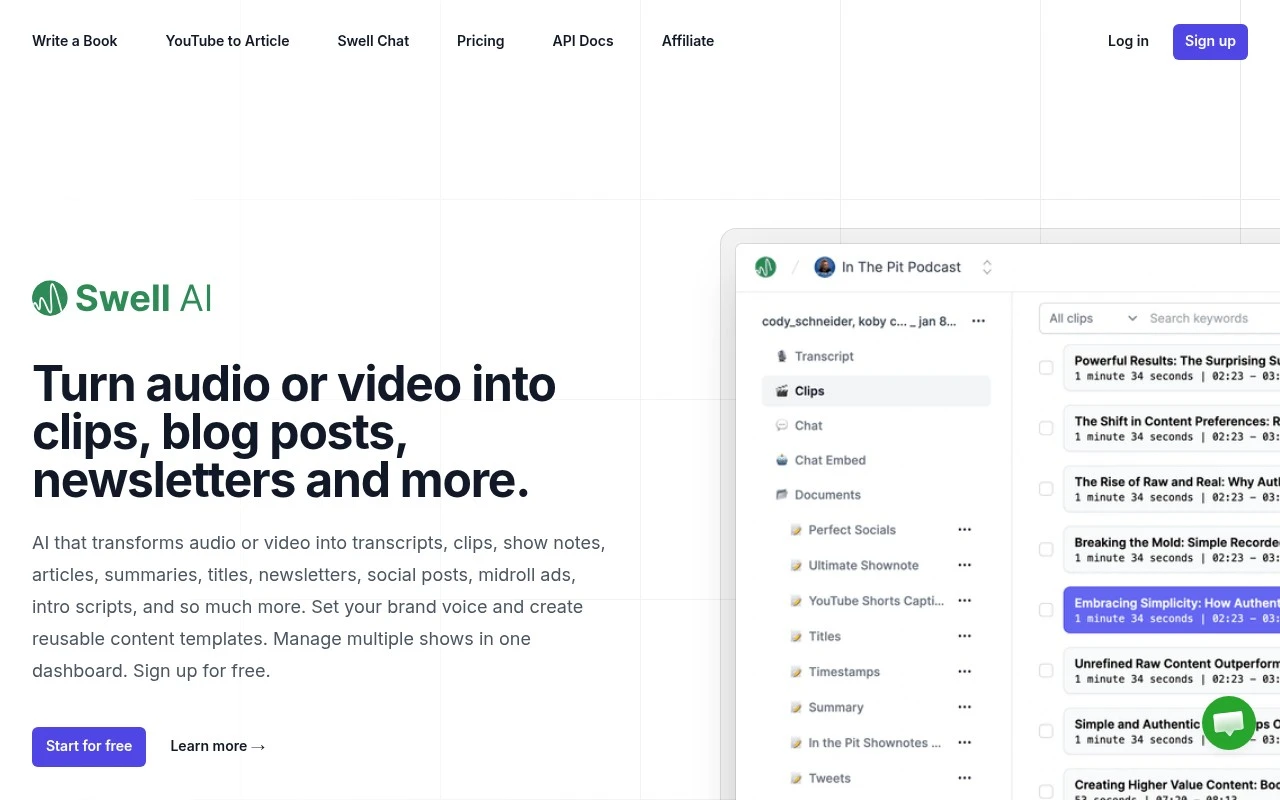
Swell AI is an AI platform that can transcribe audio from podcasts or videos and turn it into show notes, articles, summaries, and social media content. It is designed for creators and teams repurposing recorded content into written assets.
Audio Summarization

FYAI Score
8.3 / 10
Based on 372 reviews
Pricing:
Paid
Best for:
Podcasters and media teams repurposing audio/video into marketing content
Score Breakdown
- Ease of use8.3 / 10
- Features7.9 / 10
- Pricing8.3 / 10
- Integrations8.4 / 10
- Support8.7 / 10
 | Strengths |
-
 Strong fit for podcasters, video creators, and agencies because one uploaded recording can become transcripts, show notes, blog posts, newsletters, social posts, clips, audiograms, and summaries.
 -
Useful for teams managing recurring shows because brand voice settings, reusable templates, multiple shows, and shared clipped sections help standardize repeatable production workflows.
-
Helpful for getting more value from an episode archive because chatbots trained on uploaded episodes can make past content easier to reuse and query.
 | Limitations |
-
 Less suitable for text-first teams because Swell AI’s value depends on having recorded audio or video to repurpose.
 -
Paid pricing can be a poor fit for occasional creators who only need basic transcription or a small number of assets from each recording.
-
Less suitable for teams that cannot upload sensitive or unreleased media to a third-party cloud workflow because the product centers on imported recordings, transcripts, and episode-trained chatbots.
Feature highlights
Auto transcripts
Upload audio/video and get clean transcripts for fast reuse.
Repurpose content
Generate show notes, blogs, newsletters, and social posts from episodes.
Team clips hub
Share clipped sections, manage multiple shows, and keep brand voice.
Compared in

 | 8.5/ 10Based on 23 reviews |
Cartesia
AI Voiceover
Adds AI speech, streaming transcription, and voice agents
Best for: | Software developers |
Pricing | Freemium |
 | 8.2/ 10Based on 215 reviews |
Synthflow
Voice & Audio
Automates phone calls, follows logic, and connects systems
Best for: | Customer support teams |
Pricing | Paid only |
 | 9.2/ 10Based on 2,638 reviews |
Retell AI
Voice & Audio
Automates phone calls, routes issues, and logs outcomes
Best for: | Operations teams |
Pricing | Usage-based |