Curated ToolThis tool is part of our curated AI directory. We only include tools that meet our standards for relevance, usability and real-world value.

Moises.ai

Separates songs into stems, isolates vocals, and detects chords

Music & Sound Effects
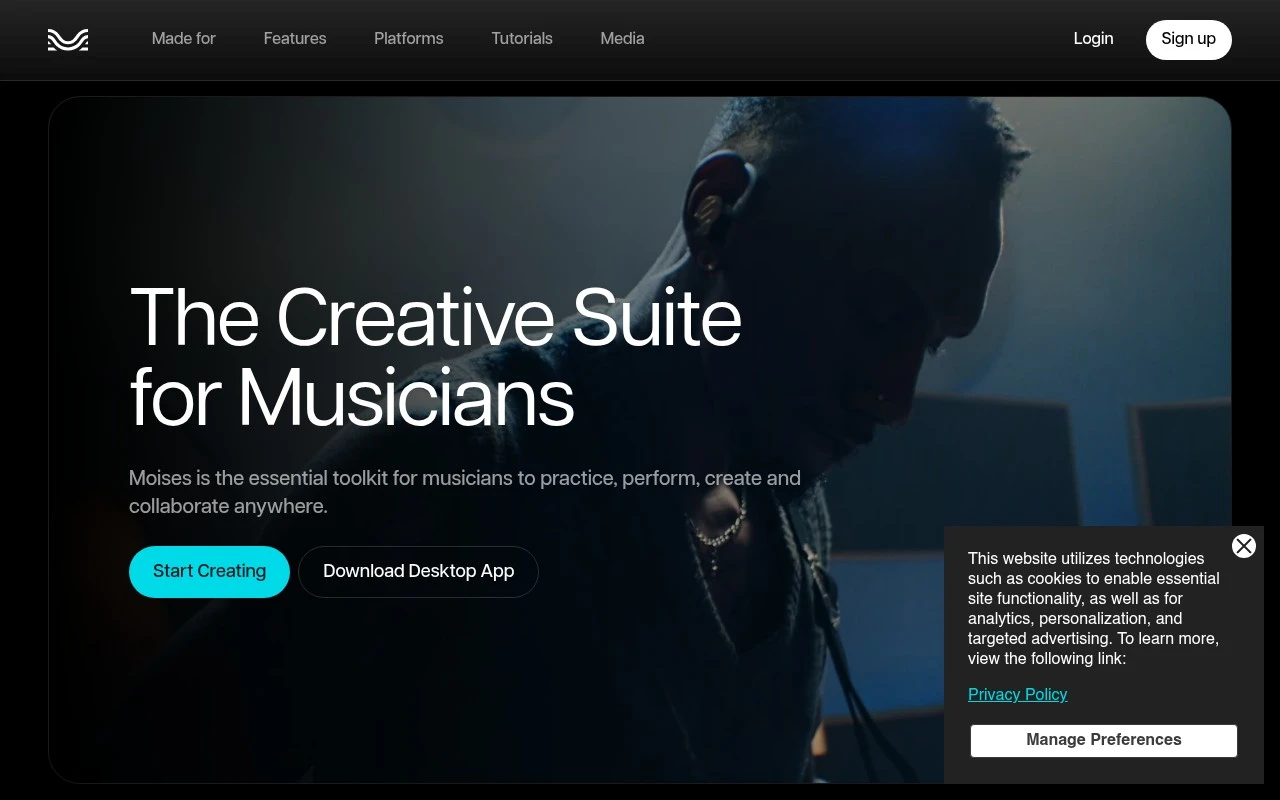
Moises.ai is a creative suite for musicians available on web, desktop, iOS, iPad, and Android. Its core feature is AI stem separation, allowing users to isolate or mute vocals and instruments in songs, alongside musician-focused tools for chords, tempo changes, lyrics, recording, and AI-assisted music creation.

FYAI Score

7.9 / 10

Based on 54 reviews

Pricing:

Freemium

Best for:

Musicians practicing, transcribing, and remixing songs

Score Breakdown

  • Ease of use8.3 / 10
  • Features8.8 / 10
  • Pricing7.2 / 10
  • Integrations7.3 / 10
  • Support7.0 / 10

PRODUCT PREVIEW

What this AI tool does

Moises.ai is an AI-powered music tool designed to help people work with recorded audio in a more flexible way. It’s commonly used by musicians, producers, and educators who want to isolate parts of a song, practice along with specific elements, or prepare material for learning and rehearsal. In typical workflows, users upload a track and then adjust what they hear—such as emphasizing vocals or instruments, changing playback speed, or shifting pitch—without needing a full studio setup. This can be useful for tasks like transcribing, creating practice versions, or exploring arrangements. As an informational resource, this page explains what moisesai does, the kinds of audio tasks it supports, and what to consider when using AI-based processing, such as output quality, file formats, and how results can vary depending on the source recording.

Use cases

Best for

Transcribe Audio

Moises.ai detects chords and lyrics from a song and lets you slow down or loop sections to transcribe parts accurately.

Music Generation

Moises.ai provides AI-assisted music creation to generate song ideas and parts you can refine with its recording and editing tools.

ANALYSIS

Strengths & limitations

Strengths
  • Combines stem separation with practical learning tools such as chord finder, speed changer, and lyric transcription.
  • Available across browser, desktop, iPhone, iPad, and Android, making it usable for practice and creation in different settings.
  • Includes newer creative features such as AI-generated stems and vocal parts in addition to vocal removal and instrument isolation.
Limitations
  • The free tier is limited to a set number of uploads and selected features.
  • Full functionality and unlimited uploads require a paid subscription.
  • It is focused on musician workflows rather than being a full traditional digital audio workstation.

Evaluation

FYAI score breakdown

Our structured evaluation across five key criteria

7.9 / 10

Overall score

Based on 54 reviews

  • Ease of use8.3 / 10
  • Features8.8 / 10
  • Pricing7.2 / 10
  • Integrations7.3 / 10
  • Support7.0 / 10

What users say

Findings from public reviews, documentation and community sources.

  • Ease of use

    Moises presents itself as a cross-platform musician app with browser, desktop, iPhone, iPad, and Android access, and highlights “2024 iPad App of the Year” and “Apple Design Awards Finalist 2025.” A Reddit user in r/SunoAI said they “gave it a try” and were “impressed.”

  • Features

    The Moises product page lists “Stem Separation,” “Video Recording,” “AI Studio,” and “Voice Studio” for musicians.

  • Pricing

    The Moises pricing page says the free tier includes “a limited number of uploads each month.” The Moises pricing page says “full functionality and unlimited uploads” require a paid subscription and users must “Log in to see our full pricing and features table.”

  • Integrations

    Moises says Moises is available across web, desktop, iPhone, iPad, and Android. The Moises blog says “Fender Studio Pro 8.1 is the first DAW to natively integrate Moises.”

  • Support

    A Reddit user in r/musicians said that after emailing support shortly after purchase, they “received a generic response referencing their terms.” Another Reddit snippet in r/musicians mentions “no clear documentation.”

Who is this for?

Best for musicians who want one app across browser, desktop, iPhone, iPad, and Android, the Moises product page lists “Stem Separation,” “Video Recording,” “AI Studio,” and “Voice Studio” in the same product. Less suited to buyers who need pricing clarity before logging in, the pricing page says users must “Log in to see our full pricing and features table,” and the free tier has “a limited number of uploads each month.” Less suited to users who rely on responsive support, a Reddit user said they “received a generic response referencing their terms,” and another Reddit snippet mentions “no clear documentation.”

PRODUCT PREVIEW

Feature highlights

AI Stem Separation

Isolate or mute vocals, drums, bass, and more from any song.

Chords & Lyrics

Detect chords and sync lyrics to learn songs faster by ear.

Tempo & Pitch Control

Slow down, loop, and transpose tracks without losing clarity.

COMPARE

Discover curated alternatives worth comparing

Compare similar AI tools based on features, pricing and use cases

7.4/ 10Based on 30 reviews

Zencastr

Podcast Editing
Edits audio/video via text, transcribes, and makes social clips
Best for:
Audio & podcast creators
Pricing
Freemium

8.5/ 10Based on 16 reviews

Wondercraft

Short-form VideoVideo Editing
Turns text or audio into editable AI-generated videos and audio
Best for:
Video creators
Pricing
Freemium

8.6/ 10Based on 130 reviews

Wellsaid

AI Voiceover
Generates realistic AI voiceovers from scripts with voice controls
Best for:
Audio & podcast creators
Pricing
Paid only

Start turning any song into editable parts in minutes. Join creators using Moises.ai to remix faster, practice smarter, and build standout audio today.

FAQ

Frequently asked
questions

Everything you need to know about this AI tool,
its features, pricing, use cases, and limitations.

Is Moises.ai a good fit for remixing, sampling, and practice stems, or is it more for full music production?
Moises.ai is best when you need fast stem separation (vocals, drums, bass, instruments) for remixes, sampling, mashups, or creating backing tracks. It’s also useful for musicians who want to mute parts, change pitch/tempo, or loop sections for practice. If you need MIDI composition, arranging, mixing with plugins, or mastering workflows, you’ll still want a DAW alongside it.
What are the practical differences between Moises.ai’s free plan and paid subscriptions?
The free tier is typically enough to test separation quality and basic features, but it usually comes with tighter limits on exports, processing, and/or available tools. Paid plans generally increase usage limits and unlock more advanced options (like additional stem types and higher-capacity processing). If you’ll process many tracks or need consistent export flexibility, the subscription is usually the deciding factor.
How does Moises.ai compare with tools like LALAL.AI, Spleeter-based apps, or RipX?
Moises.ai is a streamlined, cloud-first option with an easy workflow for stem separation and practice-oriented controls (tempo, pitch, metronome/loops). LALAL.AI is often chosen for quick, single-purpose separation and downloads, while Spleeter-based tools can be cheaper/self-hosted but vary in polish and consistency. RipX tends to be more of an in-depth audio editor for manipulating separated elements, but it can require more time to learn.
How quickly can I get started with Moises.ai, and what setup is required?
Separation quality can drop on dense mixes, heavy reverb, or overlapping instruments, so you may hear artifacts or bleed between stems. It’s focused on manipulation and stem extraction rather than end-to-end production, so you’ll likely export stems to a DAW for serious editing and mixing. Subscription pricing can also be a drawback if you only need occasional separations.
What should I consider about data handling, privacy, and compliance when uploading audio to Moises.ai?
Because Moises.ai is cloud-based, your audio is uploaded to their servers for processing, which may be a concern for unreleased or client material. Review their privacy policy and terms to understand retention, deletion options, and whether uploads are used to improve models. If you have strict compliance needs (e.g., contractual confidentiality, regulated environments), consider whether a local/offline tool is required.