Curated ToolThis tool is part of our curated AI directory. We only include tools that meet our standards for relevance, usability and real-world value.

Lovo

Generates realistic AI voiceovers from text and cloned voices

AI VoiceoverVoice Cloning
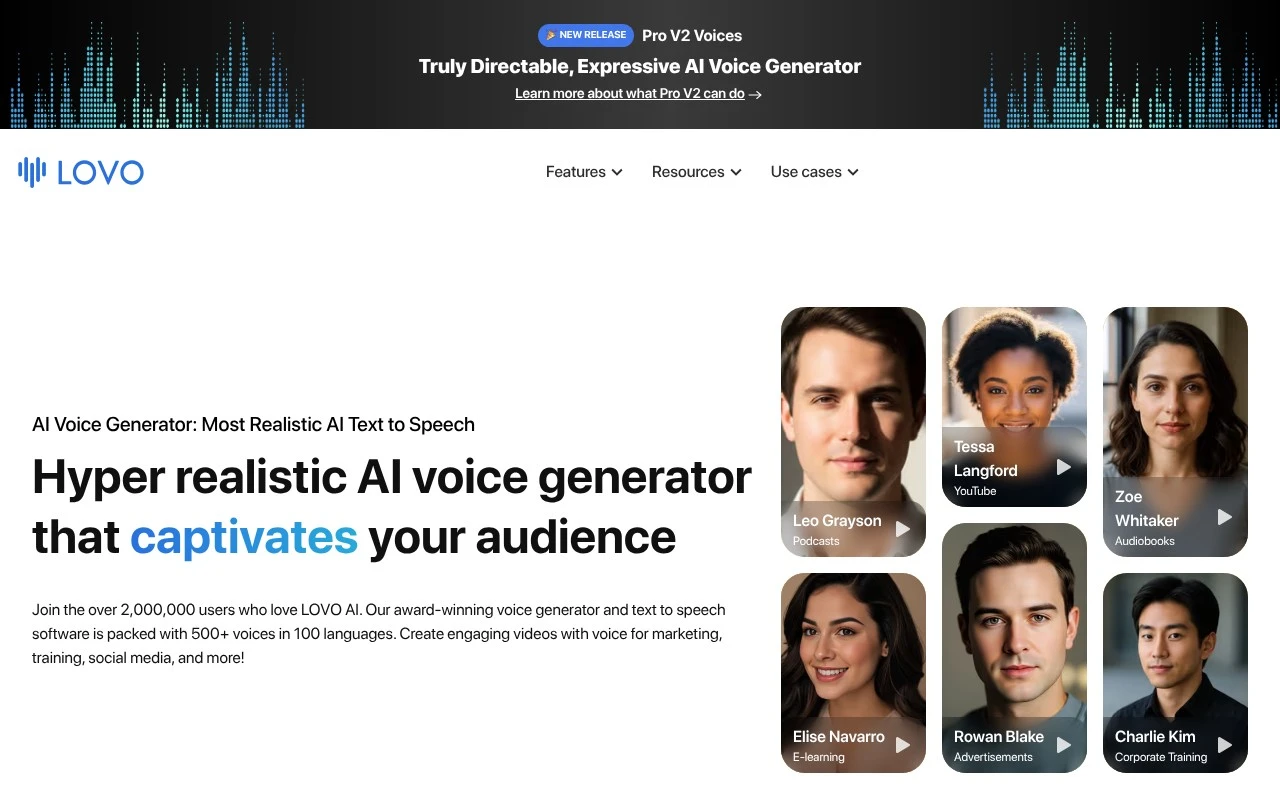
Lovo is an AI voice generator and text-to-speech platform centered on Genny, its browser-based voiceover and video editing workspace. It lets users generate realistic speech from text using hundreds of voices across 100+ languages, clone voices from a short recording, add subtitles, write scripts with AI, generate images, and sync voice audio with video. It is mainly for teams and creators producing narrated video, training, marketing, social media, audiobook, podcast, or advertising content without hiring voice talent or recording in a studio.

FYAI Score

8.1 / 10

Based on 182 reviews

Pricing:

Paid only

Best for:

Creators and teams producing narrated videos without a studio

Score Breakdown

  • Ease of use8.8 / 10
  • Features9.0 / 10
  • Pricing7.2 / 10
  • Integrations7.3 / 10
  • Support7.4 / 10

PRODUCT PREVIEW

What this AI tool does

Lovo is an AI voice tool designed to help people create spoken audio from written text. It’s commonly used when you need a voiceover for content such as videos, presentations, training materials, or podcasts, without recording a human narrator. In practice, you paste or write a script, choose a voice style, and generate audio you can download and use in your project. This can be useful for teams that want consistent narration across multiple pieces of content, or for individuals who need a quick way to produce clear speech for demos and prototypes. Because it’s software-based, lovo can fit into different workflows, from simple one-off voice clips to larger content pipelines. As with any text-to-speech approach, it’s worth reviewing the output for pronunciation, pacing, and tone to make sure it matches your intended audience and use case.

Use cases

Best for

Generate Voiceover

Generate a voiceover by typing a script and rendering it with Lovo’s realistic AI voices or a cloned voice.

Text to Speech

Convert text to speech in 100+ languages by selecting a voice, adjusting delivery, and exporting the audio file.

Edit Video

Edit video in Genny by syncing AI narration to clips, adding subtitles, and exporting a narrated video.

ANALYSIS

Strengths & limitations

Strengths
  • Offers a large voice library with 500+ voices and support for 100+ languages.
  • Combines text-to-speech with an online video editor, subtitles, script writing, AI image generation, and cloud collaboration.
  • Includes voice cloning and an API for creating custom voices or embedding AI voices into other products.
Limitations
  • The provided site text does not give detailed pricing, credit, or generation-hour limits.
  • Subtitle language support is described as 20+ languages, which appears narrower than the text-to-speech language coverage.
  • The platform is focused on AI-generated voiceover and video content, so it may not replace full professional audio production or manual voice direction workflows.

Evaluation

FYAI score breakdown

Our structured evaluation across five key criteria

8.1 / 10

Overall score

Based on 182 reviews

  • Ease of use8.8 / 10
  • Features9.0 / 10
  • Pricing7.2 / 10
  • Integrations7.3 / 10
  • Support7.4 / 10

What users say

Findings from public reviews, documentation and community sources.

  • Ease of use

    G2’s review summary says users “consistently praise the ease of use” and an “intuitive interface that allows for quick content creation.”

  • Features

    LOVO’s own page lists “500+ voices in 100 languages,” an online video editor, voice cloning from “just one minute of audio,” and an API.

  • Pricing

    LOVO’s pricing page states “No Credit Card required” and “14-day trial of pro.” LOVO’s pricing page also references FAQ topics such as credit limits and cancellation.

  • Integrations

    LOVO’s site describes a “Versatile API made for developers” that can be started in “as little as 5 lines of code.”

  • Support

    LOVO’s site provides FAQ-style help prompts and says, “If you cannot find an answer, email [email protected] for help.”

Who is this for?

Best for creators and teams producing multilingual voice and video content, LOVO’s own page lists “500+ voices in 100 languages” and an online video editor. Less suited to non-developer teams looking for plug-and-play connections, LOVO’s site describes a “Versatile API made for developers,” so integration work is framed around developer implementation.

PRODUCT PREVIEW

Feature highlights

AI voice generator

Turn text into natural speech with expressive, realistic voices.

100+ languages

Localize voiceovers with hundreds of voices across 100+ languages.

Genny video editor

Sync voice, subtitles, and visuals in one browser-based workspace.

COMPARE

Discover curated alternatives worth comparing

Compare similar AI tools based on features, pricing and use cases

7.4/ 10Based on 30 reviews

Zencastr

Podcast Editing
Edits audio/video via text, transcribes, and makes social clips
Best for:
Audio & podcast creators
Pricing
Freemium

8.5/ 10Based on 16 reviews

Wondercraft

Short-form VideoVideo Editing
Turns text or audio into editable AI-generated videos and audio
Best for:
Video creators
Pricing
Freemium

8.6/ 10Based on 130 reviews

Wellsaid

AI Voiceover
Generates realistic AI voiceovers from scripts with voice controls
Best for:
Audio & podcast creators
Pricing
Paid only

Bring scripts to life with studio-quality voiceovers in minutes. Start creating audio that sounds natural and keeps audiences listening with Lovo.

FAQ

Frequently asked
questions

Everything you need to know about this AI tool,
its features, pricing, use cases, and limitations.

What types of projects is Lovo a good fit for?
Lovo is typically a strong option for marketing voiceovers, product explainers, social ads, eLearning narration, and YouTube-style content where you need fast turnaround and consistent voice quality. It’s also useful when you want multiple voice options to match different brand tones without hiring several voice actors. If you need highly nuanced acting or complex dialogue scenes, you may want to compare it with tools that offer stronger emotional control or plan for post-editing.
Does Lovo have a free plan, and what are the main limitations versus paid?
Lovo commonly offers a free or trial experience so you can test voices and workflow before committing, but it’s usually limited by usage caps and may restrict exports or commercial rights. Paid plans generally increase character/minute allowances and unlock more voices and features used in production workflows. Before choosing, confirm whether your plan includes commercial usage and the export formats you need.
How does Lovo compare with alternatives like ElevenLabs, Murf, or Play.ht?
Compared with ElevenLabs, Lovo is often evaluated more on end-to-end voiceover creation and ease of producing marketing-ready audio, while ElevenLabs is frequently chosen for advanced voice cloning and fine-grained voice control. Versus Murf and Play.ht, Lovo tends to compete on voice variety and a straightforward studio workflow, but language coverage and pricing flexibility can differ by plan. If multilingual output is a priority, compare supported languages and accents side-by-side before deciding.
How quickly can a team get started with Lovo, and what onboarding is required?
Lovo’s language support can be narrower than some competitors, which may matter for global or multi-region content. Some voices may occasionally need manual tweaks for inflection or emotion, especially in longer scripts or conversational reads. Pricing can feel less flexible for sporadic usage, so estimate your monthly volume before committing.
What should I know about data handling, privacy, and compliance when using Lovo?
If you’re uploading scripts that include sensitive information, review Lovo’s terms for data retention, training usage, and account-level controls before adopting it company-wide. For regulated industries, confirm whether Lovo offers a DPA, supports required security practices, and provides clear guidance on where data is processed. When comparing tools, prioritize vendors that document how they handle user content and offer admin features for access management.