Curated ToolThis tool is part of our curated AI directory. We only include tools that meet our standards for relevance, usability and real-world value.

Capsho

Repurposes audio or video into social posts, clips, and copy

Voice & Audio
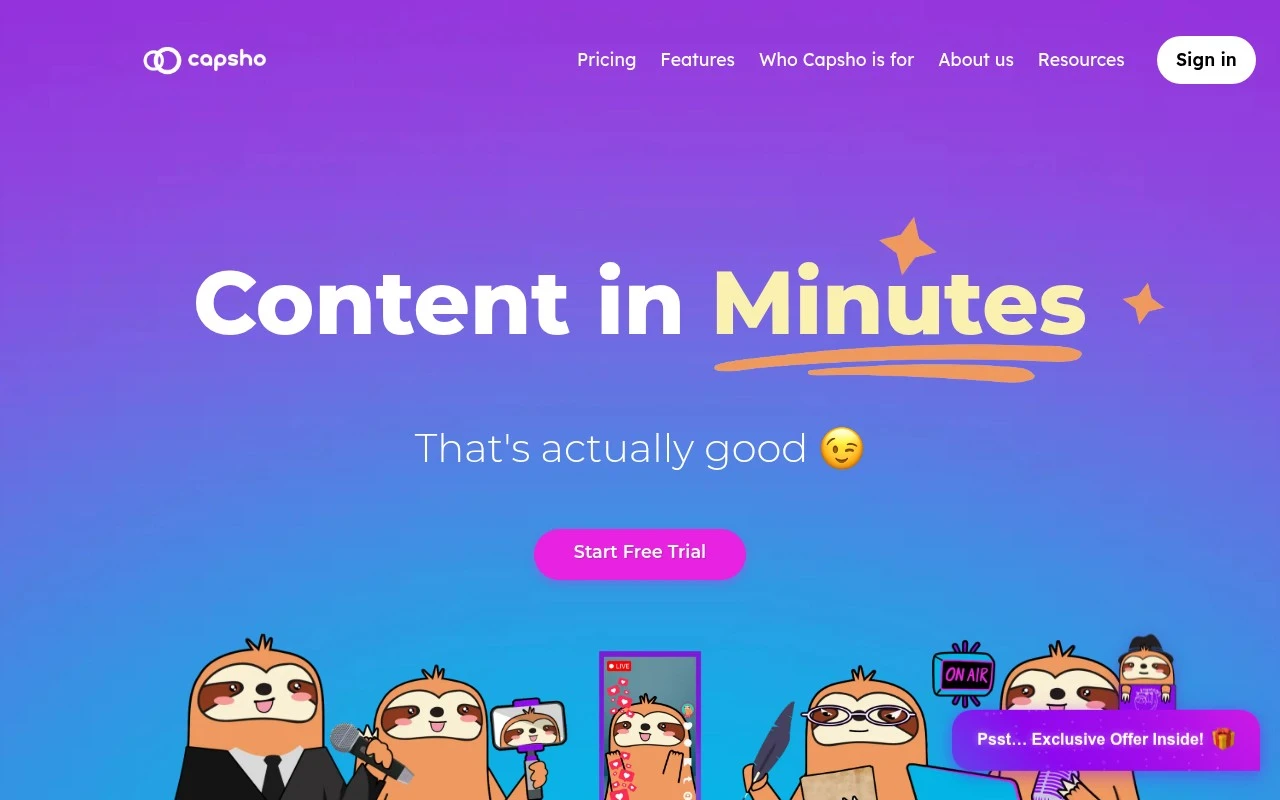
Capsho is an AI content repurposing tool for entrepreneurs who create podcasts, livestreams, or YouTube videos. It is positioned as a one-stop content marketing workspace that creates text, image, and video assets from uploaded media. Its main studios cover written marketing drafts, thumbnail and social graphic generation, and clip selection with auto-cropping and formatting. Capsho also claims to learn a user’s writing style from uploads and edits over time, so outputs can become closer to the creator’s voice.

FYAI Score

7.5 / 10

FYAI rating based on features, pricing and integrations

Pricing:

Paid

Best for:

Podcasters and creators repurposing long-form content fast

Score Breakdown

  • Ease of use7.1 / 10
  • Features7.4 / 10
  • Pricing7.8 / 10
  • Integrations7.1 / 10
  • Support8.0 / 10

PRODUCT PREVIEW

What this AI tool does

Capsho is an AI tool designed to help creators and teams turn spoken or long-form content into written assets that are easier to publish and share. It’s commonly used alongside podcasts, webinars, interviews, and recorded meetings where the original material is valuable but time-consuming to repurpose. In practice, the tool takes your source content and helps generate drafts such as summaries, show notes, social captions, or other copy you can refine for your audience. This can support a more consistent content workflow by reducing the manual effort of rewriting and formatting. capsho is best suited for people who want a starting point for content repurposing rather than a fully finished output. As with most AI writing tools, results typically improve when you review for accuracy, adjust tone, and add context that matches your brand or message.

Use cases

Best for

Content Repurposing

Upload a podcast, livestream, or YouTube video and Capsho generates blog drafts, emails, captions, and quote graphics from it.

Social Media Content Creation

Capsho turns uploaded episodes into social captions, hashtag sets, and thumbnail or post graphics sized for major platforms.

Generate Headlines

Capsho drafts headline options for your episode, blog post, or YouTube title using the transcript and your saved style.

ANALYSIS

Strengths & limitations

Strengths
  • Combines written content, image creation, and video clipping in one workflow rather than focusing only on text generation.
  • Built around long-form creator media, especially podcasts, livestreams, and YouTube content.
  • Claims to adapt to the user’s voice over time by learning from uploads and edits made inside Capsho.
Limitations
  • The site acknowledges that outputs may still contain some AI traces and may need editing.
  • Its value appears strongest for users with existing audio or video content to upload, not for people starting from a blank page.
  • The provided site text does not give enough detail to verify integrations, export workflows, or the quality of generated clips and images beyond marketing claims.

Evaluation

FYAI score breakdown

Our structured evaluation across five key criteria

7.5 / 10

Overall score

FYAI rating based on features, pricing and integrations

  • Ease of use7.1 / 10
  • Features7.4 / 10
  • Pricing7.8 / 10
  • Integrations7.1 / 10
  • Support8.0 / 10

What users say

Findings from public reviews, documentation and community sources.

  • Ease of use

    A Reddit user in r/podcasting wrote, “I’ve been using Capsho for over a year” and “Overall, I like the service,” while also saying Capsho was “too buggy for me to continue.”

  • Features

    The Capsho pricing page says Capsho offers “20+ written marketing assets,” an Image Studio for “YouTube Thumbnails and Social Media Graphics,” and a Clipping Studio that can “find, auto-crop and format” clips. The Capsho pricing page also lists transcripts, podcast show notes, YouTube titles/descriptions, and lead magnets.

  • Pricing

    The Capsho pricing page lists a single plan at “$99 /month” with “300 Upload Minutes,” “50 Credits” for Image Studio, “15 Clipping Studio Runs,” and a “7-Day Free Trial.”

  • Integrations

    The Capsho website says Capsho turns content into assets for “other platforms,” including social content, LinkedIn articles, and YouTube titles/descriptions. The Capsho website describes assets for external channels rather than native integrations, API access, or workflow connectors.

  • Support

    The Capsho website describes support through the product and its community rather than a separate documented channel.

Who is this for?

Best for podcast or video creators who need repurposed marketing assets, the Capsho pricing page lists “20+ written marketing assets” and a Clipping Studio that can “find, auto-crop and format” clips. Less suited to automated workflows, the Capsho website describes assets for external channels rather than native integrations, API access, or workflow connectors. Less suited to users with low tolerance for reliability issues, a Reddit user who had used Capsho “for over a year” and said “Overall, I like the service” also said it was “too buggy for me to continue.”

PRODUCT PREVIEW

Feature highlights

Repurpose to drafts

Generate captions, emails, blogs, and show notes from your audio/video.

Auto clip selection

Find highlight moments and format clips with smart auto-cropping.

Learns your voice

Adapts to your writing style over time for more on-brand copy.

COMPARE

Discover curated alternatives worth comparing

Compare similar AI tools based on features, pricing and use cases

7.4/ 10Based on 30 reviews

Zencastr

Podcast Editing
Edits audio/video via text, transcribes, and makes social clips
Best for:
Audio & podcast creators
Pricing
Freemium

8.5/ 10Based on 16 reviews

Wondercraft

Short-form VideoVideo Editing
Turns text or audio into editable AI-generated videos and audio
Best for:
Video creators
Pricing
Freemium

8.6/ 10Based on 130 reviews

Wellsaid

AI Voiceover
Generates realistic AI voiceovers from scripts with voice controls
Best for:
Audio & podcast creators
Pricing
Paid only

Turn your ideas into binge-worthy audio content fast. Start with Capsho today and publish more consistently with less effort.

FAQ

Frequently asked
questions

Everything you need to know about this AI tool,
its features, pricing, use cases, and limitations.

Who is Capsho a good fit for, and when should I pick another tool?
Capsho fits marketers and small teams that want to turn existing written scripts or blog-style content into audio quickly for podcasts, promos, or social clips. If you need deep multitrack editing, sound design, or studio-grade post-production, a dedicated audio editor will be a better match. It’s also less ideal if your workflow depends on a broad content marketing suite beyond audio generation.
Does Capsho have a free plan, and what are the typical limitations compared to paid tiers?
Capsho’s availability and scope of a free tier can change, so it’s worth checking capsho.com for current plan details. In tools like Capsho, free access commonly limits output length, export options, or monthly usage, while paid plans usually expand generation limits and unlock more production features. If you’re comparing costs, focus on how pricing scales with the amount of audio you need each month.
How does Capsho compare to other text-to-speech and audio content tools?
Capsho is oriented toward converting written content into ready-to-use audio with a straightforward workflow, which can be faster than general-purpose TTS tools. Many competitors offer broader voice libraries, finer control over tone, and advanced editing, but may require more setup and manual tweaking. Choose Capsho if speed and simplicity matter more than granular voice customization.
How quickly can I get Capsho running for a real project?
Capsho may feel limiting if you need extensive control over voice nuance, pacing, or detailed edits beyond basic generation. It’s primarily focused on audio creation, so you may still need separate tools for campaign planning, distribution, or analytics. For professional producers, the lack of complex editing features can be a deal-breaker.
What should I check about Capsho’s data handling and privacy before uploading content?
Before using Capsho with sensitive material, review its terms and privacy policy on capsho.com for how text inputs and generated audio are stored, retained, and used. Confirm whether you can delete projects, whether data is used to improve models, and what subprocessors are involved. If you have compliance requirements (e.g., HIPAA, GDPR, SOC 2), verify the tool’s current posture and available contractual options.