Curated ToolThis tool is part of our curated AI directory. We only include tools that meet our standards for relevance, usability and real-world value.

Buzzsprout

Generates podcast transcripts, titles, descriptions, and chapters

Podcast Hosting
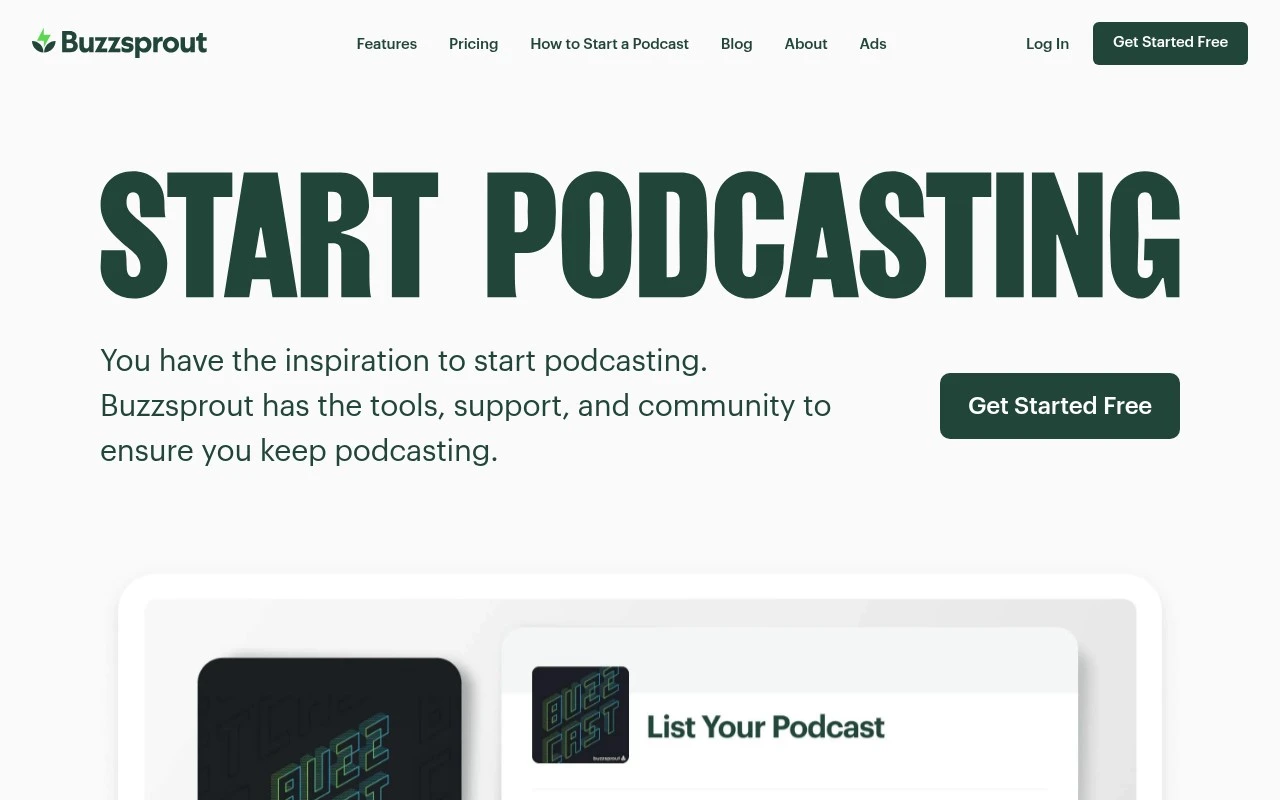
Buzzsprout is best understood as a podcast hosting service rather than a general AI tool. It helps creators publish podcast episodes, maintain an RSS feed, distribute shows to podcast apps, embed players or podcast pages, and monitor listening statistics. Its AI-related value is secondary, through podcast-production assistance such as generating or improving episode text assets where available.

FYAI Score

9.0 / 10

Based on 4.216 reviews

Pricing:

Freemium

Best for:

Podcasters who want simple hosting, distribution, and analytics

Score Breakdown

  • Ease of use9.4 / 10
  • Features9.1 / 10
  • Pricing8.3 / 10
  • Integrations9.0 / 10
  • Support9.4 / 10

PRODUCT PREVIEW

What this AI tool does

Buzzsprout is a podcast hosting and publishing platform designed to help creators upload episodes, manage their show, and distribute it to major listening apps. It provides a central place to organize audio files and episode details so you can keep your podcast catalog consistent over time. The typical workflow is straightforward: you add an episode, enter the title and description, and publish it on a schedule or immediately. The platform also supports generating an embeddable player for websites and offers basic analytics so you can understand how your audience is listening. This tool is generally used by individuals and small teams who want a simple way to handle podcast hosting without building their own infrastructure. If you’re comparing options, it can be helpful to review how it handles distribution, episode management, and reporting to see whether it matches your publishing needs.

Use cases

Best for

Podcast Episode Hosting

Upload audio files and set show and episode metadata to host episodes with a public page and embeddable player.

Podcast Feed Distribution

Buzzsprout generates an RSS feed and submits it to directories like Apple Podcasts and Spotify for distribution.

Podcast Analytics Tracking

View download counts and listener analytics per episode to track podcast performance over time.

ANALYSIS

Strengths & limitations

Strengths
  • Built specifically around the podcast publishing workflow, from hosting to distribution.
  • Suitable for non-technical podcasters who need RSS feed management and directory submission support.
  • Can reduce post-production admin work with podcast-focused tools for episode metadata, pages, players, analytics, and optional AI assistance.
Limitations
  • Not a full recording, editing, or studio-production suite; creators may still need separate audio tools.
  • AI is not the core product, so teams looking for a broad AI content platform may find it limited.
  • Current pricing, plan limits, and exact AI feature availability should be verified directly because the supplied official scrape returned a 403 page.

Evaluation

FYAI score breakdown

Our structured evaluation across five key criteria

9.0 / 10

Overall score

Based on 4.216 reviews

  • Ease of use9.4 / 10
  • Features9.1 / 10
  • Pricing8.3 / 10
  • Integrations9.0 / 10
  • Support9.4 / 10

What users say

Findings from public reviews, documentation and community sources.

  • Ease of use

    SoftwareAdvice summarizes Buzzsprout pros as “inexpensive and incredibly easy to use - making it easy for a newcomer to get started.” Buzzsprout’s own page emphasizes “step-by-step guides” and says Buzzsprout helps “make it easy to get your podcast out to the world.”

  • Features

    Buzzsprout’s page lists audio and video publishing, Fan Mail, Magic Mastering, and IAB-certified analytics. Buzzsprout’s page also lists transcripts, podcast websites, monetization, and dynamic content.

  • Pricing

    Buzzsprout’s pricing page includes a “Start a Podcast for Free” option, paid plans “starting at just $15/month,” annual discounts, and a $5/month Archive plan. Buzzsprout’s pricing page says free-plan episodes are hosted for 90 days, and add-ons like Cohost AI and Magic Mastering are paid.

  • Integrations

    Buzzsprout’s indexed features page names Apple Podcasts, Spotify, YouTube, and iHeartRadio. Buzzsprout’s API page says the “Buzzsprout API is intended for 3rd parties wishing to integrate their applications.”

  • Support

    Buzzsprout says it provides “step-by-step guides, video tutorials, courses, industry podcasts, and the Buzzsprout Podcast Community.” Buzzsprout highlights “Remarkable Customer Support” with “94% Great Ratings over the last 30 days,” and customer quotes on its pages mention “super responsive support” and “excellent customer service.”

Who is this for?

Best for new podcasters who want guided setup. SoftwareAdvice describes Buzzsprout as “inexpensive and incredibly easy to use - making it easy for a newcomer to get started,” and Buzzsprout says it provides “step-by-step guides.” Less suited to podcasters who need permanent free hosting or included AI/mastering, because Buzzsprout’s pricing page says free-plan episodes are hosted for 90 days and add-ons like Cohost AI and Magic Mastering are paid.

PRODUCT PREVIEW

Feature highlights

Podcast hosting

Upload episodes, manage your RSS feed, and keep your show online.

Directory distribution

Submit and distribute your podcast to major listening apps.

Listening analytics

Track downloads, listener trends, and episode performance over time.

COMPARE

Discover curated alternatives worth comparing

Compare similar AI tools based on features, pricing and use cases

7.4/ 10Based on 30 reviews

Zencastr

Podcast Editing
Edits audio/video via text, transcribes, and makes social clips
Best for:
Audio & podcast creators
Pricing
Freemium

8.5/ 10Based on 16 reviews

Wondercraft

Short-form VideoVideo Editing
Turns text or audio into editable AI-generated videos and audio
Best for:
Video creators
Pricing
Freemium

8.6/ 10Based on 130 reviews

Wellsaid

AI Voiceover
Generates realistic AI voiceovers from scripts with voice controls
Best for:
Audio & podcast creators
Pricing
Paid only

Join thousands of podcasters using Buzzsprout to launch faster, stay consistent, and grow an audience. Start publishing with confidence today.

FAQ

Frequently asked
questions

Everything you need to know about this AI tool,
its features, pricing, use cases, and limitations.

Who is Buzzsprout a good fit for, and when should I look elsewhere?
Buzzsprout is a strong fit for solo creators and small teams who want straightforward podcast hosting, reliable distribution, and clear analytics without much setup. It’s also practical if you don’t need a highly customized podcast website. If you’re running a large network, need deep website branding, or want built-in advanced audio editing, you may prefer a more customizable or enterprise-oriented platform.
How do Buzzsprout’s free and paid plans differ in practice?
Buzzsprout’s free plan is mainly for testing the workflow, with tighter limits and fewer features than paid tiers. Paid plans increase monthly upload capacity and typically unlock more professional options (e.g., more advanced features and add-ons). If you publish frequently or have long episodes, costs can rise as your required storage/upload volume grows.
How does Buzzsprout compare with Libsyn, Podbean, and Anchor/Spotify for Podcasters?
Compared with Libsyn, Buzzsprout is often simpler to use, while Libsyn can appeal to users who want more configuration and long-term hosting options. Versus Podbean, Buzzsprout tends to feel more streamlined, while Podbean may be stronger for integrated monetization and community features depending on your plan. Compared with Anchor/Spotify for Podcasters, Buzzsprout is a paid-first hosting product with broader “host-first” tooling, while Anchor is more tightly tied to Spotify’s ecosystem and pricing model.
How fast can I get a podcast live on Buzzsprout, and what setup work is required?
Buzzsprout’s built-in website options are relatively limited, so brands wanting a highly customized site may need an external website or another host. Audio editing is not a core feature, so you’ll likely use tools like Audacity, Descript, or Adobe Audition before uploading. Pricing can become less attractive as your publishing volume and feature needs increase.
What should I know about data, privacy, and compliance when using Buzzsprout?
Buzzsprout collects standard account data and podcast analytics, and your episodes are hosted and distributed to third-party directories you connect. If you have GDPR/CCPA or internal compliance requirements, review Buzzsprout’s privacy policy, data processing terms, and any cookie/analytics settings for embedded players. Also confirm how listener analytics are aggregated and whether you can minimize tracking on your own site when using Buzzsprout embeds.