Curated ToolThis tool is part of our curated AI directory. We only include tools that meet our standards for relevance, usability and real-world value.

Beatoven.ai

Generates licensed AI background music and sound effects

Music & Sound Effects
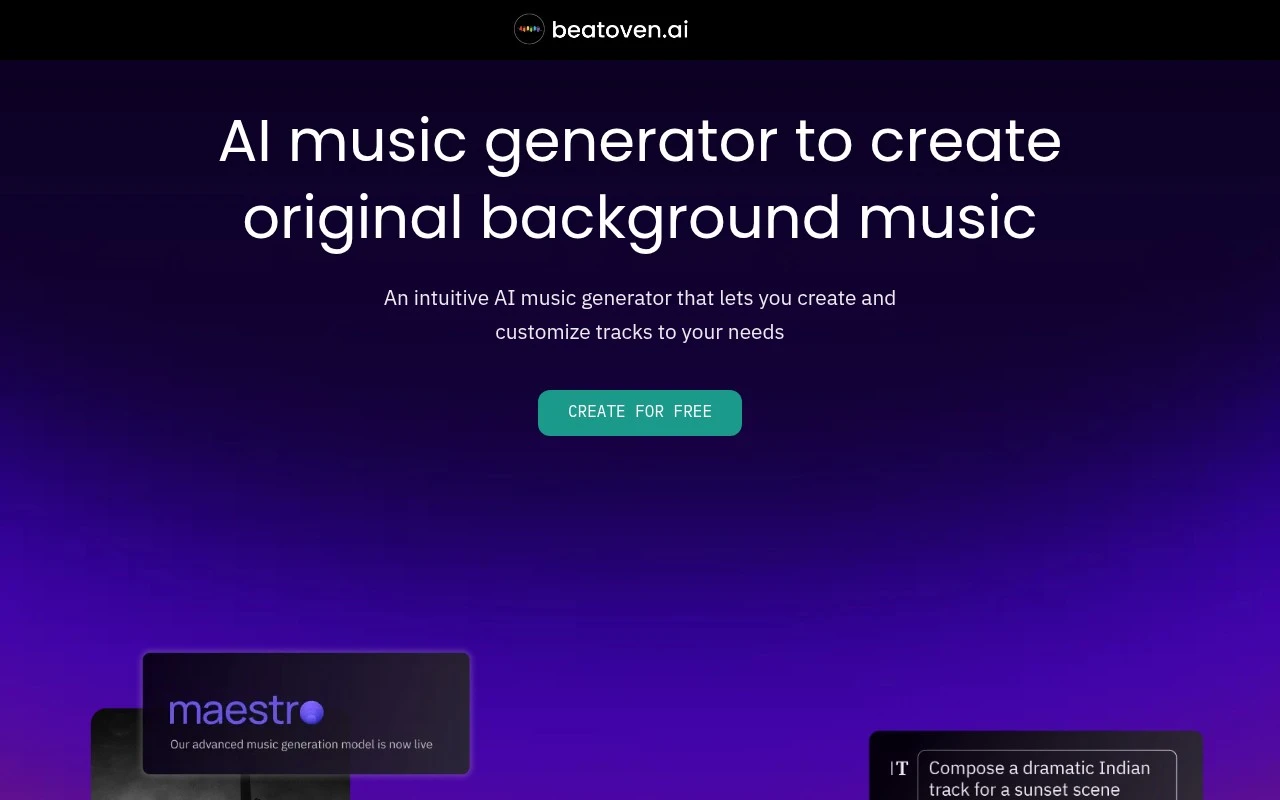
Beatoven.ai.ai lets creators describe the kind of background music or sound effect they need and generate custom audio for their project. Its site positions the product around AI-generated music, text-to-SFX, customization, MP3/WAV downloads, and licenses that allow use in monetized video or audio content. The generated tracks are licensed non-exclusively; Beatoven.ai says it remains the owner of generated and downloaded tracks.

FYAI Score

7.7 / 10

Based on 5 reviews + FYAI product analysis

Pricing:

Freemium

Best for:

Video creators who need custom background music fast

Score Breakdown

  • Ease of use8.4 / 10
  • Features7.4 / 10
  • Pricing7.4 / 10
  • Integrations7.2 / 10
  • Support7.8 / 10

PRODUCT PREVIEW

What this AI tool does

Beatoven.ai is an AI music tool designed to help people create background tracks without needing deep production experience. It’s useful when you need music that fits a specific mood or pacing, such as for videos, podcasts, presentations, or other digital content. The typical workflow involves choosing a style or vibe and then generating a track that you can adjust to better match your project. This can save time compared with searching through large music libraries, especially when you want something that feels tailored to your content. For anyone researching beatoven, it can be a practical option to explore if you want a straightforward way to produce usable music for common content formats while keeping creative control over the overall feel.

Use cases

Best for

Music Generation

Beatoven.ai generates custom background music from a text prompt and lets you tweak the track and download MP3 or WAV with a license.

Sound Effect Generation

Generate sound effects by describing the desired SFX in text, then download the audio for use in video or audio projects.

ANALYSIS

Strengths & limitations

Strengths
  • Prompt-based generation helps users create project-specific music instead of searching through stock libraries.
  • Supports both background music and text-to-sound-effect generation, with MP3 and WAV downloads.
  • Provides a license for downloaded tracks and states that creators can monetize content using the music; the site also highlights Fairly Trained certification.
Limitations
  • Users receive a non-exclusive perpetual license, not ownership of the generated tracks.
  • Direct distribution of Beatoven.ai-created music to streaming platforms such as Spotify or Apple Music is not allowed.
  • The site notes copyright claims should ideally not occur but provides a process for resolving them, so claims are still possible.

Evaluation

FYAI score breakdown

Our structured evaluation across five key criteria

7.7 / 10

Overall score

Based on 5 reviews + FYAI product analysis

  • Ease of use8.4 / 10
  • Features7.4 / 10
  • Pricing7.4 / 10
  • Integrations7.2 / 10
  • Support7.8 / 10

What users say

Findings from public reviews, documentation and community sources.

  • Ease of use

    Product Hunt reviewers describe Beatoven.ai’s workflow as “easy” and “intuitive,” with one reviewer saying they could create music by “just type in a text prompt.”

  • Features

    Beatoven.ai’s homepage lists text-prompted background music, text-to-SFX, MP3/WAV downloads, and royalty-free licensing. Beatoven.ai’s homepage lists use cases including videos, podcasts, games, short films, ads, and livestreams.

  • Pricing

    A Reddit user cites a Beatoven.ai “Creator” plan at “$30 per year” with “15 mins of download,” and says they “couldn't understand their pricing structure.”

  • Integrations

    Beatoven.ai exposes an API and supports a download-based workflow. G2 feedback says Beatoven.ai could improve with “direct integrations with video editing.”

  • Support

    Beatoven.ai’s homepage includes product and billing FAQs, a Contact Us path, and a copyright-claim process where users can submit a form for resolution.

Who is this for?

Best for creators making videos, podcasts, games, short films, ads, or livestreams who need text-prompted background music or text-to-SFX with MP3/WAV downloads and royalty-free licensing. Less suited to editors who need direct integration with video editing tools, G2 feedback says Beatoven.ai could improve with “direct integrations with video editing,” so the workflow may depend on API access or downloads.

PRODUCT PREVIEW

Feature highlights

Prompt-to-music

Describe a vibe and generate custom background music for your project.

Fine-tune the track

Adjust sections and style to match your edit without redoing everything.

Monetization license

Download MP3/WAV with a non-exclusive license for monetized content.

COMPARE

Discover curated alternatives worth comparing

Compare similar AI tools based on features, pricing and use cases

7.4/ 10Based on 30 reviews

Zencastr

Podcast Editing
Edits audio/video via text, transcribes, and makes social clips
Best for:
Audio & podcast creators
Pricing
Freemium

8.5/ 10Based on 16 reviews

Wondercraft

Short-form VideoVideo Editing
Turns text or audio into editable AI-generated videos and audio
Best for:
Video creators
Pricing
Freemium

8.6/ 10Based on 130 reviews

Wellsaid

AI Voiceover
Generates realistic AI voiceovers from scripts with voice controls
Best for:
Audio & podcast creators
Pricing
Paid only

Start scoring your videos with music that fits every moment. Create original tracks in minutes and publish with confidence using Beatoven.ai.

FAQ

Frequently asked
questions

Everything you need to know about this AI tool,
its features, pricing, use cases, and limitations.

When is Beatoven.ai a good fit, and when should I choose a different music tool?
Beatoven.ai fits best for creators who need quick, royalty-free background music tailored to a video’s mood (ads, YouTube, reels, product demos). It’s less ideal if you need a very specific genre niche, a recognizable “artist” sound, or highly intricate compositions for premium film work. If your workflow depends on stems, live-instrument realism, or deep DAW control, compare it with tools that emphasize those outputs.
What’s the difference between Beatoven.ai’s free and paid options, and what limitations matter most?
Free access is typically best for testing the workflow and previewing results, while paid plans are where you’ll usually get higher export limits and clearer licensing for publishing. The practical constraints to compare are export/download caps, audio quality/format options, and whether commercial use is explicitly covered. Check whether your plan includes the type of license proof you need for clients or platforms.
How does Beatoven.ai compare with similar AI music generators like Soundraw, AIVA, or Mubert?
Beatoven.ai is oriented around generating custom tracks for content projects with mood/style control, making it comparable to Soundraw for video-first workflows. AIVA tends to be stronger for more “composed” or cinematic structures, while Mubert often focuses on quick, loop-like or streamable tracks. If your priority is fine-grained editing (sections, intensity changes, stems), compare which tool gives the most control at export time.
How fast can I get a usable track in Beatoven.ai, and what onboarding effort should I expect?
The biggest trade-off is that results can sound less nuanced than a human composer, especially for high-end or highly distinctive music. You’re also constrained by the platform’s available styles/templates, which may limit very specific creative directions. If your deliverables require unique instrumentation, complex arrangement, or exact brand sonic identity, you may need a composer or a more advanced composition tool.
What should I consider about data privacy, rights, and compliance when using Beatoven.ai?
Review Beatoven.ai’s terms for who owns the generated music, what “royalty-free” covers, and whether attribution or plan-specific restrictions apply. If you upload any reference media or project details, confirm how long data is retained and whether it’s used to improve models. For regulated workflows, look for clear documentation on account security, data deletion requests, and whether the service supports contractual requirements (e.g., DPAs).