Curated ToolThis tool is part of our curated AI directory. We only include tools that meet our standards for relevance, usability and real-world value.
Async
Async is an AI-powered asynchronous communication tool for teams that lets users record updates, transcribe conversations, and generate summaries and action items for follow-up. It helps organize team discussions without requiring everyone to meet live.
AI VoiceoverAudio Enhancement

FYAI Score
8.2 / 10
Based on 252 reviews
Pricing:
Freemium
Best for:
Creators and teams producing social videos, ads, and podcasts
Score Breakdown
- Ease of use8.6 / 10
- Features9.1 / 10
- Pricing7.5 / 10
- Integrations7.1 / 10
- Support8.1 / 10
 | Strengths |
-
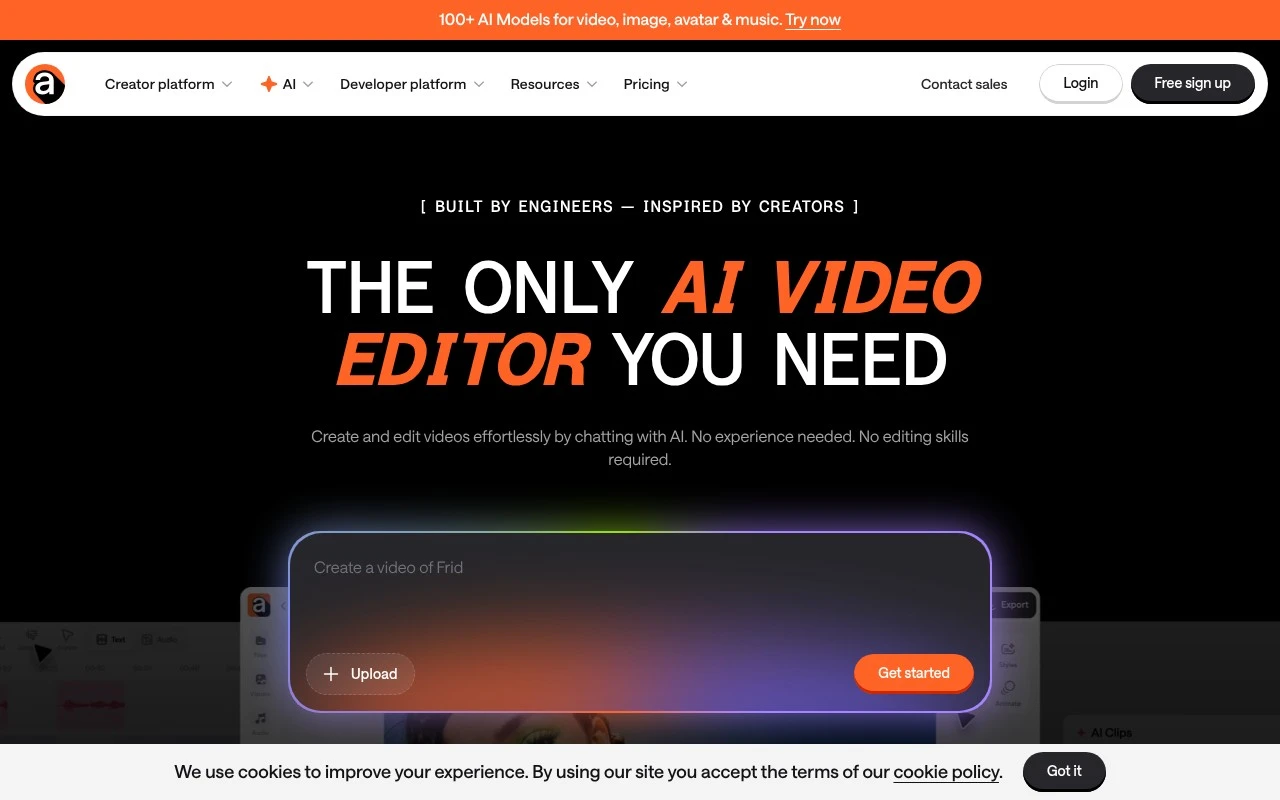
 Best suited to creators and marketers who need an end-to-end video workflow because it combines generation, editing, subtitles, dubbing, voiceovers, audio cleanup, thumbnails, and repurposing in one online tool.
 -
Best suited to non-specialist teams because prompts, uploaded media, and templates reduce the need to learn traditional editing software.
-
Strong fit for podcast and social content teams because it can turn long-form recordings into subtitled, localized, and shorter clips for multiple channels.
 | Limitations |
-
 Less suitable for professional editors who need deep manual control because the product is built around prompt-led and template-assisted workflows rather than complex traditional editing software.
 -
Less suitable for teams that require fully offline production because the workflow depends on an online workspace and uploaded media.
-
The freemium model is less ideal for high-volume teams because advanced features, export capacity, or usage limits are likely to require a paid plan.
 | 8.5/ 10Based on 23 reviews |
Cartesia
AI Voiceover
Adds AI speech, streaming transcription, and voice agents
Best for: | Software developers |
Pricing | Freemium |
 | 8.2/ 10Based on 215 reviews |
Synthflow
Voice & Audio
Automates phone calls, follows logic, and connects systems
Best for: | Customer support teams |
Pricing | Paid only |
 | 9.2/ 10Based on 2,638 reviews |
Retell AI
Voice & Audio
Automates phone calls, routes issues, and logs outcomes
Best for: | Operations teams |
Pricing | Usage-based |