Curated ToolThis tool is part of our curated AI directory. We only include tools that meet our standards for relevance, usability and real-world value.

AIVA

Generates and exports original music tracks with licensing options

Music & Sound Effects
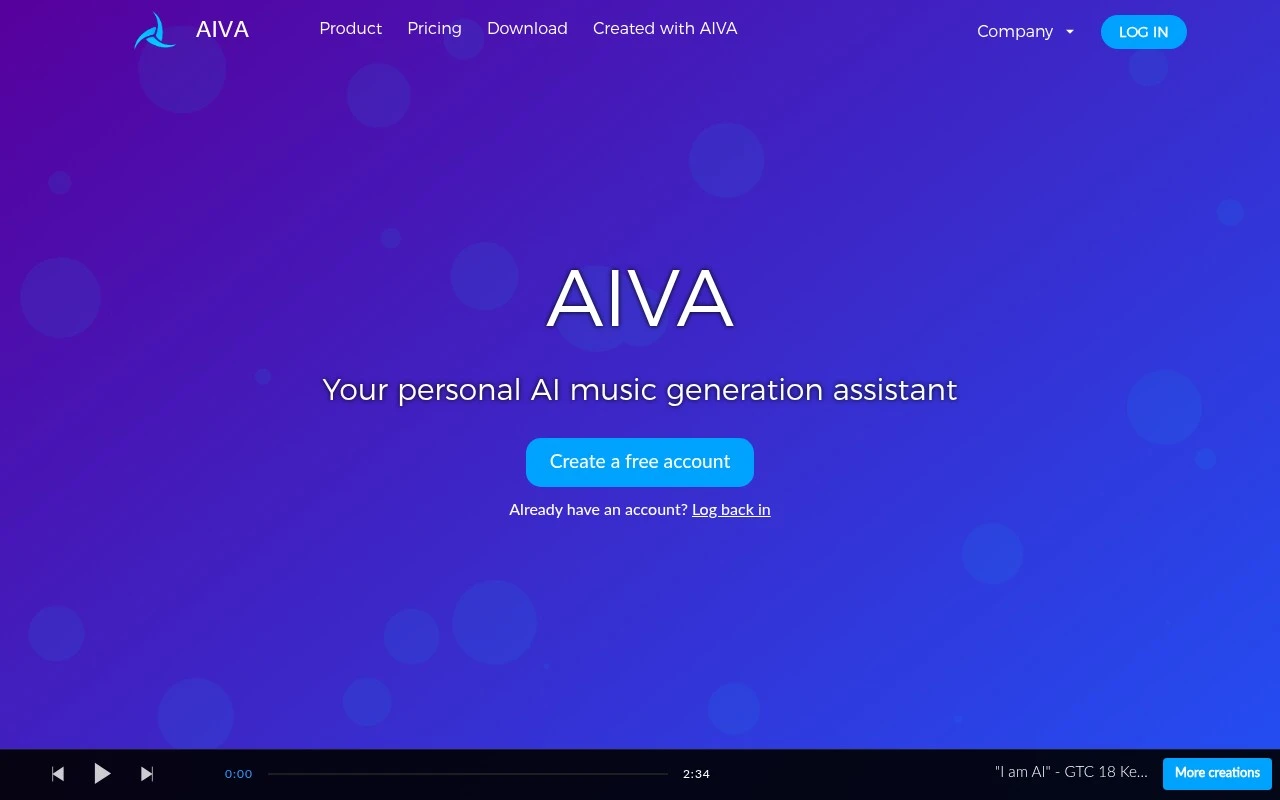
AIVA is an AI music generation assistant that creates original songs in a wide range of styles. It supports both beginners and experienced music makers, offering style customization, audio or MIDI influence uploads, track editing, and multiple export formats. Its licensing model is a key part of the product: free and standard plans keep copyright with AIVA under different usage limits, while the Pro plan lets users own the copyright of generated compositions and monetize them without restrictions.

FYAI Score

7.5 / 10

Based on 4 reviews + FYAI product analysis

Pricing:

Freemium

Best for:

Creators and composers generating custom music for videos, games, and media

Score Breakdown

  • Ease of use7.4 / 10
  • Features7.6 / 10
  • Pricing8.2 / 10
  • Integrations7.1 / 10
  • Support7.1 / 10

PRODUCT PREVIEW

What this AI tool does

AIVA is an AI tool designed to help users create and refine content with machine assistance. It typically fits into workflows where you need to turn rough ideas into clearer drafts, adjust tone and structure, or explore alternative wording while keeping the final decisions in human hands. In practice, you can use it to speed up early drafting, improve readability, and iterate on text for different audiences or formats. It’s most useful when you want a starting point or a second pass on writing, and it works best when you provide clear prompts and review the output for accuracy and context. As with any AI writing assistant, results can vary depending on the input and the subject matter. If you’re working with sensitive, technical, or time-sensitive information, it’s a good idea to verify details and ensure the final text matches your requirements and style.

Use cases

Best for

Fast Song Generation

Generate an original song in seconds by selecting one of 250+ music styles and letting the model compose a full track.

Influence Based Composing

AIVA generates music from your uploaded audio or MIDI influences, then lets you edit the resulting tracks before export.

License Based Exporting

Export compositions with licensing set by your plan, covering non-commercial use, limited social monetization, or full commercial use.

ANALYSIS

Strengths & limitations

Strengths
  • Generates songs quickly across more than 250 musical styles.
  • Supports deeper customization through custom style models, audio or MIDI influences, editing, and multiple file exports.
  • Provides a Pro plan for users who need full copyright ownership and unrestricted monetization.
Limitations
  • The free plan is limited to non-commercial use, requires credit to AIVA, and allows only 3 downloads per month.
  • The Standard plan still lists copyright as owned by AIVA and only allows limited monetization on specific platforms.
  • Track duration, download counts, and available export formats vary by plan.

Evaluation

FYAI score breakdown

Our structured evaluation across five key criteria

7.5 / 10

Overall score

Based on 4 reviews + FYAI product analysis

  • Ease of use7.4 / 10
  • Features7.6 / 10
  • Pricing8.2 / 10
  • Integrations7.1 / 10
  • Support7.1 / 10

What users say

Findings from public reviews, documentation and community sources.

  • Ease of use

    AIVA's homepage says users can “Create a free account” and generate “new songs in more than 250 different styles, in a matter of seconds,” for both “a complete beginner” and “a seasoned professional.” AIVA's homepage also references custom style models, influence uploads, and track editing for advanced workflows.

  • Features

    AIVA's features page lists 250+ styles, custom style models, audio or MIDI influence uploads, and generated-track editing. AIVA's features page says the Pro tier adds “Download ALL file formats” and high-quality WAV export.

  • Pricing

    AIVA's pricing page lists a Free tier, Standard at €11/month billed annually, and Pro at €33/month billed annually, with 3, 15, or 300 downloads per month. AIVA's pricing page states different copyright/monetization rights across tiers.

  • Integrations

    AIVA's integrations page presents workflow file handling through audio or MIDI influence uploads and downloads in MP3, MIDI, WAV, or all file formats depending on plan. AIVA's integrations page does not surface named third-party app integrations, plugins, marketplace connectivity, or an API.

  • Support

    AIVA's docs page mentions education pricing contact options through “our contact form” or “live chat.” AIVA's docs page content mirrors general marketing and pricing information rather than a detailed help center.

Who is this for?

Best for creators who want quick AI music generation with licensing options, AIVA's homepage says users can generate new songs in more than 250 different styles in seconds, and AIVA's pricing page states different copyright/monetization rights across tiers. Less suited to teams needing app ecosystem connectivity or automated workflows, AIVA's integrations page focuses on audio or MIDI uploads and MP3, MIDI, WAV, or all file formats downloads, and does not surface named third-party app integrations, plugins, marketplace connectivity, or an API.

PRODUCT PREVIEW

Feature highlights

AI Music Generator

Create original songs across genres with controllable style and mood.

Influence Uploads

Guide results by uploading audio or MIDI as inspiration.

Copyright & Licensing

Choose plans for usage limits or Pro ownership for monetization.

COMPARE

Discover curated alternatives worth comparing

Compare similar AI tools based on features, pricing and use cases

7.4/ 10Based on 30 reviews

Zencastr

Podcast Editing
Edits audio/video via text, transcribes, and makes social clips
Best for:
Audio & podcast creators
Pricing
Freemium

8.5/ 10Based on 16 reviews

Wondercraft

Short-form VideoVideo Editing
Turns text or audio into editable AI-generated videos and audio
Best for:
Video creators
Pricing
Freemium

8.6/ 10Based on 130 reviews

Wellsaid

AI Voiceover
Generates realistic AI voiceovers from scripts with voice controls
Best for:
Audio & podcast creators
Pricing
Paid only

Compose original music in seconds and bring your videos, games, or streams to life. Start creating with AIVA today and publish with confidence.

FAQ

Frequently asked
questions

Everything you need to know about this AI tool,
its features, pricing, use cases, and limitations.

What types of projects is AIVA a good fit for?
AIVA is a strong option for creators who need original background music quickly across many genres, such as videos, podcasts, games, or corporate content. It’s also useful if you want to start from a style and then refine via editing or MIDI/audio influences. If you need vocal tracks or highly specific sound-design, you may find other tools more suitable.
How do AIVA’s free, Standard, and Pro plans differ in practical terms?
The free plan is mainly for testing: it’s non-commercial, requires attribution to AIVA, and limits you to a small number of downloads per month. Standard typically allows limited monetization on major social platforms, but AIVA retains copyright. Pro is the plan aimed at commercial work, with full copyright ownership and broader export options (including higher-quality formats like WAV).
How does AIVA compare with other AI music generators when choosing a tool?
AIVA stands out for breadth of styles (hundreds) and for offering a Pro tier where you can own the copyright, which matters if you’re licensing music to clients. Compared with loop-based libraries, it’s better for generating full compositions rather than assembling stems. If you prioritize real-time generation, deep DAW integration, or vocal creation, you may prefer alternatives that specialize in those areas.
How fast can you get usable results in AIVA, and what setup is required?
Plan limits can be a deciding factor: track duration, download counts, and export formats vary, with full-quality exports typically reserved for Pro. Licensing is also a key trade-off—Standard may restrict monetization and keeps copyright with AIVA, which can be a blocker for client work. If you need guaranteed uniqueness or very specific instrumentation, you may need additional editing outside AIVA.
What should teams consider about privacy, rights, and compliance when using AIVA?
Review AIVA’s terms for how uploaded influences (audio/MIDI) are handled and whether they’re used for service improvement, especially if you’re working with client-owned material. For commercial projects, confirm the plan’s copyright and attribution requirements align with your distribution channels and contracts. If you have strict compliance needs (e.g., regulated industries), check data residency, retention, and account controls before adopting.