
Curated ToolThis tool is part of our curated AI directory. We only include tools that meet our standards for relevance, usability and real-world value.
Adobe Podcast
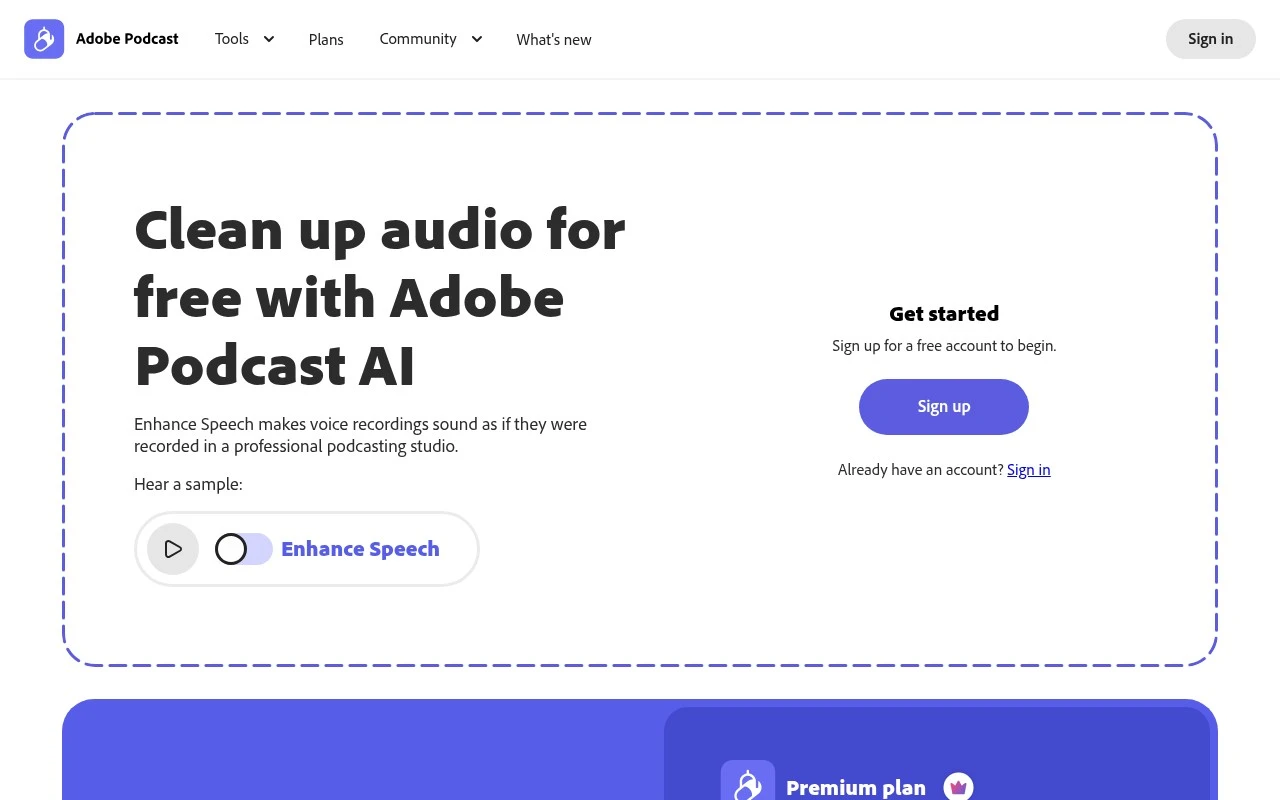
Adobe Podcast is a web-based audio recording and editing tool from Adobe that uses AI to enhance speech, reduce background noise, and improve microphone sound for podcasts and voice recordings.
Audio Enhancement
FYAI Score
7.8 / 10
FYAI rating based on features, pricing and integrations
Pricing:
Freemium
Best for:
Podcasters and creators polishing spoken audio fast
Score Breakdown
- Ease of use8.8 / 10
- Features7.3 / 10
- Pricing8.2 / 10
- Integrations7.1 / 10
- Support7.2 / 10
 | Strengths |
-
 Accessible for solo creators and educators because the freemium web tool can clean speech without a studio setup or specialist audio software.
 -
Best suited to podcasts, interviews, narration, and talking-head videos because it focuses on making spoken recordings clearer and more studio-like.
-
Fast to adopt for non-technical users because the workflow centers on applying an AI enhancement filter rather than learning full audio production.
 | Limitations |
-
 Less suitable for music, sound design, or full post-production because it is built around spoken voice enhancement rather than multitrack editing or creative audio mixing.
 -
Less suitable for offline or locked-down workflows because processing is delivered through Adobe’s web-based service and requires uploading audio.
-
Less suitable for teams that need fine-grained restoration controls because it is designed as an AI enhancement filter rather than a detailed manual audio editor.
 | 8.5/ 10Based on 23 reviews |
Cartesia
AI Voiceover
Adds AI speech, streaming transcription, and voice agents
Best for: | Software developers |
Pricing | Freemium |
 | 8.2/ 10Based on 215 reviews |
Synthflow
Voice & Audio
Automates phone calls, follows logic, and connects systems
Best for: | Customer support teams |
Pricing | Paid only |
 | 9.2/ 10Based on 2,638 reviews |
Retell AI
Voice & Audio
Automates phone calls, routes issues, and logs outcomes
Best for: | Operations teams |
Pricing | Usage-based |