Curated ToolThis tool is part of our curated AI directory. We only include tools that meet our standards for relevance, usability and real-world value.

Steve AI

Generates videos from prompts, text, audio, images, or content

Short-form VideoAnimation
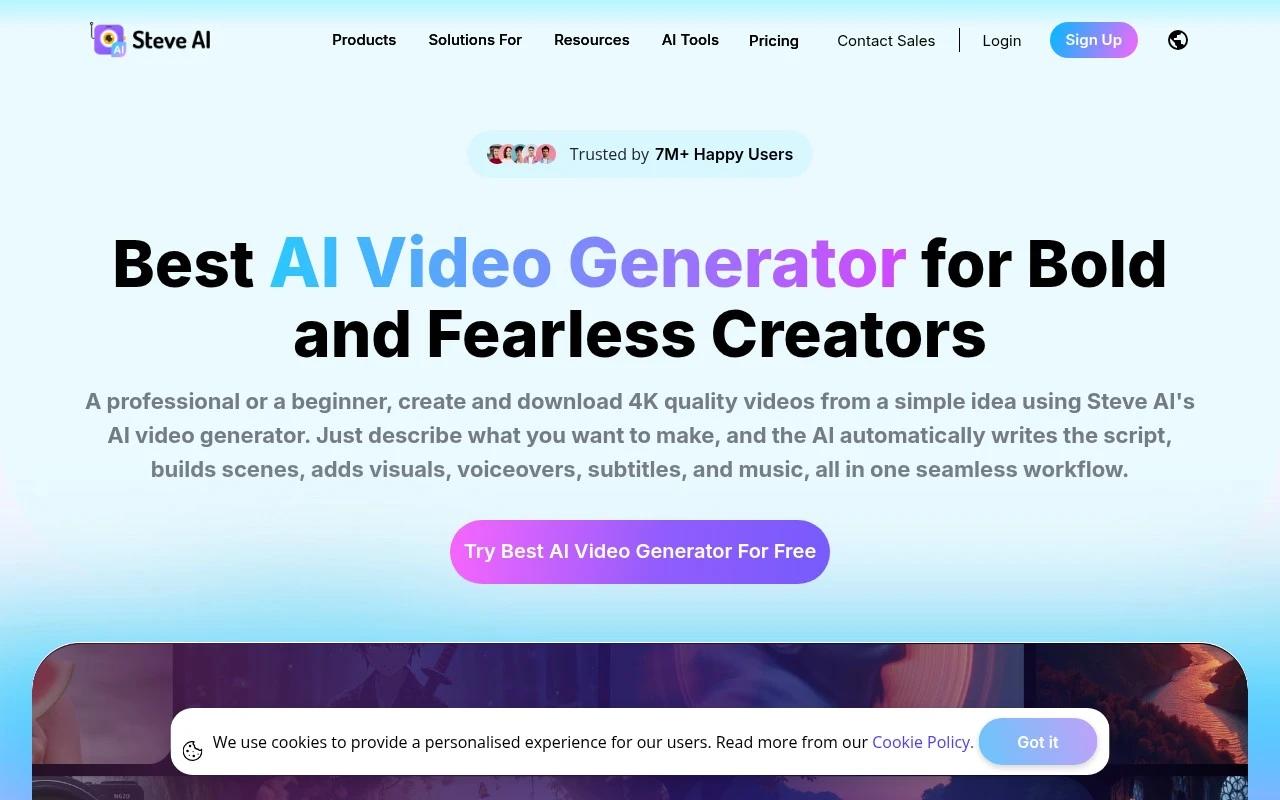
Steve AI is an AI video maker from Animaker Inc. focused on fast text-to-video and prompt-to-video creation. It supports several input types, including text, scripts, audio, images, and blog-style content, and can produce multiple video styles such as animation, generative AI video, live-action-style video, and talking-head formats. It is best suited for users who need structured, publishable videos without filming equipment or advanced editing skills.

FYAI Score

7.8 / 10

Based on 29 reviews

Pricing:

Freemium

Best for:

Marketers and creators producing videos fast from scripts and text

Score Breakdown

  • Ease of use7.9 / 10
  • Features7.6 / 10
  • Pricing7.5 / 10
  • Integrations7.1 / 10
  • Support9.0 / 10

PRODUCT PREVIEW

What this AI tool does

Steve AI is an AI-powered tool designed to help people turn written content into video-style outputs with less manual editing. It’s typically used when you have a script, blog post, or short message and want to present it in a more visual format without starting from a blank timeline in traditional video software. In practice, the tool guides you through converting text into a structured video draft and then refining the result by adjusting scenes, timing, and visuals. This can be useful for teams and individuals who need simple explainer-style videos, social clips, or internal communications and want a workflow that stays close to the original text. Because the exact results depend on your input and the choices you make during editing, it’s best approached as a way to speed up first drafts rather than fully automate production. If you’re comparing options, steveai is most relevant for informational use cases where clarity and quick iteration matter more than highly customized motion design.

Use cases

Best for

Generate Video

Generate video by turning text, scripts, blogs, images, or audio into publishable videos in animated, AI, live action, or talking head styles.

Text to Speech

Use Steve AI to convert your script into voiceover with text to speech, then sync the narration to scenes in the video timeline.

Animated Video Creation

Create animated video creation projects by selecting an animation style and letting the tool auto build scenes from your script and assets.

ANALYSIS

Strengths & limitations

Strengths
  • Supports several creation paths, including prompt-to-video, script-to-video, text-to-video, audio-to-video, image-to-video, and clip generation.
  • Covers multiple video styles in one tool, including animation, generative AI, live-action-style content, avatars, motion effects, and short clips.
  • Includes AI narration and multi-voice storytelling features for ads, training, onboarding, education, and narrative videos.
Limitations
  • Usage is tied to plan limits such as video minutes, AI or stock media credits, generative credits, resolution, and add-ons.
  • The official page emphasizes broad creation capabilities but gives limited detail on manual editing depth, workflow controls, or professional post-production features.
  • Some claims, such as patents and user counts, are presented as vendor marketing statements and should be independently verified for procurement or enterprise evaluation.

Evaluation

FYAI score breakdown

Our structured evaluation across five key criteria

7.8 / 10

Overall score

Based on 29 reviews

  • Ease of use7.9 / 10
  • Features7.6 / 10
  • Pricing7.5 / 10
  • Integrations7.1 / 10
  • Support9.0 / 10

What users say

Findings from public reviews, documentation and community sources.

  • Ease of use

    Product Hunt’s review summary says users “mostly praise Steve.AI for speed and ease of use,” including turning “blog posts or simple ideas into polished animated or live-action videos.”

  • Features

    Steve AI’s website advertises “Prompt to Video, Script to Video, Audio to Video, Image to Video” and “7+ video output styles.” Steve AI’s website also lists multi-voice storytelling, ClipMaker, translation, and avatars.

  • Pricing

    Steve AI’s pricing page lists paid levels such as “Basic $15/mo,” “Starter $45/mo,” and “Pro $60/mo,” with limits such as “15 Video Downloads/Month,” “40 Video Downloads/Month,” and “Additional video downloads at $5/export.” Steve AI’s pricing page shows free and paid options, plan blocks, add-ons, and download/credit limits.

  • Integrations

    G2’s snippet mentions “direct YouTube integration which helps to automate your YouTube Channel.”

  • Support

    Capterra cites an “excellent” customer service team that provides “prompt and helpful support,” and G2’s snippet says users praise customer support.

Who is this for?

Best for creators who want to turn text or media inputs into videos quickly, Product Hunt says users “mostly praise Steve.AI for speed and ease of use,” including turning “blog posts or simple ideas into polished animated or live-action videos.” Less suited to teams that depend on broad app connectivity, G2’s snippet names “direct YouTube integration which helps to automate your YouTube Channel,” so the cited workflow connection is YouTube-focused. Less suited to users who want simple all-inclusive pricing, Steve AI’s pricing page lists “Basic $15/mo,” “Starter $45/mo,” “Pro $60/mo,” download limits such as “15 Video Downloads/Month” and “40 Video Downloads/Month,” and “Additional video downloads at $5/export.”

PRODUCT PREVIEW

Feature highlights

Text-to-video

Convert text, scripts, or blogs into structured videos with scenes.

Multiple video styles

Create animation, generative, live-action-style, or talking-head videos.

Fast video drafts

Generate storyboards quickly from prompts, audio, images, or text.

COMPARE

Discover curated alternatives worth comparing

Compare similar AI tools based on features, pricing and use cases

8.5/ 10Based on 16 reviews

Wondercraft

Short-form VideoVideo Editing
Turns text or audio into editable AI-generated videos and audio
Best for:
Video creators
Pricing
Freemium

8.5/ 10Based on 65 reviews

Wisecut

Short-form VideoVideo Editing
Edits long videos by removing pauses and adding captions
Best for:
Video creators
Pricing
Freemium

8.6/ 10Based on 2.521 reviews

Vizard.ai

Short-form VideoVideo Editing
Extracts short clips from long videos and adds captions for social.
Best for:
Social media managers
Pricing
Freemium

Turn ideas into scroll-stopping marketing videos in minutes. Start creating polished content with Steve AI today—no editing expertise required.

FAQ

Frequently asked
questions

Everything you need to know about this AI tool,
its features, pricing, use cases, and limitations.

Is Steve AI a good fit for marketing videos, social ads, and product promos?
Steve AI is best suited for SMB teams that need short marketing videos quickly—social posts, simple promos, explainers, and ad variations. It’s a practical choice when you’re prioritizing speed and consistency over frame-by-frame creative control. If you need cinematic storytelling, complex motion design, or heavy compositing, you may outgrow it.
Does Steve AI have a free plan, and what are the typical limitations vs paid?
Steve AI commonly offers a free or trial option, but it’s usually constrained by watermarks, export resolution, and/or limited downloads. Paid tiers typically unlock higher-quality exports, more templates/assets, and greater usage limits. Check the current plan page on steve.ai for exact caps since they can change.
How does Steve AI compare with tools like Animoto, InVideo, or Canva for video creation?
Compared with Canva, Steve AI is more focused on turning scripts or concepts into structured marketing videos, while Canva often wins for broader design workflows. Versus InVideo or Animoto, Steve AI can be faster for template-driven explainer-style outputs, but competitors may offer more manual editing flexibility. If your team needs granular timeline control, you may prefer a more editor-centric tool.
How quickly can a team get started with Steve AI, and what onboarding is required?
Steve AI can feel limiting if you need advanced keyframing, detailed motion control, or complex multi-layer edits. Automated scenes and stock-driven visuals may not always match a highly specific brand style without extra tweaking. Because it’s cloud-based, performance and access depend on stable internet.
What should I consider about data privacy, ownership, and compliance when using Steve AI?
Review Steve AI’s terms for how uploaded assets, scripts, and generated videos are stored, processed, and retained, especially if you handle client or regulated data. Confirm who owns the final outputs, what licenses apply to stock media, and whether you can delete projects and account data on request. If you need formal compliance (e.g., DPA, SOC 2, GDPR support), verify what documentation and controls are available before committing.