Curated ToolThis tool is part of our curated AI directory. We only include tools that meet our standards for relevance, usability and real-world value.

Revid AI

Generates and edits short-form social videos from various inputs

Short-form VideoVideo Editing
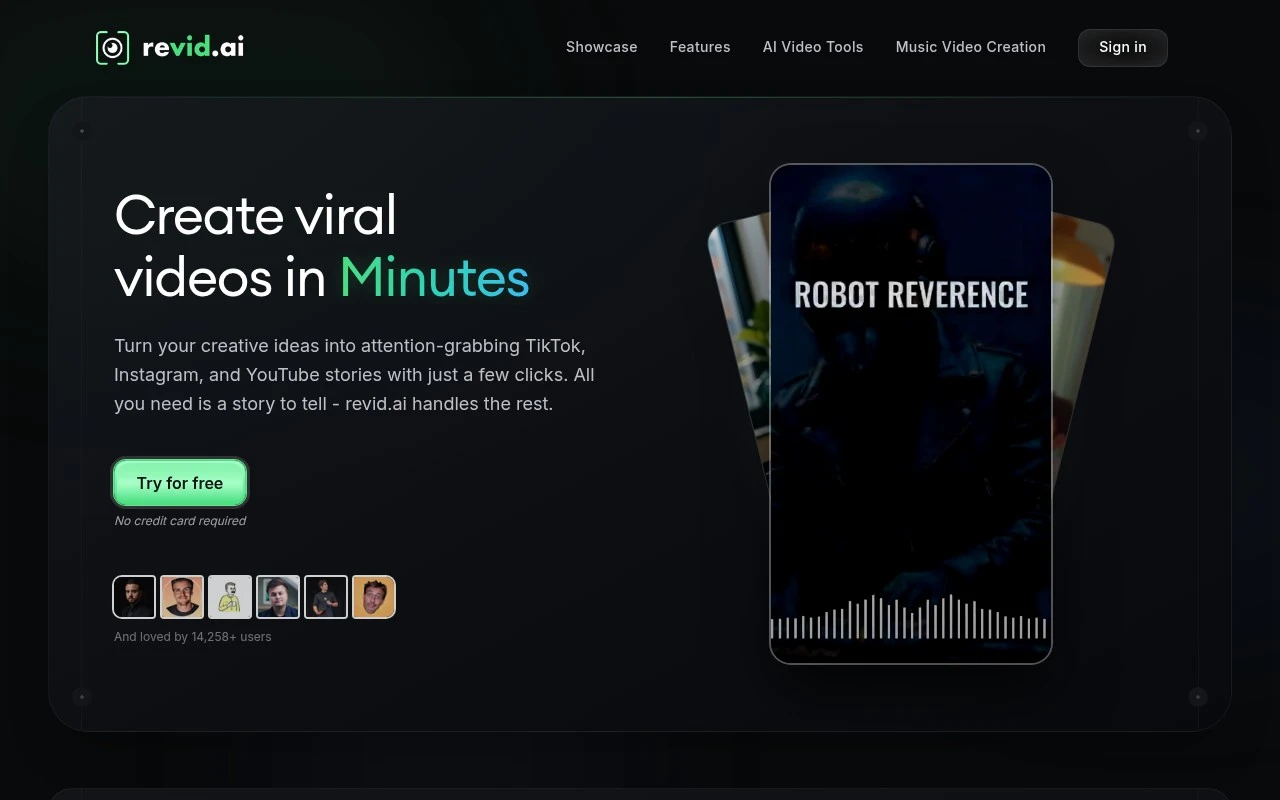
Revid AI AI is an AI video creation platform focused on viral-style short videos for TikTok, Instagram, and YouTube. It combines idea generation, script writing, voiceovers, visual styles, templates, avatars, and a simple editor so users can produce social videos from text, images, PDFs, or audio with minimal manual editing.

FYAI Score

7.9 / 10

Based on 301 reviews

Pricing:

Freemium

Best for:

Creators and marketers making viral short-form videos fast

Score Breakdown

  • Ease of use7.8 / 10
  • Features8.1 / 10
  • Pricing7.6 / 10
  • Integrations8.5 / 10
  • Support7.3 / 10

PRODUCT PREVIEW

What this AI tool does

Revid AI is an AI tool designed to help people work with video content more efficiently. It focuses on turning existing footage into usable outputs for common workflows, such as reviewing clips, preparing drafts, or creating versions suited to different contexts. Because the exact setup can vary by project, revid is best understood as a practical assistant for video-related tasks rather than a full production suite. It can support individuals and teams who need a faster way to move from raw material to something shareable, while keeping the process straightforward and easy to follow.

Use cases

Best for

Short Form Video Creation

Turn text, images, PDFs, or audio into TikTok, Reels, or Shorts using scripts, voiceovers, templates, and avatars.

Edit Video

Edit clips in a simple timeline editor by swapping scenes, adjusting timing, and applying preset visual styles and templates.

Social Media Content Creation

Use Revid AI to generate viral-style social posts by creating ideas, scripts, voiceovers, and platform-ready short videos.

ANALYSIS

Strengths & limitations

Strengths
  • Covers the full short-video workflow from idea and script generation to editing and export.
  • Supports multiple input types, including text prompts, documents, images, and music or audio files.
  • Includes social-first formats, templates, AI voices, and a music video generator aimed at Shorts, Reels, and TikTok content.
Limitations
  • Its positioning is strongly focused on short-form social content, so it may not fit long-form or highly customized professional video production needs.
  • Claims about going viral or using viral content patterns should not be treated as guaranteed performance outcomes.
  • AI-generated scripts, visuals, and voiceovers may still need human review for accuracy, originality, and brand fit.

Evaluation

FYAI score breakdown

Our structured evaluation across five key criteria

7.9 / 10

Overall score

Based on 301 reviews

  • Ease of use7.8 / 10
  • Features8.1 / 10
  • Pricing7.6 / 10
  • Integrations8.5 / 10
  • Support7.3 / 10

What users say

Findings from public reviews, documentation and community sources.

  • Ease of use

    Revid's product page says users can start from a “prompt, script, link, product page, audio, or PDF,” and says its editor is “designed for simplicity.” Trustpilot lists Revid at 4/5 across 299 reviews, while review-site snippets mention reliability frustration.

  • Features

    Revid's pricing page says it can “generate, edit, publish, and automate short-form content” and offers “100+ AI video tools.” Revid's pricing page also lists “50+ Ultra-Realistic Voices,” templates, avatars, and text/link/audio/PDF-to-video workflows.

  • Pricing

    Revid's pricing page lists Hobby at “$39/month,” Growth at “$99” discounted to “$39/month” with “2,000 AI credits / month,” and Ultra at “$199/month” with “12,000 AI credits / month.” A Trustpilot snippet says the reviewer “cant afford $30 a month for a decent plan.”

  • Integrations

    Revid's pricing page lists native publishing to “TikTok, Instagram & YouTube” and “Full access to API, MCP and CLI.” A Make listing says users can connect Revid AI with other apps.

  • Support

    Revid's FAQ states that a “human support team is here to assist you.” Product Hunt snippets mention frustration with “customer service.”

Who is this for?

Best for short-form creators who want to turn varied inputs into videos, Revid says users can start from a “prompt, script, link, product page, audio, or PDF,” and the pricing page lists publishing to “TikTok, Instagram & YouTube.” Less suited to users who are sensitive to support friction or monthly plan cost, Product Hunt snippets mention frustration with “customer service,” and a Trustpilot snippet says the reviewer “cant afford $30 a month for a decent plan.”

PRODUCT PREVIEW

Feature highlights

Viral idea to script

Generate hooks and scripts tailored for TikTok, Reels, and Shorts.

AI voiceovers

Create natural narration to match your video style and pacing.

Shorts templates

Apply ready-made styles, avatars, and edits for scroll-stopping videos.

COMPARE

Discover curated alternatives worth comparing

Compare similar AI tools based on features, pricing and use cases

8.5/ 10Based on 16 reviews

Wondercraft

Short-form VideoVideo Editing
Turns text or audio into editable AI-generated videos and audio
Best for:
Video creators
Pricing
Freemium

8.5/ 10Based on 65 reviews

Wisecut

Short-form VideoVideo Editing
Edits long videos by removing pauses and adding captions
Best for:
Video creators
Pricing
Freemium

8.6/ 10Based on 2.521 reviews

Vizard.ai

Short-form VideoVideo Editing
Extracts short clips from long videos and adds captions for social.
Best for:
Social media managers
Pricing
Freemium

Create polished promo videos in minutes, not days. Start with Revid AI today and keep your team focused on the story—not the edit.

FAQ

Frequently asked
questions

Everything you need to know about this AI tool,
its features, pricing, use cases, and limitations.

What types of teams and projects is Revid AI best suited for?
Revid AI is a strong fit for marketing and social teams that need to produce short promotional videos quickly from repeatable formats. It works best when you can start from templates and accept automated editing decisions with light tweaks. If your workflow depends on frame-accurate edits, complex motion graphics, or heavy color work, you may outgrow it.
Does Revid AI have a free plan, and what are the practical limits compared to paid tiers?
Revid AI typically positions key capabilities behind paid plans, with any free access mainly useful for evaluating the workflow rather than running production output. The most common constraints to check are export quality/watermarks, project or render limits, and access to premium templates. If you only publish occasionally, compare the monthly cost to pay-as-you-go options in other tools.
How does Revid AI compare with other AI video editors and template-based tools?
Compared with full editors like Adobe Premiere Pro or DaVinci Resolve, Revid AI trades granular control for speed and automation. Versus template-first tools like Canva or CapCut, it can be faster for turning repeated marketing concepts into consistent outputs, but you may have fewer advanced timeline controls. If your priority is brand-consistent variations at scale, Revid AI tends to compete well; for complex edits, a traditional editor is usually safer.
How quickly can a team get started with Revid AI, and what onboarding effort should you expect?
Revid AI’s automated edits can be inconsistent, so you should expect a review pass and occasional manual adjustments. Advanced editing features are limited, which can be restrictive for professional editors who need precise control. Subscription pricing can also be inefficient for small teams that only need video output sporadically.
What should I know about data handling, privacy, and compliance when using Revid AI?
Before uploading customer footage or internal assets to Revid AI, review its terms for data retention, training usage, and who can access uploaded content. Confirm whether it supports enterprise needs like SSO, audit logs, and a DPA if you operate under GDPR/CCPA requirements. If compliance is strict, consider keeping sensitive content in tools that offer clearer enterprise controls or on-prem options.