
Curated ToolThis tool is part of our curated AI directory. We only include tools that meet our standards for relevance, usability and real-world value.
Rask.ai
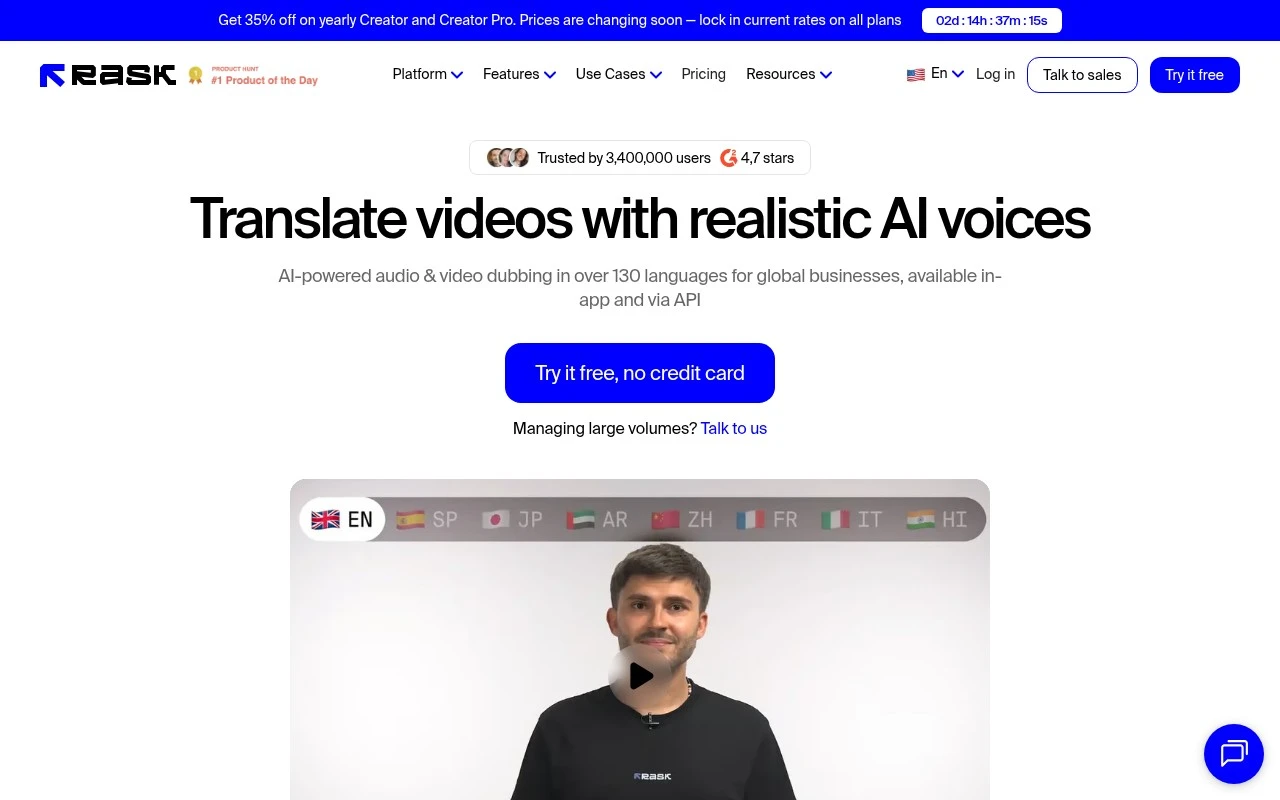
Rask.ai is an AI video localization platform for translating, dubbing, and adding subtitles to videos, with clone voice technology that can recreate a speaker’s voice in another language.
Video LocalizationAvatar / Talking Head

FYAI Score
8.3 / 10
Based on 270 reviews
Pricing:
Freemium
Best for:
Media and marketing teams localizing video at scale
Score Breakdown
- Ease of use9.1 / 10
- Features7.9 / 10
- Pricing7.8 / 10
- Integrations7.4 / 10
- Support8.9 / 10
 | Strengths |
-
 Strong fit for international content teams because it combines 130+ language dubbing with captions, lip-sync, and realistic AI voices in one localization workflow.
 -
Useful for multi-speaker videos and podcasts because speaker detection and voice cloning help preserve distinct voices across translated versions.
-
Well suited to teams processing large media volumes because the API supports scalable localization workflows beyond one-off manual uploads.
 | Limitations |
-
 Less suitable for teams that need a full video editing or animation suite because its focus is localization, dubbing, captions, and voice adaptation.
 -
The freemium model is best for testing and lighter use, while teams localizing large content libraries should expect production-scale needs to require paid access.
-
AI-translated dubbing still needs human review for nuanced wording, pronunciation, cultural fit, and brand-sensitive content.
 | 8.4/ 10Based on 85 reviews |
Higgsfield
Short-form VideoAnimation
Creates and remixes images, videos, voice, VFX, and ads
Best for: | Video creators |
Pricing | Paid |
 | 7.7/ 10Based on 122 reviews |
PixVerse
Short-form VideoVideo Generators
Generates, directs, and scales AI video from prompts and images
Best for: | Video creators |
Pricing | Paid |
 | 8.0/ 10FYAI score |
Seedance
Short-form VideoVideo Generators
Creates 4K videos, keeps characters consistent, edits regions
Best for: | Video creators |
Pricing | Paid |