
Curated ToolThis tool is part of our curated AI directory. We only include tools that meet our standards for relevance, usability and real-world value.
Wondershare Filmora
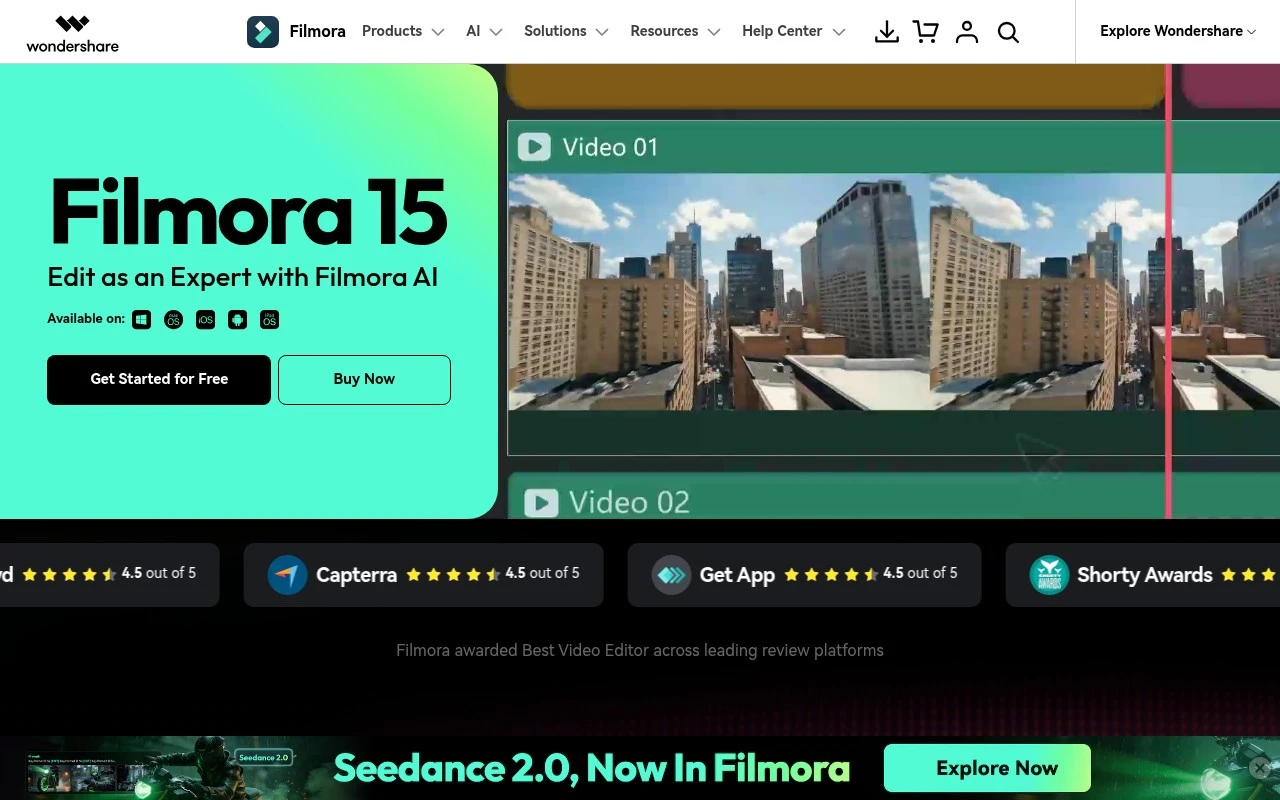
Wondershare Filmora is a video editing application for Windows, macOS, mobile, and web that lets users cut, trim, arrange, and enhance footage with effects, titles, transitions, audio tools, and AI-assisted editing features. It is commonly used to create social media videos, tutorials, presentations, and other polished video content.
Short-form VideoVideo Localization
FYAI Score
8.2 / 10
Based on 15,598 reviews
Pricing:
Freemium
Best for:
YouTubers and creators who want pro edits without a steep learning curve
Score Breakdown
- Ease of use8.9 / 10
- Features8.1 / 10
- Pricing7.8 / 10
- Integrations7.5 / 10
- Support8.4 / 10
 | Strengths |
-
 Approachable editing tools suit beginners and intermediate creators because they can produce polished videos without learning a complex professional editing suite.
 -
Built-in AI features reduce repetitive editing work because creators can handle tasks such as object removal, background cutout, scene extension, enhancement, captions, and color matching inside one workflow.
-
Templates, effects, stock media, audio tools, and desktop plus mobile access fit social media creators, educators, and small businesses that need to publish varied video formats quickly.
 | Limitations |
-
 Less suitable for advanced post-production teams because its all-in-one creator focus does not replace specialized workflows for high-end color grading, visual effects, audio finishing, and studio collaboration.
 -
The freemium model is better for testing than sustained professional use because ongoing access to exports, assets, and AI-powered features can require paid access.
-
Template-led creation is less suitable for brands that require fully custom motion systems because many fast workflows depend on built-in presets, effects, and stock assets.
Feature highlights
AI Video Editing
Enhance footage, match color, and extend clips with AI tools.
Templates & Effects
Drag-and-drop titles, transitions, and creative packs for speed.
Audio & Captions
Clean up sound and add captions for clearer, more engaging videos.
Compared in

 | 8.4/ 10Based on 85 reviews |
Higgsfield
Short-form VideoAnimation
Creates and remixes images, videos, voice, VFX, and ads
Best for: | Video creators |
Pricing | Paid |
 | 7.7/ 10Based on 122 reviews |
PixVerse
Short-form VideoVideo Generators
Generates, directs, and scales AI video from prompts and images
Best for: | Video creators |
Pricing | Paid |
 | 8.0/ 10FYAI score |
Seedance
Short-form VideoVideo Generators
Creates 4K videos, keeps characters consistent, edits regions
Best for: | Video creators |
Pricing | Paid |