Curated ToolThis tool is part of our curated AI directory. We only include tools that meet our standards for relevance, usability and real-world value.

DomoAI

Generate, restyle, and animate videos with AI, including avatars

Short-form VideoVideo Editing
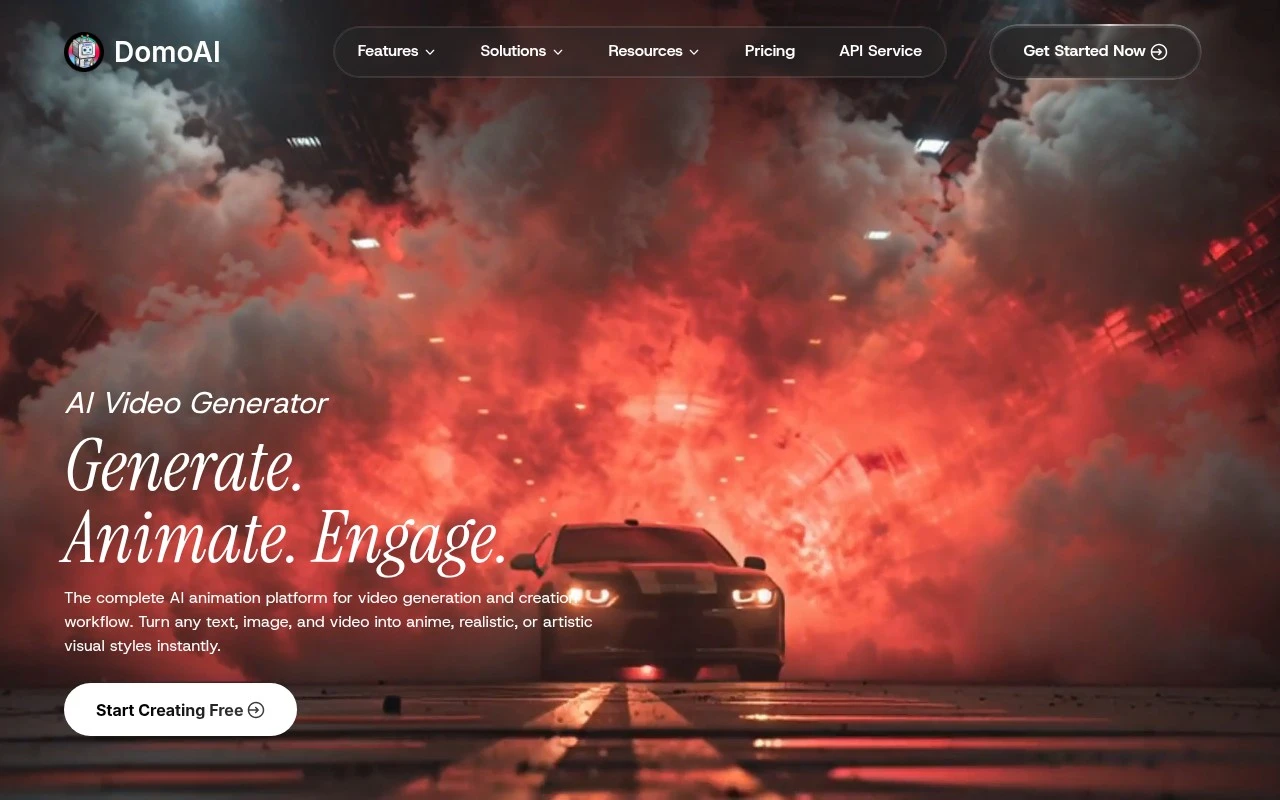
DomoAIAI is an AI creative studio focused on video generation, video-to-video restyling, and animation. It supports text-to-video, image-to-video, frames-to-video, talking avatars, character animation from motion references, video style transfer, lip sync, background removal, and video or image upscaling. Its strongest positioning is fast stylized content creation, especially anime, cartoon, realistic, and custom reference-based visual transformations.

FYAI Score

8.2 / 10

Based on 1.023 reviews

Pricing:

Freemium

Best for:

Creators making stylized short-form videos fast

Score Breakdown

  • Ease of use7.8 / 10
  • Features8.3 / 10
  • Pricing8.9 / 10
  • Integrations8.4 / 10
  • Support7.6 / 10

PRODUCT PREVIEW

What this AI tool does

DomoAI is an AI tool page intended to help readers understand what the product is and how it can be used in practice. This description focuses on providing clear context rather than assumptions, so it can fit a range of audiences—from people evaluating tools for the first time to teams comparing options. Because the available details about the intro and main use case are not defined, the page is written to be broadly applicable and informational. It can be used to explain what the tool does, the kinds of problems it is designed to address, and what a typical workflow might look like, without overstating capabilities. If you share a short summary of the tool’s purpose, target users, and a couple of common tasks it supports, this description can be refined to match the real-world use case more closely while keeping the tone neutral and professional.

Use cases

Best for

Generate Video

Generate clips from text, images, or frame sequences using DomoAI text-to-video and image-to-video models with stylized outputs.

Video Upscaling

Upscale low resolution videos or images to higher resolution using AI upscaling while preserving edges and texture detail.

Character Animation

Animate a character by applying motion reference to a source image or avatar, then render the movement as a video.

ANALYSIS

Strengths & limitations

Strengths
  • Supports multiple input modes, including text, images, existing videos, motion references, and 2-8 frame sequences.
  • Combines generation and editing features such as video restyling, lip sync, background removal, and upscaling in one workflow.
  • Includes templates and remixable community examples for quickly reproducing styles or formats.
Limitations
  • The provided site text does not give detailed pricing, credit limits, or subscription terms beyond mentioning a free credit-based plan and paid plans.
  • Its feature set is centered on AI-generated and stylized visual content, so it may not replace a full manual video editor for complex timeline editing.
  • Creative control and consistency may depend on prompts, references, source footage, and the selected AI model or style.

Evaluation

FYAI score breakdown

Our structured evaluation across five key criteria

8.2 / 10

Overall score

Based on 1.023 reviews

  • Ease of use7.8 / 10
  • Features8.3 / 10
  • Pricing8.9 / 10
  • Integrations8.4 / 10
  • Support7.6 / 10

What users say

Findings from public reviews, documentation and community sources.

  • Ease of use

    The DomoAI homepage says users can "turn any text, image, and video" into styles instantly and offers "Ready-to-Use Creative Suites" with "no setup, no complexity." Trustpilot shows DomoAI at 2.6/5 across 37 reviews.

  • Features

    The DomoAI homepage lists video-to-video, image-to-video, talking avatar, and character animation, and also references "70+ AI Video Models."

  • Pricing

    The DomoAI pricing page shows Basic, Standard, and Pro tiers at $6.99, $19.59, and $48.99/month billed yearly, with monthly credit amounts, per-credit estimates, watermark removal, optional top-ups, and unlimited Relax Mode on Standard/Pro. The DomoAI pricing page also lists a free plan with starter credits, while longer durations and some Pro-only capabilities are tiered.

  • Integrations

    DomoAI docs describe an API for integrating AI video creation into applications, and DomoAI has a Discord app-directory integration. Zapier lists Discord + DomoAI connectivity with access to "over 9000 apps."

  • Support

    The DomoAI pricing FAQ directs users to "open a ticket on our Discord server" or contact support by email.

Who is this for?

Best for creators who want several animation entry points, the DomoAI homepage lists video-to-video, image-to-video, talking avatar, and character animation. Less suited to users who need longer durations or Pro-only capabilities without upgrading, the DomoAI pricing page says access to longer durations and some Pro-only capabilities is tiered.

PRODUCT PREVIEW

Feature highlights

Text-to-Video

Generate stylized clips from prompts for fast content iteration.

Video Style Transfer

Restyle footage to anime, cartoon, realistic, or custom references.

Avatars & Lip Sync

Create talking avatars and sync speech for character-driven videos.

COMPARE

Discover curated alternatives worth comparing

Compare similar AI tools based on features, pricing and use cases

8.5/ 10Based on 16 reviews

Wondercraft

Short-form VideoVideo Editing
Turns text or audio into editable AI-generated videos and audio
Best for:
Video creators
Pricing
Freemium

8.5/ 10Based on 65 reviews

Wisecut

Short-form VideoVideo Editing
Edits long videos by removing pauses and adding captions
Best for:
Video creators
Pricing
Freemium

8.6/ 10Based on 2.521 reviews

Vizard.ai

Short-form VideoVideo Editing
Extracts short clips from long videos and adds captions for social.
Best for:
Social media managers
Pricing
Freemium

Create standout marketing videos in less time. Start with DomoAI today and turn ideas into scroll-stopping content your audience will watch and share.

FAQ

Frequently asked
questions

Everything you need to know about this AI tool,
its features, pricing, use cases, and limitations.

Is DomoAI a good fit for marketing teams, agencies, or creators?
DomoAI is best suited for marketing teams that need to produce campaign videos quickly using templates and brand-friendly assets. It works well for social ads, promos, and short-form content where speed and consistency matter more than frame-level control. If your workflow depends on advanced compositing, detailed color work, or complex timelines, you may find it limiting compared to pro editors.
Does DomoAI have a free plan, and what are the typical limitations vs paid?
DomoAI may offer a free tier or trial, but it’s usually constrained by export quality, watermarks, usage caps (credits/minutes), or limited template access. Paid plans typically unlock higher-resolution exports, more generation capacity, and broader template/asset libraries. Before committing, check whether the plan includes the export formats and volume your campaigns require.
How does DomoAI compare with Canva, CapCut, or Adobe Premiere for marketing videos?
Compared with Canva, DomoAI tends to be more focused on video-first campaign creation and faster iteration, while Canva is broader for design and simple motion. Versus CapCut, DomoAI is often more template-driven for brand marketing, whereas CapCut can offer more hands-on editing controls for creators. Against Adobe Premiere, DomoAI is quicker to produce polished outputs but lacks the deep editing, audio, and finishing tools professionals rely on.
How fast can a team get started with DomoAI, and what onboarding is needed?
DomoAI can feel restrictive if you need granular timeline edits, custom motion design, or advanced effects beyond what templates allow. Asset and template libraries may not match the breadth of long-established editors, which can limit creative differentiation. Cost can also become a factor for smaller teams if you need high output volume or frequent iterations.
What should I check about data privacy and compliance when using DomoAI?
Review DomoAI’s terms for how uploaded media and generated outputs are stored, retained, and used (including any model-training clauses). Confirm whether it supports business needs like SSO, role-based access, audit logs, and data deletion requests if you handle client content. If you operate under GDPR/CCPA or work with regulated industries, verify data residency options and whether a DPA is available.