Curated ToolThis tool is part of our curated AI directory. We only include tools that meet our standards for relevance, usability and real-world value.

D-ID

Creates AI avatar videos from text and documents in multiple languages

Avatar / Talking Head
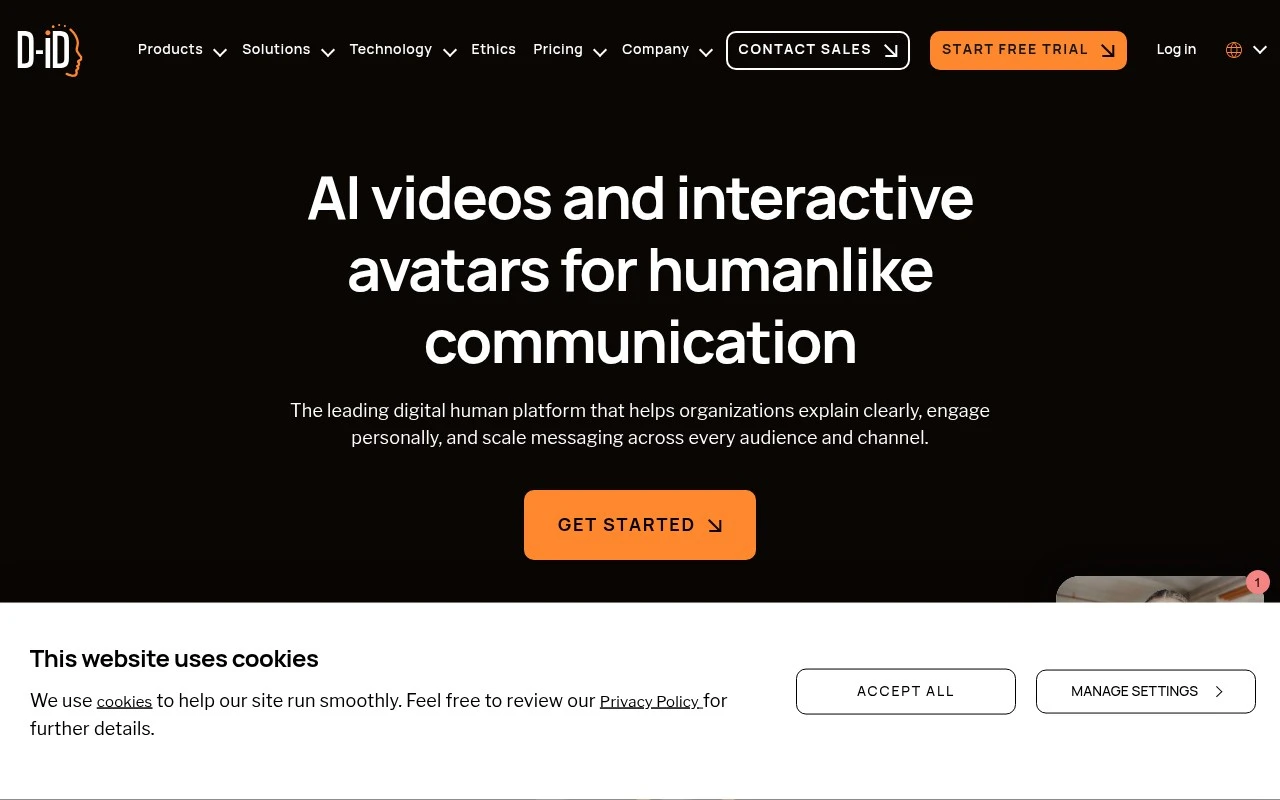
D-ID is an AI video and digital human platform for creating lifelike avatar videos and real-time conversational visual agents. It supports multilingual video generation, avatar customization, voice and lip-sync capabilities, and API-based deployment for organizations that need to communicate at scale without traditional video production.

FYAI Score

8.5 / 10

Based on 115 reviews

Pricing:

Freemium

Best for:

Enterprise teams scaling customer comms with digital humans

Score Breakdown

  • Ease of use8.9 / 10
  • Features8.8 / 10
  • Pricing7.1 / 10
  • Integrations8.8 / 10
  • Support9.2 / 10

PRODUCT PREVIEW

What this AI tool does

D-ID is an AI tool designed to help users generate and work with digital content through automated processing. It’s typically used when you want to turn existing inputs—such as text, images, or other media—into a more usable output without doing every step manually. In practice, people use this kind of tool to speed up routine production tasks, create variations of content, or support workflows where consistency matters. The exact results depend on what you provide as input and how you configure the output, so it works best when you have a clear goal and can review the generated material before sharing or publishing. As with most AI tools, it’s important to consider accuracy, permissions for any source material, and whether the output meets your quality standards. If you’re evaluating did for a specific workflow, testing it with a small sample of real inputs is usually the most reliable way to understand what it can and can’t do.

Use cases

Best for

Create Avatar Video

Create an avatar video by uploading a photo and script, then D-ID generates a talking head with voice and facial animation.

Text to Speech

Convert text to speech by selecting a voice and language, then generate audio for your avatar video or conversational agent.

Lip Sync Video

Lip sync video by pairing audio or TTS with an avatar so mouth movements match the speech in the generated video.

ANALYSIS

Strengths & limitations

Strengths
  • Supports multilingual avatar video and real-time interactions across 120+ languages.
  • Offers both a studio-style video creation workflow and API access for developers.
  • Designed for scalable organizational use cases such as training, marketing, sales enablement, and customer experience.
Limitations
  • Best suited to avatar-led and digital-human content rather than general-purpose video editing or cinematic production.
  • Interactive agents and API deployments may require technical setup and workflow integration.
  • Use of realistic AI avatars and voice features requires careful governance around consent, authenticity, and responsible use.

Evaluation

FYAI score breakdown

Our structured evaluation across five key criteria

8.5 / 10

Overall score

Based on 115 reviews

  • Ease of use8.9 / 10
  • Features8.8 / 10
  • Pricing7.1 / 10
  • Integrations8.8 / 10
  • Support9.2 / 10

What users say

Findings from public reviews, documentation and community sources.

  • Ease of use

    G2’s review summary says users “consistently praise the ease of use and intuitive interface” and highlight how quickly they can create AI videos.

  • Features

    D-ID’s feature page covers scripted avatar videos, real-time visual AI agents, video localization/personalization, and voice cloning.

  • Pricing

    D-ID’s pricing page says “duration is deducted from the total minutes available,” usage is rounded up to 15-second intervals, and “unused minutes become void.” Public Reddit sentiment flags the credit/minute allotment as a pain point.

  • Integrations

    D-ID states it offers “seamless API integration” and lets developers “integrate D-ID’s advanced AI features.” D-ID names Microsoft PowerPoint, Canva, Google Slides, and other third-party platforms as integrations.

  • Support

    D-ID says its “dedicated 24/7 support is here for all API and studio customers.” D-ID’s homepage testimonial says the “API is well documented” and the technical team was “very supportive during the implementation phase.”

Who is this for?

Best for teams creating scripted avatar videos, real-time visual AI agents, or localized/personalized videos because D-ID’s feature page covers those use cases. It is less suited to users who need unused usage to carry forward because D-ID’s pricing page says “unused minutes become void” and usage is rounded up to 15-second intervals.

PRODUCT PREVIEW

Feature highlights

Talking avatar videos

Generate lifelike avatar videos from text or audio, fast.

Voice & lip-sync

Natural speech with accurate lip-sync for believable delivery.

API & real-time agents

Deploy conversational visual agents via API for scale.

COMPARE

Discover curated alternatives worth comparing

Compare similar AI tools based on features, pricing and use cases

8.5/ 10Based on 16 reviews

Wondercraft

Short-form VideoVideo Editing
Turns text or audio into editable AI-generated videos and audio
Best for:
Video creators
Pricing
Freemium

8.5/ 10Based on 65 reviews

Wisecut

Short-form VideoVideo Editing
Edits long videos by removing pauses and adding captions
Best for:
Video creators
Pricing
Freemium

8.6/ 10Based on 2.521 reviews

Vizard.ai

Short-form VideoVideo Editing
Extracts short clips from long videos and adds captions for social.
Best for:
Social media managers
Pricing
Freemium

Turn any photo into a lifelike talking video in minutes. Start creating personalized messages with D-ID today and make your content stand out.

FAQ

Frequently asked
questions

Everything you need to know about this AI tool,
its features, pricing, use cases, and limitations.

What types of projects is D-ID a good fit for compared with other video avatar tools?
D-ID is typically a strong option for turning a script plus a single image into a talking-head video for marketing, sales outreach, customer support updates, or internal training. It’s less ideal if you need complex scene editing, multi-character storytelling, or heavy motion graphics in one tool. If your priority is fast personalization at scale, it tends to fit better than full video editors.
Does D-ID have a free plan, and what limitations should I expect versus paid tiers?
D-ID commonly offers a free trial or limited free usage, but it’s usually constrained by credits, video length, resolution, and/or watermarks. Paid plans generally increase generation limits and unlock higher output quality and more commercial-friendly usage. If you’re producing videos frequently, estimate monthly minutes/credits first to avoid unpredictable costs.
How does D-ID compare with Synthesia, HeyGen, or Colossyan for business videos?
D-ID is often chosen for image-to-video “talking photo” workflows and quick personalization, while tools like Synthesia or Colossyan may be stronger for template-driven training content and multi-slide presentations. HeyGen and similar platforms can offer broader avatar variety and brand-style options, depending on the plan. The deciding factors are usually avatar realism, language/voice needs, branding controls, and how much editing you want inside the platform.
How quickly can a team get started with D-ID, and what onboarding effort is typical?
Output quality can depend heavily on the input image (lighting, angle, resolution), so you may need to curate or retouch visuals. Avatar customization and brand-specific styling can be more limited than platforms built around bespoke avatars or deep design controls. If you require precise lip-sync across challenging names/terms or strict visual consistency, you’ll likely need extra iterations.
What should I check about data handling, privacy, and compliance when using D-ID?
Confirm what D-ID stores from your uploads (images, scripts, generated videos) and whether content is used to improve models or retained for a defined period. If you’re in a regulated environment, review available agreements (e.g., DPA), data residency options, and access controls for team accounts. Also ensure you have rights/consent to use any person’s likeness, since face-based generation can raise legal and policy requirements.