Curated ToolThis tool is part of our curated AI directory. We only include tools that meet our standards for relevance, usability and real-world value.

Yoast SEO

Generates and optimizes SEO titles, descriptions, and content

Content & On-pageTechnical & Audit
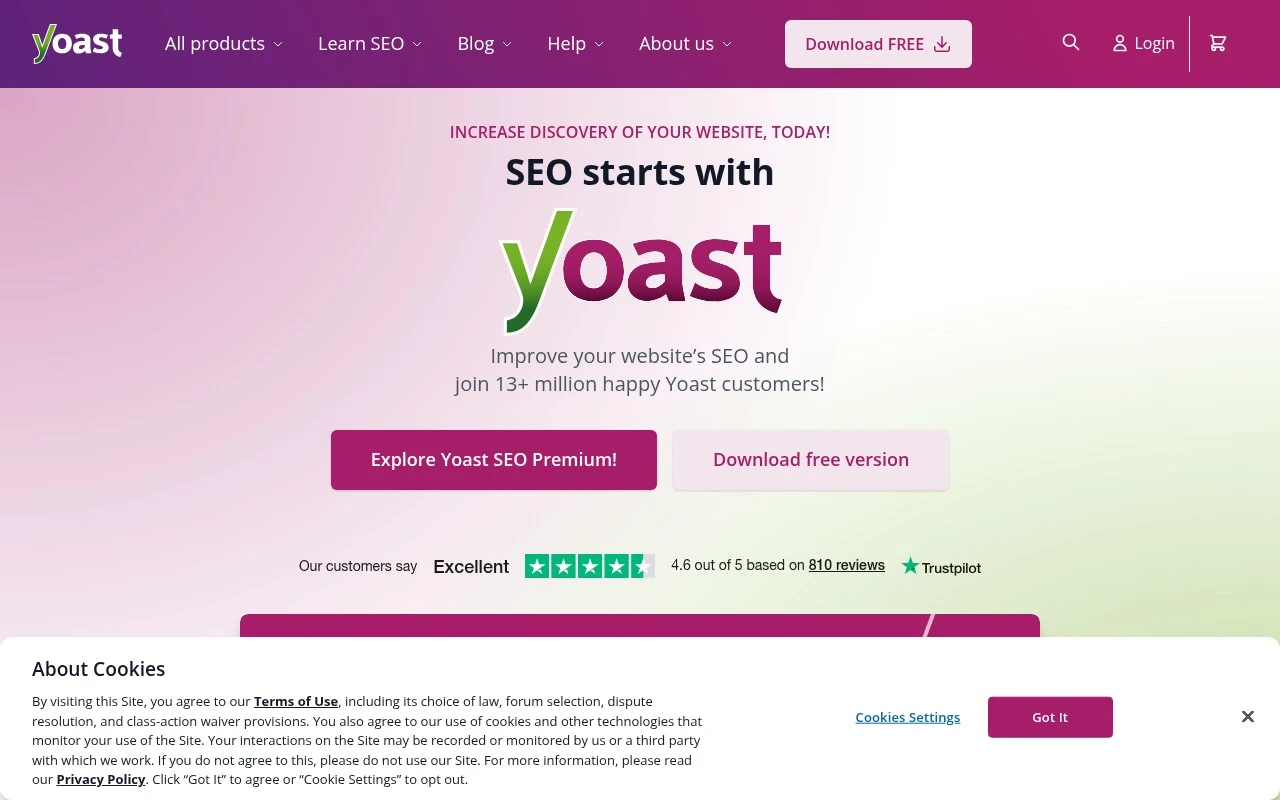
Yoast SEO SEO helps WordPress and Shopify site owners improve search visibility through real-time SEO analysis, AI-assisted optimization, technical SEO features, and workflow tools such as internal linking and redirect suggestions. It is aimed at people managing business sites, blogs, content-heavy sites, and online stores who want practical SEO guidance inside their publishing workflow rather than a standalone enterprise SEO suite.

FYAI Score

8.8 / 10

Based on 846 reviews

Pricing:

Freemium

Best for:

WordPress and Shopify site owners optimizing content as they publish

Score Breakdown

  • Ease of use9.2 / 10
  • Features8.3 / 10
  • Pricing8.8 / 10
  • Integrations8.3 / 10
  • Support9.3 / 10

PRODUCT PREVIEW

What this AI tool does

Yoast SEO is a WordPress-focused tool that helps site owners improve how their pages are understood by search engines and by readers. It’s commonly used while writing or editing posts, offering guidance on elements that affect visibility and clarity, such as titles, meta descriptions, and overall readability. In practice, it fits into a typical content workflow: you draft a page, review the suggestions, and adjust wording or structure where needed. This makes it useful for teams and individuals who want a consistent approach to on-page SEO without needing to manually check every detail. Because it works inside the WordPress editor, it’s often chosen by people managing blogs, business sites, or content-heavy projects who want straightforward feedback as they publish. It doesn’t replace a broader SEO strategy, but it can help keep everyday publishing aligned with basic best practices.

Use cases

Best for

SEO Content Optimization

Yoast SEO scores drafts for focus keyphrase use, readability, and meta tags, then suggests edits inside the WordPress editor.

Ecommerce SEO

Use Yoast SEO for Shopify to set product and collection SEO titles, meta descriptions, and schema to surface rich results.

On Page Optimization

Yoast SEO flags missing alt text, weak internal links, and redirect needs, and provides fixes per page in your CMS.

ANALYSIS

Strengths & limitations

Strengths
  • Provides real-time SEO feedback directly for website content and product pages.
  • Covers both content SEO and behind-the-scenes technical SEO needs.
  • Offers free WordPress functionality plus paid plans with AI optimization, support, academy access, and specialized add-ons for local, news, video, WooCommerce, and Shopify SEO.
Limitations
  • Advanced features such as AI-enhanced optimization, internal linking suggestions, redirect automation, and 24/7 support are positioned as paid plan features.
  • The official positioning centers mainly on WordPress, WooCommerce, and Shopify, so suitability for other website platforms is not established from the provided source.
  • It provides SEO guidance and tooling, but the source does not claim guaranteed rankings or traffic results.

Evaluation

FYAI score breakdown

Our structured evaluation across five key criteria

8.8 / 10

Overall score

Based on 846 reviews

  • Ease of use9.2 / 10
  • Features8.3 / 10
  • Pricing8.8 / 10
  • Integrations8.3 / 10
  • Support9.3 / 10

What users say

Findings from public reviews, documentation and community sources.

  • Ease of use

    G2 summarizes that users praise Yoast’s "user-friendly interface and real-time analysis" that make SEO optimization "straightforward, even for beginners." SoftwareAdvice highlights Yoast as "Easy to use" and notes Google search previews for pages and products.

  • Features

    Yoast’s pricing page describes WordPress SEO features including real-time content analysis, AI-generated titles/descriptions, redirect management, and internal linking suggestions. Yoast’s pricing page also references AI visibility monitoring across ChatGPT, Gemini, Perplexity and Claude.

  • Pricing

    Yoast’s pricing page publishes five options, including a free WordPress plugin, AI+ at €358.80/year, and Shopify at $19 per 30 days with a 14-day trial.

  • Integrations

    Yoast’s pricing page lists Shopify, WooCommerce, the Yoast SEO Google Docs Add-on, social previews for Facebook and X, and specialized Local/News/Video SEO add-ons.

  • Support

    Yoast states that Premium includes 24/7 support via email and chat, plus a help center, free WordPress.org support forums, and Yoast SEO Academy. Trustpilot feedback cited for Yoast includes the quote "Support is SO HELPFUL."

Who is this for?

Best for WordPress and CMS-focused site owners who want in-editor SEO guidance, G2 says users praise Yoast’s "user-friendly interface and real-time analysis." Best for teams that need SEO work tied to site publishing, because Yoast’s pricing page lists real-time content analysis, AI-generated titles/descriptions, redirect management, and internal linking suggestions. Less suited to teams seeking a full all-in-one SEO research suite, because the provided feature description says Yoast is more site-optimization oriented.

PRODUCT PREVIEW

Feature highlights

Readability insights

Improve clarity and structure so visitors stay and convert.

Real-time content tips

Get instant suggestions to improve clarity, structure, and readability.

Site health automation

Handle redirects, internal links, and technical checks with less effort.

COMPARE

Discover curated alternatives worth comparing

Compare similar AI tools based on features, pricing and use cases

8.1/ 10Based on 1.124 reviews

Yext

SEO MonitoringAI Search / GEO
Manages verified business data for search and AI discovery.
Best for:
SEO teams
Pricing
Paid

7.7/ 10Based on 5.772 reviews

Writesonic

Copy Optimization
Monitors brand visibility in answer engines and flags citation gaps
Best for:
Marketing teams
Pricing
Freemium

8.2/ 10Based on 22 reviews

Whitespark

SEO MonitoringLocal SEO
Local SEO tools for citation building, rank tracking, and audits
Best for:
SEO teams
Pricing
Paid

Join millions using Yoast SEO to publish content that ranks and drives steady organic traffic. Start optimizing your WordPress site today.

FAQ

Frequently asked
questions

Everything you need to know about this AI tool,
its features, pricing, use cases, and limitations.

Who is Yoast SEO the best fit for, and when should I consider alternatives?
Yoast SEO is a strong fit for WordPress site owners who want guided on-page SEO and content checks while publishing (titles, meta descriptions, readability, internal linking suggestions). It works well for bloggers, small businesses, and marketing teams that need consistent basics without a steep learning curve. If you need enterprise-scale reporting, technical SEO auditing, or multi-site governance, you’ll likely pair it with other tools or choose a more analytics-heavy platform.
What do I get with Yoast SEO free vs paid, and what are the main limitations?
The free Yoast SEO plugin covers core on-page controls and basic content analysis, but it’s limited in how much guidance and automation you get. Premium adds features like internal linking suggestions, content insights, redirect management, and broader support options. If you rely on multiple target keywords, advanced integrations, or workflow features, the free version can feel restrictive.
How does Yoast SEO compare with Rank Math, All in One SEO, and SEOPress?
Yoast SEO is often chosen for its straightforward interface and conservative defaults, which can reduce misconfiguration risk for non-technical users. Rank Math and SEOPress tend to offer more features in lower tiers, but can require more careful setup to avoid overlap or complexity. All in One SEO is similarly beginner-friendly, so the decision often comes down to which UI, feature set (e.g., redirects, schema controls), and pricing model best matches your workflow.
How fast can I set up Yoast SEO, and what onboarding work should I expect?
Yoast SEO focuses on on-page guidance and WordPress-level controls, so it won’t replace dedicated tools for backlink analysis, rank tracking, or deep technical crawling. Some recommendations can be checklist-driven, which may not always align with your brand voice or content strategy. It’s also WordPress-dependent, so it’s not a fit for non-WordPress CMS setups.
What should I consider about data handling, privacy, and compliance when using Yoast SEO?
Yoast SEO primarily runs inside your WordPress environment, so much of the content it analyzes stays on your site, but some features may interact with external services depending on configuration and add-ons. For compliance, review what data your WordPress hosting, plugins, and any connected services process, and document it in your privacy policy as needed. If you operate under GDPR/CCPA or have strict vendor requirements, verify Yoast’s published policies and ensure your site’s logging, consent, and access controls are aligned.