
Curated ToolThis tool is part of our curated AI directory. We only include tools that meet our standards for relevance, usability and real-world value.
Sitebulb
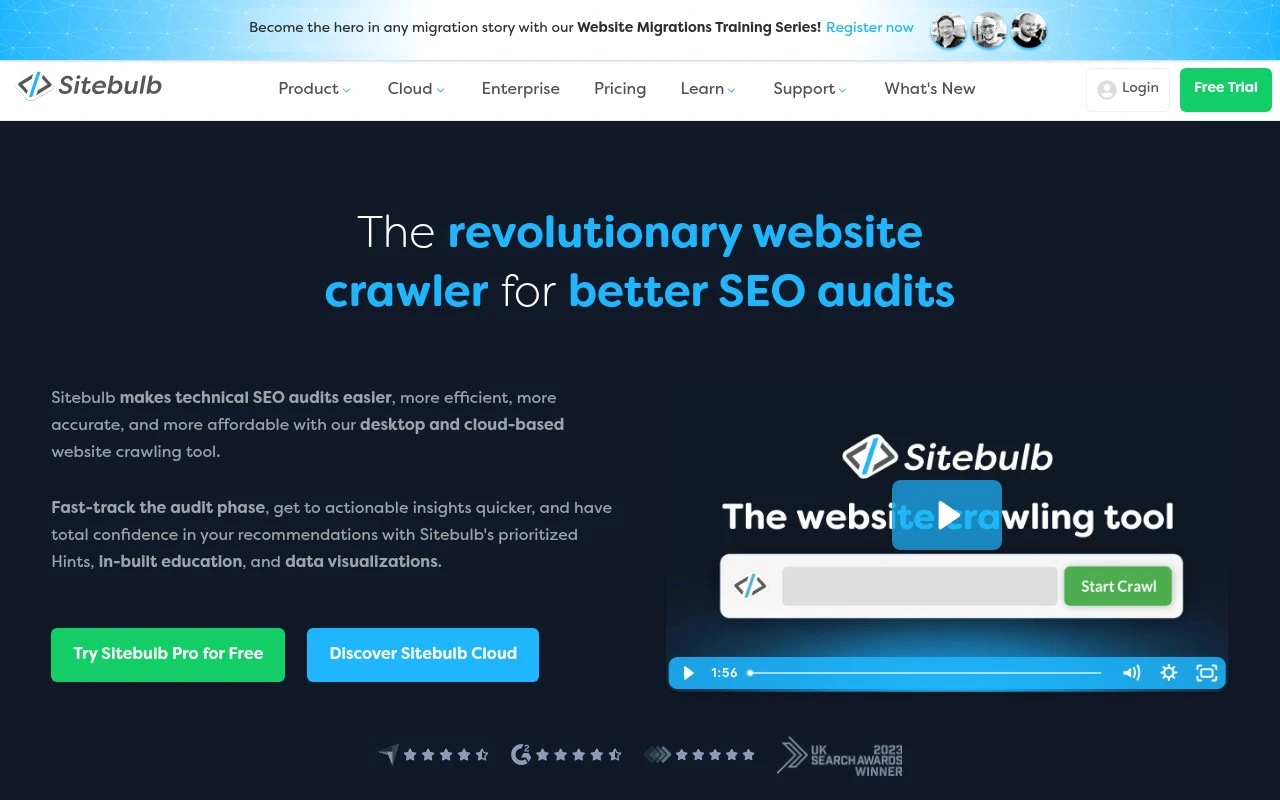
Sitebulb is a technical SEO auditing and website crawling tool that identifies issues such as crawlability, indexability, internal linking, and page performance problems. It supports seo client reporting with clear audit findings, prioritized recommendations, and visual site structure data.
Technical & AuditSEO Reporting

FYAI Score
8.6 / 10
Based on 25 reviews
Pricing:
Paid
Best for:
Technical SEO teams running repeatable site audit workflows
Score Breakdown
- Ease of use8.8 / 10
- Features8.9 / 10
- Pricing8.4 / 10
- Integrations7.7 / 10
- Support9.1 / 10
 | Strengths |
-
 Best suited to technical SEO audits because it crawls sites, checks 300+ issues and opportunities, and prioritizes findings for action.
 -
Strong fit for consultants and agencies because its explanations, visualizations, exports, and reports make technical findings easier to share with clients and stakeholders.
-
Flexible for different audit setups because teams can use Sitebulb Desktop for local crawling or Sitebulb Cloud for browser-based collaboration and larger-scale crawls.
 | Limitations |
-
 Less suitable for teams that mainly need keyword research, rank tracking, backlink analysis, or content generation because Sitebulb is focused on crawl-based technical SEO auditing.
 -
Less suitable for very small sites or occasional audits because the paid model is aimed at professionals and teams that run technical SEO workflows regularly.
-
Sitebulb Desktop is less suited to large collaborative crawls because local crawling depends on the user’s machine unless the team uses Sitebulb Cloud.
Feature highlights
Prioritized audits
Get impact-based hints so you know what to fix first.
Visual reports
Client-friendly explanations plus exports and shareable reports.
Prioritized Audit Fixes
Finds 300+ site issues, ranks impact, and explains fixes clearly.
Compared in

 | 8.5/ 10Based on 47 reviews |
AthenaHQ
Content & On-pageAI Search / GEO
Tracks AI search mentions, citations, rivals, and sentiment
Best for: | SEO teams |
Pricing | Freemium |
 | 8.7/ 10Based on 1,129 reviews |
Profound
AI Search / GEO
Monitors AI search visibility, flags gaps, drafts campaigns
Best for: | Marketing teams |
Pricing | Enterprise |
 | 8.8/ 10Based on 846 reviews |
Yoast SEO
Content & On-pageTechnical & Audit
Optimizes SEO titles, descriptions, and product content
Best for: | SEO teams |
Pricing | Freemium |